Braun Kitchen on Noon UAE: account eligibility — seller checks · TAR98
100 words? 140-180. So around 150 words. Sections: 1. Understanding Noon UAE Seller Dynamics 2. Verifying Seller Credibility Before Coupon Application 3.
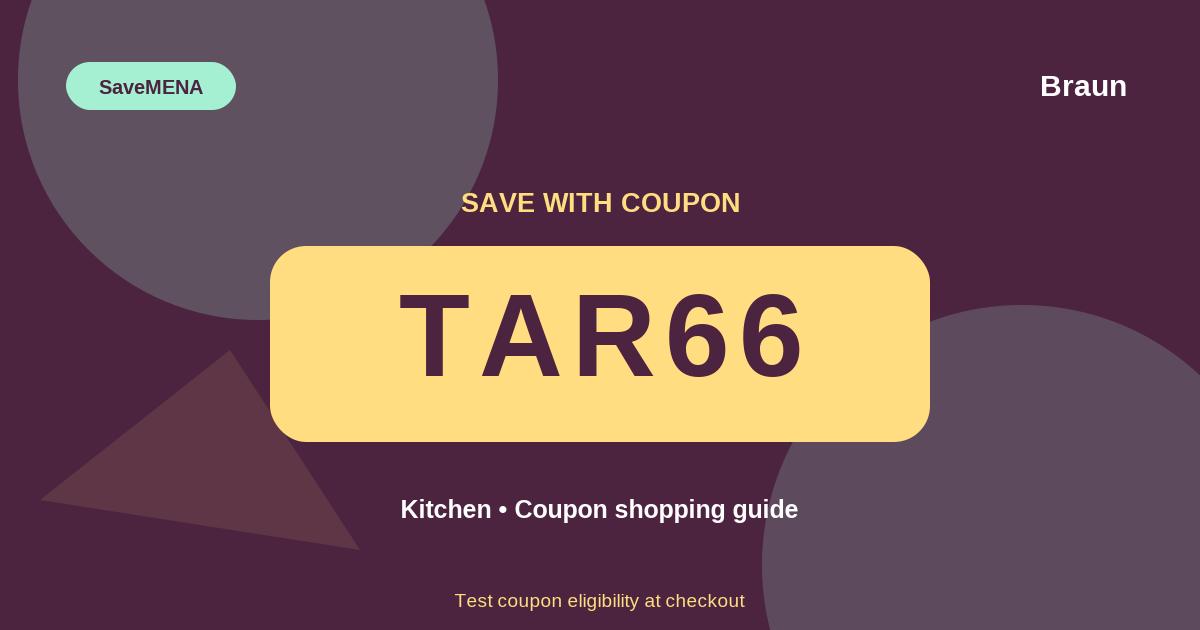
Codes available to try while comparing
These codes are not guaranteed for the article topic or listed brands; test them at checkout and use the live result.
Understanding Noon UAE Seller Dynamics
Noon UAE hosts a mix of branded stores, independent vendors, and predecessor partners. Each seller must meet platform standards for product presentation, shipping, and customer service, yet the visibility into these standards is limited at the outset of a purchase. For kitchen gear, you’ll typically find items listed under “Noon UAE seller” as the vendor tag. Recognizing this designation signals that the source is tied to Noon’s wider ecosystem, but it does not automatically guarantee that the seller’s store has the same quality controls as an officially registered Noon brand seller.
When you are browsing Braun kitchen appliances, it’s essential to note whether the listing belongs to a Noon UAE seller or a separate vendor. This distinction matters because the seller’s delivery reliability, return policy nuances, and even discount eligibility can shift depending on the relationship to Noon. Your next step will be to isolate the seller’s identity—name, rating, and support metrics—before adding items to your cart or entering a coupon.
Verifying Seller Credibility Before Coupon Application
Check the listed seller name prominently displayed alongside the product title. A reputable Noon UAE seller usually appears with a verifiable store link, a history of positive customer reviews, and a high rating. For Braun kitchen models, browse the list of ratings at the top of the product page. If the rating is absent or the seller mentions a new store status, proceed with caution.
Sales statistics and return percentages also serve as indirect indicators of seller health. Browse the product’s review section to gauge recurring complaints or praises linked to shipping speed and product condition. A seller that consistently addresses buyer issues promptly is more likely to honor coupon terms and deliver on time.
The Role of the TAR98 Coupon in Your Checkout Journey
TAR98 is a coupon code available for testing on Noon UAE, but its status can fluctuate. It’s recommended to enter the code during the checkout process rather than pre‑apply it to the cart, as some sellers may limit code visibility.
Because the platform does not disclose real‑time eligibility criteria in advance, verify the coupon’s application right before payment. If the discount does not register, recalculate the total price manually and confirm whether the offered discount reflects your expectations. Should the code fail, the seller’s support chat can clarify constraints that prevent its usage.
How to Navigate Your Noon UAE Account Settings
Before applying a coupon, ensure you are logged into your Noon UAE account. Navigate to the “Account” tab via the upper right corner, and verify your user information is current—especially your phone number and primary email.
Your account’s purchase history grid keeps a record of all transactions, helping you identify overlaps or coupon restrictions that might apply to future orders. Additionally, double‑check that your payment method is active, as cancelled cards or expiring cards may block checkout, independent of coupon usage.
Practical Steps to Apply the TAR98 Code Successfully
Add the Braun kitchen item to your cart and proceed to the shopping bag. At the “Apply Coupon” field, input TAR98 verbatim. The system will recalculate the total and reflect any discount instantly—if eligible.
Keep an eye on the “Review Order” screen, where the coupon’s impact is visible before you confirm the payment. If the code is rejected, screen for a pop‑up explaining why; often it will hint at seller limitations or a mismatch between the product’s category and the coupon’s scope.
Common Pitfalls and How to Avoid Them
Some users face errors when coupons apply to items purchased from sellers that do not share a discount partnership with Noon UAE. Check seller tags on product pages; if the tag reads “External seller” instead of “Noon UAE seller,” the coupon may be invalid.
Another frequent hiccup is using the same coupon on multiple items. Noon might restrict a single coupon per order. Verify the rule text during checkout, and if you need to use TAR98 on multiple simplified items, consider placing separate orders or contacting seller support for clarification.
Final Checklist: Seller, Coupon, and Account Alignment
Prior to payment, confirm: the seller is marked “Noon UAE seller,” the Braun product is in stock, your Noon UAE account is active, and the applied coupon code displays correctly.
After confirming these points, complete the payment. Post‑purchase, keep the order confirmation email, as it acts as proof of coupon applicability and will be the reference for any future returns or warranty claims.
Compare alternatives without guessing
When you compare another option in braun, keep the specifications, quantity and seller as consistent as possible and compare the total shown at checkout. A different coupon does not automatically make a deal better because delivery, fees and the live basket context can change the outcome. Use the final payable total as the practical comparison point.
If the retailer shows a specific condition, rely on that visible message; if it does not, do not turn an assumption into a general rule. Test available options one at a time and note any real change in the total or eligibility message. That creates a verifiable shopping comparison instead of a recommendation built on an unsupported marketing claim.
Related SaveMENA pages
Related articles
Official sources to check
Frequently asked questions
Which sellers accept the TAR98 coupon on Noon UAE?
The TAR98 code can only be applied to items listed by sellers that support coupon usage. To confirm, check the seller tag on the product page. If the listing shows “Noon UAE seller” and the coupon field accepts the code, it should be valid for that transaction.
A coupon is not guaranteed; verify its result at the retailer checkout.
No guaranteed discount is assured for Braun products. The code may or may not apply depending on the seller’s coupon policies and the current promotion rules set by Noon UAE. Verify code acceptance at checkout.
What if my Noon UAE account is inactive during checkout?
In that case, the checkout may fail or the coupon may not register. Ensure your account is logged in, with active payment and delivery details before applying any coupons.
Can I combine TAR98 with other coupons or loyalty points?
Noon UAE typically allows only one coupon per order. Loyalty points or other discount methods cannot be combined with TAR98 unless explicitly noted in the checkout promotion details. Check the order summary for any restrictions.