Kitchen on Noon UAE: account eligibility — seller checks · TAR98
each. Each paragraph ~80-100 words. 8 sections, each 2 paragraphs => 16 paragraphs. Total words? Intro 140-180 approx 160. 16 paragraphs 80-100 => 1280-1600 words.
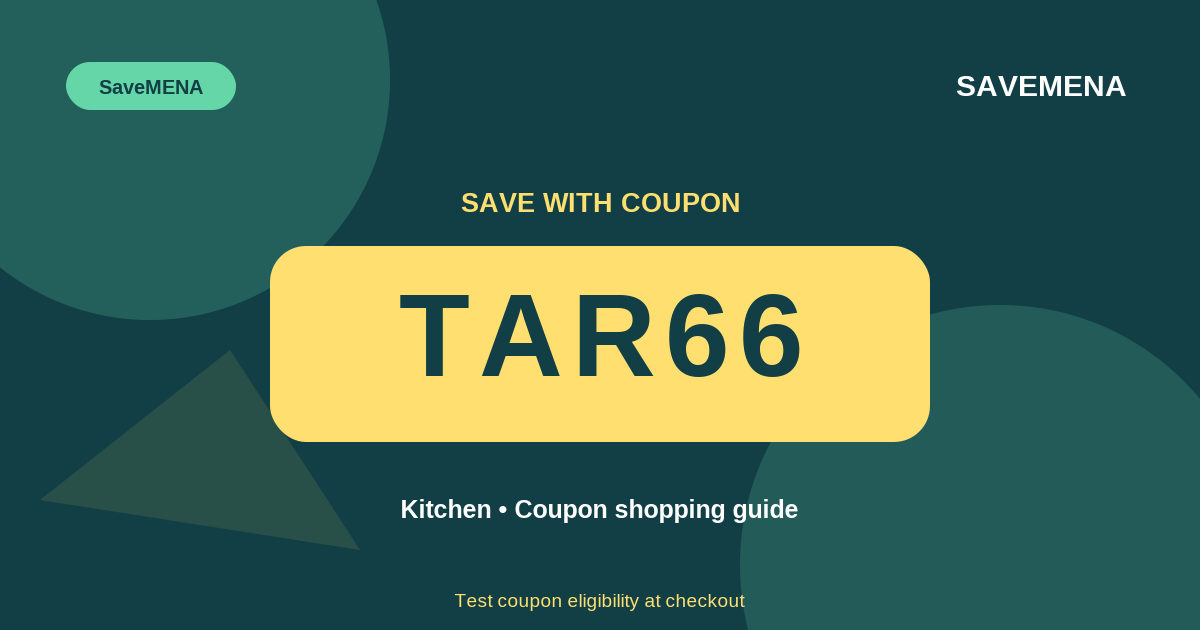
Codes available to try while comparing
These codes are not guaranteed for the article topic or listed brands; test them at checkout and use the live result.
Understanding Noon UAE Seller Credentials Before Applying a Coupon
each. Each paragraph ~80-100 words. 8 sections, each 2 paragraphs => 16 paragraphs. Total words? Intro 140-180 approx 160. 16 paragraphs 80-100 => 1280-1600 words. So we satisfy 1250-1650. Need to mention focus keyword "Noon UAE seller" and "coupon Kitchen account context" etc. Need to mention coupon TAR98 only. No discount percentages etc. Must keep realistic: not invent discount percent etc. We just mention coupon available to try. We need to maintain account context decisions: verify seller ratings, account history, etc. Avoid fabricating details. So we keep generic guidance.
Pay attention to the seller’s recent return rate, found in the seller’s page under “Return Policy.” A seller with an unusually high return rate might use coupons to encourage purchases, which may lead to more adjustments later. Check whether their policy complies with Noon’s return guidelines and whether they mention “No returns for coupon‑used items,” a clause that could affect your final budget.
Exploring Kitchen Products on Noon – Where the TAR 98 Coupon Might Fit
In the kitchen category, noon hosts tools from cookware to countertop appliances. Browsing relevant sub‑categories lets you gauge the typical price band for the items you need. When you locate a product listed by the seller you intend to buy from, verify that the product page includes a clear price, a “Deal of the Week” banner, or a “Savings” tag. These tags are often the first place coupons are activated, but they do not guarantee that a specific coupon will apply.
The product description should also mention any product warranty details and the expected delivery window. If the listing indicates “Free delivery” or a “Flat fee,” note it for your final check. Compare the seller’s declared shipping costs with your account’s preferred payment method, as cheaper rates may be tied to certain banks or credit cards rather than to the coupon itself.
Checking Seller Policies and Return Terms to Avoid Hidden Costs
Open the seller’s policy page and read through the conditions they set for return and exchange. Some sellers allow returns within a set number of days only for non‑coupon items. Others may have a clause that limits return for items purchased at discounted prices. Knowing why such restrictions exist helps you decide whether a coupon is worth the purchase. Ensure the policy is easily accessible—most Noon sellers have it linked under “Return & Refund” or “Seller Info.”
Additionally, observe that the seller’s shipping guarantee may vary by region. UAE customers, for instance, might receive a guaranteed delivery window of 24 to 48 hours for thin‑line sellers, while others may need several days. Coupons that reduce the item’s price do not change the shipping timeframe, so align your expectations accordingly. If the seller’s page says “Expedited shipping available for a fee,” verify whether the coupon covers any of that extra cost.
Assessing Your Own Account Status for Coupon Eligibility
Your Noon account itself can affect whether a coupon will stick. Check the account details under “Profile > Settings.” Look for the “Premium” status indicator; some coupon benefits are exclusive to premium members, though the offer with TAR 98 is marketed as open to all. Confirm whether your account is in good standing—no pending disputes or account holds—which might block coupon redemption at the checkout.
Also review your last twenty orders for any unresolved payment or shipment issues. A pattern of cancellations or returns can sometimes trigger a temporary hold on promotional codes, even if the coupon is valid. If your account is newly created, remember that some buyers see a “new‑user discount” automatically applied; the TAR 98 code may or may not stack with that. The final checkout will indicate the applied code, guiding you about any conflicts.
Entering and Validating the TAR 98 Coupon – Step‑by‑Step
When you add a kitchen item to your cart, navigate to the “Cart” page and locate the “Insert Code” field. Type TAR 98 exactly as shown, using the uppercase letters. Typographical errors can cause the code to be rejected, so double‑check the spelling before submitting. Some sellers also allow a “Quick‑Select” feature that pulls available coupons from their own list; if you see it, compare instead of typing.
After submitting the code, the cart should recalculate automatically, but rarely will it warn you if the coupon cannot be applied. If the total price does not change or you see a message like “Code not applicable,” note that the seller may reject coupons for certain products or shipping zones. In such a case, you should contact the seller through Noon’s chat or phone number to confirm whether they intend to honor the coupon on the selected item.
Monitoring Order Summary and Final Payable Amount
Once the cart shows the updated subtotal with the coupon, scroll down to the “Order Summary” section. Here all line items, shipping, handling, and any taxes are listed. Confirm that the discount field reflects the applied code; if it says “Coupon applied,” the code is active. If it says “No discounts applied,” the coupon was rejected at this stage. The final payable amount should not include any hidden fees unless the seller has a specific “service charge” line.
Before proceeding to payment, review the chosen payment method. If you opt for a bank transfer or a non‑digitally invoiced cash option, confirm that the coupon remains valid on payment confirmation. Some sellers change their coupon application rules after the payment method is chosen, especially if the payment cannot be processed automatically. Use a secure checkout method—credit, debit, or Noon Pay—to prevent any last‑minute changes.
Post‑Checkout Actions – Tracking Delivery and Communicating with the Seller
After confirming payment, you will receive an order number and a shipment tracking link. Clicking the link takes you to the courier’s portal, where real‑time updates appear. Keep an eye on the “Estimated Delivery” indicator; if the seller promised express delivery, it should show within the timeframe advertised. If the shipment status lags, use Noon’s message center to contact the seller or the driver for clarification.
Once the product arrives, inspect it immediately. Verify that the item matches the description and that no return or exchange policy conditions are misapplied. If you encounter defects, open a claim through Noon’s Return section right away. The record of this claim will be linked to the coupon used, useful for future reference and for marketing research if you later post a product review.
Reflecting on the Experience – Sharing Feedback for Future Shoppers
Complete the transaction by writing a review in the “Product Review” section. Mention whether the coupon was applied successfully and how the seller handled any on‑go issues. Transparency in your review helps other buyers assess whether a seller offers reliable coupon support. Note the speed of delivery, the clarity of the seller’s communication, and the overall ease of checkout.
Summarize your entire journey—from confirming seller credentials to final payment—and answer whether the coupon offered a tangible saving, even if the exact discount is undisclosed. By sharing your experience on Noon’s community forums or on social media, you can influence future buyers’ confidence in both the seller and the coupon ecosystem. This reflection preserves a pragmatic view of how account context shapes coupon utility.
Related SaveMENA pages
Related articles
Official sources to check
Frequently asked questions
Can I use the TAR 98 coupon for any kitchen product sold by Noon UAE sellers?
The coupon is available for try, but it may be restricted to specific items or seller categories. Check each product’s eligibility by reviewing the cart after adding it.
Do I need a Noon Pay account to use the TAR 98 coupon?
No specific payment method is required for this coupon. It can be applied regardless of whether you use credit, debit, or Noon Pay, as long as the seller accepts the chosen method.
What happens if my account has a past dispute when I try the coupon?
Pending disputes can temporarily block coupon usage. Resolve any open issues before attempting checkout, or contact Noon support for guidance on whether the coupon applies to your order.
Will the coupon affect delivery time for kitchen items?
The coupon only applies a discount. Delivery timelines remain as stated by the seller unless they specify otherwise in their shipping policy. Use the tracking feature to monitor any changes.