Laptops on Noon UAE: account eligibility — seller checks · TAR98
Here’s how UAE shoppers can verify a Noon seller before using a coupon on laptops.A coupon is not guaranteed; verify its result at the retailer checkout.
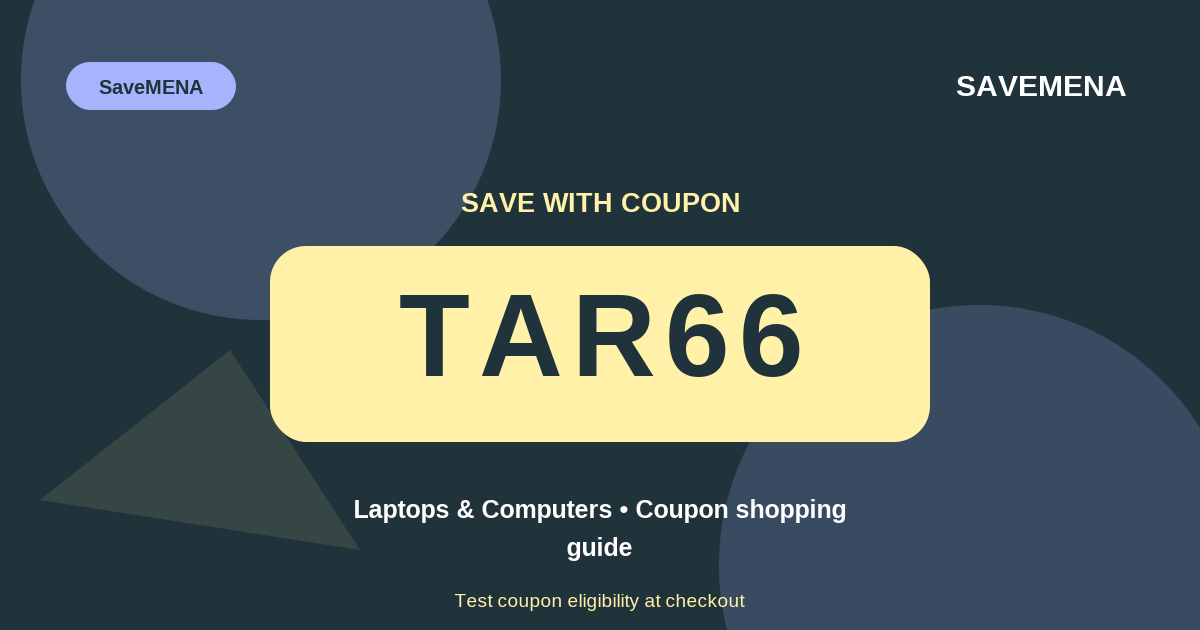
Codes available to try while comparing
These codes are not guaranteed for the article topic or listed brands; test them at checkout and use the live result.
Understanding Laptops on Noon: Seller Visibility & Account Essentials
Before you even add a laptop to your cart, remember that Noon displays a range of sellers, from established retailers to smaller vendors. Each listing showcases the seller’s profile, return policy, and customer ratings. UAE shoppers should keep their Noon account logged in, as this activates regional pricing and shipping options tailored to the UAE market. Verifying that you’re signed into a UAE‑based account helps avoid confusion over currency, delivery times, and coupon applicability.
Account visibility also determines which promotions appear during browsing. Some offers are exclusive to users who have completed profile verification or who reside within the UAE postal code zone. By ensuring your account meets these prerequisites, you’ll reduce the chances of a coupon disappearing upside‑down in the cart or being rejected at checkout. Checking these settings early saves time and ensures the laptop listing is truly for your region.
Choosing a Trusted Noon UAE Seller: Rating, Returns & Warranty
When selecting a laptop, consult the seller’s completed hours, number of orders, and average rating. Sellers with consistently high ratings indicate reliable service and minimal returns. UAE shoppers should also look for clear return policies that align with UAE consumer protection laws, including return windows and restocking fees. A reputable seller typically provides a standard warranty period, often 12 to 24 months for electronic devices, which is critical after purchase.
Moreover, check the seller’s communication channels. Reputable vendors usually offer multiple contact methods—email, phone, or live chat—ensuring swift resolution of any issues. A responsive seller can also confirm whether the laptop’s mandatory firmware updates or support services are compatible with UAE regulations. By filtering early on these factors, you sidestep common pitfalls such as delayed deliveries or unsupported hardware.
The Role of Your Account Context When Searching for Laptops
Your Noon account governs more than just your purchase history; it influences search results, shipping options, and discount eligibility. Make sure the account is set to the correct region—UAE—so the product listings reflect local prices and cargo policies. Sellers often tag offerings specifically for UAE customers, and mismatched locales can lead to pricing discrepancies or unavailable inventory.
Additionally, account settings such as saved payment methods and addresses can affect which coupons appear. A user logged in with a UAE address unlocks region‑specific promotions like TAR98. Verify these details under “My Account” before adding a laptop to the cart.A coupon is not guaranteed; verify its result at the retailer checkout.
Applying the TAR98 Coupon: Step‑by‑Step Guidance
The TAR98 coupon code is available to try during the checkout process. To apply it, add the laptop of choice to your cart, then proceed to the shopping bag. In the coupon input box, type “TAR98” exactly as shown. The system will evaluate the code against the cart’s contents and your account context.
If the coupon appears valid, you’ll see an on‑screen indication that it has been applied, though the final amount will only confirm at checkout. Should the code not activate, double‑check that you are still logged into a UAE account, that the laptop belongs to the correct category, and that there are no hidden minimum‑spend requirements not disclosed in the prompt. Either way, the coupon’s status will surface before final payment.
Checking Eligibility at the Cart: Seller, Product, and Coupon Match
Once you’ve entered the coupon code, scroll through the cart summary. Verify that the laptop’s seller remains the same as when adding to the bag—some sellers may not support coupons. Look for the “Apply Coupon” status: if it is active, the code has matched the cart’s products under your current account context.
If the coupon status shows “Not Applied” or “Invalid,” scrutinize the product’s eligibility notes. Re‑enter the code or remove and re‑add the item if the seller name has changed.A coupon is not guaranteed; verify its result at the retailer checkout.
Finalizing Your Purchase: From Cart to Confirmation
When all items and coupon status appear satisfactory, proceed to checkout. Here, Noon will calculate the final payable total, considering the coupon’s effect and any shipping fees. The checkout page displays each line item, the applied discount (if any), and the total cost. This page acts as the final reference for eligibility and final payable total.
After reviewing the order, confirm your payment method and submit the order. You’ll receive an order confirmation number and an estimated delivery date. At this point, the coupon’s impact is fully locked in, and any changes to the cart after this will require a new checkout cycle. Keep the confirmation handy for future reference, especially if you need to contact customer support with questions about the applied discount.
Post‑Purchase: Tracking, Support, and Warranty
Once the laptop ships, use Noon’s order tracking feature to monitor its journey to your UAE address. Tracking details normally include transit updates and estimated delivery windows, enabling you to plan for receipt. If the laptop arrives with any defects, refer to the seller’s return and warranty policies captured during the purchase.
Should you encounter issues, contact Noon’s customer service through chat or email. A seller’s responsiveness will often determine how quickly problems like hardware faults or shipment delays are resolved. Retaining proof of the coupon’s application and final price is useful when communicating disputes or warranty claims, as it establishes the original transaction terms unequivocally.
Leveraging Savings: Referrals, Memberships & Future Deals
UAE shoppers can amplify savings beyond single coupons by exploring Noon’s referral program or subscription plans. While the current focus is on the TAR98 coupon, familiarity with additional savings mechanisms helps plan future purchases. Memberships may offer cumulative perks such as expedited shipping or warranty upgrades.
Keep track of coupon‑validity windows and seller updates through Noon’s notification system. Sellers sometimes release new promotional codes or timed flash sales that align with key shopping periods. By staying in the loop, you maintain an edge on laptop deals while ensuring every transaction remains transparent and easy to verify.
Related SaveMENA pages
Related articles
Official sources to check
Frequently asked questions
Will the TAR98 coupon apply automatically to all laptops on Noon?
Only if the laptop matches the coupon’s eligibility criteria, which will be verified during checkout. The code may or may not apply, and final confirmation occurs at the checkout page.
Can I use the TAR98 coupon with multiple laptop orders?
The code can be entered for each order, but its application depends on seller and account eligibility. Verify its acceptance on each cart before proceeding with checkout.
What should I check if the coupon does not activate in my cart?
Double‑check that you are logged into a UAE account, that the seller supports coupons, and that the laptop’s product category permits use of TAR98.
Should I keep track of the order confirmation after applying the coupon?
Yes, the confirmation provides the final payable total and serves as a record of the coupon’s application for future reference or support inquiries.