Mobile Accessories on Noon UAE: account eligibility — seller checks · TAR84
Once you have confirmed that the seller is eligible, the next step is entering the coupon code. On the product detail page, locate the coupon field that appears
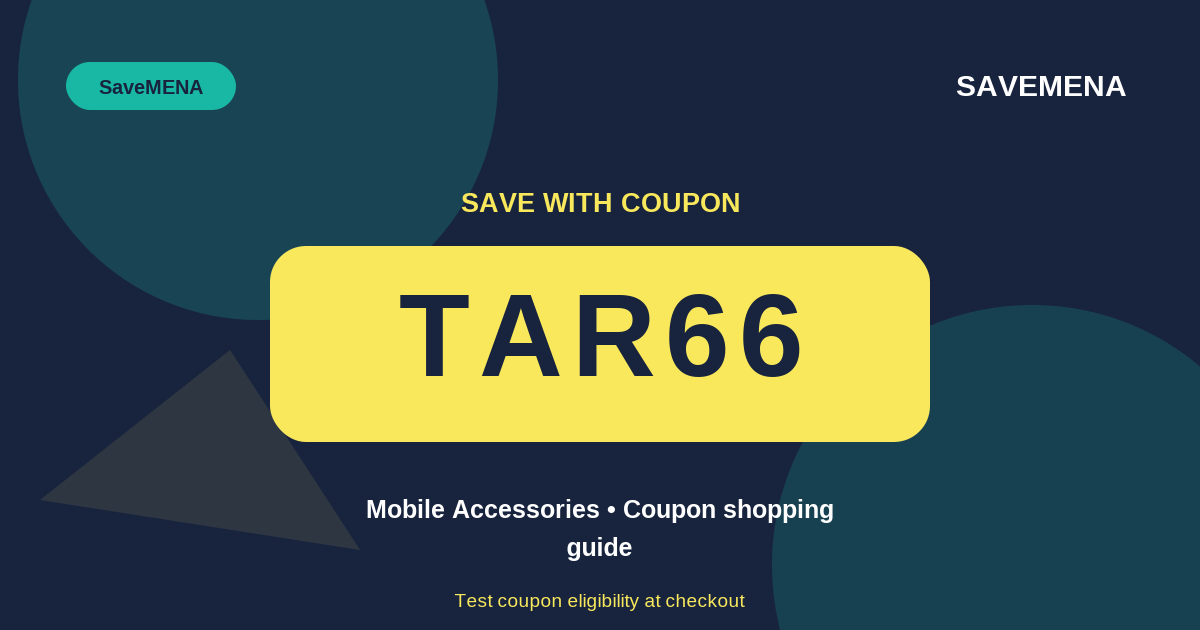
Codes available to try while comparing
These codes are not guaranteed for the article topic or listed brands; test them at checkout and use the live result.
How the TAR84 Coupon Might Fit Into Your Shopping Flow
Once you have confirmed that the seller is eligible, the next step is entering the coupon code. On the product detail page, locate the coupon field that appears just below the price or within the “Add to Cart” section. Input TAR84 and hit the apply button. If the code is accepted, the new price will appear instantly on the product page or as a pop‑up. If it is rejected, a notice will appear warning that the code is invalid or incompatible with the selected seller or item.
The success of the code also depends on your account context. Noon requires you to be logged in, which ties the coupon to your profile. If you are a guest or your account lacks certain verification steps, the platform may block the discount, even if the seller accepts coupons. Therefore, make sure your profile is complete, with a valid phone number and payment method, before attempting to use TAR84.
Seller Verification: Rating, Return Policy, and Authenticity Checks
Seller reputation is a key factor in a secure mobile accessories purchase. Aside from coupon acceptance, take a moment to scroll to the seller’s rating section on their Noon page. A high rating usually indicates consistent fulfillment and product quality, which adds a layer of trust before you apply a discount. Additionally, check the return policy outlined in the seller’s profile. A transparent and generous return window can mitigate risk if the coupon turns out to be inapplicable after you’ve already checked out.
Noon lists many mobile accessory brands, from generic phone cases to high‑end audio accessories. Verify product authenticity in the ‘Brand’ field and by reading customer reviews. Some sellers claim ‘OEM’ or ‘brand‑specific’ accessories; a quick scan of product images and detailed description can confirm if these claims match your expectations. Authenticity checks reduce issues where a coupon might slip through the sale but the item turns out to be a counterfeit, which is a situation that could jeopardize your return rights.
Account Management: Linking Payment Methods and Order History
Your Noon UAE account is more than just a login; it’s a record of past purchases and payment preferences.A coupon is not guaranteed; verify its result at the retailer checkout. Open the “Wallet & Payments” section, confirm that a valid credit or debit card is added, and that the card is active in the UAE network. Incomplete or expired payment details may trigger a checkout error, causing the coupon to be discarded even if the product itself is eligible.
A user’s order history can also influence coupon acceptance. Noon’s system sometimes filters coupons based on recent purchase patterns or loyalty tiers. If your account has no previous orders or has a low spending frequency, certain promotions might not be displayed. Visiting your order history to confirm at least a minimal transaction record adds confidence that the platform will recognize your account as an eligible user for future vouchers like TAR84.
Checkout Checklist: Aligning Seller, Coupon, and Account Settings
Before you click the final purchase button, run through a quick checklist. Verify that the seller is still listed as coupon‑friendly after you added the item to the cart. Check that your code field shows TAR84 is still entered and highlighted. Confirm that your active payment method is displaying, and that the order total reflects any tentative discount if it has been applied. This audit prevents surprises like a sudden reversal of the discount or additional fees that were not visible earlier.
If any part of the checklist flags a mismatch—say, the cart shows a generic “Invalid coupon” warning—pause and resolve the issue. Contact the seller through Noon’s messaging system or, if necessary, switch to a different vendor offering identical accessories with verified coupon acceptance. Remind yourself that the platform’s system dynamic may re‑evaluate eligibility between adding to cart and final checkout, so a last‑minute discount denial is rare but possible.
Potential Outcomes: When the Coupon Applies or Is Ignored
When the TAR84 code is accepted, you should see a reduced price calculated on the cart page, and the final payment screen will reflect this discount. The amount saved will appear beside the item’s original price, clarifying the benefit you get from the coupon. The platform will also add a note to your order confirmation email stating that the discount was applied to the transaction.
If the coupon is ignored, Noon will display a concise error message explaining the reason—such as the selected seller not accepting vouchers or the code being incompatible with the product. In such a case, the item’s price will revert to the standard rate in your cart, and the final total will update accordingly. You can still proceed with purchase at full price, or you may choose to search for a different seller who accepts the coupon, depending on your savings priority.
Managing Expectations: Why Price Changes Can Occur After Checkout
Even after the checkout screen shows a discounted price, Noon’s dynamic pricing engine can sometimes adjust totals if additional fees or promotions apply. Shipping charges, taxes, or bundles can alter the calculated value once you confirm delivery details. Therefore, always verify that the displayed amount persists when you reach the final payment gateway, which typically happens after selecting a delivery point or a payment method.
If the total changes after you click the payment button, Noon will normally display a warning on the confirmation screen, giving you the chance to accept the new amount or cancel. This process safeguards against unseen upsells or last‑minute currency conversion fees that might affect your final spend.A coupon is not guaranteed; verify its result at the retailer checkout.
Related SaveMENA pages
Related articles
Official sources to check
Frequently asked questions
A coupon is not guaranteed; verify its result at the retailer checkout.
No. The code is only available to try. Eligibility can vary with the live account, basket, item, seller and campaign context, so checkout is the final reference.
Where should I confirm the coupon result?
Apply the code in the Noon basket and review the live message and final payable total before payment. Do not rely on an undocumented percentage or condition.
Can the result vary by product or seller?
Yes. Eligibility and offer context can vary with the current basket details, so compare the exact item, seller, variant and final total before purchasing.