Huawei Mobiles on Noon UAE: account eligibility — seller checks · TAR98
Not every active Noon profile automatically qualifies to use every coupon. Your account settings, membership status, and prior purchase history can all affect
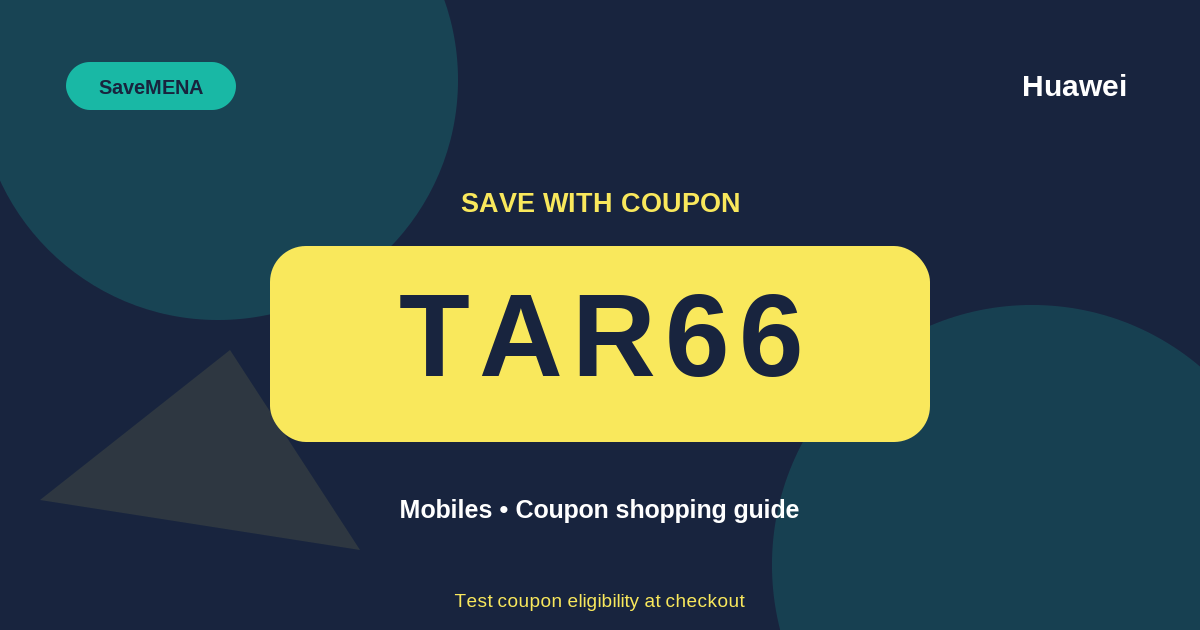
Codes available to try while comparing
These codes are not guaranteed for the article topic or listed brands; test them at checkout and use the live result.
2. Confirm Your Noon Account Eligibility for Coupons
Not every active Noon profile automatically qualifies to use every coupon. Your account settings, membership status, and prior purchase history can all affect eligibility. Prior to adding the Huawei phone to your cart, log into your Noon app or website, navigate to your account profile, and verify that you’re set up to redeem promotional codes. This includes confirming that your payment method is verified and that you’re location‑eligible for Noon UAE coupons.
Proceeding to the order page, note the “Add Coupon” option. This location is where you input the code TAR98. If the field is missing or disabled, it could indicate that your account context does not support coupons for this product category. Double‑check any restrictions displayed on the coupon page, such as “Available to try.” Remember, coupons often have trial status; they can expand or reduce based on Noon’s internal offer adjustments, so relying on the code itself doesn’t guarantee a discount.
3. Match the Huawei Manufacturer Variant with Seller Details
Your focus on the specific Huawei model means you must read the product details carefully. Compare the color, storage capacity, and network band listed on the seller’s page to your preferred phone variant. Sellers sometimes mix up similar models, which can lead to receiving an unintended version. Ensure that the phone’s IMEI range, interface, and included accessories match the variant you expect from the official manufacturer.
At the checkout, the seller automatically carries over the selected variant to the payment summary. Cross‑reference this information with the phone’s photo gallery and technical specifications on Noon. If the seller offers only one variant but your account is set for a different network, you might lose out on specific features, so this final visual confirmation is critical before adding the product to your cart.
4. Scrutinize Delivery Terms for UAE Local Pick‑up and Shipping
Every Noon seller specifies whether the delivery is handled in‑house or via third‑party logistics. For UAE buyers, locality matters: a seller based in Dubai may provide faster shipping to Abu Dhabi than a seller in Riyadh. Check that your residential address appears in the seller’s delivery coverage. If the seller advertises “Same‑day delivery” or “Express shipping,” confirm the window and whether it applies to smartphones.
Some sellers add a handling fee on electronics; this fee may be separate from any coupon. When you proceed to checkout, the full amount—including delivery and any handling charges—appears after coupon application. Ensure that the final price aligns with your budget, and if there’s a discrepancy, contact the seller before confirming the purchase. This step prevents surprises that could render the coupon ineffective.
5. Validate Payment Options and Coupon Compatibility
Your Noon account may have multiple saved payment methods: credit cards, debit cards, or the Noon Wallet. Before finalizing the order, test each method to see if the coupon TAR98 applies uniformly across them. Certain sellers may restrict coupon usage to specific payment channels, so it’s useful to know which applies to your wish list.
When entering the coupon, do not finalize the order until you see the coupon line beneath the subtotal. The absence of this line suggests that the coupon was not accepted under the selected payment method, possibly due to an account restriction. If this occurs, switch the payment option or contact Noon support for clarification. This verification keeps your business in sync with the coupon’s current viability.
6. Examine Warranty, Return, and Replacement Policies
Electronics often come with manufacturer warranties, but the seller’s policy on returns can differ. On the Nokia page, check for a “Warranty” icon; it should link to the manufacturer’s standard 12‑month coverage. Equally important is the seller’s own return timeframe—many sellers allow a 30‑day return window for defects or dissatisfaction. Understanding both policies ensures that if the phone has a fault, you’ll know your recourse.
Within your account context, create a note of the seller’s return address if you’re not in the UAE. Some sellers accept returns only within the same country; others ship internationally. Contacting the seller early will clarify whether the return process may be delayed, especially if a coupon was used, because promotional orders sometimes fall under a separate processing tier.
7. Test the Coupon CODE on a Minimal Order
Testing is a practical safety net. Add the Huawei model to your cart with a quantity of one. After selecting the shipping method, enter TAR98 in the coupon field. Watch the cart update: if the coupon is valid, a discount line will appear below the subtotal. If it does not appear, return to your profile and double‑check voucher status or any seller‑level restrictions that might apply.
Do not finalize the transaction if the coupon fails; merely cancel the order after noting the behavior. Document whether the code was accepted at all or outright rejected, and if rejected, note the message shown. This information informs whether you proceed with the same seller or shift to another listing where the coupon remains viable.
8. Final Decision: Cross‑Check Before Confirming the Purchase
When all checks are complete, it’s time to perform a final “last‑minute” review.A coupon is not guaranteed; verify its result at the retailer checkout. The final checkout page presents a condensed summary: product, variant, price, coupons, shipping, payment, and total payable amount. This snapshot is tethered to your Noon account context and the specific seller’s trust level.
Once satisfied, submit the order. Keep an eye on the order confirmation email, as it often reiterates the coupon’s impact and lists any further steps for return or support. Storing this confirmation creates a safety net; if you receive an unexpected charge or a different variant, you’ll have proof of the agreed terms.
Related SaveMENA pages
Related articles
Official sources to check
Frequently asked questions
How do I apply the TAR98 coupon to my Huawei purchase?
Navigate to the checkout page after adding the phone to your cart, locate the “Add Coupon” field, and input TAR98. If the coupon is accepted, a discount line will appear beneath the subtotal. If it fails, the system will prompt a message about the issue.
Will TAR98 work if I use a voucher or another promotional code?
Coupons typically cannot be stacked. If you apply TAR98, you should not add another coupon or voucher to the same order. The checkout will usually display which one is active.
What should I do if my coupon appears to fail during checkout?
First, revert any recent changes to your cart or payment method. If it still fails, check that you’re logged into your Noon UAE account and that the seller supports the coupon. Contact the seller or Noon support for clarification.