Samsung Mobiles on Noon UAE: account eligibility — seller checks · TAR98
Begin by logging into Noon and locating the product listing. The seller’s name appears beside the brand; confirm it matches the official Noon UAE seller designation
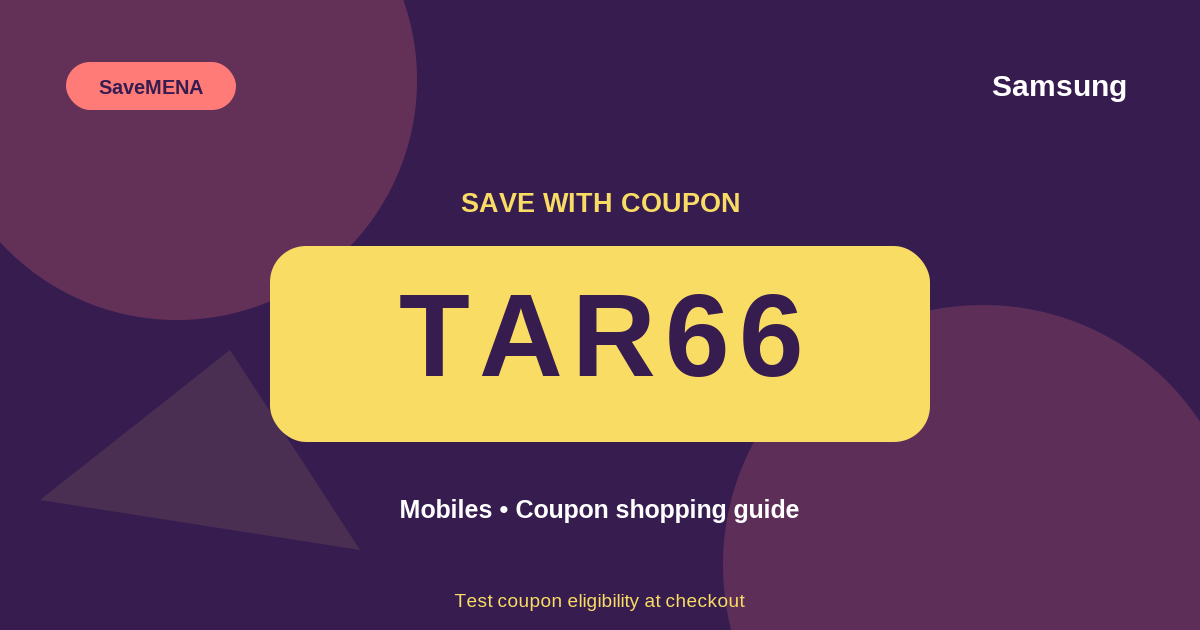
Codes available to try while comparing
These codes are not guaranteed for the article topic or listed brands; test them at checkout and use the live result.
1. Identify the Noon Seller’s Authenticity
Begin by logging into Noon and locating the product listing. The seller’s name appears beside the brand; confirm it matches the official Noon UAE seller designation rather than a third‑party name. Look for the "Verified Seller" badge, indicating that Noon has confirmed the seller’s credentials. A missing badge or a seller with a very recent account creation date warrants a closer look, as these may signal a new or less established provider. A verified seller reduces the risk of counterfeit or delayed shipments.
This step is vital because the TAR 98 coupon can only be tested on listings from approved sellers. If you see a seller without a verified badge and the product is marked as "Sell Here," cross‑check the seller’s rating and recent reviews. A high rating (4.5 stars or above) across multiple reviews suggests consistent performance. If the rating is lower or the review count scant, you may want to explore alternative listings from the same brand but from a different seller with stronger credibility.
2. Verify Seller Ratings and Customer Feedback
Seller ratings combine multiple factors: product quality, shipping speed, and customer service. Play with the rating filter to view only sellers with ratings above 4 stars. This eliminates vendors that may have occasionally dropped returns or negative comments. Pay particular attention to recent reviews that mention delivery times, device functionality, or packaging integrity. Only these recent insights truly reflect the seller’s current performance.
Note that the rating graph is dynamic; a seller’s score can change as new reviews arrive. If you decide to keep a particular listing, bookmarks the page and optionally set an alert with the Noon app’s “Follow” feature, which notifies you of any rating updates. This continuous monitoring ensures you don’t miss a sudden dip that could affect the Coupon’s applicability or the device’s quality.
3. Review the Product’s Mobile Specifications
Open the product detail page and scroll to the specifications tab. Confirm that the model number matches the Samsung model you’re after, such as “Galaxy S24” or “Galaxy A54.” Check key specs like processor speed, RAM, internal storage, camera resolution, and battery size. These details are critical because a mismatch between your expectations and the listed specs can lead to disappointment later.
Cross‑reference the specs with Samsung’s official website or a trusted tech review site. If the listing claims a “G‑Force” feature or an exclusive camera upgrade, verify that this is a legitimate part of the model, not an embellishment.A coupon is not guaranteed; verify its result at the retailer checkout.
4. Confirm Samsung Warranty and Support Details
Samsung devices typically come with an international warranty that is transferable to UAE residents. Locate the warranty section on Noon’s product page, which should detail the coverage period and any after‑sale services. Verify that the warranty is valid in the UAE region; some models may have region‑specific warranties that exclude certain countries.
Additionally, check if the seller offers Samsung’s 12‑month standard warranty or an extended 24‑month plan. The type of warranty can impact your decision, especially if you plan to use the device extensively. Knowing the warranty status before applying TAR 98 ensures you can subsequently claim any post‑purchase support under the correct terms.
5. Assess Your Noon Account Eligibility
Before attempting to use the TAR 98 coupon, confirm that your Noon account is active and verified. A dormant or unverified account may prevent coupon usage, regardless of the seller’s status. Check the account settings for email confirmation, phone number verification, and any loyalty program enrollment, as some sellers require a verified identity for certain discounts.
Pay special attention to any account restrictions that Noon may impose, such as a minimum purchase requirement for coupon activation. These restrictions are displayed only during the checkout stage, so it is wise to proceed to the cart and continue to the “Apply Coupon” field. If the coupon field is hidden or the system throws an error, it indicates that your account does not meet the necessary pre‑condition. Note down these restrictions and consider upgrading your account status before trying the coupon again.
6. Apply the TAR98 Coupon – What to Expect
With the seller verified, product specs checked, and account confirmed, add the Samsung mobile to your cart and head to the checkout page. In the “Apply Coupon” field, type TAR 98 and press “Apply.” If the coupon is valid, you should see a line that says “Coupon applied: TAR 98.” However, the final discount will only be visible after all other calculations, such as taxes and delivery fees, are finalized.
We recommend that you do not assume a specific discount percentage or value. The token will reflect the allowable savings at the time of checkout, and any change in cart items or applicable fees will adjust it accordingly. Should the coupon not be accepted, the page will provide an error message indicating the reason, which could range from seller mismatch to account eligibility issues.
7. Complete the Checkout Process and Final Verification
Proceed through checkout by selecting your preferred delivery method and reviewing the final price. The page will display all components: base price, tax, delivery fee, and the coupon discount. Ensure that the total payable amount matches the amount you expect for your device, factoring in the TAR98 coupon’s effect. Mark any discrepancy for potential inquiry.
The checkout screen is the last place you can alter coupon usage or seller selections. Once you click “Place Order,” Noon locks the transaction. Keep the confirmation screen visible for your records, as it details the seller, applied coupon, and final price. If either the coupon or seller status changes post‑purchase, contact Noon support for a rolling adjustment, keeping your platform record handy.
8. Post‑Purchase Confirmation and Customer Rights
After placement, you will receive an order confirmation email containing the order number, seller details, and applied coupon code. Store this confirmation in a digital folder for easy reference. Early in the delivery window, Noon often sends a shipping notification with tracking information; use this to monitor shipment progress.
You are entitled to what Samsung and Noon promise in terms of delivery time and warranty. If the device arrives damaged or the specs differ from the listing, use the Noon dispute process, providing the confirmation, warranty card, and any photos. Maintaining all paperwork aligns with the seller’s and Noon’s buyer protection policies.
Related SaveMENA pages
Related articles
Official sources to check
Frequently asked questions
What happens if the TAR98 coupon doesn't work during checkout?
If the coupon fails, Noon’s checkout page typically shows an error message indicating the reason—possibly a seller mismatch, non‑eligible account, or that the coupon is invalid for that transaction. Verify your account and seller information, then try again or contact Noon support for clarification.
Can I use the TAR98 coupon on any Samsung mobile at Noon?
The coupon’s availability depends on the specific listing and seller. It is tested on each product page, so you must check the coupon field after adding the item to your cart. If the field remains empty, the coupon isn’t applicable for that particular listing.
Do I need a Noon UAE membership to apply the coupon?
Noon doesn’t require a specialty membership to use coupons; however, a verified account is necessary.A coupon is not guaranteed; verify its result at the retailer checkout.
What if my Samsung mobile arrives with a different model number?
Report the discrepancy by initiating a return or dispute through Noon’s order page. Have the order confirmation and a photo of the receipt showing the model number ready for evidence. Noon will review the case and may offer a replacement or refund.