Philips TVs on Noon UAE: account eligibility — seller checks
Noon UAE seller and coupon TVs Philips account context: If you’re shopping for a Philips TV on Noon UAE, you’ll want to make sure the seller and your account are
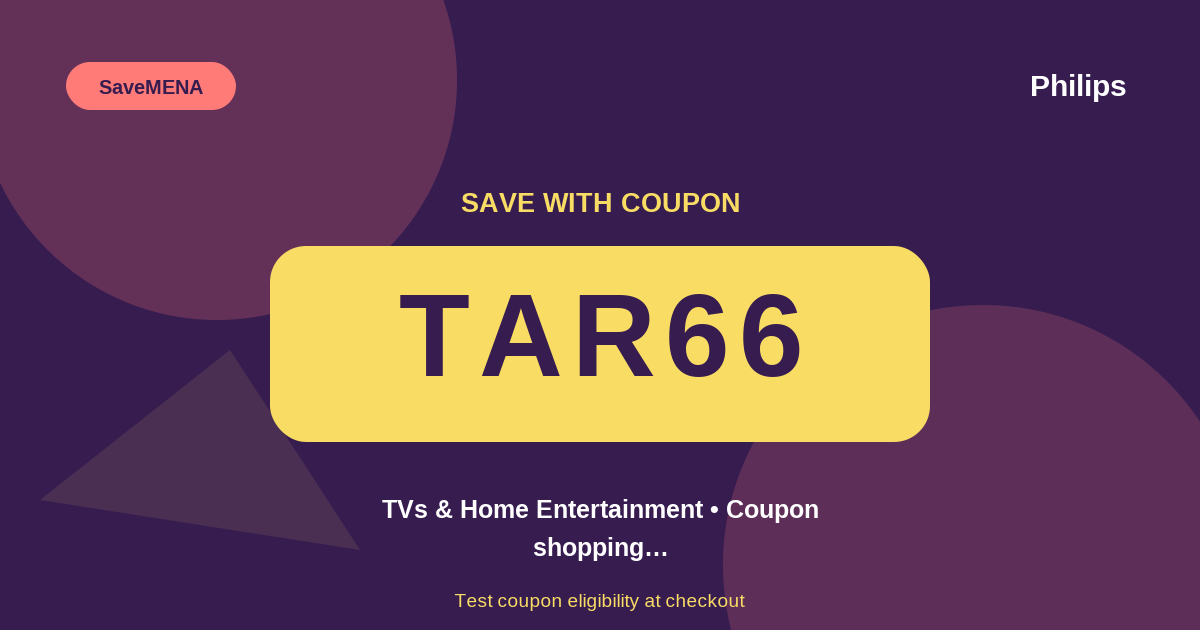
Codes available to try while comparing
These codes are not guaranteed for the article topic or listed brands; test them at checkout and use the live result.
1. Verify Your Account’s Registration Level
Before adding the coupon, confirm that your Noon UAE account is fully registered and verified. Unverified or guest accounts often face restrictions on promotional codes. Check the profile section of the Noon app or website and look for a confirmation that your phone number and email address are authenticated. An active verification badge indicates that Noon will allow you to apply most available coupons, including the TAR66 code, at checkout.
To verify, navigate to “My Account” > “Personal Details.” If the account shows a status of “Pending Verification” or “Verification Required,” complete the steps shown—usually a short SMS or email confirmation. Once verified, your account gains full access to coupon redemption. Keep in mind that if the verification step takes longer than expected, you might hit a coupon‑usage cut‑off at the point of purchase.
2. Confirm Your Country‑Specific Account Settings
Noon UAE runs a separate marketplace for the United Arab Emirates, and account settings can differ by country. Even if you’re physically in the UAE, make sure that the account’s country code is listed as UAE rather than an overseas code. During the checkout, the system cross‑checks the country setting against the seller’s shipping region, which can influence whether the TAR66 coupon is accepted.
Open the “Country” option under account settings and ensure “United Arab Emirates” is selected. If the account defaults to a different country, switch it manually. After confirming the setting, scroll through the cart to confirm that the vendor’s shipping origin matches your country, solidifying the coupon’s eligibility.
3. Check Your Account’s Credit Card and Wallet Payment Approval
Many Noon users add multiple payment methods, and the card chosen for a transaction can affect coupon eligibility. Some coupons apply only when using a primary payment method or a specific billing country. Identify the default card in the “Payment Methods” section and double‑check its billing address matches your UAE account.
To be certain, flag the card you plan to use in the cart and scroll to the payment page. If the app marks a card as “Restricted” for promotional codes, switch to a different method before applying TAR66. Administratively, Noon uses the card’s territory data to validate coupon eligibility, so aligning them avoids unexpected declines during checkout.
4. Inspect Your Order‑Level Coupon History
On Noon, the usage of a coupon on one purchase can limit future eligibility, especially if the seller or system enforces a coupon‑once‑only rule. Review your recent order history for any instance of the TAR66 code or similar promotional codes applied to Philips or TV categories.
Navigate to “Orders” > “Recent Orders,” then scan the notes or order titles for coupon identifiers. If you have recently used a similar code for a comparable product, your account might temporarily block TAR66. Clearing this record—by waiting for the policy window to pass—could enable the code for your new Philips TV.
5. Assess Your Loyalty Point Status and Black‑out Periods
In the Noon UAE marketplace, loyalty points earned through purchases can sometimes lock your account into a black‑out period during which promotional codes cannot be redeemed. Check whether you have accrued points recently that might activate a temporary lock.
Go to “Rewards” or “Loyalty” within your account profile. If a “Black‑out” notice appears, wait until the period ends or contact Noon’s support to confirm if the TAR66 coupon is still applicable. Knowing your points status prevents an abrupt checkout failure.
6. Verify Your Account’s Item‑Type Restrictions
Account configuration can restrict which product categories are eligible for certain promotional codes. Some sellers or Noon itself may limit coupons to specific categories like “Home Appliances” but not “TVs.” Before applying TAR66 to a Philips TV, confirm that the code is listed as usable on the TV category.
Visit the coupon’s detail page (if available) and spot any category restrictions noted. If the code is flagged as “Not applicable for Televisions,” it won’t activate at checkout. In that case, either disable the coupon or look for an alternative promo that covers TVs for Philips models.
7. Examine Your Recent Shipping Address Confirmation
Noon verifies whether the shipping address is confirmed in the buyer’s account. A new or unconfirmed address can sometimes block the application of promotional codes, as the system may not fully process the order until address validation completes.
Go to “Address Book” and ensure the delivery address for the Philips TV is marked as “Verified.” If it’s flagged as “Pending” or “Unverified,” confirm the address via the checkout process before attempting the TAR66 code. A fully verified address guarantees the code’s eligibility during the final payment step.
8. Confirm No Concurrent Flash Sale Restrictions
Flash Sales on Noon can run alongside regular coupon offers, but some sellers exclude promotional codes during these time‑sensitive events. If the Philips TV is part of a flash sale, the TAR66 coupon may be disabled by the seller’s terms.
Check the product listing for any “Flash Sale” badge or time‑countdown. Hover over or click the banner to view sale details; if it states “No Promo Codes Allowed,” you’ll need to wait until the sale ends or settle without the coupon. Make sure to refresh the page before adding the code to avoid being caught mid‑transaction.
Related SaveMENA pages
Related articles
Official sources to check
Frequently asked questions
What happens if my Noon account is not verified?
If your Noon account remains unverified, many promotional codes, including TAR66, will not apply. Verify your email and phone number in the “Personal Details” section to unlock full coupon functionality and avoid checkout issues.
Can I use TAR66 if I’m using a saved Apple Pay method?
Coupon eligibility may depend on the payment method’s billing country. Ensure your Apple Pay details have a UAE billing address; otherwise, switch to another card that meets the country requirement before applying the code.
Will a past use of a similar coupon prevent me from using TAR66 now?
If you recently redeemed a coupon within the same product category, there might be a temporary restriction. Check your order history for recent coupon usage and wait for any black‑out period to end before attempting TAR66 again.
Is there a ceiling on how many Philips TVs I can buy with TAR66?
No official limit is stated for TAR66 on Noon. However, each occurrence of this code must be verified at checkout, and some sellers may have personal quantity limits. Confirm with the seller if you plan to buy multiple units.