Grocery on Noon UAE: item availability — seller checks
Always begin by locating the exact SKU of the grocery item you want, especially if it comes in multiple variants such as weight, size or flavor.
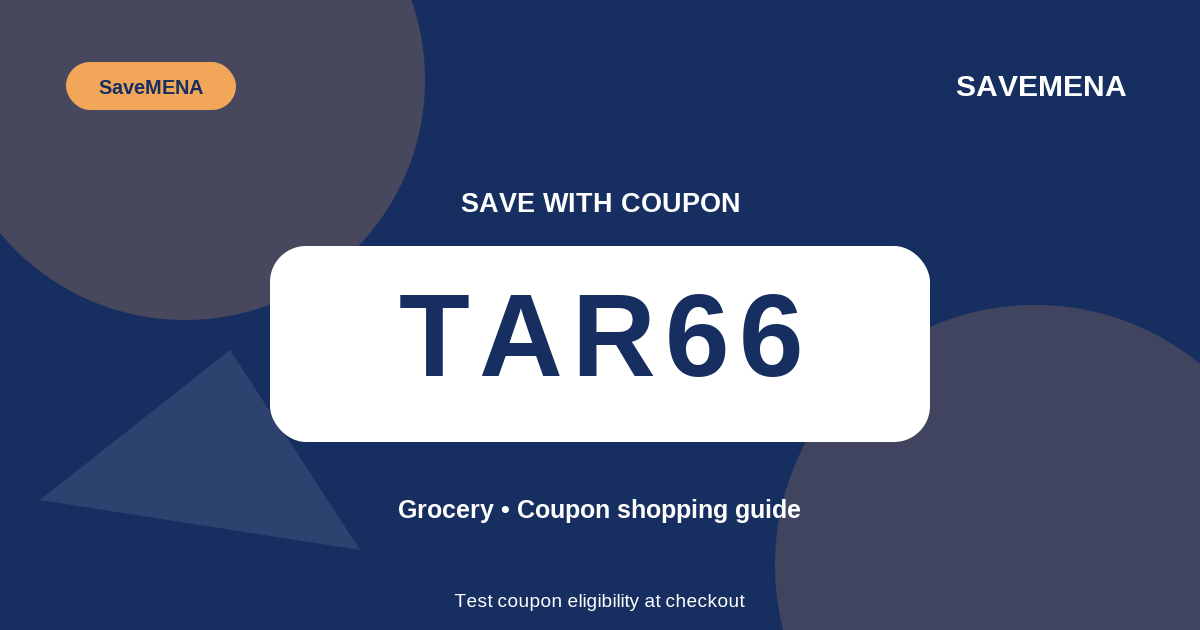
Codes available to try while comparing
These codes are not guaranteed for the article topic or listed brands; test them at checkout and use the live result.
Verify Product SKU and Availability before Applying Coupon
Always begin by locating the exact SKU of the grocery item you want, especially if it comes in multiple variants such as weight, size or flavor. This information is usually found under the product title or in a small table labeled “Specifications.” Confirm that the SKU matches the variant you plan to purchase; mismatched SKUs can cause the cart to reject the coupon or even redirect you to a different listing. Use the “Compare” feature, if available, to double‑check that the same SKU shares the same price across different sellers.
Before dipping into the coupon section, glance over the product page’s stock indicator, often shown as “In stock” or “Limited quantity.” A listing labeled “Out of stock” means the item cannot be purchased at that moment, regardless of the discount available. Sellers sometimes run promo codes that apply only to their own inventory; verifying stock ensures the final checkout price will not be supplanted by a different seller’s price that can’t honor the coupon.
Confirm Seller Reputation and Order Fulfilment
On Noon, each grocery product lists the seller in the top information bar. Look for titles such as “From [Seller Name]” and note any badges like “Gold Seller” or “Verified.” These indicators help gauge reliability, though they do not guarantee coupon acceptance. Nevertheless, reputable sellers typically have higher fulfillment accuracy and clearer return policies, which reduce the risk of disappointment after checkout.
It is also advisable to read the seller’s policy details – shipping, return, and customer service sections. A seller with comprehensive policies is more likely to process orders promptly, reducing the chance that the item will become unavailable while you’re waiting for the coupon to apply. By double‑checking these preferences, you limit the possibility of a coupon troubleshooting session that could arise from an unresponsive seller.
Inspect Variant Options and Stock Levels
Many grocery items appear in multiple variants, such as 500g, 1kg, or different flavors. When you sift through the Variant selector, ensure each option displays “In stock.” Occasionally, a variant may be out of stock yet the generic product page shows a supply message – this can lead to a cart failure if you attempt to purchase the unavailable variant.
Some sellers offer variants with distinct pricing; the coupon’s discount may or may not apply uniformly. After selecting your desired variant, review the “Price” text box for the exact amount. The application of TAR66 is contingent upon the final payable amount at checkout, so verify that the price appears to match your expectation before moving to the coupon field.
Review Item Price and Compare Other Sellers
Even when a Noon UAE seller lists an item with the desired variant available, other sellers on the platform may offer the same product at a lower price. Hover over the "Compare" button or check the “Other Sellers” tab to view alternative prices and stock statuses. This comparison can help you decide whether to accept a higher price that comes with a coupon or to purchase a cheaper item from a different seller that lacks a coupon but still meets your need.
Checkout dialogues sometimes reveal hidden fees or mandatory minimum spends that alter the final amount. If you’re looking to apply a coupon, check whether any additional “service charge” is appended to the subtotal, as coupons often apply only to the base product price.
Check Cart Total for Coupon Eligibility
Once your grocery item passes all earlier verifications, add it to the cart and review the Cart Summary. Most platforms stipulate a minimum spend for coupon activation; while SaveMENA cannot confirm the exact threshold for TAR66, it is safe to ensure your cart value is logical from a coupon-usage perspective. Scrutinize the “Subtotal,” “Delivery,” and “Taxes” fields, as these can shift the amount on which the coupon operates.
Scroll to the coupon input field, enter TAR66, and watch the cart update. If the discount does not appear, note the displayed error message or lack of change. SaveMENA’s recommendation is to double‑check the coupon code spelling, the seller’s compatibility, and that the item still resides in the same variant as before entering the code.
Understand Checkout Timing and Delivery Constraints
After applying the coupon, proceed to the payment page and pause to read the delivery options. Some delivery slots require the order to be confirmed before a certain time, and using a coupon might delay processing. Confirm that the delivery date aligns with the expected processing time for the chosen seller – out‑of‑stock items or late coupon approval could shift the slot.
Additionally, the platform may display a “Processing Time” note, indicating how long the seller needs to prepare the order. If the coupon is applied but the seller’s processing time is extended, your grocery could arrive later than anticipated. This factor is crucial for time‑sensitive purchases like fresh produce or dairy.
Balancing Coupon Use with Cashback or Loyalty Points
Many UAE shoppers enjoy synergistic savings by combining coupons with cashback offers or loyalty points. However, each promotion has its own qualification rules. Ensure that the coupon you intend to use does not conflict with a loyalty program, and verify if the same order can accrue points while redeeming TAR66.
To maximize benefits, first apply the coupon on a separate transaction if the platform allows separate orders for coupon and points. Confirm at checkout whether the platform shows a separate “Earn Points” or “Cashback” indicator that remains active after the coupon reduction.
Finalizing the Order and Tracking Confirmation
Before finalizing payment, review the final summary again for any inadvertent errors: check the quantity, price, coupon discount, delivery fee, and any visible taxes. Pay special attention that the item list still reflects the intended variant and seller. Double‑click on the “Place Order” button only after verifying these details to avoid post‑payment adjustments that may void your coupon.
Once the order is successfully placed, you will receive an order confirmation email or notification within the Noon app. Store this confirmation to cross‑reference later; should the coupon fail at this stage, you will have the official receipt to discuss with customer support. Tracking the order through the platform’s delivery status helps ensure the item arrives as expected and gives you a record if issues arise.
Related SaveMENA pages
Related articles
Official sources to check
Frequently asked questions
What if the coupon doesn’t apply at checkout?
If the coupon code TAR66 doesn’t work, first double‑check the spelling, confirm that the item is still in the cart with the same variant, and make sure the selected seller accepts coupons. If all conditions seem met, contact Noon’s customer service for clarification; they can confirm whether the coupon is valid for that particular seller or product.
Can I use multiple coupons on the same grocery order?
Noon typically permits only one coupon per transaction. After entering TAR66 and seeing its effect on the cart total, you won’t be able to add a second coupon unless the platform displays a clear policy allowing multiple codes.
Does the coupon discount affect delivery fees?
Coupons generally apply only to the product price. Delivery fees are usually calculated separately. However, some sellers may offer free delivery when a discount is applied; confirm on the checkout page if the delivery fee adjusts after the coupon is entered.
Is there a deadline for using the coupon on a single grocery item?
The coupon may have an expiration date or a length of validity after adding the item to the cart. Observing the product page or coupon field for a “Valid until” notice is advisable. If such information isn't displayed, proceed to confirm at checkout and rely on the platform’s terms for the coupon’s lifespan.