Xiaomi Tablets on Noon UAE: item availability — seller checks
Consider Noon UAE seller and coupon Tablets Xiaomi exact item or variant availability at purchase time.
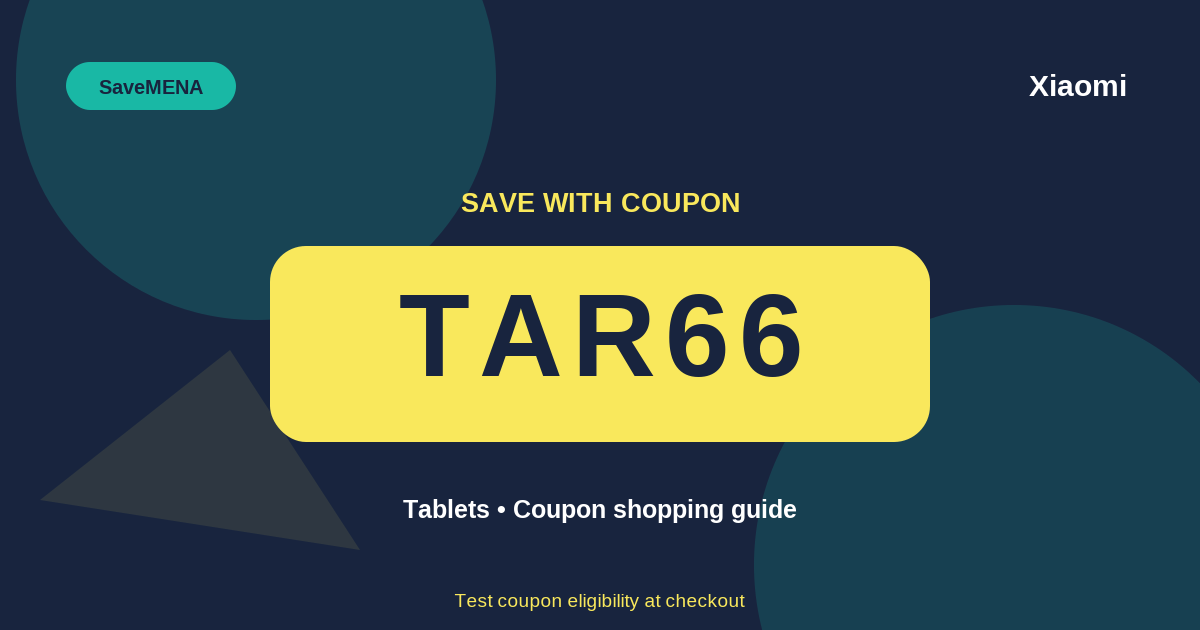
Codes available to try while comparing
These codes are not guaranteed for the article topic or listed brands; test them at checkout and use the live result.
1. Verify the Exact Tablet Variant on Noon
Start by navigating to the specific Xiaomi tablet listing on Noon. Scroll through the color and storage options available in the selection dropdown. The variant you see appears next to the product name; often the title “Xiaomi Mi Pad” is followed by size or storage details in parentheses. Ensure that the variant you have selected matches what you previously noted—if you choose 128GB Gold, confirm that dropdown reflects that exact combination rather than a similar 256GB or a different color. This small detail protects you from accidentally purchasing a similar but different model.
Once you confirm the variant, click “Add to Cart.” Inspect the cart summary: the description should read “Xiaomi Mi Pad – 6.5-inch, 128GB – Gold.” If the description changes, you’ve either switched variants or mistaken the listing. Confirming the variant before adding to cart eliminates the risk of receiving an unintended product, given that Noon sometimes cross-links similar items under one listing.
2. Identify the Seller’s Credibility and Location
After the product is in the cart, observe the seller’s name displayed next to the price. Noon lists the seller either as a brand-owned outlet or an independent retailer. In lieu of badges or pro‑seller icons, notice any seller rating that appears under the name. A higher rating indicates repeated positive feedback from previous customers. This is crucial because a seller’s reliability can affect return policies and promptness of delivery.
Next, isolate the seller’s location by clicking on the “Ship from” link. This reveals whether the seller dispatches from UAE warehouses or from a regional outpost. A local dispatch tends to reduce delivery times, but it does not guarantee faster shipping. Thus, checking the seller’s origin helps you gauge potential arrival windows, especially for time‑sensitive orders.
3. Confirm Current Stock Availability on Noon’s Page
On the product page, there is a label that indicates whether the item is “In Stock” or provides a “Check Availability” button. Return to that button after adding to cart. If the product is out of stock, Noon may display a red text indicating “Out of Stock” or a countdown to restock. Confirming availability before checkout is essential, as Noon may still list a product but have no physical inventory listed for immediate dispatch.
When stock status shows “In Stock,” you still need to ensure that the selected variant is covered. Occasionally, a product listing will show a moderate number of units for sale but reserve a certain quantity for specific variants. The “Select Variant” section will update with a “Limited Stock” note if only a few units remain. Record this detail for later reference in case you encounter a stock‑out during the payment process.
4. Add the Coupon Code TAR66 at Checkout
Proceed to the checkout page and locate the “Apply Coupon” field beneath the total amount. Enter TAR66 and press the apply button. The site will either confirm the acceptance of the coupon or present a message indicating that the coupon is not applicable to the current order. This step lets you see whether the coupon is valid for the selected Xiaomi tablet variant and the Noon UAE seller’s listing in your cart.
Important: A successful coupon application does not guarantee a discount; the system simply acknowledges the code. If a message appears stating “Coupon not applicable,” you can keep the code in your records for future orders. The final payable total will display the effective price after any potential coupon adjustments, so always double‑check the final amount before confirming payment.
5. Review Payment Options and Additional Fees
In the payment section, Noon lists available cards, wallets, or COD options. Pay particular attention to any “Additional Fee” indicator that may appear for certain payment methods. For example, a credit card might add an administrative fee, while COD could trigger a handling surcharge. Note these in your subtotal so you can compare different methods before finalizing.
Also check if the listing mentions a free shipping threshold. Some sellers offer free shipping for orders above a certain amount, but this may not apply to overnight shipping. Even if the cart total is below the threshold, you might still receive free delivery if the seller’s policy stipulates otherwise. Recording this information ensures you avoid unexpected charges at the end.
6. Confirm the Purchase Quantity and Cart Summary
On the order review screen, verify the quantity listed for your Xiaomi tablet. If you added more than one unit, ensure the box shows the correct number. A mismatch could happen if you accidentally pressed the add button multiple times or if a previous cart persisted a different number.
Under the cart summary, all items should list the product name, seller, and variant. This prevents order errors where a different seller’s version is inadvertently selected. If the cart lists a basic model you didn't choose, pause the purchase, adjust the selection, and continue. Keeping the cart accurate before payment avoids later dispute resolution.
7. Validate Delivery Date Estimations
When reviewing the final cart, Noon often shows an estimated delivery window next to the shipping method. Click the “Delivery Date” link for a detailed calendar view. This will pull up the shipping carrier’s logistics and estimate, factoring in the seller’s dispatch location. Meanwhile, pay attention to the “Expected Delivery” note that may appear if an order is late in processing.
Keep the estimated date in mind when scheduling usage plans—for instance, if you need the tablet for work next week, you can compare the date against that requirement. Any discrepancy found here can prompt a seller contact or adjustment before the order is locked in.
8. Submit the Order and Immediately Record Checkout Snapshot
Once every detail—variant, seller, stock status, coupon application, payment choice, quantity, and delivery estimate—is verified, click “Place Order.” The system will process the transaction and generate an order confirmation screen. It is prudent to take a screenshot or save the order number, as this serves as a proof of confirmation and the final state of the order. If the layout changes, the confirmation often contains all key information for a future reference.
Save the confirmation in a shared folder or note, and store your shipping address details. Also, note that the coupon code may still appear in the order details even if no discount was applied. This allows you to know for future purchases whether the coupon can apply to the intended item or seller.
Related SaveMENA pages
Related articles
Official sources to check
Frequently asked questions
What happens if the coupon TAR66 does not apply to my Xiaomi tablet?
If the code says “Coupon not applicable” at checkout, the coupon won’t affect the price. Keep the code for future orders where it might be valid, and confirm at checkout again.
Will Noon guarantee delivery within the quoted estimated date?
Noon shows an estimated delivery window, but exact arrival times depend on carrier processes. Check the tracking link after shipping for actual updates.
Can I change the quantity of the tablet after placing the order?
Once the order is placed, quantity changes are typically not permitted. If a mistake is found immediately after, contact Noon support for assistance before the seller processes the order.
Does the seller’s location affect my shipping fees?
Yes. Sellers dispatching from UAE local warehouses may have different shipping rates than those shipping from regional centers. The fee will be shown during checkout.