Computer Accessories on Noon UAE: basket contents — seller checks
When searching for Computer Accessories on Noon UAE, begin by filtering the marketplace for verified sellers.
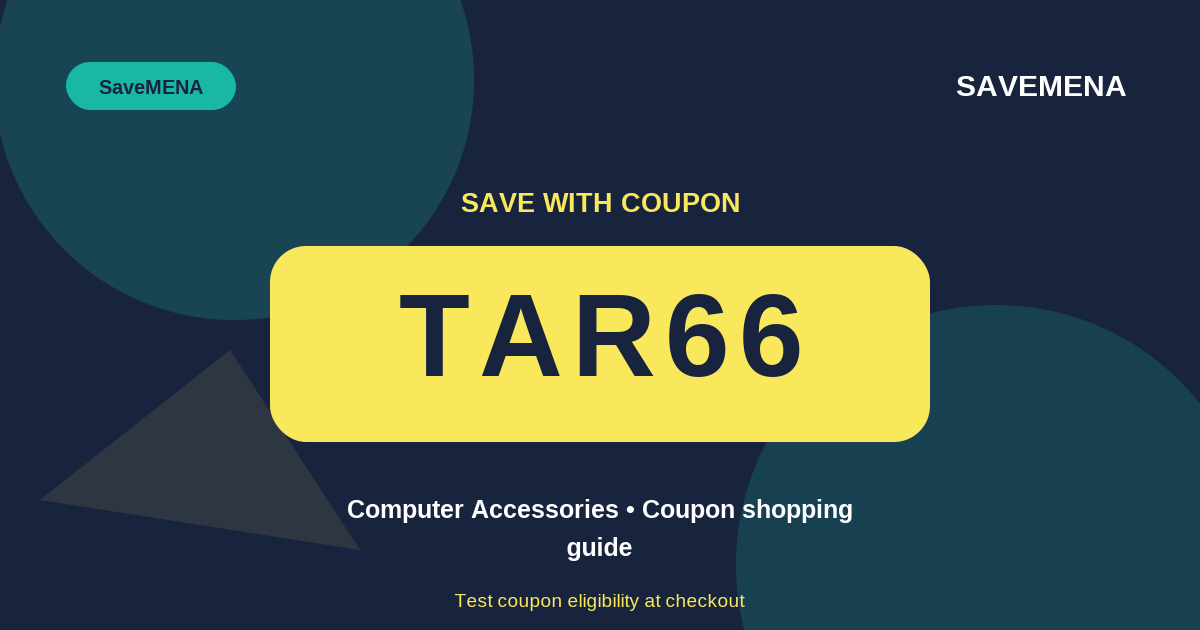
Codes available to try while comparing
These codes are not guaranteed for the article topic or listed brands; test them at checkout and use the live result.
1. Identifying the Noon UAE Seller and Coupon for Precision
When searching for Computer Accessories on Noon UAE, begin by filtering the marketplace for verified sellers. The platform’s badge system signals whether a seller has met Noon’s quality and delivery criteria. A verified seller reduces risks such as late shipping or counterfeit items, especially for technical gear like cables, adapters, or external drives. Look for sellers with a consistent history of positive feedback and clear return policies, which is vital when dealing with high‑value accessories that may require a warranty claim later.
After pinpointing one or a few reputable sellers, store the coupon code TAR66 in your clipboard. Some sellers display their coupon eligibility on the product page; however, the final verification will happen in the cart. At this point, no discount percentages or expiration dates are disclosed—merely the fact that the coupon may apply to your selected items. Keep a mental note: later steps will confirm whether TAR66 truly unlocks a savings.
2. Building a Computer Accessories Basket but Not a Guesswork Box
Begin constructing your basket by cross‑referencing your primary computer purpose—whether gaming, content creation, or general home use. For a gaming setup, for instance, you might add a high‑refresh‑rate monitor, an ergonomic gaming mouse, and a mechanical keyboard. A productivity setup could prioritize a dual‑monitor mount, a premium USB‑C hub, and a professional-grade headset. Each component should directly support your workflow, avoiding excess that could stall the purchase or distract from the goal.
When adding items, keep the because of the basket composition in mind: if a product is highly specialized or not part of the same seller stream, it may not share the same shipping conditions. Stick to one or two sellers to simplify logistics, particularly if you want to see how your basket fares against the TAR66 coupon in the cart. This approach keeps the basket cohesive and ensures smoother fulfillment.
3. Verifying Seller Reliability Before Checking Out
Seller reliability is a non‑negotiable factor. Use Noon’s seller rating and the number of completed orders to gauge trustworthiness. Sellers marked as “Top Seller” typically handle orders swiftly and account for product authenticity. Contact the seller directly through Noon’s messaging system if you have questions about product specifications, brand authenticity, or shipping timelines. Reliable communication channels are key, especially for high‑precision accessories that benefit from manufacturer support.
Additionally, review return policy details for each item. A return window of at least 15 days is standard; confirm that the refund method aligns with your payment type. If a seller offers a storage or packaging guarantee, this can give extra peace of mind for fragile items such as molded keyboards or glass‑back displays. Having these checks completed before adding to the cart guarantees that your basket composition is backed by seller trust.
4. Checking Compatibility of Each Component in the Basket
Technical accessories rarely operate in isolation. Check that each item’s specifications match your primary device. For example, a USB‑C hub must support the data transfer rates your laptop needs; a high‑resolution monitor should require a graphics card that can deliver the the coupon code resolution at the desired refresh rate. Noon’s product pages include spec sheets; compare those carefully to your current hardware setup or firmware updates your machine might require.
Also confirm power requirements, connector standards, and firmware dependencies. A 3‑G sensor on a gaming mouse, for instance, may need drivers that work with specific operating systems. A mismatch here could nullify potential savings because you might have to return one component. Therefore, each new addition to your basket should pass a quick compatibility check before the cart total is finalized.
5. Tracking Coupon Eligibility Through the Cart
Once you have added all desired rack items, proceed to the cart. Here you can see the current total and a spot where the coupon code is entered. Paste TAR66 and click apply. Noon will instantly confirm whether the voucher is applicable—if not, you’ll receive a clear message. Some sellers or product categories may exempt certain items from the coupon, typically due to exclusive marketing agreements or high‑margin items. Keep a timestamp of the cart state in case a seller updates price constraints after you checked out.
If the coupon does not apply to particular items, consider removing or replacing them with alternatives that remain under the same seller batch. Small changes to the basket composition can realign the entire purchase to qualify for the discount. Always double‑check that the new total reflects the applied voucher and that no hidden fees are creeping in before final payment.
6. Finalizing the Purchase With a Checklist
Before hitting the “Place Order” button, run through a final basket checklist.A coupon is not guaranteed; verify its result at the retailer checkout. Re‑review the shipping destination, delivery window, and any available pickup options. The checkout screen will also display the payment method and any additional shipping or handling fees—these fees are mandatory and cannot be altered by the coupon.
Double‑check the terms for each seller’s return policy, warranty, and customer support contacts. The basket composition is here: it should feel like a streamlined set of items ready for unboxing, with no leftover or frivolous buys. After confirming all details, submit the order. Your receipt will serve as the final confirmation of your basket composition and the coupon application.
7. Post‑Purchase Tracking and Support Resources
Immediately after placing the order, you can view the tracking details through Noon’s app or web portal. Note the estimated delivery date and whether the shipment is handled by Noon or a third‑party courier. A shipment delay is far less disruptive if you have an accurate timeline for the entire basket assembly—a benefit of having chosen a single or closely linked seller set.
Keep an eye on your inbox for receipt confirmation, shipping updates, and any potential post‑purchase support requests. If any accessory falls short of your expectations, refer to the seller’s response window and contact details. A quick email (or Noon messaging) that references your original order number and buyer-verified basket items speeds up resolution.
Related SaveMENA pages
Related articles
Official sources to check
Frequently asked questions
Can I apply TAR66 to any item from the selected sellers?
Only items that appear in your cart after applying TAR66 will see the discount. The coupon eligibility is determined at checkout, and any excluded items are listed by Noon, often due to exclusive marketing agreements or specific product categories. It’s best to double‑check before finalising the order.
What happens if one of the items in my basket is out of stock after checkout?
If any listed item becomes unavailable, Noon typically notifies the buyer and offers an alternative or a partial refund. Confirm the seller’s stock status before completing the purchase to avoid this scenario. If a product is out of stock, you may need to adjust the basket composition earlier.
Do I need a Noon app‑only rule to use TAR66?
Noon presents the coupon directly in the cart, regardless of whether you are on the app or web site. The Thursday read directly shows whether the coupon can be applied. However, Noons may occasionally have app‑exclusive promotions, so it’s wise to check the seller’s profile for any app‑only notes.
Is there a a minimum-spend condition, if the retailer shows one?
No specific a minimum-spend condition, if the retailer shows one on Noon UAE. Since the validation occurs at checkout, the system will reveal any minimum requirements if present. Test the cart by adding items incrementally if in doubt.