Office on Noon UAE: bundle contents — seller checks
Noon UAE seller and coupon Office bundle and accessories: If you’re looking to buy a bundle of office supplies on Noon from a UAE seller, the first thing you should
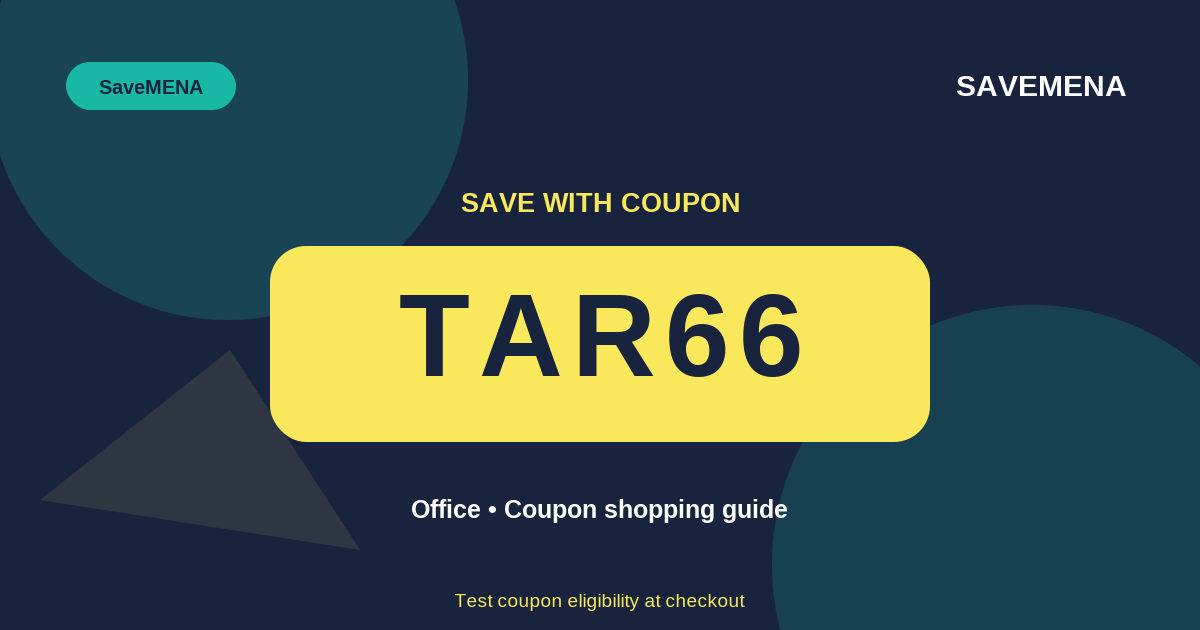
Codes available to try while comparing
These codes are not guaranteed for the article topic or listed brands; test them at checkout and use the live result.
Step 1: Confirm Bundle Composition and Item Compatibility
Start by reviewing the product detail page for the office bundle. Verify that every listed component—whether it’s a keyboard, mouse, desk lamp, or ergonomic chair—fits the style and specifications promised by the seller. Check the dimensions, color, and any features that matter for your established office space. The bundle description should outline everything you will receive; missing items, or items not suited to your workflow, can cost more time and money.
Once you have a clear list, cross‑check each item’s compatibility with your existing equipment or office layout. Many sellers include images or short videos of the bundle in use, which can help you spot any mismatches. Some office bundles come with accessories that are optional for certain setups; ensure those are part of the official bundle rather than add‑ons you might need to purchase separately. Confirm that each item truly belongs to the bundle before proceeding to the next step.
Step 2: Check Seller Reputation and Reviews for Office Bundles
Examine the seller’s overall rating and the number of reviews specifically for the bundle you’re interested in. A high rating on Noon UAE reflects positive customer experiences, but note that bundle reviews may focus on the complete set rather than individual items. Look for comments that talk about consistency, packaging, and the accuracy of the bundle contents in real life office scenarios.
Verify that the seller’s profile is complete—profile picture, verified seller badge, and contact information. A credible UAE seller will often provide a return policy and a customer service contact number. If more than one bundle from this seller is highly rated, it’s a good indicator that they handle office bundles reliably. Note any recurring concerns in reviews, such as missing accessories or delayed shipping, before you add the bundle to your cart.
Step 3: Verify Bundle Delivery Times and Seller Location
Delays are common in e‑commerce, especially for bundled office items that may need to pass through multiple warehouses. On the product page, look for the estimated delivery timeframe given by the Noon UAE seller. Check whether the seller is located locally in the UAE or in another country; local sellers can typically supply quicker delivery, which is critical for office setups that must be ready on schedule.
Ensure that the seller can ship all bundle items together. Some sellers list separate shipping weight or dimensions for each product, and bundled items may be combined only for the bargain price. Verify that the shipping cost remains the same for the entire bundle, especially if using a coupon like TAR66 could reduce total postage. Note any shipping restrictions, such as a requirement that items be dispatched from a specific warehouse, which could impact your ability to apply the coupon.
Step 4: Evaluate Warranty and Return Rights for Bundle Components
Office bundles often contain items with varying warranty periods. Before you lock in your purchase, read the warranty information provided for each component. Make a note of where you can claim a repair or replacement in the UAE—some sellers offer in‑store service while others only handle it by mail. Ensuring that all items have comparable warranty terms reduces future headaches.
Look for terms that address bundle returns. A seller may allow you to return the entire bundle or only specific items that are defective or missing. Confirm the process window and whether a restocking fee or return shipping fee is involved. This review is vital because the TAR66 coupon will not affect return policies; you’ll still be bound by the seller’s stipulated conditions.
Step 5: Compare Bundle Price with Individual Item Purchases
Set up a comparison table in your head or a quick note. Take the bundle price listed by the Noon UAE seller and subtract the individual prices of each item if purchased separately. This will let you see how much you would actually save—or lose—by buying the bundle versus buying items one at a time. Consider any additional costs such as taxes, fees, or shipping that might make the total higher.
Don’t forget that bundle prices can sometimes be lower because the seller receives a wholesale discount. However, if you’re pricing out the bundle against online market rates for each item, the math might reveal that buying individually is cheaper. Always consider the real savings, not just the headline bundle discount. The TAR66 coupon should be applied to the final amount you see after this comparison, not every single item price.
Step 6: Inspect Packaging and Included Accessories
The packaging often reveals whether the bundle’s accessories are genuine or low‑quality substitutes. Look for reinforced boxes, clear labeling, or even a QR‑code that leads to a video demonstration of the bundle in use. Carefully inspect photos on the listing that display the accessories alongside the main items, ensuring they match the product description.
Before checkout, recount the accessories listed—desktop organizers, cables, adapter converters, or mouse pads. If the listing says “includes” a particular item, it should appear in the "order summary" once added to the cart. Missing accessories may indicate that the seller is short‑changing part of the bundle or that an item was removed due to stock issues. In such cases, contact the seller before finalizing the purchase.
Step 7: Cross‑Check Coupon Eligibility Across All Bundle Items
Not every item in a bundle may qualify for a coupon. Some sellers selectively block coupons on discounts already applied to a product or on accessories that lie outside the promotion. Add the bundle to your cart and proceed to the coupon entry field where TAR66 should appear. Note that the accuracy of coupon application is decided at this stage, not later.
If the coupon does not apply to the entire bundle, the checkout page will usually display which parts of the order were excluded. In our case, TAR66 may apply only to the main electronics but not to adapters or DIY accessories. Verify each line item to ensure that the intended savings surface after the code is entered. If a discrepancy arises, contact Noon’s customer support or the seller for clarification.
Step 8: Review Final Checkout Summary for Accurate Discount Application
When you reach the order summary at the bottom of the checkout page, confirm that every item in the bundle is listed, the quantity matches, and the price for each item matches what was advertised. Double‑check that the total reflects the bundle discount in addition to the TAR66 coupon, if eligible. Any hidden fees, taxes or mis‑applied charges should be highlighted here.
Before tapping "Confirm Order," scroll through the delivery details, return policy, and warranty information for the entire bundle. This final verification ensures that no part of the bundle is omitted and that your entire purchase is under the same terms. Once you hit "Confirm Order," the checkout becomes the definitive record of the transaction and the actual payable total, which might differ from earlier estimates if any coupon or surcharge modifies the price.
Related SaveMENA pages
Related articles
Official sources to check
Frequently asked questions
How do I apply the TAR66 coupon to an office bundle on Noon UAE?
You add the bundle to your cart, go to the checkout page where the coupon entry field is located, and type “TAR66” before finalizing the purchase. Verify that the discount appears in the order summary; if it doesn’t, contact seller support.
Can the TAR66 coupon be combined with other discounts or promotions for office bundles?
The coupon will only apply if the seller allows stacking. Typically, Noon displays which coupons are eligible or incompatible on the cart page. Check the coupon eligibility message before applying TAR66.
What should I do if the coupon does not show on the checkout page?
First, verify the bundle still appears in the cart and that the coupon field is active. If the code doesn’t work, call Noon support or reach out to the seller for clarification. The coupon’s use is not guaranteed.
Is there a separate price for missing accessories in a bundle?
Missing accessories usually trigger a full return or a partial refund. The bundle price will reflect the items you actually receive. Check the order summary for any discrepancy before confirming the purchase.