Headphones on Noon UAE: checkout message — seller checks
When selecting a headphone item, first glance at the seller’s Noon UAE profile. Look for a clear seller rating, any customer reviews that mention prompt shipping
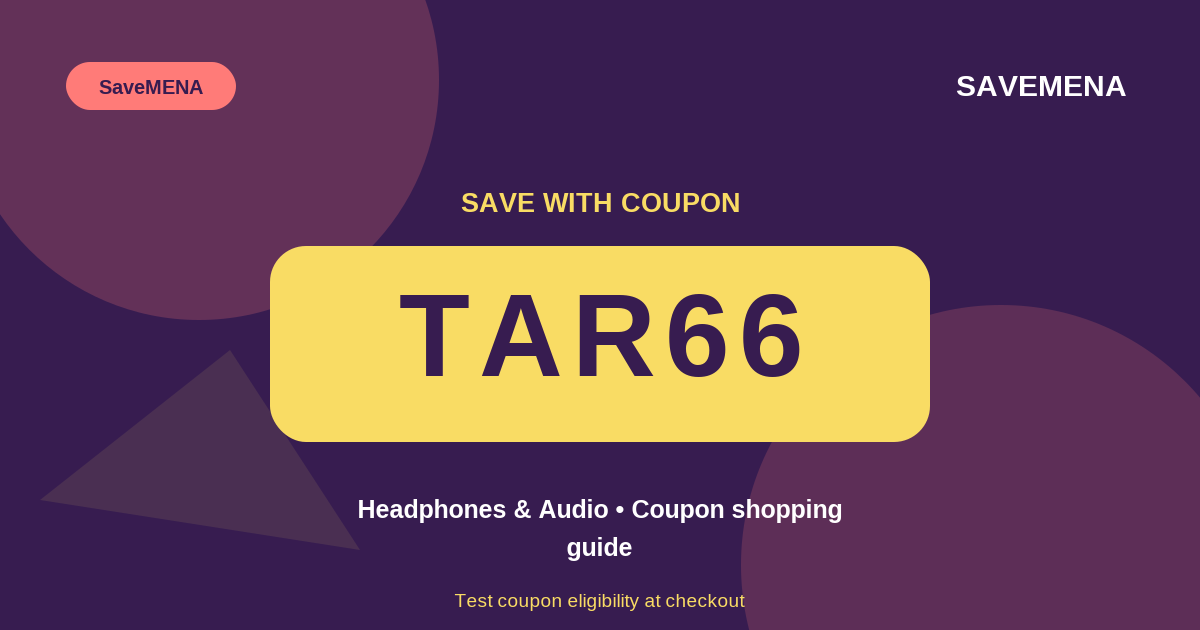
Codes available to try while comparing
These codes are not guaranteed for the article topic or listed brands; test them at checkout and use the live result.
Check the Noon UAE Seller’s Profile Before Applying a Coupon
When selecting a headphone item, first glance at the seller’s Noon UAE profile. Look for a clear seller rating, any customer reviews that mention prompt shipping, and a responsive support channel. Only a seller with transparent information is likely to honour any coupon adjustment at checkout. While a high rating is encouraging, it does not guarantee whether the coupon will be accepted; the live coupon message during checkout is the final verdict.
Next, confirm that the seller is listed under the Noon UAE domain, implying that they ship directly from UAE‑based warehouses. This reduces international shipping fees and speeds delivery. Sellers not situated in the UAE might still list as Noon but could have different return or refund policies. If the seller’s profile is incomplete or missing key details, proceed with caution before you add coupons to your bag.
Confirm Minimum Product Quantity for Coupon Eligibility
Many sellers require a minimum purchase quantity before a coupon is accepted. When you drag a headphone product to your cart, review the product description for any “Buy X, get coupon” notes. Ensure you meet the quantity threshold—if not, the coupon may be rejected even though the code is entered. The live coupon message at checkout will flag such discrepancies promptly, saving you a later cancellation.
Also, double‑check that the headphones are the exact variant you intend to buy. Some sellers offer multiple color, size, or connectivity options; coupons sometimes apply only to certain variants. By confirming the exact SKU when you add to cart, you reduce the chance that the live coupon message at checkout will deny your discount.
Verify Coupon Code Applicability: Only TAR66 Works Here
On Night UAE seller pages, not every coupon is active. In your case, TAR66 is the only code you’ll test. Throughout the purchasing journey, keep the code handy but avoid entering it until you reach the checkout page. This ensures that the live coupon message reflects the highest possible discount your cart qualifies for—no mid‑cart adjustments can change that.
Before you enter TAR66, scroll through the detailed listing for any special promotion text. A seller might mention “Use TAR66 for additional savings on headphones” or vice versa. If no mention surfaces, proceed with caution; the live coupon message will still tell you whether your coupon is accepted or not, and you should still log onto Noon’s system to see if the code is currently active.
Watch the Live Coupon Message as You Checkout
Once you click “Proceed to checkout,” Noon’s interface presents a live coupon input field. This is where the system instantly evaluates your cart against all active discount rules. If TAR66 is valid for the selected headphones, a small banner will pop up, stating the amount or percentage saved. This real‑time feedback is crucial—you’ll see the difference before finalising the order, preventing missed savings.
The live coupon message will also flag any conflicts, such as a quantity rule or incompatible bundle. If the message states “This coupon cannot be combined with other offers,” you must decide whether to apply the coupon or ignore it. Don’t assume the coupon is automatically applied; always look for an explicit confirmation before you pay.
Tax, Delivery Fees, and Final Payable Amount
Even after a successful coupon application, Noon adds applicable sales tax and delivery fees at the checkout scanner. These fees sit above the discounted subtotal, so the live coupon message may look less generous once you see the final net amount. Compare the post‑discount total against the capture of a free or cheaper shipping option if available.
Always scroll to the bottom of the summary page to confirm that no hidden fees come after the live coupon message. The system presents a clear breakdown: item price, tax, delivery, coupon deduction, and total payable. If the breakdown includes a “fee” that you don’t recognise, double‑check the seller terms for a possible pre‑packed gift or service charge.
Choose and Verify a Payment Method
When you confirm the payable total, Noon allows multiple payment options: credit card, debit card, PayPal, or Noon Wallet. The live coupon message stands regardless of payment choice; however, some payment methods may have higher processing fees or require 3D Secure verification. Verify the payment method’s processing timeline. A coupon discount inputted correctly will normally apply before the payment authorization.
If you are using a Google Pay or Apple Pay option, browsers may prompt for authentication after the live coupon message appears. In that scenario, confirm that the amount posted in the payment prompt matches the discounted total on the screen—any discrepancy could indicate a post‑hoc addition.
Final Review: Order Confirmation and Tracking
After pressing “Place Order,” Noon will present an order confirmation page with an order ID, estimated delivery window, and a summary of charges. The live coupon message will have already been applied, and you should see a “Discount Applied” badge next to the price. Double‑check the order ID matches the email confirmation you receive.
From the Noon app or website, track the shipment via the Tracking Number on the confirmation page. The tracking countdown may shift slightly if the coupon reduced the final risk levels, but the seller’s declared shipping time remains the same. If shipment delays arise, the seller’s Noon support chat is the best first point of contact before contacting Noon UAE customer service.
After‑Purchase Tips and On‑Going Coupon Checks
In the wake of a successful headphone purchase, keep an eye on the seller’s future listings. Many sellers rotate coupon codes; TAR66 might be exclusive to a particular headphone model. By bookmarking the seller’s page and checking their coupon list each month, you can stay ahead of new discounts.
Also consider subscribing to Noon’s newsletter, if available, for alerts on upcoming promotion events. Although the live coupon message at checkout is your most immediate confirmation, an email reminder can help you remember to apply a coupon the next time you’re shopping.
Related SaveMENA pages
Related articles
Official sources to check
Frequently asked questions
How does Noon confirm if TAR66 is valid during checkout?
The platform checks your cart items against active discount rules in real time. Once you enter TAR66 and press apply, a banner appears indicating the discount amount or if the coupon cannot be used. This is the only point where confirmation is definitive before payment.
Can I combine TAR66 with other coupons or sale discounts?
Noon’s policy typically limits coupon use to one active discount per transaction. If you try to combine, the live coupon message will explicitly state that it cannot be merged with other offers. Check the seller’s policy page for any exceptions.
What if the live coupon message doesn’t reflect my expected savings?
Re‑enter the code, ensure you meet any quantity thresholds, and confirm that the headphones aren’t part of a bundle excluded from coupons. If discrepancies persist, contact seller support before finalizing payment.
Will delivery cost change after applying the coupon?
Delivery fees are recalculated after the coupon discount is applied. The live coupon message will adjust the subtotal, triggering a fresh calculation of any shipping charges. Verify the final amount on the confirmation page before payment.