Logitech Office on Noon UAE: delivery fees — seller checks
Check the seller details directly; do not infer identity verification or reliability from a badge. ” These filters show vendors that have passed Noon’s vetting
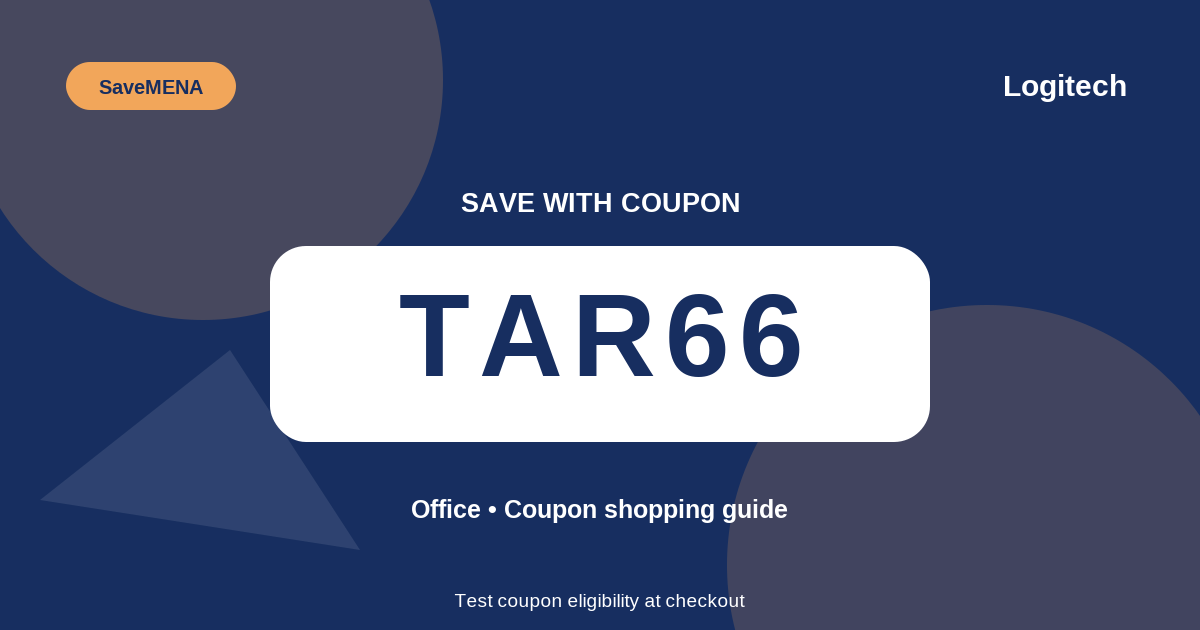
Codes available to try while comparing
These codes are not guaranteed for the article topic or listed brands; test them at checkout and use the live result.
Identifying Reliable Noon UAE Sellers for Office Products
Check the seller details directly; do not infer identity verification or reliability from a badge. ” These filters show vendors that have passed Noon’s vetting process. A good seller will often offer a clear channel for customer service, which is essential if a delivery hiccup or a post‑purchase query arises. UAE‑based sellers usually provide faster shipping than international ones, especially for high‑frequency office essentials.
Looking at the seller’s product description, courier partners and their delivery timeframes is another quick gauge. If a seller uses a reputable courier such as “Checkplus” or “DHL Express UAE,” the likelihood of receiving your Logitech equipment within promised time increases. Checking the seller’s shipping method is critical because it can affect overall cost even if a coupon is applied later.
Evaluating Delivery Options for Office Logitech Items
On the product page, Noon shows multiple delivery options: standard, express, and same‑day (if available). Each option carries a distinct fee. Before applying TAR66, estimate how much each option would add to your purchase. For office equipment that may be used immediately, selecting express or same‑day might justify the extra cost—and a coupon could stay relevant only if you discount the product price itself.
Delivery policies might also include options for “Cash on Delivery” or “Online Payment.” Understanding which fee is released alongside the order—especially if the courier charges a handling fee that’s not reduced by the coupon—is essential. A reliable seller usually lists these fees upfront, letting you calculate the true net price after coupon application and shipping charges.
Fee Structures: Shipping, Handling, and Other Charges on Noon UAE
Noon’s fee structure can vary by seller, product weight, and distance. In addition to the flat shipping fee, some sellers add a handling charge for ensuring safe packing of office electronics like Logitech mice or keyboards. When you see a “Handling Fee” note, it’s separate from the shipping fee and will remain unchanged even if you use TAR66.
Other unexpected charges might arise, such as a courier “service surcharge” or a “customs clearance” fee for items above a certain value. These charges are rarely coupon‑eligible, so total cost calculation should factor them in before discounting the product price. Knowing this can prevent last‑minute surprises at checkout.
Applying the TAR66 Coupon: What to Expect at Checkout
Enter TAR66 in the coupon field at the checkout page for your Logitech office product. No guarantee of a discount is provided, but the code is available for you to try. Once entered, Noon will recalculate the product subtotal. Because delivery and handling fees are calculated after the coupon is applied, you’ll still see the full shipping cost displayed alongside the new product price.
After coupon application, the total payment requirement reflects the product price minus any coupon discount (if applicable), plus delivery, handling, and any other fees. If the total remains high due to significant delivery costs, you might consider switching the delivery option or waiting for a coupon that covers fee reductions.
Tracking Your Order: Delivery Times and Updates
After confirming payment, your order status will update in Noon’s “My Orders” tab. Each status change—“Order confirmed,” “In transit,” “Out for delivery”—provides information about courier progress. If a seller has a short delivery window, such as “same‑day delivery” for a certain time slot, you’ll often receive a tracking number from the courier partner immediately.
Maintaining a continuous view of the tracking number is a practical way to detect any delays before they reach your doorstep. If a courier encounter a late due to unforeseen traffic or weather, you’ll be notified and can adjust your schedule accordingly. This step helps you stay prepared for office equipment that may need a timely setup.
Handling Unexpected Fees or Delivery Delays
Should a delivery fee increase or a lag occur—perhaps because of a sudden courier surcharge—contact the Noon seller via the chat interface on the product page. Some sellers may offer partial refunds for unexpected handling fees while maintaining the shipping cost.A coupon is not guaranteed; verify its result at the retailer checkout.
In the event that a delivery delay threatens a crucial office timeline, ask the seller for a resolution, be it expedited shipping at a reduced fee or a partial credit. This encourages a seller to act in good faith, especially if they’re a “verified seller” with a strong reputation. Alerting Noon’s support can also provide a safety net if the seller fails to respond.
Final Checklist: From Checkout to Receipt
A coupon is not guaranteed; verify its result at the retailer checkout. Also double‑check the handling, shipping, and any courier surcharges that remain unaffected by coupons.
After the order is paid, retain the receipt, tracking number, and any exchange, refund, or cancellation policy paperwork. These documents protect you in case the delivery fails or the product does not match the description, and they’ll be the only reference points if the coupon did not apply or if the total cost was higher than expected.
Related SaveMENA pages
Related articles
Official sources to check
Frequently asked questions
Does the TAR66 coupon cover delivery fees?
Typically, coupons like TAR66 apply only to the product price. Delivery, handling, and other fees displayed after the coupon is entered remain unaffected. Check your order total at checkout to confirm.
How can I confirm the delivery cost before completing a purchase?
On the product page, Noon lists shipping options and fees. You can compare standard, express, or same‑day deliveries. The seller’s page may also show a “Courier” note indicating the associated fees.
What if my order is delayed or encounters a higher fee after I checkout?
Contact the Noon seller through the chat function on the product page. Ask for clarification and possible fee adjustments. If the seller can’t resolve it, you may open a support ticket via Noon’s help center.
Is the TAR66 coupon exclusive to Logitech office items?
No explicit restriction is stated for TAR66. It’s available for use on any eligible product on Noon, but it might not apply to all categories.A coupon is not guaranteed; verify its result at the retailer checkout.