Anker Mobile Accessories on Noon UAE: final total — seller checks
Noon UAE seller and coupon Mobile Accessories Anker final payable total: Finding the right mobile accessory in the UAE can be a blend of excitement and caution.
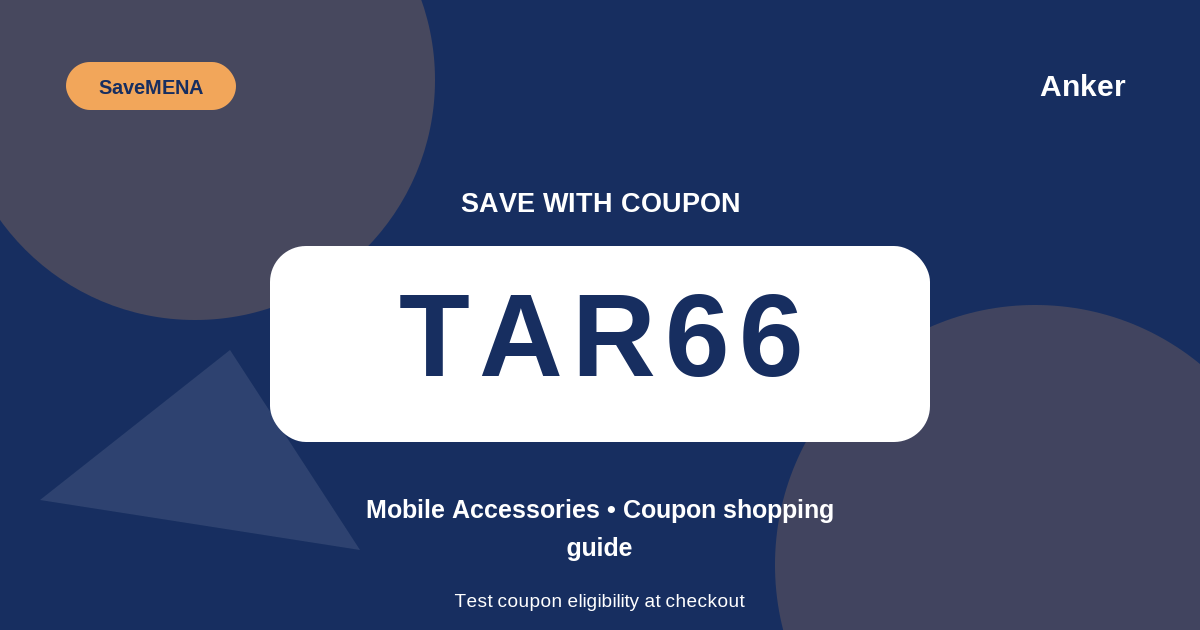
Codes available to try while comparing
These codes are not guaranteed for the article topic or listed brands; test them at checkout and use the live result.
Verify Seller Reputation
Before you even hover over “Add to Cart,” glance at the seller’s name displayed next to the product. Most Noon UAE listings include a direct link to the seller’s page. Click it, and you’ll see rating bars, total sales, and edge‑notes that can hint at reliability. A healthy number of recent reviews often signals that the seller has fulfilled numerous orders. Importantly, you can be sure that the price shown for the Anker accessory is the one that will be applied to the final payable total once you proceed to checkout.
If the seller profile lists any unresolved buyer complaints or a –sealed or –red badge, consider hunting for an alternative vendor. Keep in mind the coupon TAR66 will be run against the summed item prices only; it does not alter supplier or variance in delivery adjustments. As you scroll through the seller’s gallery, you should confirm that the accessories displayed match the description. This step ensures the final payable total reflects the exact product you intend to buy, preventing scenarios where a different variant is shipped after the coupon is applied.
Add Correct Product to Cart
Once the seller passes inspection, you’ll want to confirm you’ve chosen the right variant of the mobile accessory. Products often come in multiple colors, sizes, or metal finishes, and each variation can have a distinct price tag. On the Noon UAE product detail page, double‑check the dropdown or swatch that corresponds to your desired option. Missing this step can lead to a final payable total that’s misaligned with your expectations because the cart will automatically draw the cheapest or default variant before the coupon is evaluated.
After selecting the precise model, click “Add to Cart” and a mini‑checkout snapshot should appear. This snapshot can be inspected for two key numbers: the subtotal for the chosen item and any applied taxes. At this juncture, the cart doesn’t yet show the effect of TAR66. Rather, it gives you the baseline figure that will later be considered by the final payable total calculation. Ensuring that the base price is correct now means the coupon, once entered, will reduce a legitimate amount, rather than a mistaken sum.
Check Coupon Eligibility
With the right product in your cart, it’s the right moment to test the TAR66 coupon. Prompted by a small “Apply Coupon” button, type the code exactly as it appears, then hit Apply. Noon’s interface will immediately respond whether the sticker is accepted or rejected. A green tick means your coupon went through; a red note indicates it is not eligible. Remember, the coupon’s eligibility is judged at the checkout level by the platform, not pre‑specified by us. It may still be active when you review your final payable total, but you should not rely on its application until the system confirms it.
If the coupon is accepted, a discount line appears in your cart summary, showing the amount subtracted from the item total. Notice that the discount is still based on the pre‑tax subtotal; taxes and delivery fees are added after the coupon subtraction. Consequently, the displayed amount is a preview of how your final payable total will shape up. If the code is rejected, delete it quietly and proceed, knowing the final payable total will be the fully undiscounted sum. In either case, you’re now ready to dissect the checkout shebang.
Inspect Cart Totals
At checkout, the platform presents an itemized view of your purchase: each product, its unit price, quantity, and any applied discount. This is the most reliable snapshot for confirming the final payable total. The discount line you saw earlier should now be applied directly to the item subtotal. Verify that the discounted amount matches what you expect from the TAR66 code, otherwise eventual expenses might be higher than the previewed figure.
Then scroll beneath the product listing to see shipping and handling breakdowns. Delivery fees here are context‑dependent; they could change if you alter your address or choose faster shipping. This final checkpoint ensures that once you agree to pay, the numbers add up to the exact amount that will be debited from your payment method. Notice that until this point, the final payable total is only a projection; it will become definitive once you hit the “Place Order” button.
Review Delivery Fees
Delivery cost can shift the final payable total abruptly, especially in the UAE where certain zones or dates attract premium rates. On Noon’s checkout page, you’ll see a separate line titled “Delivery Fee.” If this fee is dynamic—affected by time of order or address—you can try clicking on an information icon or adjusting your location to gauge the impact on the final payable total. Any fluctuations must be captured right before confirming payment, as they will inflate your eventual out‑of‑pocket cost.
If the delivery fee is fixed or automatically subdued by a free‑delivery threshold, the risk is lower, but it’s still wise to read the fine print. Ensure that the fee shown is exactly the one that will be channeled to the final payable total. Sometimes promotional offers or Tattoo deals can be applied only when the total reaches a certain basket value, which again will affect the final payable figure. Confirming this step locks in the final payable total you’re set to pay.
Confirm Payment Method
Before hitting the final step, select your payment method, be it a credit card, PayPal, or a local UAE wallet. Noon’s checkout interface will display a summary that includes the total amount you’re pledging to pay, inclusive of taxes, discounts, and shipping. At this exact screen, the platform typically warns if any payment method restrictions apply—such as a pro‑card not covering the final payable total. It’s essential to verify that the amount shown matches the final payable total you’ve been tracking all along.
If you notice a discrepancy—for example, the displayed total differs from what your cart projection gave—the immediate fix is to re‑calculate; you might need to adjust item quantities or re‑apply the coupon. Keep in mind that the final payable total is calculated after all items, discounts, and shipping are summed in the backend. After confirming that your selected payment method is accepted for the final payable total, you can safely proceed to the last step.
Final Payable Total Overview
At the final review screen, Noon consolidates all your selections into a single figure: the final payable total. This number is the one that will be charged to your payment method, regardless of earlier offers or promo codes. The figure sits atop a list of subtotals, taxes, delivery fees, and discounts, giving you a full transparent read‑out. Confirm that the figure is consistent with the original product price minus the TAR66 discount, plus the correct taxes and delivery fee, to ensure alignment.
If everything looks correct, you are in position to finalize the purchase. In this last view, the platform will limit any additional changes, so the final payable total here is immutable. Take a moment to double‑check that the seller’s name and the product variant are both accurate. After you place the order, the final payable total becomes a legal entry, binding you to the declared amount. A sound final check at this point safeguards against misunderstandings or surprise charges that could alter the final payable total.
Post‑Checkout Confirmation
Once the order is confirmed, Noon will deliver a confirmation email or app notification. This communication typically contains an order summary replicating the checkout totals: the final payable amount, applied discount, and selected shipping method. It serves as the offline counterpart to the online final payable total. Retain this confirmation; should any inconsistency arise—a delivery fee different from what was shown, for instance—it becomes the reference for dispute resolution.
You may also log into your Noon account and navigate to your order history. There, the final payable total remains recorded along with courier details. Should you wish to cancel or modify the order, review the seller’s cancellation policy documented in the order details, which will often mention the final payable total. By associating your post‑checkout actions with the final figure captured during confirmation, you lock in transparency and reduce the chance for the final payable total to shift unexpectedly.
Related SaveMENA pages
Related articles
Official sources to check
Frequently asked questions
What should I check first when using a coupon on Noon?
First verify the seller’s credibility and ensure the product variant matches your intent. Only after the correct item is in the cart should you apply the coupon. Finally, confirm that the discount appears in the subtotal before proceeding to checkout.
Does the TAR66 code apply to all mobile accessories on Noon?
Not necessarily. The coupon's eligibility is evaluated at checkout and is tied to the cart's subtotal. It automatically applies only if the item total, taxes, and delivery fees align with the coupon terms, but can’t guarantee a discount on every accessory.
How can I confirm that the final payable total is correct after placing my order?
Check the order confirmation email or app notification; it lists the final amount charged, discount applied, and delivery fee. Cross‑reference these figures against your earlier checkout summary to validate that the total matches.
Can I change my delivery option after seeing the final payable total?
Typically not. The final payable total is locked when you confirm the order. Any changes to shipping would require canceling the order or contacting customer service, which might alter the final amount if fees change.