Logitech Office on Noon UAE: final total — seller checks
In the office gear aisle, Logitech has a long line of mice, keyboards, and webcams. Be sure the item you pick matches the exact model description on Noon, as the
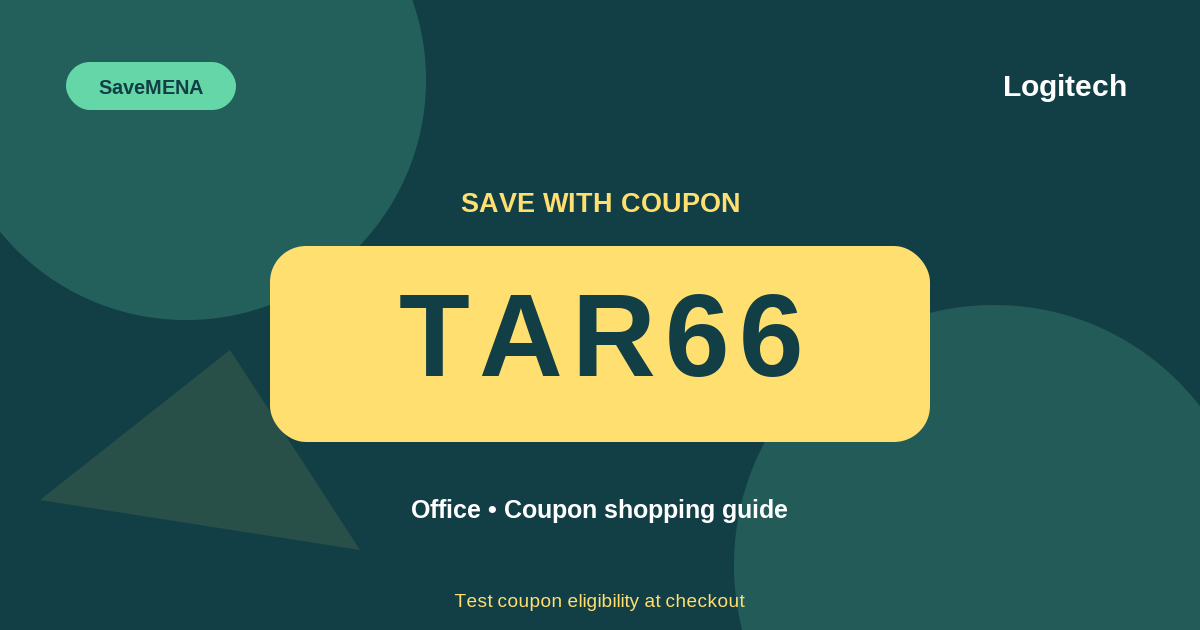
Codes available to try while comparing
These codes are not guaranteed for the article topic or listed brands; test them at checkout and use the live result.
1. Confirm the Exact Logitech Variant and Seller
In the office gear aisle, Logitech has a long line of mice, keyboards, and webcams. Be sure the item you pick matches the exact model description on Noon, as the pricing can differ slightly between variants such as wired versus wireless or backlit versus standard. Before adding to your cart, note the seller’s name and any badges they carry. The same product may appear under multiple sellers, and each may quote a different final price and delivery fee.
At this stage, channel your gaze to the part of the page that lists “Sold by” and the seller’s rating. A lower rating or a lack of buyer reviews might hint at subtle price differences or longer delivery times, which can affect the total. Keep an eye on the “Verified Seller” icon if present, but remember it does not guarantee that the coupon will apply.
2. Scrutinize the Base Price and Any Built‑In List‑Coupon Credits
Once the product and seller are verified, scroll to the price section to confirm the base price that will be used when the TAR66 code is attempted. Check that the displayed amount matches the value expected for that specific Logitech model in the UAE market. Some sellers embed hidden promotions, which can shift the price down before a coupon is even applied.
Read the fine print near the price for any “Included Savings” or “Cashback” tags. These are separate from the coupon and may already lower the amount payable. Noting these figures early helps you calculate what the final total will be after applying any coupon code, if it works.
3. Verify Delivery Fees and Shipping Terms
Delivery charges on Noon can vary greatly depending on the seller, the item weight, and the distance from the fulfillment center to the UAE. Tap the “Estimate Delivery” area and note the time frame and cost. Often this fee is added after the coupon is entered, meaning your coupon savings may not cover shipping.
Check for any free‑shipping thresholds or promotions that apply to your order total. If a free‑shipping cut‑off exists, you might still need to hit it manually after applying the coupon. The final payable total will reflect the delivery fee, so confirm this number before proceeding to the payment tab.
4. Apply the TAR66 Coupon with Caution
Move to the coupon entry field and insert TAR66. Pay attention to any immediate pop‑ups or alerts that appear. These can indicate whether the code was accepted, rejected, or not applicable to the item or seller chosen. If it’s rejected, the existing total will not change.
Even a successful entry shows a provisional discount on the screen, but this does not guarantee the coupon will be applied to the final payment. Insist on seeing the updated total reflected in the “Subtotal” line before pressing “Continue.” This nuance keeps you from being surprised by a higher final charge.
5. Review the Calculated Tax and Fees
Many office items in the UAE attract VAT at a standard rate. Noon aggregates the tax on the order confirmation page. Look specifically for the “VAT” or “Service Tax” field and note its value. Taxes are usually added after the coupon deduction, so the final payable amount may change slightly.
Also examine any administrative fees, handling charges, or cross‑border duties. These are often hidden until the last steps of checkout, thereby impacting the final total. Confirm each line, comparing them with any previous listings or side‐by‑side totals you may have noted.
6. Cross‑Check Currency, If Applicable
Even though Noon operates in AED, a seller might display prices in other currencies or rely on background exchange rates for international stock. Ensure that any conversion rate is applied correctly and that the AED amount matches the sum of the base price, coupon savings, shipping, tax, and fees.
Sometimes the conversion can slightly change the final price; document the rate if you find it. This transparency guards against hidden surcharges that could tweak the final payable total.
7. Secure and Confirm Your Payment Method
Before hitting “Pay Now,” double‑check the card or payment method selected. The final “You’ll be charged” box should reflect the exact amount shown in the order summary. A mismatch can occur if the payment gateway applies an additional fee, such as an international transaction or processing charge.
If multiple payment options are available, choose the one that lists the least or zero extra fee. Some wallets or cards might add a small service charge. The final total must match the on‑screen figure exactly before the transaction is finalized.
8. Monitor Order Confirmation and Tracking
Once payment is completed, you receive an order confirmation email that lists the final payable total again for verification. Compare the number in this message with the one you saw on the checkout page. Any discrepancy should prompt you to contact Noon’s support immediately.
Afterward, use the tracking link provided to see the delivery status. While tracking does not alter the final payable total, it confirms that the order was processed correctly under the sum you paid, giving you peace of mind that the coupon, if applied, was sufficient at the moment of payment.
Related SaveMENA pages
Related articles
Official sources to check
Frequently asked questions
What happens if the TAR66 coupon does not work on checkout?
If Noon rejects the TAR66 code, the total you see on the screen will stay unchanged. In that case, you can still proceed with payment at the displayed amount or look for alternative coupons or sales offers that might apply to your specific Logitech item.
Is there a a minimum-spend condition, if the retailer shows one coupon to be valid?
From the information currently available, Noon does not disclose a a minimum-spend condition, if the retailer shows one coupon. If a minimum is required, it will appear as a restriction on the coupon’s eligibility screen during checkout, prompting you to adjust your cart accordingly.
Will the TAR66 coupon cover delivery fees for office products?
The coupon’s effect on delivery charges depends on the seller’s policy. Some sellers apply the discount only across product price, while others include shipping. Any final total shown before payment will clarify whether the delivery fee is reduced or still full.
How can I verify that the same Logitech seller is reputable?
You can cross‑reference the seller’s “Seller” name with their rating markers, check reviews for similar office items, and ensure they are a “Gold” or “Verified” partner on Noon if shown. This helps confirm that the seller’s listed price is trustworthy before applying any coupons.