Puma Women’s Fashion on Noon UAE: model specifications — seller checks · TAR73
When you open the Noon UAE app or website to buy a Women’s Fashion Puma item, the first thing you’ll wonder is whether the seller is reliable and if your
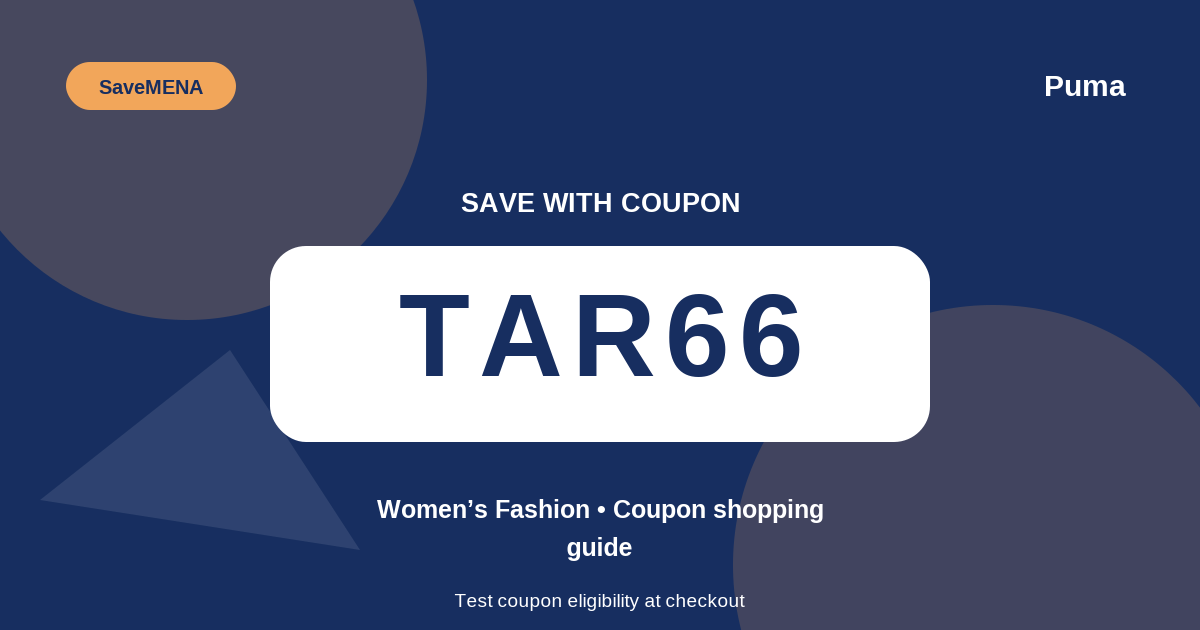
Codes available to try while comparing
These codes are not guaranteed for the article topic or listed brands; test them at checkout and use the live result.
1. Locate the Official Noon UAE Seller for Women’s Fashion Puma
Begin by navigating to the Women’s Fashion section and filtering for your preferred size or color. When you spot a Puma product, tap the item and review the “Seller” label beneath the price. Verify that the seller’s name matches the official Noon UAE listing—usually “Puma Official” or a verified brand partner. This step ensures you’re purchasing through an authorized retailer, preventing counterfeit or low‑quality copies that can affect the model’s fit or material quality.
Next, read the seller’s rating, number of orders, and shop description. A higher rating and a substantial order count typically reflect a reliable seller. Check for any product reviews that mention the precise model—like “Puma Vectra Mid‑Rise Breakout”—to confirm that your chosen variant is actually stocked. If the seller’s details are sparse or user reviews are absent, consider looking for a different listing to reduce risk.
2. Validate Seller Credentials and Review Policies
After you’ve identified the nominal “Puma Official” seller, open the shop’s profile to see its membership status with Noon.Check the seller details directly; do not infer identity verification or reliability from a badge. Pay particular attention to the refund policy—does it allow returns on the specific Women’s Fashion Puma model you’re buying? This information clarifies that the seller’s promises align with your needs, especially if you need size adjustment or material complaints.
Next, review any “product FAQs” or shipping details posted by the seller. Sellers may list pickup points, handling times, or local delivery options. If a seller explicitly states “In‑Stock: 15 items,” this confirms availability of the exact model you selected. Once you’re satisfied with the seller’s credentials, you can safely add the item to your cart and proceed to the next step of coupon verification.
3. Scrutinise Model Specifications Before Checkout
Ensuring that the Puma model matches your performance needs is paramount. Open the product page and scroll through the specifications: fabric composition, length (short/long), closure type (zip/envelope), and any technology promised (e.g., “Puma foam core”). Compare these details with your preference list. For Women’s Fashion Puma, details such as “cloud feel and breathable mesh” or “breakaway elastic waistband” influence fit and comfort, which you can’t reverse once you’ve finalized the purchase.
In addition, look for a sizing chart that caters to the UAE market. Verify that the model’s size aligns with your own measurements by comparing width, height, and sleeve dimensions if applicable. If the listing lacks a chart or clarity, consider contacting the seller for more details. Getting these specifics right now removes uncertainty about fit, resale value, or suitability for your style.
4. How to Introduce and Validate Coupon TAR73
When you’re ready to apply your coupon, tap the “Apply Coupon” button before finalizing payment. Enter TAR73 exactly as shown—caps matter—then watch for an instant confirmation. This brief check tells Noon whether the coupon can apply to the current item and seller. If the coupon is unavailable, the screen will alert you, preventing you from proceeding with an invalid code. For most shoppers, this step saves a small fortune and eliminates frustration.
Keep in mind that applying a coupon does not change the product specs or seller credibility. The focus remains on that model’s details; the coupon simply modifies the amount you pay at checkout. The site will recalculate the total payable figure in real time. Be ready to confirm that the discount is reflected accurately before proceeding to payment.
5. Confirm Eligibility and Review Final Payable Total
After the coupon is applied, review the updated price and tax information. Some items charge VAT, and shipping fees may vary by seller location or delivery method. Make sure the final total—including any coupon discount—matches what you expect. If the price seems out of line, double‑check the selected size, color, and variant to ensure you haven’t inadvertently chosen an older or bulk-priced version.
Now verify the eligibility details at this stage: seller eligibility, product eligibility, and delivery availability. Some sellers may not ship to all Emirates; confirm that your delivery address is serviced. If a seller’s delivery option is “In- Store Pickup Only,” you’ll need to plan accordingly. Aligning all these conditions here guarantees the purchase will reach you without delay.
6. Shipping Options, Delivery Fees, and Timing
In Noon UAE, the seller’s shipping rates appear next to the delivery date estimate. For Women’s Fashion Puma items, typical delivery ranges from 2‑5 business days, but this varies with out‑of‑stock situations or special promotions. Ensure that the selected delivery method matches your time constraints—express delivery may cost additional, but the shopper should reveal the exact figure at checkout, not here.
Also verify that shipping offers do not require a minimum spend for free delivery, as the seller’s cart may or may not meet that threshold. If your total, including any coupon discount, is below the free delivery cap, a secondary fee may appear after applying the coupon. This step ensures that you understand the final cost paid upon delivery, including any extra delivery charges.
7. Secure Payment Methods and Final Verification
When you proceed to payment, Noon UAE offers a range of options: credit card, debit card, or digital wallets. Make sure that the selected method is active on your device and that you have sufficient funds. For premium models, adding a credit card might unlock benefits like extended return policies that some sellers advertise.
Before completing the transaction, review the summary one more time: product specs, coupon application, shipping fees, and payment method. This final checkpoint ensures that all elements aligning with the seller’s terms and your needs are correct. If the bolt-on terms or any fees appear incorrectly, contact Noon’s support or the seller to clarify before the payment is processed.
8. Post‑Purchase Support and Warranty Checks
After placing the order, the order page shows the confirmation number, estimated delivery date, and the seller’s contact details. If you notice that the Women’s Fashion Puma model description may have changed—perhaps a slight alteration in fabric or closure type—use the order details to raise a query. Sellers must respond within a defined timeframe to maintain consumer trust.
Finally, should you need to claim a return or warranty, reference the model’s specification sheet that came with your email or the product packaging. Record the model number, color code, and any serial numbers, as these will be essential for warranty service or replacements. A clear understanding of the model will reduce friction in any post‑purchase process.
Related SaveMENA pages
Related articles
Official sources to check
Frequently asked questions
A coupon is not guaranteed; verify its result at the retailer checkout.
No guarantee can be provided. The coupon may apply only to certain models or sellers. Checking its applicability during checkout is necessary to confirm eligibility.
What if the seller says the item is out of stock at checkout?
In such a scenario, the product may be temporarily unavailable or the specific variant may be out of stock. Contact the seller or Noon’s customer service for clarification and to register for restock alerts.
Can I use the coupon TAR73 for multiple items in my cart?
The coupon may apply to additional items if they meet the same seller and product criteria. Verify the coupon’s terms on the checkout page to know if it covers multiple purchases.
Will the delivery fee change after I apply the coupon?
Delivery fees depend on the selected seller and shipping option, not on coupon usage. If the payable total after applying the coupon falls below a free‑delivery threshold, the fee could change at checkout. Always review the final amount before payment.