Dyson Beauty on Noon UAE: payment method — seller checks · TAR53
140-180 chars? No, words. Need 8 sections headings: each with 2 paragraphs. We must address decision lens: payment method.
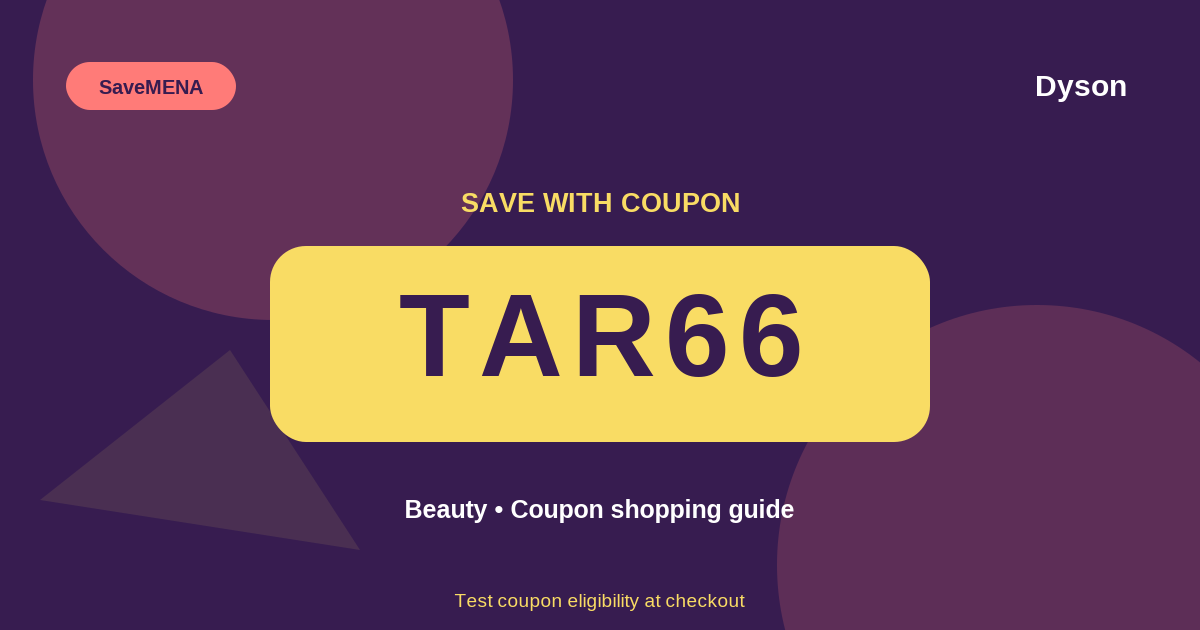
Codes available to try while comparing
These codes are not guaranteed for the article topic or listed brands; test them at checkout and use the live result.
1. Locating the Seller’s Eligibility Notice
Start by scrolling to the product description on the Noon UAE seller’s page. Look for a small text note or a hyperlink that indicates coupon usage is available. Since the coupon is offered through Noon, it appears only if the seller has enabled the coupon field in their settings. Verify that the seller’s name matches the one listed in the coupon terms; mismatching details mean the coupon will not be honored. If there is no visual cue, you can send a quick message to the seller through Noon’s chat to confirm coupon acceptance.
Once you are certain the seller accepts TAR53, add the product to your cart and proceed to the “Review Order” screen.A coupon is not guaranteed; verify its result at the retailer checkout. This pre‑checkout verification protects you from entering unnecessary payment details that will later be rejected.
2. Checking the Availability of the Coupon Code
At the “Review Order” stage, locate the coupon box on Noon. Here, enter TAR53 exactly as it appears, paying close attention to capitalization and spacing. A correctly entered code is typically accepted instantly, and a line appears indicating the discount amount. If the code is not recognized, double‑check for typos, as Noon’s system is case‑sensitive.
If the coupon field shows a message like “Not eligible for this item” or “This coupon can’t be applied to your order,” it means your selected seller or product category does not support TAR53. The only ways to resolve this at checkout are to revert to a seller that accepts the coupon or remove the product from your cart. Remember, a coupon can only function if the seller, Noon, and your selected payment method all align.
3. Identifying the Acceptable Payment Methods
On the checkout screen, Noon lists accepted payment methods under “Payment Options.” For a UAE shopper, common methods include Visa, Mastercard, American Express, and digital wallets like Apple Pay or Noon Wallet. Check that the seller explicitly lists the payment method you plan to use; some sellers restrict payment to credit cards only, while others allow Cash on Delivery.
When you select a payment method, Noon’s UI will display a brief note about any additional verification—such as a 3D Secure PIN or OTP—to confirm the transaction. If your chosen method requires multi‑step authentication, be ready to complete this during checkout, as skipping could invalidate the coupon application or the order itself.
4. Assessing the Impact of Delivery Options on Payment
Delivery charges are added after the coupon discount but before payment confirmation. Noon offers several delivery speeds such as Standard, Express, and next‑day courier. Each has a distinct fee and may affect the final payable amount when your coupon is applied.
Verify that your selected delivery mode is available for the seller’s store location and that it does not require a separate payment method exemption. If the delivery charge is paid via a different method (e.g., Cash on Delivery), confirm that the coupon remains valid for the subtotal only, not the total shipping cost. This detail can be confirmed in the “Order Summary” box before you approve the transaction.
5. Reviewing Refund and Cancellation Policies
Every seller on Noon publishes its own refund policy. In the context of using a coupon, note that any replacement or refund process may involve the original payment method. Clarify whether upon return you’ll receive a full credit to your card or a voucher that can only be used on future Noon UAE seller purchases.
Before finalizing payment, scroll to the “Terms and Conditions” link that appears within the checkout. Confirm that the policy outline references the chosen payment method—especially if you have a disposable or pre‑paid card. This ensures that if the seller does not honor the coupon during the initial sale, your refund route aligns with your payment plan.
6. Using Coupon CODE TAR53 with Dyson Beauty Products
Dyson is listed under the beauty sector for its innovative hair tools. If the seller offers Dyson items, they typically allow coupon usage on a per‑product basis. Verify that the specific Dyson product you intend to buy accepts TAR53 by checking the eligibility box during checkout.
Once the coupon applies, the discount will appear next to the subtotal. If the item’s seller uses a unique payment gateway—for example, a third‑party vendor integrated in Noon—double‑check that the gateway supports the coupon. If compatibility issues arise, the system may revert the coupon, prompting you to switch to a different seller or payment method.
7. Calculating the Final Payable Total
The “Order Summary” area consolidates product prices, coupon savings, delivery fees, and any applicable taxes. Carefully inspect each line item to confirm that the discount TAR53 has been deducted from the correct amount. The total payable should not carry any hidden charges unless you selected a higher delivery tier.
Pay particular attention to the tax indicator, which in Gulf regions includes VAT. Since Noon automatically applies this, the final figure will show clearly whether the coupon has reduced the pre‑tax amount or the post‑tax total. A discrepancy here can indicate a misaligned payment method or an unexpected fee, so double‑check before you click “Place Order.”
8. Completing the Purchase and Verifying Payment Confirmation
Once you unlock the “Place Order” button, Noon will process your payment through the selected method. The system introduces a verification prompt, such as an OTP or a 3D Secure password, that finalizes the transaction. This step is also where the coupon’s eligibility is reconfirmed.
After payment approval, you will receive an SMS or email confirming your order ID and payment receipt. Capture this confirmation for future reference. If the coupon was not applied or the payment fails, log the error message and contact Noon support or the seller directly for resolution before initiating any new payment attempts.
Related SaveMENA pages
Related articles
Official sources to check
Frequently asked questions
What happens if the coupon code TAR53 is not accepted at checkout?
If Noon displays an error when you enter TAR53, it indicates that the selected seller or product does not support the coupon. Double‑check seller eligibility earlier and consider choosing a different seller or product that accepts the code.
Can I use multiple payment methods for a single order?
Noon typically allows one primary payment method per order. However, for delivery fees or gift cards, you can sometimes allocate additional amounts, but these are distinct from the main payment used for the product purchase.
Will the coupon affect my refund amount?
If the seller returns your product, the refund is processed back to the original payment method after accounting for any applied discount or shipping cost. Check the seller’s refund policy for exact calculations.
Is it safe to use a disposable card for payment?
Disposable cards are supported if the seller’s payment gateway accepts them. Verify at checkout that the system processes the card without errors; otherwise, switch to a standard credit or debit card for a secure transaction.