Logitech Gaming on Noon UAE: payment method — seller checks · TAR92
Ensuring you get the right deal when shopping on Noon UAE as a seller involves a step‑by‑step check, particularly before trusting a coupon code.
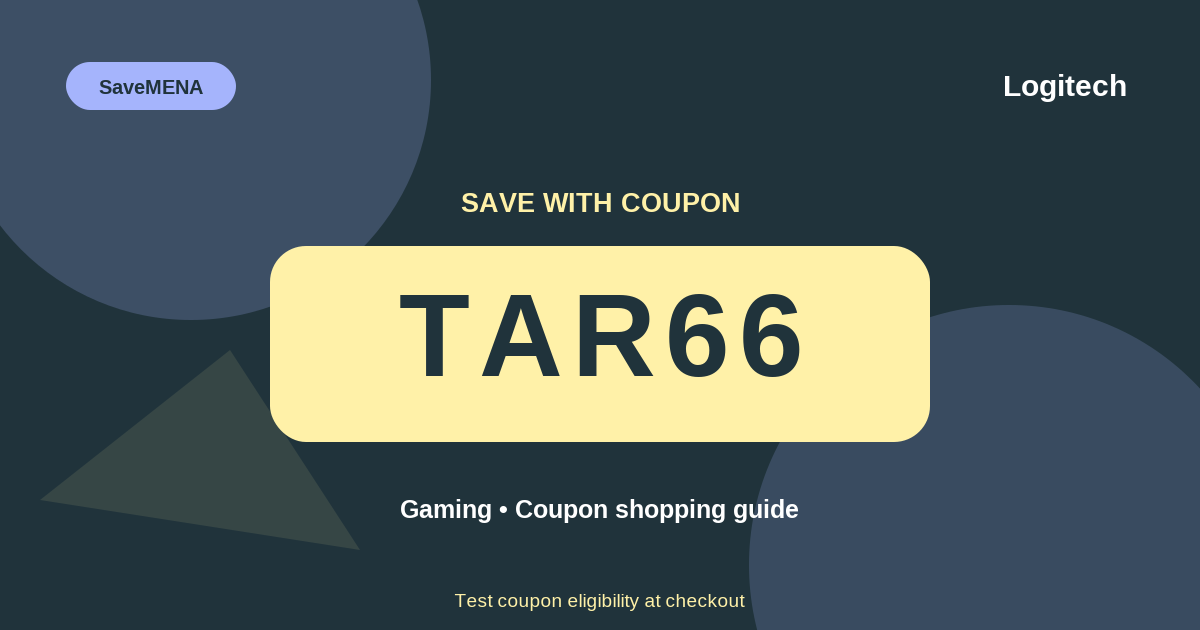
Codes available to try while comparing
These codes are not guaranteed for the article topic or listed brands; test them at checkout and use the live result.
Identify the Noon UAE Seller and Verify Their Credentials
Begin by locating the product listing and noting the seller’s name displayed beneath the price. Noon UAE sellers vary in reputation; a high rating usually means reliable service and prompt shipping. To confirm the seller’s credibility, click the seller link to view their profile. On the profile page, you’ll find previous customer reviews, return policies, and their membership tier within Noon. These details help you gauge if the seller is likely to honor the coupon code and handle any payment‑related queries promptly.
If the seller’s profile appears sparse or tagged as a new vendor, proceed with caution. Check the product’s “Seller” tag again to confirm it is the same entity across all relevant pages. Sellers with a history of disputes over coupon usage may face vendor‑specific restrictions.A coupon is not guaranteed; verify its result at the retailer checkout.
Confirm the Product is Gaming Logitech and Compatible with Coupon Usage
Your focus lies on gaming peripherals from Logitech—whether a mechanical keyboard, gaming mouse, or headset. Examine the product description carefully for brand confirmation and category tags. Noon categorizes items under “Gaming” and “Logitech” in separate filters; selecting both narrows the list to items that fit your criteria. Ensure the selected variant (size, color, feature set) matches the listing to avoid mismatch issues when the coupon is applied.
Next, investigate whether the product’s “Promotions” section lists any currently active discounts. Pay particular attention to whether the advertised coupon code appears, or if a “use coupon” button is available during checkout. If the interface allows you to enter a coupon before the final price is shown, you have preliminary confirmation that the current seller and product accept third‑party promotions. This verification step is essential before committing to a payment method that will be charged.
Add Items to Cart and Test Coupon Compatibility
Place the desired Logitech gaming item into your shopping cart. At this juncture, look for an “Apply Coupon” field. Enter the code TAR92 and observe whether the platform immediately flags any errors, such as “Coupon Not Eligible” or “Minimum Purchase Not Met.” If the screen accepts the code, it indicates provisional compatibility. Even if the discount greets you, keep in mind that the final validation takes place later in checkout, where payment method and cart total may influence acceptance.
Some sellers restrict coupon usage to their own promotional codes only. If Noon’s interface rejects TAR92 even before reaching checkout, the coupon is probably inapplicable to that particular vendor or product. In that case, you may still proceed with a standard purchase but won’t receive the additional savings. Document the response you receive, as it will guide whether you need to search for a different seller offering compatible conditions.
Explore Available Payment Methods for Gaming Purchases
Noon UAE offers several payment avenues, ranging from international credit cards to Noon Wallet and local bank transfers. For gaming gear, especially where timely delivery is critical, selecting a secure, instant payment route minimizes delays. Credit cards typically process instantly, while bank transfers might take one to two business days. Noon Wallet offers the advantage of leveraging promotional credits or reward points when available.
Understand the nuances of each method: credit cards bear a fixed transaction fee, sometimes charged to the buyer; Noon Wallet may have a small processing fee if balance is insufficient. If you’re using a loyalty program that rewards gaming purchases, confirming which payment method unlocks those benefits is crucial. During checkout, the payment section will show all applicable options, ensuring you can choose the one that aligns best with your coupon strategy.
Assess Credit Card and Noon Wallet Terms Before Confirming
Prior to finalizing, scrutinize each payment option’s terms and conditions. Credit card holders should confirm that the transaction will not trigger a high‑risk flag, especially when adding a coupon code. Some cards block payments if the merchant’s revenue falls below a threshold, which can happen with niche gaming items. Noon Wallet, meanwhile, requires a minimum balance; if your balance is low, the wallet may revert to a linked card but still honor the cashback offered by Noon.
If you plan to use a corporate credit card or a card with spending limits, double‑check that the pre‑authorization will fit within your budget. This step avoids post‑purchase disputes or returns caused by exceeded limits. Also, review the refund policy tied to each payment method; certain cards offer extended protection periods compared to the vendor’s standard return window, which can be beneficial for high‑value gaming gear.
Examine the Order Summary and Apply TAR92 Before Final Payment
When you reach the order summary, the total will list product cost, any applicable taxes, and the discount placeholder displayed if the coupon was accepted earlier. At this point, confirm that the discount applies as you expect—though don’t rely on the preview alone. Since the final price is recalculated just before payment, minor differences may emerge based on the payment method chosen, due to added fees or dynamic pricing.
Enter TAR92 again, if required, and watch for any confirmation message that the coupon has been applied. In cases where the code triggers a delayed validation, the field may show “Coupon applied, pending verification.” This behaves as a final reminder that the discount’s eligibility will be evaluated with your selected payment method, ensuring the vendor’s policies are upheld in real time.
Finalize Payment and Confirm Coupon Acceptance at Checkout
Proceed to the “Pay” button and select your payment method from the list. A final review screen will display your chosen method and the net amount due. At this juncture, Noon’s system performs a last‑minute check of coupon compatibility. If TAR92 is valid, the discount is applied; if not, the platform might revert to the original price, leaving a notice that the coupon was declined. In that case, confirm whether a different seller or product variant may allow the voucher.
After confirming payment, you’ll receive an order confirmation page and a text/email notification summarizing the transaction, including the final price paid. Keep a copy of this receipt; it’s useful for any post‑purchase inquiries regarding the coupon’s status or for verifying eligibility if you wish to dispute a charge. This step marks the culmination of the payment decision lens—ensuring the method you opted for aligns with your coupon expectations.
Post‑Purchase Steps: Verify Delivery and Contact Support if Needed
Once the order is placed, monitor the tracking details supplied by Noon. Delivery timeframes for gaming peripherals often vary by region and seller. If you notice an unexpected delay or the item doesn’t arrive, reach out to the seller directly through Noon’s messaging function. Since you explicitly used a coupon, reference TAR92 and the seller’s name when raising the issue to expedite resolution.
If the coupon was unexpectedly rejected at checkout or the final amount does not reflect your anticipation, open a support ticket with Noon. Provide screenshots of the checkout page and any error messages. The support team can verify whether the code was applied correctly, whether the seller’s policy excludes such promotions, or if a technical glitch occurred. Prompt attention to these details ensures any mistake is corrected without impacting your payment or the received item.
Related SaveMENA pages
Related articles
Official sources to check
Frequently asked questions
How can I be sure TAR92 will not be rejected once I choose a payment method?
TAR92’s acceptance is finalized during the checkout payment step. If the vendor or shop has restrictions on certain payment types, this will be reflected in the final summary before you confirm the payment.
Can I reuse TAR92 on multiple Logitech gaming items?
Each use of TAR92 applies to a single transaction. Redeeming it after one purchase in the same session won’t carry over to a subsequent order.
Will my Noon Wallet balance be affected if I use a credit card for payment?
No, selecting a credit card will charge that card and won’t draw from your Noon Wallet, unless you’ve set a default payment method.
What should I do if the coupon code is initially accepted but is later shown as declined?
Check the final payment summary; if the coupon is listed as declined at that point, contact Noon support immediately to clarify the status and seek a refund if applicable.