Sony Gaming on Noon UAE: payment method — seller checks · TAR92
Locate the product page for the Sony game you wish to purchase and double‑check the “Coupon” section.
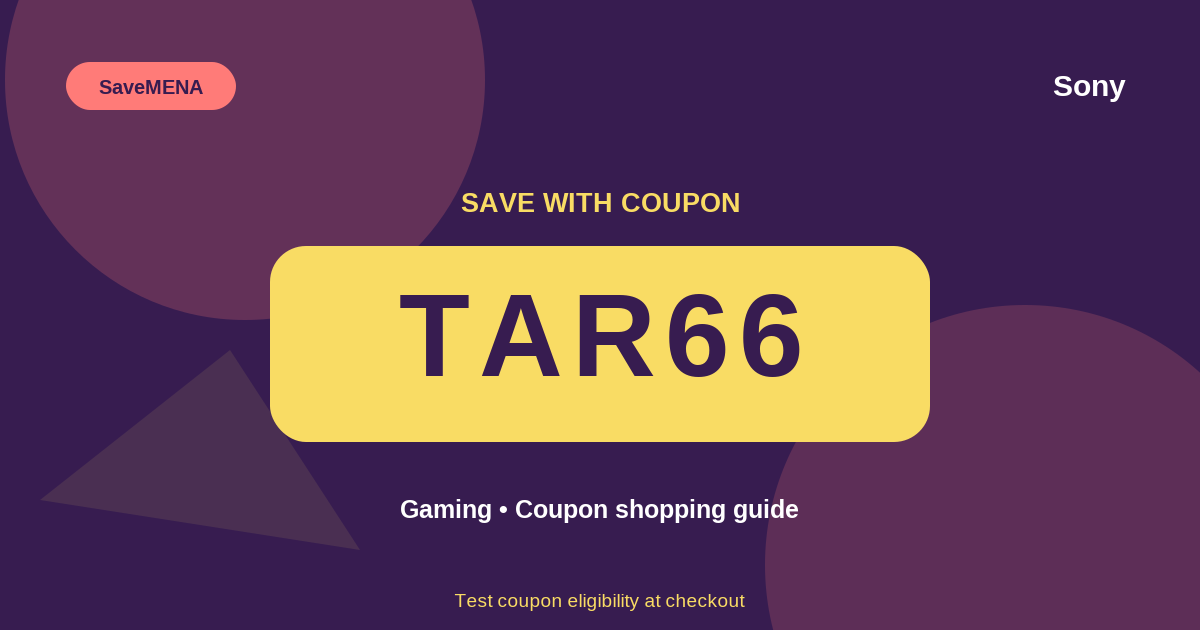
Codes available to try while comparing
These codes are not guaranteed for the article topic or listed brands; test them at checkout and use the live result.
2. Confirm Coupon Eligibility With the Seller
Locate the product page for the Sony game you wish to purchase and double‑check the “Coupon” section. The TAR92 coupon should appear in the list of available discounts. Sellers must explicitly display the applicable coupon codes on their pages for the code to be usable at checkout.
When you hover over or click the coupon, Noon will display a tooltip or a small message confirming its eligibility for that item. If the tool does not mention TAR92, proceed to ask the seller directly via the messaging feature or consult the product description for any “coupon not applicable” flags.A coupon is not guaranteed; verify its result at the retailer checkout.
3. Inspect Game Variant and Edition
Gaming titles often come in multiple editions: Standard, Collector’s, or Digital. Make sure you select the exact edition you intend to buy, as the coupon might only apply to certain versions. Look for clear labels like “Edition: Standard” or “Edition: Collector’s.”
Additionally, verify that the game edition is compatible with your platform. Sony offers games for PlayStation 4 and PlayStation 5; the seller’s listing should specify the console version. If the edition or platform is ambiguous, reach out to the seller for clarification before proceeding.
4. Review Payment Options Before Finalizing
Noon supports several payment methods, including local credit cards, debit cards, and various digital wallets. Select “Sony payment method” from the list of options to align with your budget and convenience. Ensure this option is available for the specific seller and product.
Check if the chosen payment method requires any additional authentication, like a One‑Time Password or a linked banking app. If there is a step you cannot complete, contact Noon support to confirm whether the payment method is accepted for your purchase. This pre‑order validation step aligns the payment option with seller policies.
5. Check Delivery & Shipping Conditions
Inspect the seller’s shipping policy listed on the product page. Gold‑standard sellers frequently ship within the UAE on the first business day. Look for a guarantee like “Delivery in 1–3 business days” or similar. Ensure the seller ships to your specific emirate.
Some sellers may offer expedited or standard shipping at no extra fee. In that case, confirm if any additional handling charges apply for premium delivery. An accurate shipping estimate will prevent surprises later when you review the order total.
6. Understand Return and Exchange Terms
Gaming products have strict return rules, especially for digital items. Examine the seller’s return policy, usually listed under “Returns & Exchanges.” Look for a clear statement on ballot options: “Return within days of receipt” or “Exchange only with original packaging.”
Confirm whether the seller offers a return shipping option on faulty items or if the buyer covers the cost. Knowing this ahead of purchase ensures you are comfortable with the seller’s approach to post‑sale support.
7. Double‑Check Checkout Accuracy
On the checkout page, review the item subtotal, applied coupon, tax, and final total before committing. The TAR92 coupon should reduce the payable amount instantly, and the revised total should reflect this reduction clearly next to the product price.
Before confirming, confirm that the selected payment method is still “Sony payment method.” If it has changed, re‑select the correct option. Finally, check that the delivery address and shipping method match your expectations. A cautious checkout prevents post‑purchase discrepancies.
8. Proceed With Purchase Safely
Once all conditions are verified—seller reputation, coupon applicability, variant selection, payment method, delivery, and return policy—click the “Place Order” button. Keep any order confirmation or email for reference and verify that the coupon code is listed in the order summary.
After placing the order, monitor your email for a receipt detailing the final paid amount, coupon usage, and tracking information. If any detail appears inconsistent, contact Noon or the seller promptly. Completing these final checks secures a smooth purchasing experience.
Related SaveMENA pages
Related articles
Official sources to check
Frequently asked questions
Does the TAR92 coupon apply to all Sony gaming titles on Noon?
Only if the seller explicitly lists TAR92 as an available discount for that specific product. Check the coupon field on each product page to confirm eligibility before applying.
What should I do if the seller does not accept the Sony payment method?
Check the seller’s payment options on the checkout page. If “Sony payment method” isn’t listed, choose another available method or contact the seller to verify if it can be added.
Will applying the coupon change the shipping cost?
Coupon codes usually only affect the item price. Shipping fees are typically calculated separately and remain unchanged unless the coupon specifically offers free shipping, which would be noted on the product page.
How can I confirm the seller’s authenticity before applying the coupon?
Review seller ratings, read recent reviews, check for badges like “Verified” or “Top Rated,” and examine the seller’s activity history on Noon to ensure reliability.