Anker Headphones on Noon UAE: payment method — seller checks · TAR92
Not all Noon listings are created equal. When you search for Anker headphones, pay close attention to the seller badge, shipping origin, and seller type.
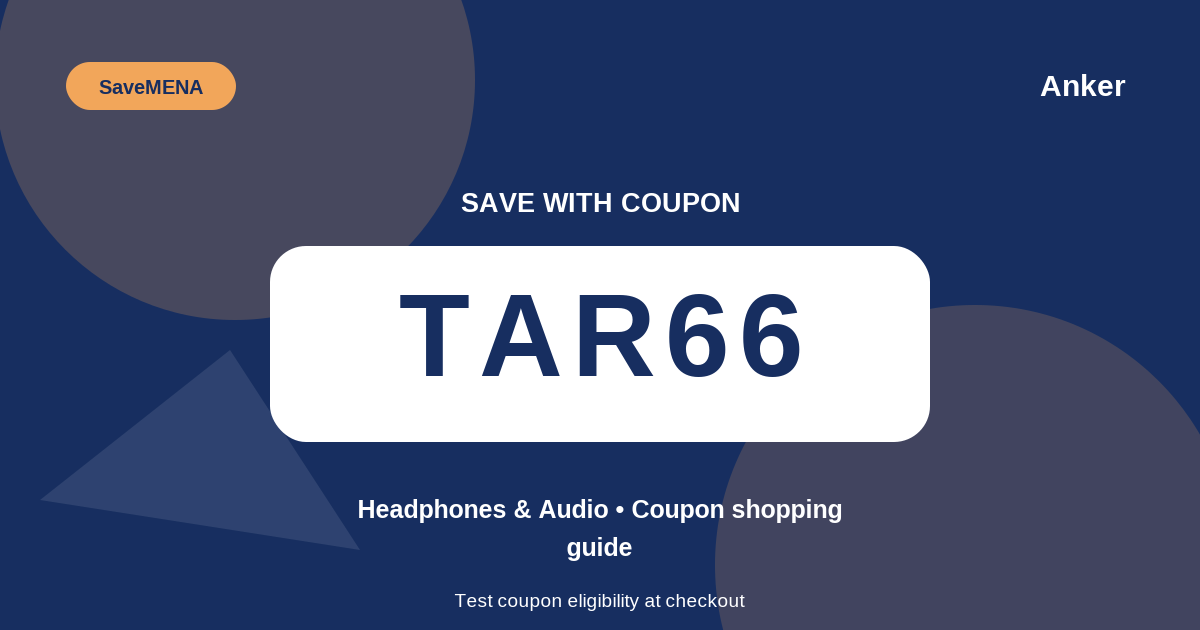
Codes available to try while comparing
These codes are not guaranteed for the article topic or listed brands; test them at checkout and use the live result.
1. Choosing the Right Noon UAE Seller for Headphones
Not all Noon listings are created equal. When you search for Anker headphones, pay close attention to the seller badge, shipping origin, and seller type. Premium sellers often display the “Gold Seller” icon and have verified business accounts, which can raise confidence in receiving authentic gear. Scanning these indicators quickly helps filter out non‑merchant vendors that might list items without proper inventory management.
2. Evaluating Seller Reliability and Product Authenticity
Beyond the e‑commerce badge, probe the product description for manufacturing details, return policy, and warranty information. Anker’s official specs should match the item’s listing; any discrepancies could signal a counterfeit. Look for product images provided by the seller themselves and cross‑reference them with official Anker imagery to spot potential mismatches.
3. How to Properly Apply the TAR92 Coupon on Noon
The TAR92 coupon is a promotional code you can try on any qualifying headphone listing. Start by adding the item to your cart, then proceed to the cart summary page. In the “Coupon Code” section, type TAR92 and hit “Apply.” The system will immediately recalculate the price if the coupon qualifies. Always double‑check that the “Apply” button confirms the usage before moving to the payment step.
If the coupon fails to apply, note the error message that appears; it may reference eligibility or usage limits. In such cases, you might still benefit from a future promotion, but for the current transaction the discount won’t be recognized.A coupon is not guaranteed; verify its result at the retailer checkout.
4. Verifying Coupon Eligibility Before Payment
Coupon validation on Noon is executed at checkout. After entering the TAR92 code, the cart total will update only if the code meets the seller’s criteria. If the cart still shows the original price, that indicates the coupon is not applicable to that particular product or seller. This step is essential because applying a coupon that isn’t supported can lead to a paid order that doesn’t reflect the intended discount.
5. Payment Method Flexibility: Selecting a Method that Meets Your Needs
Now that you’ve confirmed the coupon’s validity, choose a payment method. Noon allows credit cards, debit cards, e‑wallets, and even cash‑on‑delivery in certain regions. Each option offers different advantages: cards provide instant authorization, e‑wallets may offer exclusive offers, and cash‑on‑delivery can serve as a safety net if you’re wary of online payments.
6. Secure Checkout Practices on Noon
Once payment is selected, go through the secure checkout interface. Pay attention to the card information mask and the confirmation prompt that lists seller, product, total amount, and applied coupon. This page is your final chance to catch discrepancies—missing coupon discount, wrong shipping location, or mis‑entered payment information.
7. Post‑Purchase Support and Warranty for Anker Headphones
After payment, a seller‑provided email will confirm the order and provide tracking details. Anker headphones usually come with a standard one‑year warranty. Even if you purchased via Noon, the warranty is still valid, granted you’ve received a genuine product from a verified seller. Keep the original packaging and receipt for rapid claims if needed.
If you encounter issues, contact the seller directly through Noon’s messaging system. Many sellers list return windows and exchange policies; ensuring these align with Anker’s global policy can prevent complications. For hardware defects, you may also reach out to Anker’s customer service, which might assist regardless of the seller’s location.
Related SaveMENA pages
Related articles
Official sources to check
Frequently asked questions
Does the TAR92 coupon apply to all Anker headphone models on Noon?
The coupon must be entered and validated at checkout. If it does not appear as applied, it may not be eligible for the specific model or seller. Verify the applied status before proceeding.
Can I change my payment method after applying the TAR92 coupon?
Yes, you can select a different payment method during checkout. Just make sure the coupon has already been applied and verified before confirming the new payment option.
What if my selected Noon seller does not accept the TAR92 coupon?
In that case, the coupon will not apply. You can still purchase using a different seller or try the code later when it might be valid for another listing.
Will my Anker headphones be shipped with a warranty even if purchased through Noon?
Anker’s global warranty remains valid for genuine products, regardless of the seller. Keep the receipt and packaging for warranty claims if needed.