Dyson Home Appliances on Noon UAE: payment method — seller checks · TAR53
Dyson’s lineup includes fans, vacuums, air purifiers, and heaters—all classified under Home Appliances on Noon.
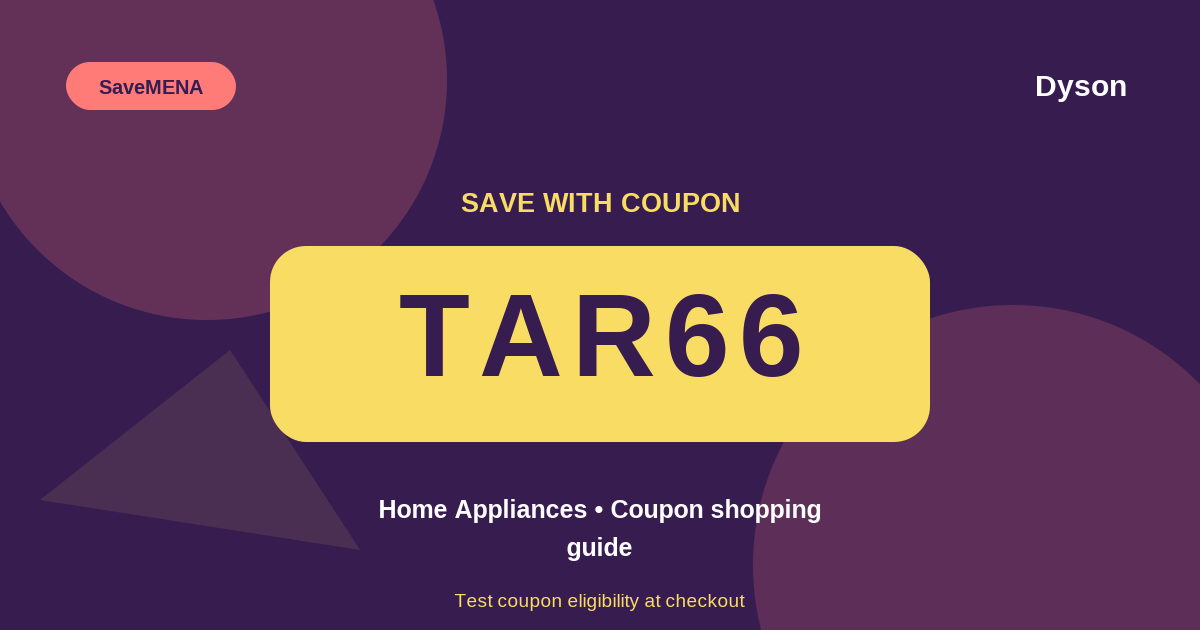
Codes available to try while comparing
These codes are not guaranteed for the article topic or listed brands; test them at checkout and use the live result.
Choosing the Right Dyson Product for Your Needs
Dyson’s lineup includes fans, vacuums, air purifiers, and heaters—all classified under Home Appliances on Noon. When choosing a Dyson appliance, weigh the feature set, capacity, and compatibility with your home environment. Look for product descriptions that list dimensions, power consumption, and consumable parts, as these inform your long‑term use and maintenance plans. Confirm that the product is genuine by checking the Dyson branding and packaging details in the photos.
For power‑related decisions, examine the listed wattage and check whether your home electrical setup can support it. Dyson appliances often come with multiple speed settings, so ensure the selected model meets your comfort preferences. If you need a product that matches a specific décor style, review the color options and compare them against your existing furnishings. By doing a quick feature match, you reduce the chance of returning an appliance due to unmet expectations.
Seller Reputation and Coupon Compatibility
Even if a seller is verified, coupon compatibility isn’t automatic. Some Noon UAE sellers participate in brand‑specific promotions that exclude third‑party coupons. Double‑check the product page for a note on coupon use—for example, “This item cannot be combined with external coupons.” If the page is silent, proceed to try the code in the cart, but be prepared to adjust your payment plan if the system rejects it.
At this stage, note the payment method you intend to use—credit/debit card, Noon wallet, or UPI. Certain sellers restrict the use of specific payment methods when a discount code is applied, which can occur if the liability mix or transaction size triggers additional processor rules. If you often use a particular banking channel, verify in the seller’s FAQ whether that method is acceptable during coupon checkout before adding products to the cart.
Payment Method Influence on Coupon Acceptance
The payment method you select can influence the coupon’s application because some currency conversion or taxes may be calculated after the discount is applied. For example, if you choose a local bank card, the gateway may apply a service fee that is not deducted from the coupon amount. Check whether the cashier screen shows the coupon discount before the fee, as that determines your net payment.
If you plan to use a multiple‑currency card or an international payment, ensure the seller accepts that card type. At Noon, the final payment screen will display the transaction currency and any conversion rate used. This step is critical because a mismatch can lead to additional charges that offset coupon savings, especially on higher‑priced Dyson appliances. By confirming compatibility ahead of time, you avoid unexpected extra costs.
Step‑by‑Step: Applying the TAR53 Coupon at Checkout
Add the selected Dyson appliance to your cart, then navigate to the checkout page while still signed into Noon. In the “Enter Coupon Code” field, type TAR53 and press “Apply.” If the code is live, the system will immediately show a reduction—though it might not disclose the exact amount. Feel free to scroll to the total section for the final figures before proceeding.
If the system rejects the coupon, view the error message for clues: it may indicate the coupon is no longer valid or incompatible with the chosen payment method or seller. In such cases, revert to the original price or search for an alternate seller that accepts the code. Always keep the original cart items saved, so you can try an alternate path without losing your selected product.
Potential Payment Method Restrictions for Coupon Use
Some payment methods on Noon may not allow coupon usage if the merchant or processor has a reservation policy. For instance, a quick bank transfer might bypass the issuer’s benefits and thus be blocked for discounted items. Conversely, a pre‑approved credit card might be fine but will still show a different fee structure.A coupon is not guaranteed; verify its result at the retailer checkout.
If you notice a mismatch—such as a “Coupon cannot be used with this payment method”—you have two options: switch to a different card or use a different seller who permits the code with your card. Because the checkout is the final reference for eligibility, double‑checking the payment method pre‑confirmation mitigates a costly post‑purchase correction.
Order Confirmation and Payment Verification
After selecting “Place Order,” wait for the confirmation screen that lists the final payable total, coupon application, and selected payment method. This screen is the definitive proof of the agreed amount. If the coupon discount or payment fee differs from what you anticipated, contacting Noon support before the order is processed is advisable. The confirmation email also links to the transaction details, which is useful for warranty and return purposes.
Keep the confirmation screenshots or emails safe, especially for higher‑value Dyson appliances. Should your payment method be flagged post‑sale, the seller and Noon’s support team can identify the issue from the confirmation data. Maintaining this documentation helps in claims or warranty claims, ensuring that the Home Appliances you purchased are backed correctly.
Final Tips for a Smooth Home Appliance Purchase
Before you commit, compare the seller’s return window and warranty terms directly on the product page. Verify that the listed warranty aligns with Dyson’s factory guarantee. Additionally, check the shipping policy: confirm the delivery window and whether the chosen payment method affects shipping priorities or insurance coverage for the product.
Related SaveMENA pages
Related articles
Official sources to check
Frequently asked questions
Is the TAR53 coupon valid for all Dyson products sold by Noon UAE sellers?
The coupon code is available to try but may not automatically apply to every Dyson item. Check the product page or cart for indication. If it is not accepted, consider contacting the seller or trying another seller that lists the code among its active promotions.
Will using a Noon wallet affect the application of the TAR53 coupon?
Payment method can influence coupon acceptance. Some sellers may allow discount codes with Noon wallet, while others only accept card payments. Verify the seller’s coupon policy before choosing your preferred payment option.
What should I do if the coupon is rejected at checkout?
If the system rejects the code, review the error message for clues. It may be incompatible with the seller or payment method. You can switch to a different seller or payment channel or contact Noon support for clarification.
Can I combine the TAR53 coupon with other promotional offers?
Coupons typically cannot be combined with other discounts or promotions unless explicitly stated on the product page. Check the seller’s terms or contact Noon support to confirm if stacking is permitted for your chosen product.