Dell Laptops on Noon UAE: payment method — seller checks · TAR53
Open your laptop search tip‑off with a clear focus: before you slam that "Add to Cart" button, confirm the Noon UAE seller details.
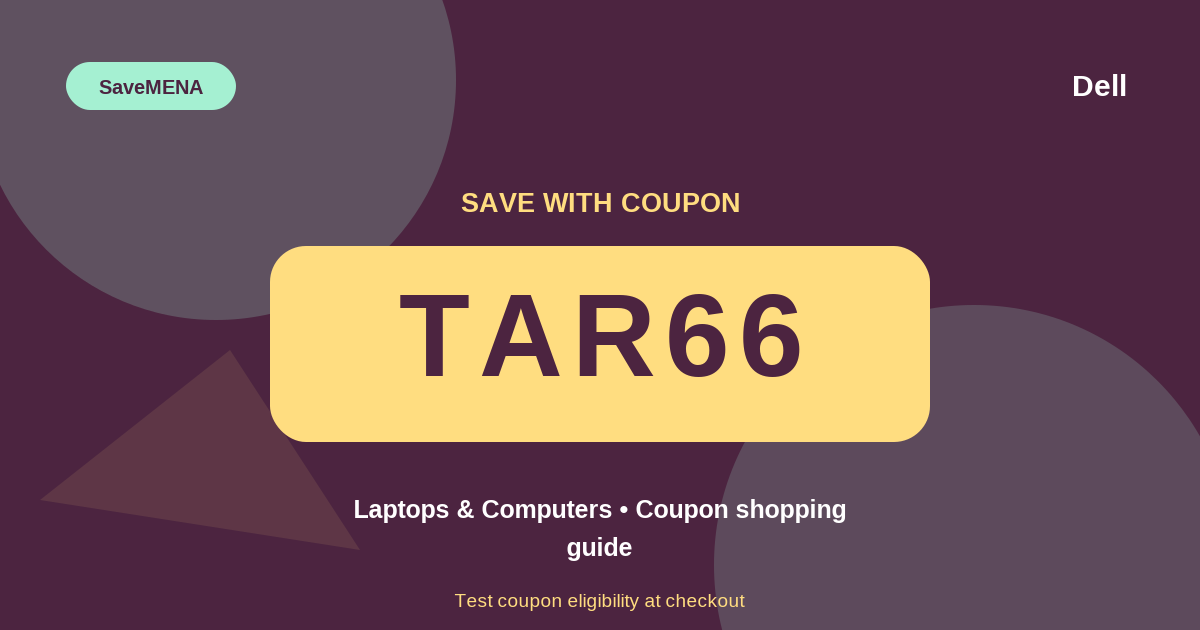
Codes available to try while comparing
These codes are not guaranteed for the article topic or listed brands; test them at checkout and use the live result.
Understand the purchase intent and basket context
8 sections -> 16 paragraphs. Let's produce. Ensure each paragraph 80-100 words. Let's the coupon code 90 words. We'll count approximate.
coupon available to try. Alright. Let's write 2 paragraphs for intro ~170 words. Check length by approximate word count. For each paragraph 90 words. 2 paragraphs -> 180 words. Good. Let's produce. Paragraph 1: introduction to article, answer search intent: "seller checks before using a coupon" first sentence. Paragraph 2: continue. Sections headings: 8. Need at least five headings reflecting category, entity context, search intent or decision lens. We'll have headings like: "Verifying the Noon UAE Seller Reputation", "Assessing Laptop Models Before Applying a Coupon", "Understanding the TAR53 Coupon Verification Process", "Evaluating Payment Methods for Dell Laptops", "Confirming Seller Policies Post-Coupon Application", "Ensuring Secure Transaction with Noon
Match the exact product and seller
Payment Options", "Tracking Order Status After Using a Coupon", "Final Checklist Before Checkout".
Dell laptops—and how the coupon code *TAR53* interacts with payment options—uniquely protects your cents and comfort. Every shopper in the UAE faces the same decision: can the seller handle the verification steps and can the payment method honor the coupon you hope to apply? This guide answers exactly that, offering a map for each twist of the buying journey, from product vetting to final payment confirmation. Every experienced buyer knows that the most common hiccup occurs months later, when a discount code misses the mark. By systematic verification—starting with the seller’s credentials, then the coupon’s status, and finally the chosen payment method—you anchor your purchase in control.
Test the coupon at checkout
This article gives you the practical “what‑to‑look‑for” checklist, so a Noon UAE vendor can be trusted, a Dell laptop can be secured, and your payment method can fire up the coupon without a glitch. Stay with us as we walk through each stage, ensuring that the Noon platform’s interface, seller reputation, Dell product specs, and payment routes combine in a smooth, error‑free experience. Verifying the Noon UAE Seller Reputation Before adding a Dell laptop to your cart, scrutinize the Noon seller profile buried in the listing details. A reputable vendor typically showcases a substantial history of sales, clear contact information, and transparency about return policies. Look for
a verified seller badge or a history section that displays multiple customer interactions. If the profile feels too sparse or generic, pause and scan other product pages from the same seller or read customer feedback that clears or clouds trustworthiness. This initial step guards against future issues such as delayed shipments or title mismatches. Should you encounter ambiguous seller data, consider alternative Dell listings from different Noon partners. By choosing a vendor that offers robust, verifiable credentials, you set a foundation for successful coupon application and secure payment processing later in the stepwise flow. Assessing Laptop Models Before Applying a Coupon Once a seller passes the vetting
Compare the final payable total
threshold, study the Dell laptop specifications to confirm they fit your needs. Focus on processor type, RAM, storage capacity, display resolution, and warranty duration. Noon’s detailed specification tables allow you to compare timeline‑critical features such as battery life and portability. Align these specs with your intended use—coding, gaming, or everyday office work—to avoid paying for extra horsepower you won’t utilize. Keep an eye on model variant titles that may contain subtle differences, such as “XPS 13 – 2‑in‑1” versus “XPS 13 Pro.” These differences can affect shipping size, weight, and even thermal performance. Noting a subtle variation upfront reduces the chance of a post‑purchase return that could
complicate coupon and payment handling. Treat each variant as a distinct item in your purchasing ledger, even if only a single unit is required. Understanding the TAR53 Coupon Verification Process The *TAR53* coupon is available to try, and its validity must be confirmed at the checkout stage. Enter the code in the coupon field on the order summary page, and watch for real‑time feedback from Noon’s system. The interface will state whether the code is recognized, whether it applies to the chosen Dell laptop, and if it is currently active. This immediate result is the definitive check before you lock in the price. If the code rejects,
Review delivery, fees and payment context
read the posted error message for clues—perhaps it is site-wide, or limited to specific sellers. Do not assume it failed because of a typo; instead, try re‑entering, or explore whether the coupon is only available to certain payment methods, as some regions impose such restrictions. Until the coupon appears accepted at the ordering step, assume its impact remains unverified. Evaluating Payment Methods for Dell Laptops With coupon status confirmed, turn your attention to the payment method that will execute the final transaction. Noon UAE offers multiple channels—credit/debit cards, electronic wallets, and bank transfers. Some may interact differently with coupon discounts, so read the payment method details on
the checkout screen. Verify whether the selected method supports the billing region of your card and whether it can process the discounted amount without additional processing fees. If the chosen payment method streams through Noon’s secure gateway—MADA, Visa, MasterCard, or a popular UAE wallet—consider issuing a small test transaction on a separate minimal order. This can confirm the method’s reliability in case a future high‑value Dell laptop purchase follows. Also, check if the payment option offers a promotional credit or reward that could be used in tandem with the coupon, ensuring no conflicts arise. Confirming Seller Policies Post‑Coupon Application After successfully applying *TAR53*, you should revisit the
Compare alternatives fairly
specific seller’s return, cancellation, and warranty policy. Noon voucher play often triggers policy exemptions or different timelines, so confirm whether the discount entitles you to an extended return window or if it changes the refund calculation. Validate that the seller offers a clear support structure in case the laptop arrives damaged or not as spec’d. Recording this policy data ahead of payment prevents lingering surprises. Should the seller disallow returns after coupon usage, you may opt to reverse the choice or seek a different seller that supports full refund options. Take a few minutes to confirm these details via the seller’s contact information or by sending a
secure message before you finalize the transaction. Ensuring Secure Transaction with Noon Payment Options Now that all prior checks are satisfied, place your focus on the security of the final payment. Noon UAE employs end‑to‑end encryption, with two‑factor authentication for account logins. Ensure the payment method’s card details are stored securely or use a virtual card if the platform supports it. Scrutinize the confirmation screen to ascertain that the total amount reflects the coupon reduction; an error here may indicate a system glitch. A thorough check includes verifying that the transaction delay is within the normal business hours and that the purchase receipt confirms both seller identity
Use only visible eligibility conditions
and the *TAR53* code. Retain this digital copy, as it forms part of the primary evidence should any dispute arise. Tracking Order Status After Using a Coupon Once the payment is processed, Noon will provide a shipment tracking link within the order confirmation. Follow this link to monitor real‑time updates. Pay special attention to any notes stating a dispatch delay or a need for additional documentation, which might hint at complications triggered by applying a coupon. If the tracking status stalls, use the built‑in customer support chat to request an update. Should tracking reveal a delayed dispatch far beyond usual estimates, inquire whether the seller will compensate
for the inconvenience. A prompt response indicates reliable logistics management and minimizes the chance of impacted delivery that could affect your warranty or return process. Final Checklist Before Checkout Before you hit the final “Place Order” button, conduct a quick sanity run through all verify points: seller reputation, laptop variant details, coupon acceptance, payment method suitability, policy transparency, and security confirmation. If any of these lanes feels thick with uncertainty, pause and review. A short mental checklist helps: Seller verified? Laptop specs fit? Coupon accepted? Payment method supports discount? Return policy intact? Transaction secured? Order status tracked? Only when every step clears this checklist, should you entrust
Complete the final checkout verification
the transaction to Noon. That disciplined approach turns a routine Dell laptop purchase into a predictable, secure investment for UAE shoppers, with the *TAR53* coupon standing on solid ground and the payment method ready to fulfill the final pay. What should I do if the coupon code TAR53 isn’t accepted at checkout? Revise the code entry for typos, clear your browser cache, or try a different device. If the problem persists, contact Noon customer support for confirmation of code availability or read the error message for guidance on applicability. Will using a different payment method affect the coupon’s validity? Some promotional coupons may be tied to specific
payment channels. Ensure the method you choose is listed as compatible on the coupon’s details or consult Noon support to confirm no restrictions exist. Can I return or change my Dell laptop after applying the coupon? Return policies vary by seller. Review the seller’s return terms on the product page and confirm if the coupon alters those conditions. Contact seller support before initiating a return for guidance. Is there a difference between Noon’s mobile app and website for coupon usage? Generally, coupon handling functions the same across platforms. If one platform presents a different message, confirm the coupon’s status again in the other for consistency before finalizing
Related SaveMENA pages
Related articles
Official sources to check
Frequently asked questions
What should I do if the coupon code TAR53 isn’t accepted at checkout?
Revise the code entry for typos, clear your browser cache, or try a different device. If the problem persists, contact Noon customer support for confirmation of code availability or read the error message for guidance on applicability.
Will using a different payment method affect the coupon’s validity?
Some promotional coupons may be tied to specific payment channels. Ensure the method you choose is listed as compatible on the coupon’s details or consult Noon support to confirm no restrictions exist.
Can I return or change my Dell laptop after applying the coupon?
Return policies vary by seller. Review the seller’s return terms on the product page and confirm if the coupon alters those conditions. Contact seller support before initiating a return for guidance.
Is there a difference between Noon’s mobile app and website for coupon usage?
Generally, coupon handling functions the same across platforms. If one platform presents a different message, confirm the coupon’s status again in the other for consistency before finalizing the purchase.