Apple Tablets on Noon UAE: payment method — seller checks · TAR92
Before you even consider applying a coupon, start by inspecting the seller’s profile in the tablet section.
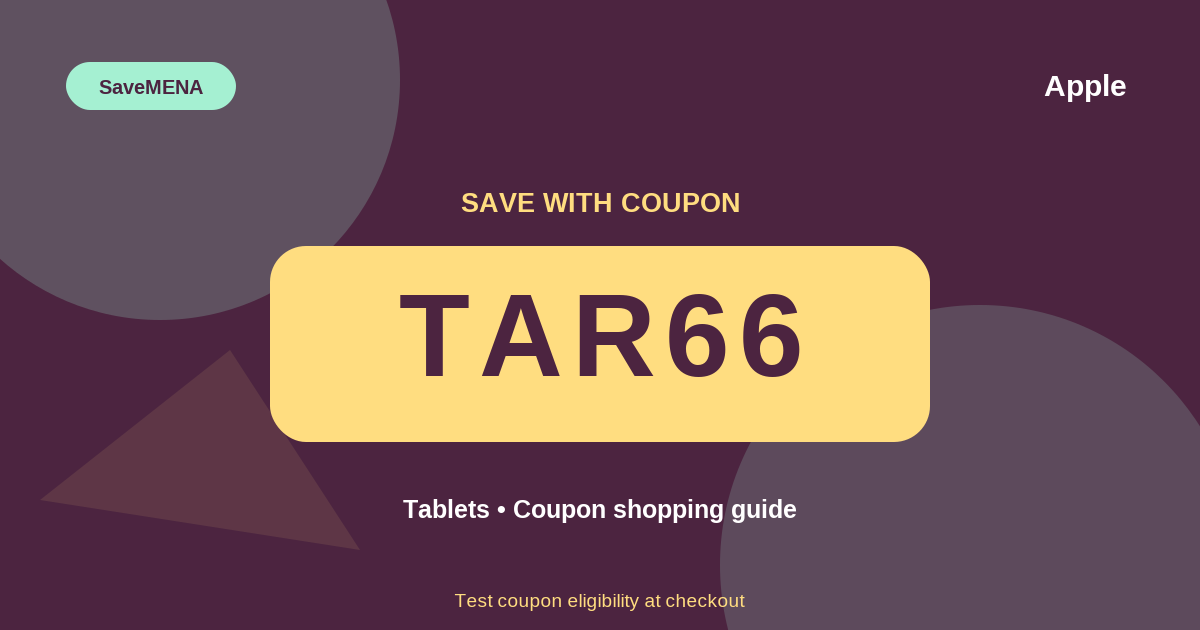
Codes available to try while comparing
These codes are not guaranteed for the article topic or listed brands; test them at checkout and use the live result.
Choosing a Noon UAE Seller with a Strong Track Record
Before you even consider applying a coupon, start by inspecting the seller’s profile in the tablet section. On Noon, each seller has a rating that aggregates buyer feedback; a higher rating often reflects reliable product quality and good after‑sales service. Pay attention to the number of completed sales, response time, and resolution of disputes. Sellers with robust, recent activity tend to maintain consistent stock and accurate descriptions, reducing surprises at the point of checkout.
While the presence of a high seller rating is reassuring, it is equally important to read a sample of customer reviews. Positive feedback about packaging, device functionality, and shipping speed reassures that the product you’re buying aligns with its advertised specifications. If a seller consistently receives comments about bundled accessories or hidden charges, that could hint at hidden costs or discount limitations that require attention when entering a coupon code at checkout.
Understanding Tablet Product Listings and Specifications
A detailed product listing on Noon will list the tablet’s processor, RAM, storage slots, and input options. Verify that the device includes the features you need—especially if you plan on using Apple Pay for future purchases, as certain older models may not support new OS updates required for seamless integration. Cross‑check the listed model number against resources such as manufacturer ASINs to confirm authenticity.
Additionally, note any special offers or bundle deals which may affect coupon eligibility. Some tablet listings allow “Free Shipping” or “Buy One Get One” promotions that coexist with coupon codes. The presence of such offers can influence whether a coupon like ‘TAR92’ will apply, but this can only be confirmed at checkout, not just by reading the description.
Why Apple Pay is the Ideal Payment Method for Tablets
Apple Pay offers a secure, frictionless way to complete transactions on Noon, especially for buying technology like tablets. The process encrypts your card information, reducing the risk of fraud, and on the UAE, the service is integrated with major banks and local credit cards. For frequent electronics shoppers, this speeds up checkout and automatically applies any saved card information.
Choosing Apple Pay also enables you to track a payment directly from your Apple Wallet, adding an extra layer of transparency in case you need to dispute charges. Moreover, merchants that accept Apple Pay tend to provide an ID verification step that can help protect against unauthorized purchases—a vital safeguard when navigating a marketplace with multiple sellers.
Step‑by‑Step: Applying the TAR92 Coupon Code on Noon
Input the coupon code ‘TAR92’ at the checkout stage, before confirming the final price. This step ensures the discount is applied on the eligible portion of your purchase and not omitted due to an expired offer or conflicting promotion. The code is case‑sensitive; entering it incorrectly will invalidate the attempt.
After entering the code, you should see a change in the subtotal or an additional note indicating coupon usage. However, keep in mind that Noon may only display the coupon’s effect after you have agreed to the terms and conditions of the order. If no change appears, it may indicate that the code is not applicable to this particular seller or tablet model.
Verifying Coupon Eligibility Before Finalizing the Order
When a seller indicates coupon acceptance, it is still crucial to confirm during checkout. Noon’s checkout flow will often present a confirmation that the coupon has been accepted—if this step is missing, the coupon will not be applied. If you are uncertain, you can contact Noon’s support or the seller’s customer service through the platform’s messaging system for clarification.
If an error arises stating the coupon is invalid or unavailable, check if there are other discount codes listed in the seller’s promotional banner, as sometimes multiple codes exist. Coupon codes sometimes have constraints—such as a required delivery method or minimum purchase—that might not be immediately obvious in the product description. The only definitive verification comes from the discount appearing in the checkout total.
Settling the Payment: Apple Pay Transaction Tips
Once the coupon effect has been verified, proceed to select Apple Pay on the payment method list. Your Apple device should prompt you with Face ID, Touch ID, or a passcode to confirm the transaction. Ensure that your device’s Apple Pay wallet is properly configured with a card accepted in the UAE payments ecosystem—this step is essential to avoid denial at the point of sale.
If you encounter a hiccup during the Apple Pay confirmation—perhaps a “payment pending” or “authentication required” notice—try repeating the biometric scan or restarting the app. Contacting the local bank’s card support line might resolve any activation issues that block the transaction. A quick test sale of a small value item can also verify that Apple Pay functions correctly on your device.
Tracking Your Tablet Order and Anticipating Delivery
Upon successful payment, Noon’s system dispatches a confirmation email containing a tracking number. Use the Noon app or website to monitor the shipment’s progress—if the seller is established, you’ll generally see real‑time updates from the carrier. If the seller’s shipping policies are explicitly listed, they’ll inform you about delivery windows and potential delays due to customs processing in the UAE.
Keep an eye on the final acknowledgement email or SMS from Noon, which confirms the actual delivery date and any follow‑up actions required for the Apple Pay‑enabled device. Should the delivery be delayed, the seller or Noon’s customer service can be contacted via the order page for timely updates—ensuring the tablet arrives when you need it.
Related SaveMENA pages
Related articles
Official sources to check
Frequently asked questions
How do I know if the TAR92 coupon will work before I place my order?
Check the seller’s advertised coupon list and confirm at checkout; if the code is accepted, the total will adjust. If no adjustment appears, the coupon may not be applicable to that seller or tablet model, and it will not be applied.
Can I use Apple Pay if I have multiple cards stored?
Yes. During checkout, select Apple Pay to open the Wallet interface, and choose the desired card for the tablet purchase. The chosen card will be used for that transaction only.
What should I do if my Apple Pay payment fails?
Re-check the card details in Apple Wallet, resolve any pending authentication, and ensure your device has a stable internet connection. If problems persist, contact your card issuer or Noon’s support for assistance.
Does the presence of a high seller rating guarantee the tablet’s quality?
While a high rating reduces risk, it doesn’t guarantee absolute quality. Verify the product specifications and read recent customer reviews to confirm the device meets your expectations.