Samsung Electronics on Noon UAE: review signals — seller checks
A key visible cue is the seller’s overall rating displayed next to the product title. A rating above four stars usually indicates consistent performance, while a
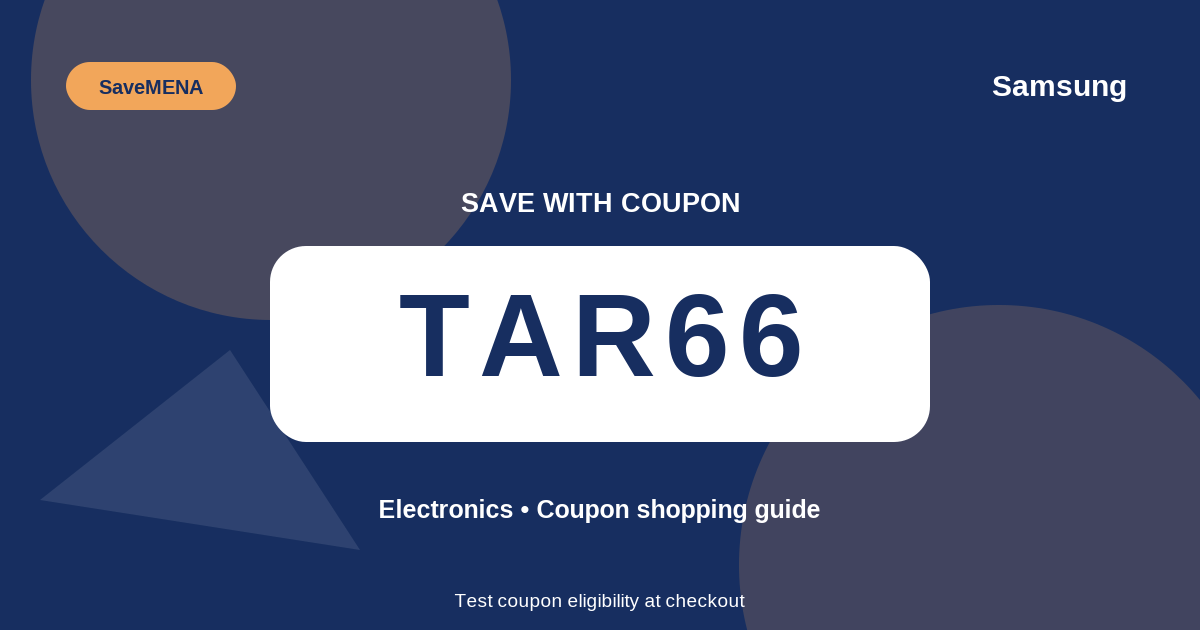
Codes available to try while comparing
These codes are not guaranteed for the article topic or listed brands; test them at checkout and use the live result.
1. Verify Seller’s Rating and Review Score
A key visible cue is the seller’s overall rating displayed next to the product title. A rating above four stars usually indicates consistent performance, while a number of reviews gives context to that score. When you see a seller with hundreds of positive reviews, you can be more confident that the seller is reliable and that you’ll receive what is promised. Always hover or click to view detailed feedback; it often includes comments on shipping speed, packaging quality, and communication responsiveness.
Look also for any “Verified Seller” badges or certifications that Noon may list. These badges verify that the seller has passed certain platform quality checks. Although badges don’t guarantee absolute error‑free service, they do add an extra layer of assurance about item authenticity and post‑purchase support. If the seller has a low reviewer count or sporadic comments, consider searching for the same Samsung model offered by another seller with stronger signals.
2. Examine Product Condition and Return Policy
After confirming the seller’s rating, the next visible product signal is the condition description (New, Refurbished, Used) and associated return policy. The product page should state the exact condition in bold, and the seller’s return window should be listed under “Shipping & Returns.” A clear return window—such as 30 days for new items—helps shield you if the product does not match expectations.
Pay attention to color codes or icons that indicate the product’s physical state. For Samsung electronics, verify that the warranty clause is listed, and confirm whether the warranty is carried over from the manufacturer or is an additional seller-provided guarantee. Absence of warranty information can be a red flag, especially for high‑value items like smartphones and TVs.
3. Confirm Samsung Electronics’ Specific Warranty Details
Samsung products often have manufacturer‑backed warranties that survive a change of hands. Visible on the seller’s page should be the warranty term supplied by Samsung—usually one or two years depending on the device. The seller’s description should also state whether the warranty is transferable or if you need to register the device personally after purchase.
Check if the seller explicitly lists a Samsung guarantee or partner program. If the listing mentions “Samsung Certified” or “Samsung Authorized Dealer,” it usually inherits the full warranty. A missing warranty mention is a caution flag: it may mean the device is refurbished or not covered by Samsung, which can affect support or future repairs.
4. Look for Seller Communication Responsiveness
Visible seller signals include response time indicators and message volumes. In the seller’s profile, Noon often shows a “Response Time” label, such as “Average 2 hours” or “Within one day.” A rapid response time suggests the seller values customer communication.
Review the quantity of recent queries answered and the tone of actual user responses. If the seller has a low reply rate or offers generic answers, consider alternatives. The ability to resolve issues quickly, especially with Samsung electronics that may need software updates or firmware support, is a crucial visibility factor.
5. Assess Delivery Timeframes and Shipping Charges
Check the “Estimated Delivery” field for each listing. A specific date, such as “Mon, 12 Nov,” indicates that the product is in stock and ready to ship. If the date is marked “To be confirmed” or left blank, the seller may not have real inventory for immediate dispatch.
Shipping charges are another clear signal; Noon usually displays a fixed fee or “Free Shipping” next to the product image. Prices may rise if the seller ships from outside the UAE or offers expedited delivery. Compare these shipping details across sellers before deciding which listing gets the coupon applied.
6. Review the Product’s Detailed Description and Specs
Below the product title, Noon lists a concise description and a technical specs table. For Samsung electronics, ensure that key specs—like processor, camera resolution, display type, and available storage—match your needs. Incomplete specifications can hide hidden limitations.
When specifications are missing or vague, look for a “See full details” link that expands the details. This visibility helps you verify that the listed Samsung model is genuine and not a generic or counterfeit item. An accurate spec list also reduces the likelihood of a mismatch at checkout that might cancel a coupon’s applicability.
7. Check for Price Consistency across Sellers
Monetary transparency is a critical seller signal. Most Noon listings display the advertised price immediately next to the product name; absence of a clear price can indicate a hidden fee or a “price drop” situation that requires a coupon to utilize.
If you see different prices for the same Samsung device across sellers, compare their seller ratings, return policies, and condition descriptors. A lower price paired with an excellent rating can be attractive, but be wary of prices that are significantly below market value, as these sometimes coincide with discontinued or non‑original items.
8. Perform Final Coupon Eligibility Check at Checkout
After you have verified all visible signals—seller rating, product condition, warranty, shipping, specs, and price—you can add the phone or TV to your cart and proceed to checkout. The TAR66 coupon code should appear in the “Promo Code” field on the checkout page.
It is important to remember that the coupon’s eligibility is only confirmed at checkout. The final price you see will reflect whether the code is accepted; if it is not, you can still complete the purchase without the discount, but you will achieve a different outcome. SaveMENA emphasizes that the coupon is available to try; no guarantee can be made about its successful application.
Related SaveMENA pages
Related articles
Official sources to check
Frequently asked questions
What if the TAR66 coupon does not apply at checkout?
If the code is rejected, double-check that the coupon is still listed in Noon’s promotion catalog and that you meet any necessary conditions, such as the minimum cart value. If the issue persists, contact Noon’s support or the seller directly for clarification, as some sellers may not honor third‑party coupons.
How can I confirm if a Samsung product has a valid warranty?
Look for a certification badge or a clear warranty statement in the product description. Samsung typically lists a standard warranty period (e.g., one or two years) along with any transferability notes. If the warranty detail is missing, reach out to the seller or check Samsung’s official support site for model‑specific terms.
Is a low seller rating a deal‑breaker?
Not necessarily, but it can indicate potential issues. If a seller has a rating below four stars but has recent positive reviews, it may still be reliable. However, for high‑value electronics, you might prefer a higher‑rated seller to mitigate risk. Assess other signals such as communication speed and return policies before deciding.
Do delivery timeframes guarantee on‑time arrival?
Estimated delivery dates are best‑effort predictions based on seller inventory and logistics. While most sellers meet these dates, delays can occur due to unforeseen factors. Checking the seller’s history of on‑time deliveries in reviews can provide additional confidence.