Sony Electronics on Noon UAE: review signals — seller checks
Noon UAE seller and coupon Electronics Sony visible product and seller review signals: When you’re ready to apply a Noon UAE coupon, the first thing to do is verify
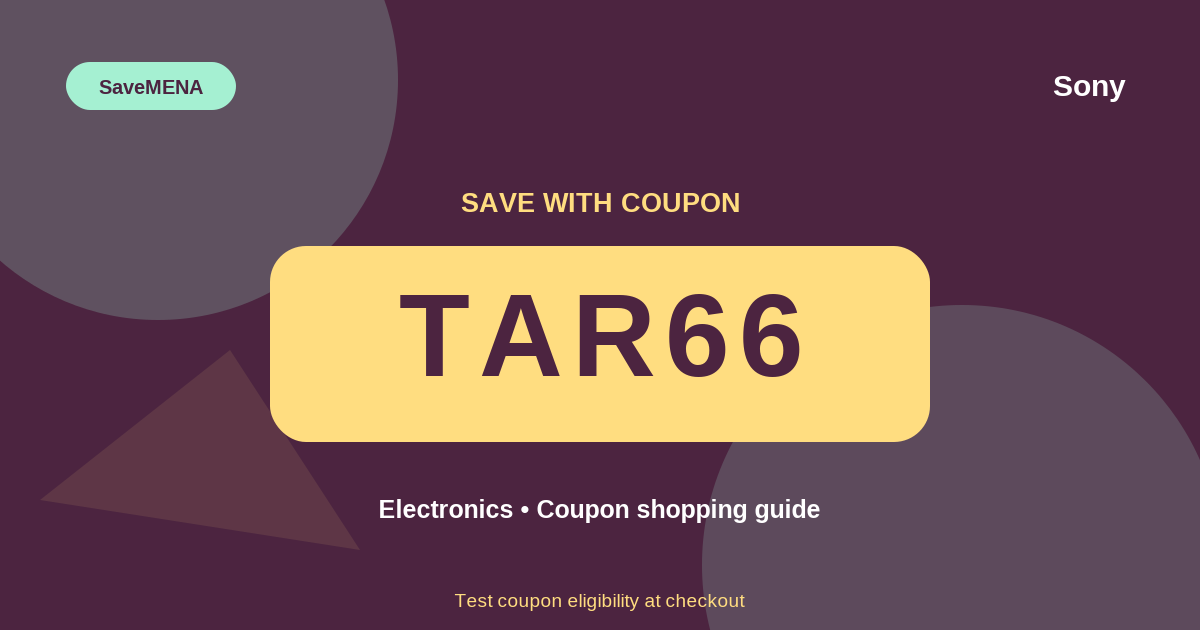
Codes available to try while comparing
These codes are not guaranteed for the article topic or listed brands; test them at checkout and use the live result.
Check Seller Authenticity and Licensing
Begin by examining the seller’s profile on Noon UAE. A genuine seller typically displays a verified badge, a long operating history, and a clear business address. These indicators are part of the seller review signals that show the retailer has been granted access by Noon’s compliance team. While a badge alone does not guarantee delivery, it is a reliable early warning sign that the seller’s account is authorized to sell electronics like Sony visible product lines in the UAE.
To be thorough, compare the seller’s listed products with those found on Sony’s official UAE website. Match product names, descriptions, and technical terms; this cross‑checking confirms the authenticity of the listed Sony visible product. If discrepancies emerge—such as inconsistent model numbers or missing specifications—pause and consider alternate sellers. The accuracy of product details is a primary safety net before any coupon usage, reinforcing the reliability of the seller review signals.
Assess the Seller’s Customer Feedback
Look beyond the numeric rating and delve into the comments on the seller’s review section. Helpful reviews often mention response times, communication styles, and handling of issues such as defects or return processes. In the context of electronics, such as a Sony visible product, these insights become crucial because hardware sometimes requires specialist support or quick resolution.
Sort reviews by recency; recent positive feedback indicates that the seller’s processes are current. Pay particular attention to patterns: repeated mentions of delayed shipping or incomplete packaging might signal an unreliable presence, even if the overall rating appears high. Utilizing seller review signals in this manner lets you gauge real-world buyer satisfaction, ensuring that the seller can uphold Noon UAE’s quality standards when the coupon TAR66 is applied.
Confirm the Product’s Visibility and Specification Details
At this stage, isolate the product page for the Sony visible product. Confirm that all key technical specifications—such as resolution, connectivity, and build material—are listed clearly. A shop that omits details or uses vague descriptors is a risk factor for customers who need precise information pre‑purchase.
Cross‑reference the visible product description with reputable consumer electronics resources. Consistency here is a strong indicator that the listing is not a counterfeit or an incomplete copy. In the Noon UAE marketplace, sellers that present comprehensive spec sheets are more likely to support post‑sale services, which is essential for a coupon transaction where you might seek warranty or return assistance.
Verify the Return and Warranty Policies
Return windows and warranty terms are often hidden behind links or long clauses. Before applying the TAR66 coupon, open the return policy section and read for any restrictions that could be triggered by coupon usage. Some sellers impose higher return fees or shortened periods for discounted items, which affects the final cost.
Look for explicit warranty information, especially for high‑value electronics like Sony products. A clear, on‑hand warranty statement is preferable. Confirm whether the warranty is manufacturer‑provided or an extension offered by the seller; this distinction can affect post‑purchase support should a defect arise.
Ensure No Hidden Extras or Mandatory Add-Ons
While you browse the Sony visible product page, scan for any required extras, such as protective cases, accessories, or optional service plans that are bundled in the price. These files can inflate the cost when the coupon is applied if they’re automatically added.
Some sellers advertise “free shipping” only when certain add‑ons are selected. Make sure there’s no hidden addition that would trigger under a different total. The goal is to keep the coupon application straightforward and to avoid a scenario where the discount no longer meets expectations due to unexpected charges.
Test Coupon Eligibility Before Final Checkout
At this point, add the Sony visible product to your cart and proceed to the coupon entry field. Enter TAR66 and watch as Noon names eligibility. If the coupon isn’t accepted instantly, examine the error message. Lack of eligibility could be tied to a recent seller policy change or a mismatch in product category, prompting a delay until the seller’s status updates.
If the coupon applies, proceed to the payment summary. Confirm that the bundle of discounts, shipping and tax calculations reflect the coupon correctly. As a best practice, pause to reconcile the pre‑payment triggers with your expectations; an unexpected shift often signals a mismatch in seller review signals or an empty product listing.
Record the Final Payment Details
Once the coupon applies, you should see the exact amount you’ll pay. Inclusion of the Dubai liquor tax or local service fee is typically displayed near the “Place Order” button. This final amount should remain unchanged when you hit “Place Order.” Capture a screenshot or keep an open tab for confirmation in case changes appear after your transaction is committed.
These final details are crucial because the coupon’s benefit is fully realized only at checkout. Any discrepancy after you've used TAR66—like an increase in shipping fee—might indicate a change in seller standing since you first checked the product. Storing this data protects you when you reach out to Noon UAE support.
Post‑Purchase Monitoring and Seller Service
After purchase, remain vigilant on your order status notifications. A prompt label update—such as “Shipped” or “In‑Transit”—signals that the seller, backed by Noon UAE, is acting as expected. If delays occur, your seller’s review signals become useful again: referencing prior comments about response times can help when contacting the seller.
Maintain clear communication channels with the seller. In case a Sony visible product mishap arises, you’ll need to step into the seller’s return or warranty process. Knowing the seller’s policy details—gleaned earlier—ensures that you can solicit timely assistance and that the coupon’s intended benefit doesn’t get compromised by service delays.
Related SaveMENA pages
Related articles
Official sources to check
Frequently asked questions
Will the TAR66 coupon always apply to Sony visible products on Noon UAE?
The coupon is available to try at checkout but its application depends on the current seller’s status and product availability. No guarantee can be made that it will always apply, so review eligibility at checkout before finalizing the order.
Can I use the coupon if the Sony product has a high shipping fee?
Yes, the coupon code can be entered regardless of shipping charges. The discount, if allowed, will apply to the product price, but shipping fees are separate and not affected by the coupon’s benefit.
Are seller review signals enough to trust the electronics seller?
Seller review signals provide valuable insight into past buyer experiences, yet they should complement other checks such as product authenticity and retailer licensing. Combining several verification steps gives a stronger confidence level in the seller’s reliability.
What happens if the product is out of stock after applying the coupon?
If the Sony visible product becomes out of stock at checkout, the order will not proceed. In such a case, the coupon remains unused until a new listing is available. Ensure the product’s real‑time availability before final submission.