Apple Mobiles on Noon UAE: review signals — seller checks
Below is a step‑by‑step guide to ensure that every mobile purchase from a Noon UAE seller benefits from the available coupon code TAR66 without any surprises.
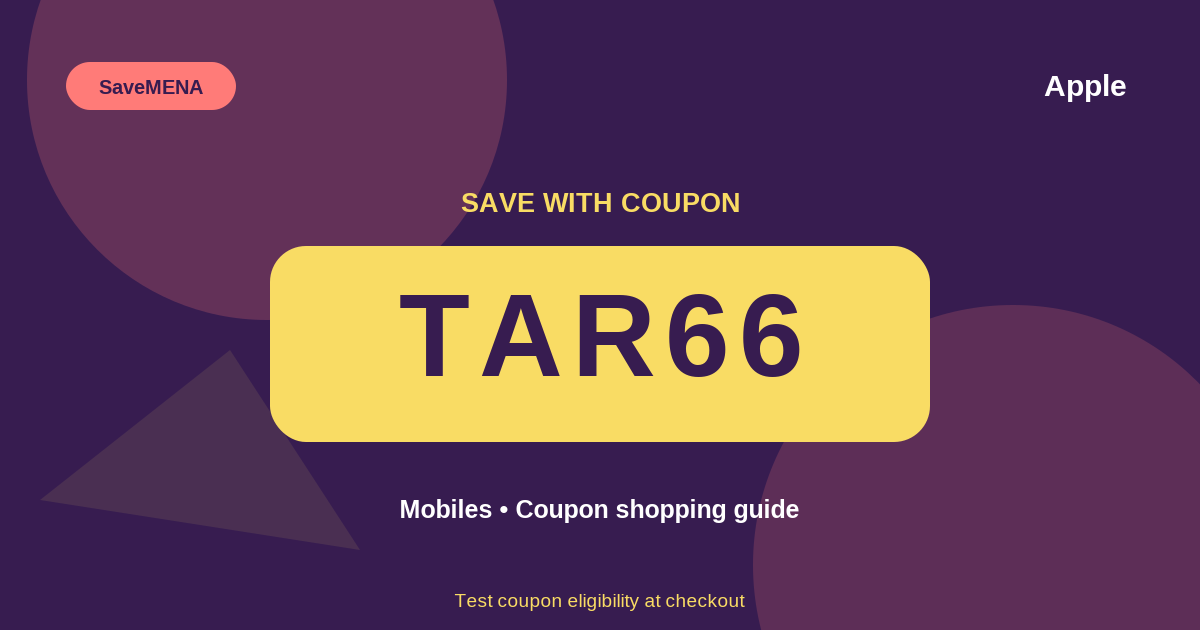
Codes available to try while comparing
These codes are not guaranteed for the article topic or listed brands; test them at checkout and use the live result.
1. Verifying Product Visibility and Key Specifications
A mobile listing that truly showcases its features will have clear photos, a concise title, and a description that lists model name, storage capacity, color, connectivity options, and any special badges from Noon, like “Official Apple Reseller.” When browsing Apple mobiles on Noon, look for a product photo that fills the screen and avoids generic stock images. This visibility gives you confidence that the product you’re viewing matches the description on the page and that the seller has properly uploaded the correct variant.
Without a visible product, you risk ordering the wrong configuration. Check that the listing states its exact storage size (e.g., 64GB, 128GB) and color. Verify that the price shown is the same one that appears on the checkout page. If a thumbnail or banner image appears dim or pixelated, the listing may be broken or outdated. In such cases, consider cookies clearing or switching to a different browser. Confirming these details right away removes uncertainty before you even see the coupon banner.
2. Scrutinizing Seller Ratings and Buyer Feedback
Seller ratings on Noon are publicly displayed next to the seller’s name. A high rating (close to five stars) coupled with many reviewed orders generally indicates reliability. When purchasing Apple mobiles, you should take a moment to flip through the rating breakdown—look at the percentage of buyers who gave five stars versus those who did not. Also, read a handful of recent reviews to understand any recurring issues. Does the seller mention prompt delivery or accurate packaging? Positive signals build trust that the device is authentic and will arrive as expected.
Be cautious if a seller has a lower rating but a few reviews tied to the same Apple mobile. These could signal a recent quality lapse. Negative comments about return times, data wipes, or physical damage should prompt you to either contact the seller for clarification or choose a different listing. Remember that seller review signals interact with product visibility; a blue checkmark next to the brand name is not a guarantee that the listed phone is genuine—seller history is equally critical.
3. Confirming Coupon Eligibility Ahead of Checkout
The TAR66 coupon can only be entered during the checkout process. However, many Noon listings feature a “Coupon applies” tag or brief wording at the bottom of the product description. To avoid being denied a discount unexpectedly, scroll near that section and confirm that the coupon is highlighted for the Apple mobile you intend to buy. If the listing states “Conditional on coupon” or lists specific categories, note those details as they can affect applicability.
After confirming the listing indicates coupon usage, keep the code TAR66 saved in a note. When you later step to checkout, place the code in the coupon field and watch for the amount deducted. If the platform does not apply the discount, there will be a small pop‑up message explaining why. This step is essential so you can verify that your savings are real, rather than assuming the discount automatically applies.
4. Reviewing Shipping, Handling and Delivery Timeframes
Shipping information is displayed on the product page before you add an item to the cart. Look for details such as “Free shipping” or “AED 25 handling fee.” Notice whether the seller describes a standard delivery window, like “4–7 business days.” This transparency is critical because adding a coupon may alter the final shipping charges or cause a delay if the seller’s stock is low.
On Noon, navigation to the “Address & Payment” section will confirm the expected arrival date. Compare the pre‑checkout date with the one shown on the product page. If the dates differ, re‑examine your shipping location or the seller’s warehouse status. Any discrepancy may mean the coupon did not apply, and you might need to reorder from a different seller or adjust the chosen delivery speed.
5. Ensuring Payment Methods Match Coupon Constraints
While Noon supports various payment modes—including credit cards, debit cards, and local wallets—the final list can differ by seller and product. A coupon might be limited to a specific payment type, such as credit cards only. On the Apple mobile listing, check for a payment icon or note in the checkout summary that indicates eligibility for specific card networks.
If you plan to use a particular card brand, confirm it is listed as an accepted method on the payment page. Some sellers provide discounts only for MasterCard users, though rarely. Double‑checking these constraints pre‑checkout avoids the scenario where the coupon fails after you’ve selected your payment option, forcing you to override the discount or refund later.
6. Monitoring Real‑Time Stock Levels and Availability
A live stock indicator next to the “Add to cart” button signals whether a particular Apple mobile is currently in inventory. On Noon, if the button is disabled or reads “Out of stock,” you should opt for a different seller or wait until the product is restocked. Some sellers update their stock levels in real time, which can affect coupon applicability if the product becomes unavailable before you reach checkout.
If the listing is flagged as “Limited availability” or “Only 3 items left,” note the quantity. Limited stock can trigger an automatic removal of coupons if the seller deems the coupon inapplicable to the remaining units. Checking stock status early guarantees that you won’t be surprised mid‑purchase by a sudden inventory change that voids your coupon.
7. Evaluating Return Policies and Warranty Coverage
Apple devices typically come with a manufacturer warranty that remains valid if the product is purchased from an authorized seller. On Noon, review the return policy section for the mobile listing: it should specify the return window (e.g., 30 days) and any restocking fees. Some sellers start their return period from the delivery date, but others may count from the order confirmation date.
Additionally, look for any seller‑specific conditions that could interfere with a warranty claim, such as pre‑opened packaging or pre‑installed software. If the listing states “No returns for defects,” be aware that the coupon might not cover cases of hardware malfunction post‑purchase. Understanding these nuances before applying a discount ensures you have a plan for post‑delivery issues.
8. Finalizing Checkout and Confirming Coupon Application
Before pressing “Place Order,” the order summary lists the item price, shipping cost, any discount from TAR66, and the final payable amount. Cross‑check each figure against the amounts displayed on the product and seller pages. If the discount line is missing or shows a zero value, the coupon was not accepted. In that case, you’ll need to re‑enter TAR66 or debug the problem with Noon’s customer support.
Confirm that the selected address, payment method, and delivery options match what you expected. Once you are satisfied that the coupon has indeed reduced the total and all other parameters are correct, proceed to finalize the order. Be mindful that only the final checkout screen displays the true discount; assumptions made elsewhere will not affect the final price.
Related SaveMENA pages
Related articles
Official sources to check
Frequently asked questions
What should I do if the coupon code TAR66 doesn’t apply during checkout?
If the discount doesn’t appear, double‑check that you entered the code correctly in the coupon field. Verify that the Apple mobile listing shows coupon eligibility. If it still fails, contact Noon customer service or try a different seller that accepts the same code.
Are I guaranteed that the seller’s rating means my Apple mobile is authentic?
While a high rating indicates reliable past performance, it’s still wise to look for “Apple Authorized Reseller” badges or certificates on the seller’s profile. Authenticity is best confirmed by seller’s verified status and clear product information.
Can the coupon affect shipping or delivery times?
Coupon codes typically only adjust the item price, not shipping charges. However, if a seller’s inventory is low, delivery timelines might shift; always review shipping details before confirming the order.
What if I receive a faulty Apple mobile after using the coupon?
Check the return policy and warranty terms listed in the product description. If the device is defective, you can initiate a return or warranty claim through Noon’s platform within the stated timeframe.