Nike Shoes on Noon UAE: review signals — seller checks
Noon UAE seller and coupon Shoes Nike visible product and seller review signals: When you’re hunting for the perfect pair of Nike shoes on Noon in the UAE, you’ll
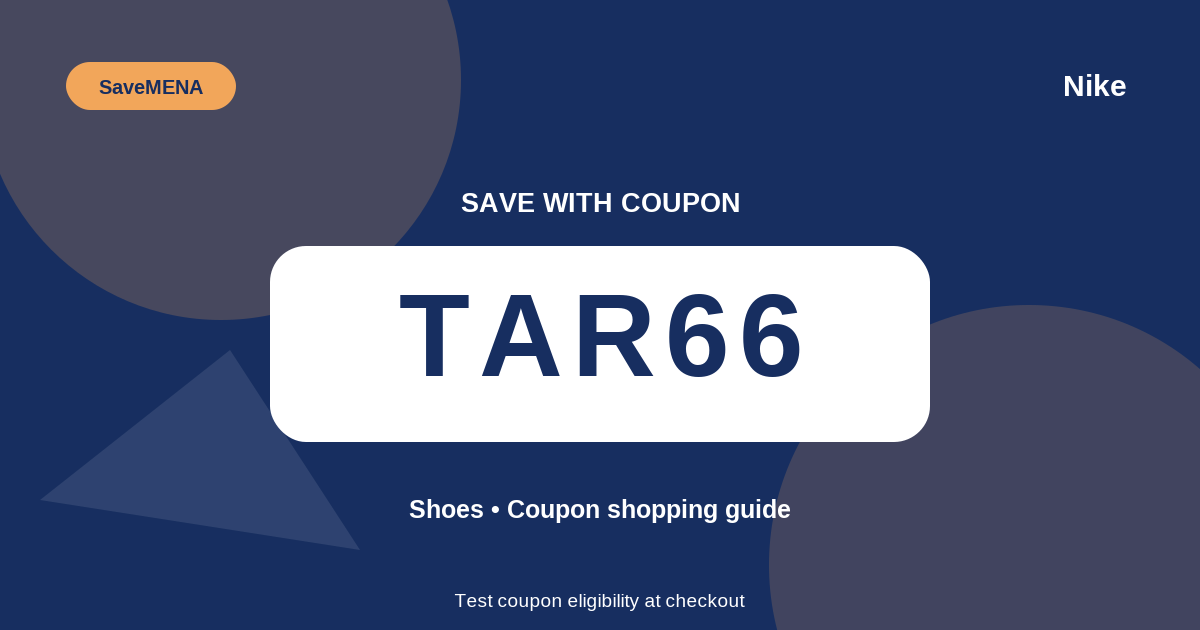
Codes available to try while comparing
These codes are not guaranteed for the article topic or listed brands; test them at checkout and use the live result.
1. Verify Seller Authenticity through Badges and Seller Ratings
Before scrolling through the catalog, click on the seller’s name to open their profile. Look for a verified badge next to their name; this badge indicates that Noon has confirmed the seller’s identity, which is a key visible product and seller review signal. A clean rating (for example, 4.5 stars or higher) and a high seller rating percentage show that shoppers have generally had positive experiences, reducing the risk of encountering counterfeit or misrepresented Nike items.
In addition to the badge, scroll through the seller’s past listings and read the raw customer testimonials. Pay particular attention when the reviewer mentions receiving the exact product model you saw online. Positive feedback that matches the product picture is another strong visible signal that the seller typically delivers authenticity and accuracy.
2. Inspect Detailed Product Information and Model Verification
Once you have selected a Nike shoe, read through the full product description. Look for details such as model name, size, colorway, and material. Features like the specific Nike line (e.g., Air Max, React) should be consistently described across the listing, ensuring you’re not buying a generic or mislabeled item.
Cross‑reference the product information with official Nike releases on the brand’s UAE site or reputable sneaker databases. If the model name and release date match, the listing’s displayed details are more likely to reflect reality, and the visibility of these cues on Noon strengthens the chance that the item’s authenticity is confirmed by both seller and platform.
3. Scrutinize Seller Review Signals for Reliability
Open the ‘Reviews’ or ‘Ratings’ section for both the seller and the specific Nike shoe. A high aggregate rating, coupled with a low percentage of negative feedback, signals consistent quality. Look for comments that mention ease of communication with the seller and prompt handling of size or color requests.
Visible signals such as response time and resolution rate are often listed. For instance, a seller who responds to customer queries within 24 hours and demonstrates satisfactory dispute resolution is more likely to honor return policies, reinforcing the reliability of the purchase even after applying a coupon code.
4. Confirm Shipping Terms, Velocity, and Delivery Fees
Check the shipping details on the product page, including the estimated arrival date and any potential custom or import fees. Note whether the seller offers expedited delivery or free shipping for that Nike model, as this could affect the final cost before a coupon is applied.
Shipping can also impact whether a coupon will apply; some promotional codes only trigger on orders without additional shipping charges. Verify that the seller’s shipping method aligns with Noon’s standard logistics to avoid unexpected extra charges that might throw off the coupon calculation at checkout.
5. Evaluate Return and Exchange Policies Specific to Nike Footwear
Read the return window and conditions carefully. A seller that offers a 45‑day return window with no restocking fee demonstrates customer confidence in product accuracy. Pay special attention to policies around mis‑sized or mismatched colorway returns, as these are common issues with sneakers.
Confirm that the policy allows for returns via Noon’s standard process, ensuring you can claim refunds or exchanges without contacting the seller directly. This visibility of policy strengthens your confidence that the purchased Nike shoes will meet your expectations, a critical factor before committing to a coupon your final savings depend on.
6. Compare Alternative Sellers and Listings for Competitive Advantage
Use Noon’s search filters to view other sellers offering the same Nike model. Pay attention to their ratings, price points, and shipping options. Even the cheapest listing may hide higher shipping or lower review scores that reduce overall value.
Look for listings that display their seller rating prominently next to the price. This visual cue helps you quickly assess whether a different seller offers a better overall deal, including how likely a coupon code like TAR66 could apply across those listings.
7. Apply the TAR66 Coupon Code Correctly and Verify Eligibility
When you add the Nike shoes to your cart, find the coupon field on the cart page. Enter TAR66 and press “Apply.” The page should recalculate the subtotal if the coupon conditions are met. At this point, check that the discount indicator appears next to the coupon code and that the new total reflects a reduction.
If the code does not apply, double‑check that your cart contains at least one product that meets the coupon’s eligibility criteria. Remember that sellers sometimes set coupons to only work with specific product categories or only on new purchases, so ensure your selected Nike shoe pair falls within those parameters.
8. Final Checkout Confirmation: Re‑Validate Coupon and Seller Terms
Before proceeding to payment, review the final order summary. Confirm that the coupon discount is present, that shipping fees are accurate, and that the seller’s truthful name and rating are still displayed. This last snapshot serves as a safety net against mid‑checkout glitches.
At the payment screen, make sure all details match the earlier confirmation—price, shipping, and seller information. After confirming the total, submit the order. Store the confirmation email and screenshot of the applied coupon as proof in case you need to dispute or return the purchase later.
Related SaveMENA pages
Related articles
Official sources to check
Frequently asked questions
How can I be sure that TAR66 will actually apply to my Nike shoes?
If the Nike shoes appear in the order summary with the discount applied after entering TAR66, then the coupon has successfully reduced your subtotal. If no discount shows, confirm eligibility and try again or contact Noon support.
What if my seller’s rating drops after I buy?
Once the purchase is completed, seller ratings typically do not change retroactively. However, you can flag any discrepancies for Noon’s review before the shipment arrives.
Can I return a Nike shoe purchased with a coupon?
Yes, returns are governed by the seller’s return policy. Coupon usage does not generally alter the return terms, but keep the receipt and confirmation for proof.
Will my Noon UAE seller’s shipping fee be reduced if I use TAR66?
Coupon codes often the coupon code product price reductions. Shipping fees may remain unchanged unless the seller marks the discount as covering shipping. Check it in the cart summary.