Computer Accessories on Noon UAE: seller context — seller checks · TAR98
Begin by locating the specific Noon UAE seller that stocks the computer accessories you want. On the product page, look for the seller’s name listed beneath the
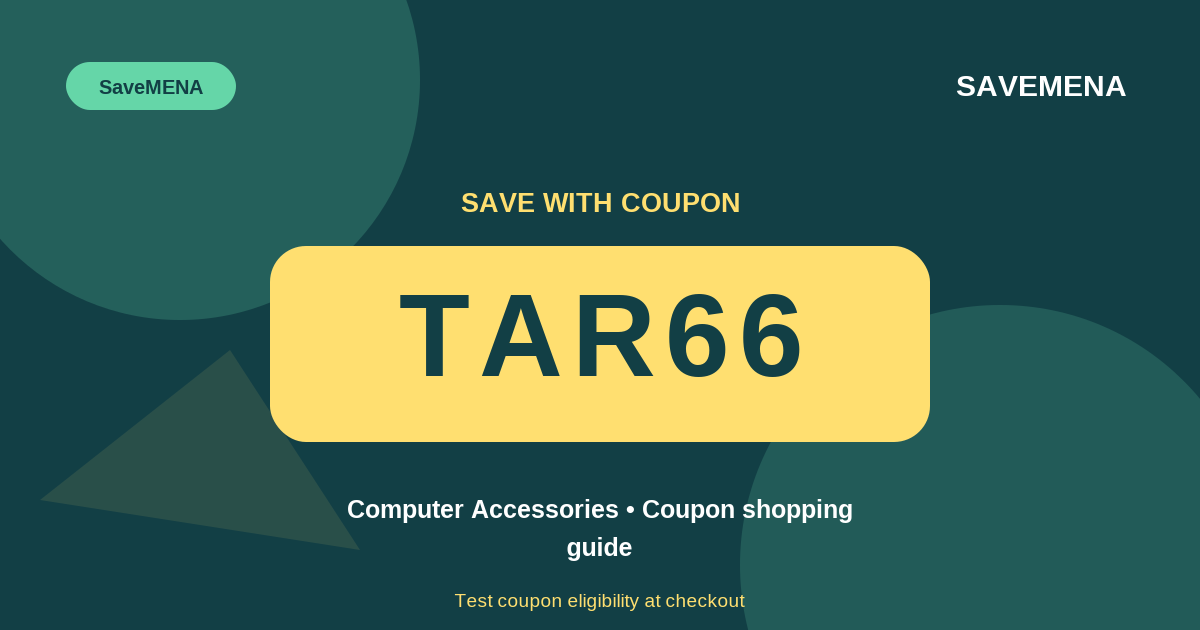
Codes available to try while comparing
These codes are not guaranteed for the article topic or listed brands; test them at checkout and use the live result.
Step 1: Identify the Noon UAE Seller
Begin by locating the specific Noon UAE seller that stocks the computer accessories you want. On the product page, look for the seller’s name listed beneath the price and above the product description. This seller name is a key identity; it determines shipping speed, return handling, and whether coupon codes are typically honored. A reputable seller often displays a badge such as “Official Seller” or a verified seller label; these indicators help you gauge trustworthiness before proceeding.
Once you’ve found the seller’s exact name, copy it or take a screenshot for later reference. This concrete identifier allows you to search within Noon’s seller listings or use the “Support” feature to confirm policies.A coupon is not guaranteed; verify its result at the retailer checkout.
Step 2: Confirm Seller Approval for Coupons
Not every Noon seller allows coupons on their listings. To confirm, scroll to the seller’s information section, usually located near the top of the product details. Look for a note or icon indicating “Coupon Accepts” or “Discount Eligible.” If this information is absent, proceed with caution—coupon codes may not be processed for that particular vendor, leading to a null discount at checkout.
If uncertain, contact the seller directly through Noon’s messaging system. Send a short query asking whether the TAR98 coupon can be applied to the item you’re purchasing. A prompt seller response confirms their coupon policy, helping you avoid time‑consuming dead‑ends and ensuring your coupon is valid for that specific seller’s inventory.
Step 3: Understand Coupon Compatibility
Even when a seller permits coupons, the code must align with the product category. TAR98, though available for general use, may have constraints on specific categories like computer accessories. Verify this by checking the coupon’s terms listed in your savings section or by scrolling to the bottom of the product page where relevant remarks occasionally appear. Inconsistencies here can result in a silent failure of the discount during checkout.
If the coupon’s category requirements are unclear, review Noon’s coupon FAQ or contact customer support. Confirming compatibility ahead of time protects you from having to remove the product or repost the order if the code is rejected.A coupon is not guaranteed; verify its result at the retailer checkout.
Step 4: Add Desired Computer Accessories to Cart
After confirming seller and coupon compatibility, add the appropriate accessory—whether it’s a gaming mouse, mechanical keyboard, or external SSD—to your cart. Be sure you’re selecting the correct variant, such as color or storage capacity, as coupons typically apply to the SKU added. Mistakes here may invalidate the coupon or trigger an unnoticed change in the final price.
Double‑check the product details before adding it to the cart. The review page should display the selected variant, seller name, and shipping details. Once confirmed, proceed to the cart page and verify the numbers: the listed price, any pre‑existing taxes, and the line item total before you start applying any discounts. This checkpoint guarantees your cart accurately reflects the intended purchase.
Step 5: Apply the TAR98 Coupon at Checkout
Proceed to checkout and locate the coupon input field. Paste or type the code TAR98 exactly as provided, paying attention to capitalization and spacing; small errors can cause the code to be rejected. If the system accepts the coupon, a line should appear indicating the discount amount subtracted from the subtotal, though the exact figure is not guaranteed.
If the system fails to recognize the coupon, do not refresh the page or log out immediately. Double‑check the seller’s coupon policy, confirm the product category, and verify you’re still logged into the same account. A re‑enter of the code after these checks often resolves minor technical hiccups.
Step 6: Review Final Amount and Shipping Terms
Once the coupon is applied, the checkout page updates with a new total. Carefully review all elements: product price, any applicable taxes, shipping fees, and the discount amount. This final amount should reflect the coupon; if the discount is missing, the seller’s policy or technical issue may have prevented it. Note that Noon may still add shipping charges, which are separate from product discounts.
Look also at the pledged delivery time. Seller‑sourced items might have different shipping windows than Noon’s own inventory. Confirm that the expected delivery aligns with your schedule before confirming the purchase. At this stage, any misalignment can often be addressed through Noon’s order management but later changes can be more cumbersome.
Step 7: Verify Seller’s Return and Warranty Policies
Before finalizing the purchase, scroll to the seller’s return and warranty information. For computer accessories, defective or faulty items may require a return; understand the time frame, whether the seller provides a prepaid return label, and if a warranty covers the issue. This data is usually found under the “Seller Policies” section on the product or checkout page.
If you’re unsure about the steps for a return, contact the seller through Noon’s messaging before completing the transaction. By confirming that returns are straightforward, you mitigate the risk of a technical purchase that may later require handling through a potentially strict return process.
Related SaveMENA pages
Related articles
Official sources to check
Frequently asked questions
Is the TAR98 coupon applicable to all Noon UAE sellers?
The coupon can be applied where the seller’s terms allow it. Verify the seller’s approval and category compatibility before using the code, as some vendors may restrict coupon usage.
What should I do if the coupon code TAR98 does not work at checkout?
A coupon is not guaranteed; verify its result at the retailer checkout. If issues persist, contact Noon customer support for assistance.
Will the coupon affect shipping fees on computer accessories?
Coupons typically apply only to product prices, not to freight charges. Shipping costs added by the seller will appear separately on the final checkout page.
Can I return a computer accessory bought with a coupon?
Yes, but you must follow the seller’s return policy. Confirm the warranty and return window details before completing the purchase to avoid complications.