LG Electronics on Noon UAE: seller context — seller checks · TAR84
140-180 words. Should first sentence answer search intent: "When planning to claim a Noon UAE seller coupon for electronics, shoppers must first vet the seller
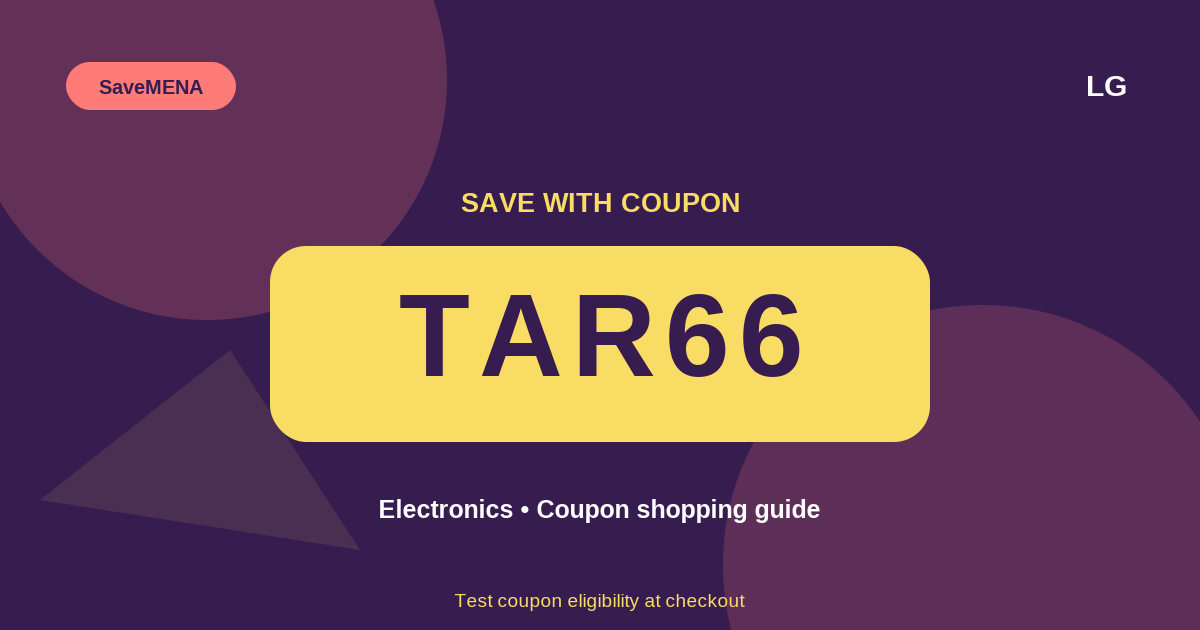
Codes available to try while comparing
These codes are not guaranteed for the article topic or listed brands; test them at checkout and use the live result.
Understanding Seller Credibility on Noon UAE
Noon UAE operates a tiered seller system where individual sellers, wholesalers, and brand partners list product variants. Credibility is generally reflected in seller ratings, buyer feedback, and response times. While higher ratings typically suggest reliability, they do not automatically indicate coupon compatibility. Therefore, before choosing a product or applying a coupon, check the seller’s displayed star rating, read recent reviews, and examine how quickly they respond to inquiries. Reliable sellers are more likely to honor coupon terms and provide clear guidance about eligibility.
When evaluating an electronics seller, note additional markers such as verified badge status, years active on the platform, and whether they have a dedicated support line. Some sellers specialize exclusively in brand‑official outlets, while others aggregate third‑party distributors. A seller’s profile will often highlight whether they are registered as a licensed distributor for LG. This information is key: only licensed distributors can offer brand‑specific warranty coverage, something that may not be guaranteed if you use a third‑party seller. By cross‑checking these indicators you can assess whether the seller is trustworthy enough to consider applying a coupon such as TAR84 to your purchase.
How Noon’s Seller System Works for Electronics
Noon’s electronics marketplace comprises multiple sellers, each hosting identical or different variants of the same LG product. Products may appear under the same brand name but be sourced from distinct distributors. The platform assigns a unique seller code to each listing, allowing buyers to filter by seller when searching. Importantly, the availability of a coupon is tied to the seller’s own discount policy, not the overall product category.
When you add an LG item to your cart, the platform displays the seller’s full name along with a direct link to their store page. This page provides details on return policies, shipping times, and whether they accept third‑party coupons. For electronics, where serial numbers and warranty certificates are essential, it is prudent to confirm that the seller will provide legitimate documentation upon delivery. Once you have verified these elements, you can then proceed to apply the TAR84 coupon, keeping in mind that its acceptance is subject to the seller’s discretion.
LG Electronics on Noon: Popular Products and Variants
LG offers a broad range of consumer electronics on Noon, from Smart TVs and LED panels to home appliances and audio devices. In most listings, each variant—such as differing screen sizes, resolutions, or feature sets—is distinguished by a unique product identifier. Sellers sometimes bundle accessories or offer extended warranties, other times they provide a bare‑bones device. When browsing LG products, it’s useful to compare variant specifications side by side, paying particular attention to processor type, memory capacity, and connectivity options.
Because variants can share the same model name but differ in key attributes, it is important to read the complete spec sheet before adding to your cart. Closed‑loop homescreen menus, HDMI 2.1 support, and OLED versus LED technology are all factors that might affect your purchase decision. Additionally, sellers often list an optional care pack that covers DVD‑checkout or on‑site calibration. Certifying that the chosen variant is truly compatible with a coupon like TAR84 involves confirming that the seller’s product page explicitly says the coupon can be applied, or at least does not restrict that category of discount.
Using the TAR84 Coupon with LG Sellers: Step‑by‑Step
Enabling a coupon begins after you’ve selected your LG item and fixed the quantity. At the cart overview, locate the coupon field and type in TAR84. A green check icon often signals that the code is formatted correctly. However, a successful format check does not guarantee the code’s applicability to your chosen seller or product.A coupon is not guaranteed; verify its result at the retailer checkout.
Proceed to checkout only after confirming the availability of the coupon in the order summary. Some sellers display a “coupon not applicable” message if their policy excludes third‑party discounts. In that case, you may remove the item or select an alternative seller who permits coupon usage. If the coupon appears applied successfully, double‑check the final payable amount before confirming the purchase, since any automated shipping or handling fees will be added at that stage.
Checking Seller Conditions Before Coupon Application
Every seller on Noon publishes a set of conditions that apply to orders beyond price and discount. These include return windows, guarantee periods, and special service agreements. For electronics such as LG TVs, the warranty period may depend on seller certification. Before adding the coupon, scroll to the seller’s policy page and verify whether they recognize third‑party coupon codes. Some sellers specifically note “no coupons” or “exclusive in‑stock discounts” in the product description.
Additionally, confirm any minimum order thresholds required for coupon activation. Sellers may require a minimum cart value or a specific combination of items. If the coupon sets such a threshold, the seller’s front‑end will usually notify you after attempting to apply the code. If you encounter a mismatch, adjust the cart contents or consider contacting the seller’s support to clarify their policy on the TAR84 code.
Avoiding Common Pitfalls When Coupons Interact with Sellers
Shoppers sometimes experience frustration when a coupon appears to work during cart entry but fails at final checkout. This typically results from hidden shipping surcharges or out‑of‑stock items added during cart review. Another glitch arises when a seller’s store algorithm dynamically selects a higher‑priced variant to back‑fill inventory, which can invalidate a coupon if the original variant was the only coupon‑eligible one.
To mitigate these risks, routinely audit your cart for visibility of all items before applying a coupon and remaining vigilant about seller notices that may override the code. If you notice that the total price increases unexpectedly after placing an order, reach out to Noon’s support and the seller to request a manual adjustment. Maintaining a clear audit trail—from product spec to policy page—ensures you can quickly resolve such anomalies.
Verified Purchase Experience: What to Expect at Checkout
At checkout, Noon consolidates final charges in a single view: product cost, any applied discount from coupons, shipping fees, and any applicable taxes or handling charges. This is the last opportunity to confirm that the applied TAR84 coupon has indeed reduced the cart total. Be prepared for the possibility that the coupon will not be accepted if the seller’s policy does not permit it. In that case, the system will revert to the original price without a visible discount, and the order will proceed at full cost.
After confirming payment, the platform delivers an order confirmation email that lists the seller, product details, and the final paid amount. Save this email and any seller‑specific warranty documents, as these may be required for future service or returns. If you notice any inconsistencies—such as an unexpected price change or a missing coupon—contact the seller directly before finalizing the transaction to clarify the situation.
Making the Most of Your Deal: Post‑Purchase Tips
Once your LG device arrives, verify its serial number against the seller’s documentation. If the product feels suspect, report it immediately to Noon’s after‑sales support and the seller’s desk. Many sellers offer in‑store pickup and extended warranty options; comparing these can add value after the coupon is applied. Keep an eye on future renewal dates for extended warranties, especially if the seller offers a bundled service package at a discounted rate.
Finally, share your experience on the seller’s page. Detailed comments on product quality, delivery speed, and coupon experience help future buyers make informed decisions. High‑rated sellers who provide a smooth coupon process quickly gain customer trust, creating a virtuous cycle that benefits everyone. Regularly check Noon for new coupon offers—if you appreciated the TAR84 experience, newer sellers may launch complementary codes, amplifying savings across your electronics portfolio.
Related SaveMENA pages
Related articles
Official sources to check
Frequently asked questions
Will the TAR84 coupon always apply to LG products from all Noon UAE sellers?
Noon’s coupon usage may vary by seller. Only if the selected LG seller’s policy allows third‑party coupons will the TAR84 code apply.A coupon is not guaranteed; verify its result at the retailer checkout.
Can I use the TAR84 coupon alongside other discounts such as free shipping?
The coupon’s interaction with other discounts depends on individual seller settings. Some sellers allow stacking, others do not. Check the order summary at checkout; only the final discounted amount will be shown if the coupon is accepted.
What should I do if the coupon is marked as invalid during checkout?
First, ensure you entered the code correctly. Then review the seller’s policy page; they may have restrictions on coupon use. If the coupon remains invalid, consider selecting a seller permitting coupon usage or contact Noon support for clarification.
Is there a way to confirm my LG device’s warranty after applying the coupon?
After delivery, check the product label or seller’s documentation for the original warranty period. If the seller is an authorized distributor, the warranty should remain unchanged; otherwise, verify coverage details with the seller directly.