Smart Watches on Noon UAE: seller context — seller checks · TAR98
When you’re ready to add a smart watch to your tech arsenal, the first step isn’t just choosing the model—it’s understanding the seller platform, especially on Noon
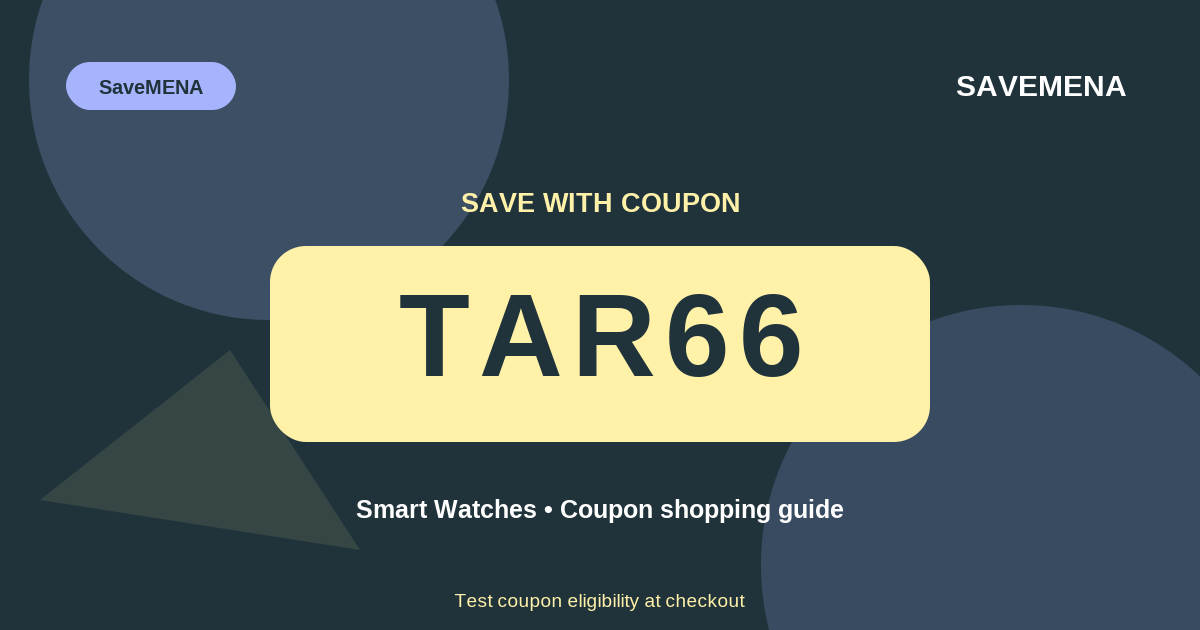
Codes available to try while comparing
These codes are not guaranteed for the article topic or listed brands; test them at checkout and use the live result.
Assessing Return Policy and Warranty Conditions in Seller Context
Smart watches can be sensitive gadgets; any defect or mismatch can be frustrating. Sellers on Noon specify return windows and warranty coverage in the product description or “Seller Policy” section. It is essential to check whether the policy lists a clear time frame, whether you can return via the Noon app or must contact the seller directly, and whether the seller handles international courier or returns yourself. A transparent policy reduces the risk of hidden fees or long wait times.
Warranty details often include coverage duration for manufacturing defects, and may note whether a battery replacement is included. Some sellers bundle service calls with other accessories, offering extra convenience. Pay close attention to any clauses that limit claims to the seller or to Noon, as some sellers require you to reach out to them before initiating a return. Verifying these details first can save you from losing the smart watch or dealing with delayed reimbursements.
Scrutinizing Product Availability and Stock Authenticity
Noon lists product availability next to the “Add to Cart” button, but always double‑check that the inventory status remains “In Stock” when you are ready to checkout. For high‑demand smart watches, stock can shift quickly, leading to no‑show deliveries or excess wait times. Some sellers might offer “express” shipping as an add‑on, while others rely on standard national courier services. Confirming shipping speeds in real time helps you gauge the time before your new watch arrives.
Authenticity matters for smart watches, especially when competing against counterfeit models. Noon's system flags verified manufacturers, and sellers flagged as "Authorized Reseller" typically carry genuine gear. When the seller listing includes a manufactured‑by badge or a manufacturer’s warranty card, you can trust that the product is not a fake. If unsure, contact the seller directly through Noon’s chat feature to confirm authenticity before applying the coupon.
Understanding the Mechanics of TAR98 at Checkout
The coupon code TAR98 is available in the ticketing system and is listed in the coupon options during checkout. On Noon, you enter the code in the “Enter Promo Code” box before the final price summary is shown. If the code is valid, the discount appears as a line item named “Coupon Discount.” The amount subtracted is then reflected in the total payable figure displayed to you.
Because Noon handles coupon verification automatically, a mismatch or expired code will trigger an error message like “Invalid or expired promo code.” The seller’s context comes into play if certain sellers restrict certain promos; thus, always confirm that the code is applicable to the seller of the smart watch you intend to buy, rather than a generic store‑wide code that might not apply at the seller level.
Cross‑Checking the Final Payable Total Before Shipping
After the coupon has been applied at checkout, Noon displays a detailed summary: item subtotal, any applicable taxes, shipping fee, and the final discount amount. The final total appears at the bottom, calculated on the last line. It is crucial to confirm that the total matches your expected expenditure for the smart watch, especially if any hidden fees appear. Voice or visual confirmation from the price breakdown ensures you do not overpay.
The seller choice appears in the order summary; ensure that the seller of the smart watch in question is the same one you approved. If you accidentally selected a different seller offering a similar product, the discount may not be valid, causing confusion at the payment step. Promptly verify the seller name before confirming payment to maintain seller context awareness.
Monitoring Order Confirmation and Seller Responsiveness
Once payment is processed successfully, Noon sends an email confirmation and a notification within the app. These include the order ID, seller information, expected delivery window, and tracking number. Keeping an eye on the seller’s response time in the order details helps anticipate any communication delays that could affect post‑purchase support.
The seller’s response time during checkout can sometimes be inferred from their “Seller Response Time” metric displayed beside the seller’s name. A seller with a short response uptime indicates prompt handling of queries, which is valuable if you encounter issues with the smartwatch’s firmware or battery performance. Tracking these metrics can guide you in assessing if the seller will be reliable post‑purchase.
Evaluating Shipping Options and Tracking Under Seller Context
Smart watches typically arrive via standard or express courier services. Noon lists the chosen shipping method in the order summary, along with an estimated delivery date. When a seller provides an “express” option, confirm the additional fee in the final total, ensuring that the coupon does not apply to shipping costs. Some sellers limit shipping to certain regions, thus a mismatch may appear if the seller’s coverage does not include your location.
Once shipping commences, you should receive a tracking link from Noon. This link tracks at the postal or courier level, not directly from the seller. However, the seller’s name associates with each tracking milestone, reaffirming that the package remains under the responsible seller. If the tracking shows a delay or a hold, contacting the seller through the Noon chat feature is the next step.
Documenting the Seller Experience for Future Shopping
After you receive your smart watch and confirm it matches product expectations—screen clarity, battery life, app sync—documenting your satisfaction rating can help future buyers. Noon allows you to leave a review linked to the seller, not just the product. Highlight seller responsiveness, delivery speed, and honesty regarding product features.
Maintaining a log of seller performance, especially for repeat purchases, aids you in selecting trustworthy vendors. If a seller showcased transparency and reliable service for one smartwatch, they are likely to repeat that standard for future orders. Conversely, noting any discrepancies or delayed responses helps you avoid that seller in the upcoming holiday purchase season.
Related SaveMENA pages
Related articles
Official sources to check
Frequently asked questions
Can I use TAR98 on any smart watch seller?
Noon’s coupon system applies the discount to the seller’s verified product.A coupon is not guaranteed; verify its result at the retailer checkout. If the code doesn’t work for the chosen seller, Noon will display an error during the discount entry step.
Will the coupon cover shipping costs for my smart watch?
Coupons typically discount the item price only. Shipping costs need to be verified separately in the price breakdown. If the seller offers free shipping, this will appear before or after the coupon application in the final total.
What happens if the smart watch is out of stock after I apply the coupon?
If the product becomes unavailable after applying TAR98, Noon will notify you immediately during checkout. The coupon will revert, and you must choose an alternative item or seller that has sufficient stock before proceeding.
Can I return the smart watch if it’s defective?
Check the seller’s return policy listed in the product description. Most sellers on Noon outline a return window and warranty coverage. If the smart watch fails, contact the seller via Noon’s chat to initiate the return process following their guidelines.