HP Laptops on Noon UAE: warranty and support — seller checks
Noon UAE seller and coupon Laptops HP warranty and post-purchase support: This article guides UAE shoppers through the practical steps of buying HP laptops via a
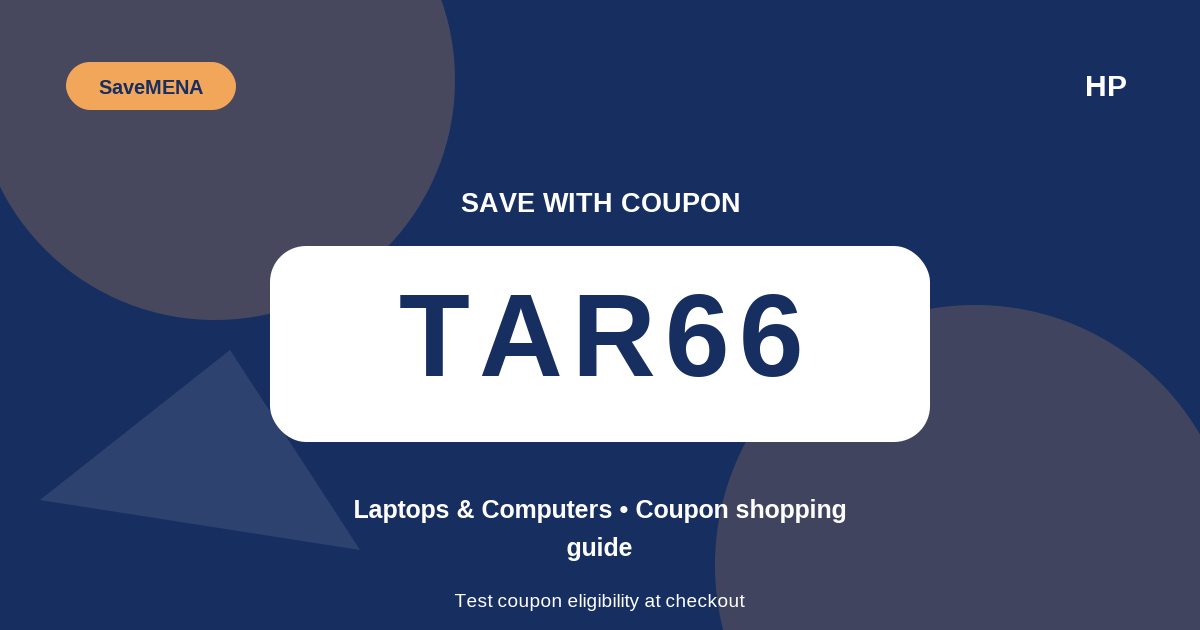
Codes available to try while comparing
These codes are not guaranteed for the article topic or listed brands; test them at checkout and use the live result.
Verify the Seller’s Credibility and Warranty Details
Begin by inspecting the seller’s profile on Noon. Look for a clear account name, contact information, and a history badge that indicates a verified vendor. A high rating is a good sign, but also confirm that the seller lists a specific HP laptop warranty statement. This statement should reference a valid HP warranty period, typically 12 months, and detail what the warranty covers, such as hardware defects or manufacturing faults.
Reach out to the seller using the platform’s messaging tool before making a purchase. Ask how they handle warranty claims and whether they will assist you in contacting HP directly. A responsive vendor who offers an email address or phone number shows a commitment to post‑purchase support, which is essential when dealing with laptop repairs or replacements.
Assess HP Warranty Terms Offered by Noon UAE Seller
Read carefully the warranty clause presented in the product description. Confirm that the warranty is officially backed by HP and not a separate, limited policy. HP typically provides a standard one‑year warranty that covers defects in workmanship and materials. Verify that the seller’s wording aligns with HP’s known coverage to avoid surprises if you need a repair.
Check for any additional warranty options such as extended plans or accidental damage coverage. If these are offered, request the full terms, including covered components, claim processes, and any required service centre locations. Knowing the exact scope of coverage will help you judge whether the base warranty suffices for your usage habits.
Confirm Post‑Purchase Support Options for HP Laptops
Ask the seller what support channels are available. Some Noon sellers provide direct phone interviews, live chat assistance, or support tickets linked to Noon’s help centre. Ensure these methods are accessible in your region and that they can guide you to HP’s official service chain if needed.
Request an overview of problem escalation procedures—how a seller escalates a warranty claim to HP, the expected response time, and whether a technician will visit your location or if a return-by-mail policy is in place. Confirm that the seller sends timely updates on claim status and that they discuss the next steps with you before proceeding.
Compare Return and Exchange Policies of Noon UAE Seller
Return policies vary between vendors; confirm the seller’s terms for laptop returns. Key points include the return window (often 7-14 days), whether you must have the original box, and if shipping fees are covered. Knowing these details helps you decide if the seller’s policy aligns with the protection you need for high‑value electronics.
Verify that the seller allows for exchanges when the issue relates to a defective unit versus a non‑product issue. An exchange policy can be vital when you need a quick replacement before after‑sales support kicks in. Ensure the seller’s policy names conditions under which exchanges are granted, such as the product being unopened or only minimally used.
Confirm Refund Process and Timeline
After a return is initiated, confirm with the seller how refunds are processed. The seller should provide a clear refund timeline—whether it’s 3-5 business days after the product’s arrival and inspection. Knowing this timeframe helps you anticipate when you’ll regain your funds if a laptop fails to meet expectations.
Ask whether the refund will be credited back to the original payment method or if a partial credit will be issued. Also note any non‑refundable fees (original shipping or handling) that may remain. These details affect your overall cost of ownership and help you weigh the risk of purchasing from any given seller.
Consider Extended Warranty or Service Plans
HP and third‑party providers often sell extended warranty plans covering accidental damage, battery replacement, or additional coverage beyond a year. If you’re concerned about long‑term protection, inquire whether your Noon seller offers such plans. Ask about the coverage scope, duration, and any deductible amounts.
Assess whether adding an extended plan is cost‑effective relative to potential out‑of‑pocket repair costs. Confirm that the plan is purchase‑included at checkout, not a separate leg‑of‑sale. This clarity ensures you are not misled by additional post‑purchase expenses later on.
Read User Feedback on Post‑Purchase Experience
Independent reviews can offer insight into the seller’s reliability. Look for comments on how swiftly and helpful the seller’s support team is, especially around warranty claims. Pay attention to detailed anecdotes where buyers faced hardware problems and the seller’s response.
Remember that reviews can vary over time. Verify that recent feedback still reflects the current seller. If an older review highlights a quick return process, confirm that the policy hasn’t changed before you finalize the purchase.
Re‑evaluate Coupon Usage at Checkout
When ready to purchase, input the coupon code TAR66 at checkout. Confirm that the code accepts on the specific product page and that the discount applies to the subtotal, excluding taxes and shipping. The coupon’s effect can vary, so ensure that it does not conflict with other promotions or the minimum spend requirement the seller may impose.
After the coupon has been applied, review the final payable amount on the checkout page. This amount is your definitive payment before you confirm the order. If the coupon is not accepted, contact the seller or Noon support to resolve the issue before proceeding.
Related SaveMENA pages
Related articles
Official sources to check
Frequently asked questions
How can I be sure a Noon UAE seller’s warranty is legitimate?
Check that the seller references a standard HP warranty period and offers direct contact for claims. Verify that the seller’s profile shows a verified badge and responds to inquiries promptly about warranty procedures.
Will applying the TAR66 coupon affect warranty or return policies?
No, coupons only alter the purchase price. Warranty, return, and support terms are governed by the vendor’s listed policies and remain unchanged regardless of discounts.
What steps should I take if I encounter a defect after buying a laptop?
Contact the seller through Noon’s messaging system, describe the issue, and follow the outlined warranty claim process. The seller should guide you to HP’s service center or arrange a return for repair or replacement within the warranty period.
Can I add an extended warranty after checkout?
Most sellers list extended plans at checkout. If you wish to add one later, contact the seller directly. Some vendors may allow you to purchase a plan separately, but confirm that it will apply to your existing order.