Puma Sports on Noon UAE: item availability — value comparison
best value on Noon UAE Sports Puma exact item or variant availability at purchase time: Looking for the best value on Noon UAE Sports Puma while making sure the
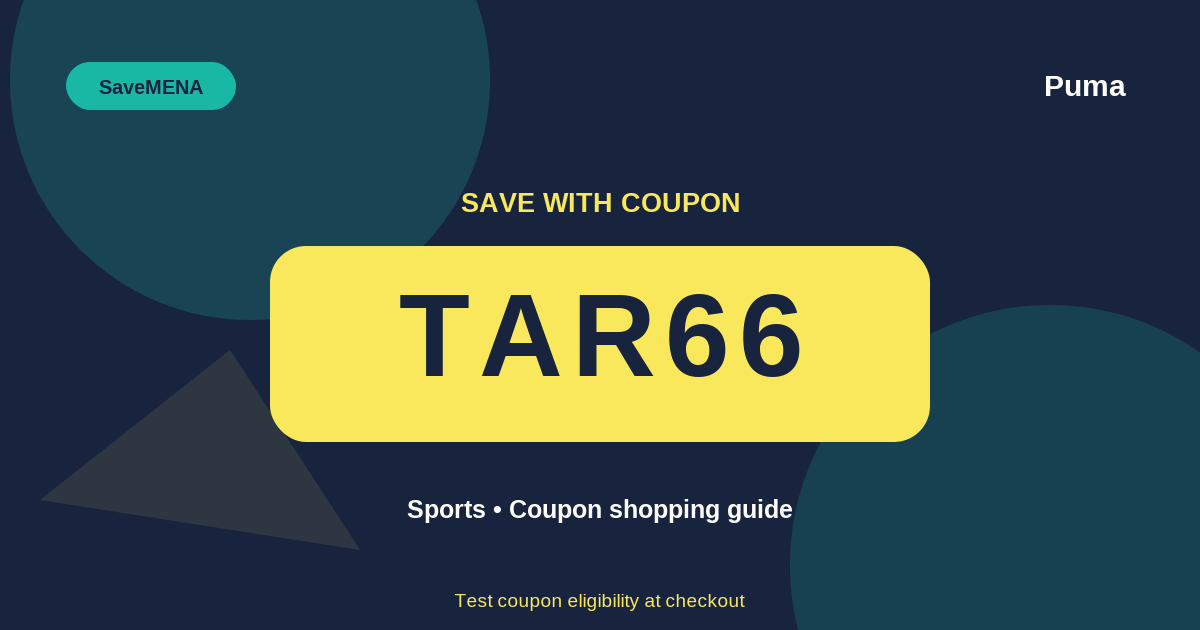
Codes available to try while comparing
These codes are not guaranteed for the article topic or listed brands; test them at checkout and use the live result.
Step 1: Confirming the Exact Variant in the Cart
Before adding a Puma shoe or apparel item to your cart, double‑check the size, color, and style codes in the product listing. Noon’s product pages usually list the SKU and a drop‑down selector; scroll to ensure the chosen variant is listed as available rather than marked “Out of Stock.” This step prevents you from paying for an item that will need to be backordered or exchanged.
After selection, the cart screen on Noon shows the variant details and the current stock indicator. Verify that it still reads “In Stock” and that the real‑time quantity slider reflects your intended number of units. If you see a different number or “Out of Stock” even after you add it, move on to the next steps before final payment.
Step 2: Checking the Seller’s Reliability and Shipping Time
Each Puma product on Noon can be offered by multiple sellers. Locate the seller icon next to the product title, then tap the name for their profile page. A good seller will display a verified or trusted badge, and a history of positive ratings from recent UAE transactions.
Review the estimated delivery window listed on the seller’s page. Because Noon consolidates multiple sellers, the displayed shipping time reflects that seller’s dispatch location. For the best value, favor sellers that ship from the UAE to avoid overnight delays that might add to your total cost or affect your satisfaction.
Step 3: Discerning Real Shipping Fees Versus Hidden Costs
On the cart review screen, Noon lists any applicable shipping fees next to the chosen seller. Prices can fluctuate based on the seller’s location and your delivery address. Carefully note the fee before proceeding – if you selected a seller from outside the UAE, the fee may be higher.
Some sellers offer free shipping for orders above a certain amount; however, the threshold can vary. If you’re comparing two variants, check each seller’s minimum order requirement for free shipping. Selecting a variant from a seller who meets the threshold can render shipping free and boost the overall value.
Step 4: Testing the TAR66 Coupon on the Checkout Page
When you reach the checkout screen, locate the “Apply Coupon” field. Input “TAR66” and activate it to see the reduction applied. If the field shows a confirmation or a small percentage deduction, the coupon has likely processed. Remember, this action only indicates potential eligibility; it does not guarantee the coupon will apply if any condition is not met.
After applying the coupon, check the final payable amount again. The display will adjust in real time when the coupon number is accepted, but final confirmation happens during the payment step. Always read the fine print on the checkout page for any restrictions that might invalidate the discount.
Step 5: Verifying Payment Options That Accept the Coupon
Noon offers various payment methods including credit/debit cards, wallets, and bank transfers. Some methods may not be compatible with sequential coupon application if the platform is in test mode or if a specific card issuer has restrictions. Look for an icon indicating “Coupon-supported” near the chosen payment method.
In the payment gateway, verify that the coupon is still listed under discounts. If it disappears after selecting card details, that may signal the coupon isn’t supported with that payment routine. In such cases, consider switching to an alternative payment method that acknowledges the savings.
Step 6: Cross‑Checking Amazon-like “SaveMENA” Accreditation
SaveMENA’s news article emphasizes that our references are independent from Noon. Still, on Noon’s page, you may see a label like “Partnered Vendor.” It is critical to ensure the variant remains “Now On Sale” in the seller’s listing, rather than a pre‑sale or exclusive offer that could end before you confirm the order.
During the checkout, read any final remarks tied to the product that talk about promotional terms. Certain bundles or cross‑merchandise offers may activate automatically, but they are not guaranteed by the coupon or by building an outcome of the variant you want.
Step 7: Tracking Order Status After Confirming Availability
Once payment is successful, Noon sends an order confirmation email containing an order ID and an estimated delivery window based on the selected seller’s fulfillment. SaveMENA wants you to verify the variant processing date by logging into Noon’s account and checking the order details.
Use the “Track Order” feature to see if the system logs a confirmation that the variant is shipped. If it shows “Processing” for an extended period, consider contacting Noon’s support for clarification about stock status or potential substitutions.
Step 8: Reflecting on the Purchase and Filing a Review
After receiving the Puma product, confirm the variant matches what you specified – check size, color, and style. If everything aligns, rate your seller and vendor experience on Noon to help future shoppers make informed decisions about variant stock and seller reliability.
Should any discrepancies arise, report them through Noon’s return process, which records the exact variant and seller details for resolution. Future shoppers can benefit when the platform incorporates your review to improve transparency around variant availability.
Related SaveMENA pages
Related articles
Official sources to check
Frequently asked questions
Can I use the TAR66 coupon on any Puma sale item?
The coupon can be entered on any order; however, its application depends on Noon’s system accepting it at checkout. If the coupon does not appear to function, try selecting a different payment method or contact support for assistance.
Is the discount from TAR66 applied automatically or manually?
You must manually enter “TAR66” in the coupon field on the checkout page. After signing in, apply the code to view any potential deduction before confirming the final payment amount.
Will the discount cover the shipping fee for a Puma variant?
The discount only affects the product price; shipping fees and other charges appear separately on the checkout screen. Check the final total, including any shipping, before finalizing your purchase.
How can I verify my order includes the exact variant I selected?
Check the order confirmation email and the order details page on Noon. They list the size, color, and SKU code for the product; ensure these match your original cart selection before shipping.