Electronics on Noon UAE: checkout message — value comparison
Never assume a printed coupon or promotional offer automatically translates into a reduction at checkout.
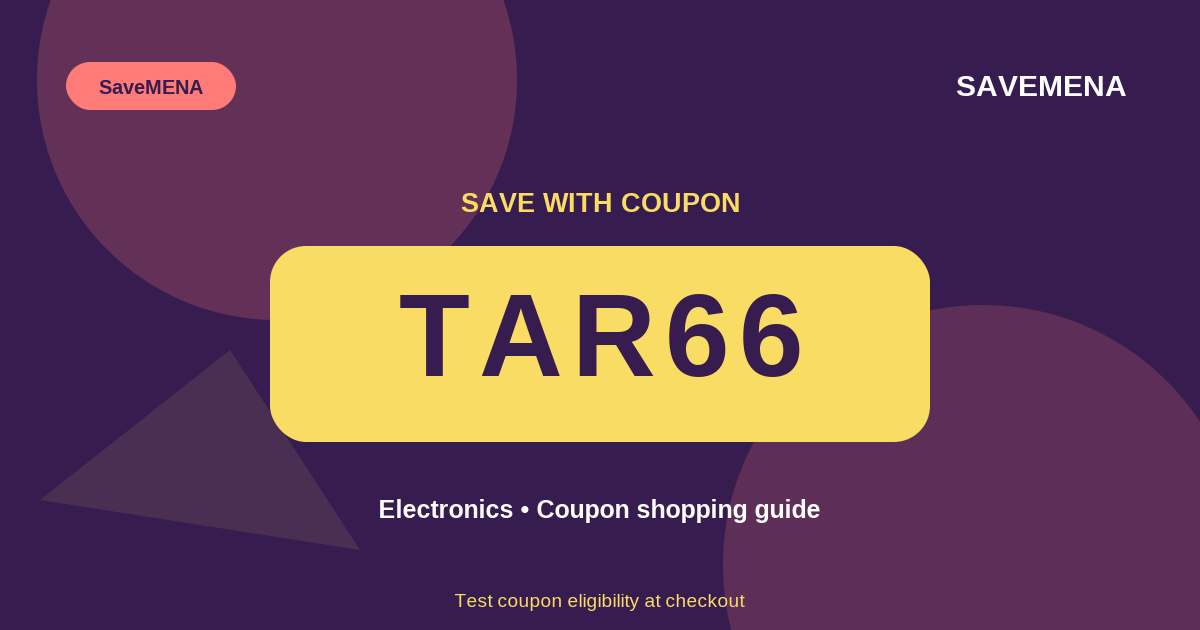
Codes available to try while comparing
These codes are not guaranteed for the article topic or listed brands; test them at checkout and use the live result.
1. Understanding Noon’s Live Coupon System
Never assume a printed coupon or promotional offer automatically translates into a reduction at checkout. Noon’s live coupon system dynamically updates discounts as you move through the checkout flow. This real‑time system recalculates benefits after you confirm quantity, payment method, and delivery details, giving a transparent view of the final payable amount. To make the most of the coupon, always pay close attention to the live message that appears right before you confirm payment.
Because the live coupon is the last public reflection of all applied offers, it encapsulates every change that may affect the total: lower shelf prices, accumulated loyalty points, or automatic free delivery thresholds. The message often includes the coupon code, the exact amount removed, and any missing provision that prevents the full discount. By reviewing this information just before payment, you can detect if the coupon typed earlier (e.g., TAR66) truly influenced the final price.
2. Verifying Eligibility Before Adding to Cart
Eligibility rules are applied at the point of checkout, not when you add an item to your cart. Therefore, add the product first, then deliberately check the coupon notification to see if it acknowledges the item. If you see a message such as “Awaiting payment method” or “Requires minimum spend”, this indicates a restriction that could nullify the coupon. The live message acts as a live audit, and you should treat it as a vital checkpoint before finalizing any purchase.
When you view the coupon field, also consider your account status: if you are a new user or if your credit limit might affect the application of the coupon. The live coupon message will only show a confirmed discount after these conditions are satisfied. Checking these prerequisites early prevents frustration if the coupon appears to be applied and then vanishes later in the process.
3. Reading the Live Coupon Message Promptly
Stop to read the live coupon text immediately after it appears. This message is not a static label but a dynamic summary of your discount after all factors are considered. It will state if the coupon has been accepted, if it has expired, or if it cannot be applied due to an overriding rule. Ignoring or scrolling past this message can result in paying the full price, missing an unexpected chance for a legitimate saving.
Because the live coupon may update if you change your delivery option or payment method, revisit the message each time you make a change. A live coupon that previously ticked “eligible” may subsequently show “pending” if a new condition is introduced. This loop of verification ensures you never miss a discount or accidentally pay a higher rate after a subtle shift in the checkout sequence.
4. Adjusting Cart to Maximize Live Coupon Value
Once you have identified the coupon is accepted, you can apply further adjustments to increase its value. If the live message indicates a partial or absent discount, try adding a complimentary free shipping basket item or moving the payment method to a bank card that is eligible for higher coupon limits. Even slight changes—like swapping a delivery location or altering the billing address—can toggle the validation state of the coupon.
Make small incremental changes and resubmit until the live coupon message reflects the maximum potential discount. This iterative process might also reveal bundle offers or loyalty benefits that were not initially obvious. While the coupon code remains the same, your final savings could rise by aligning your order details with the coupon’s specific bonus stack.
5. Comparing Delivery Options and Fees
Delivery fees are not part of the live coupon discount, but they affect the overall cost you pay. The live coupon message usually does not show shipping charges; instead, these will appear after you finalize delivery preferences. Knowing that different flags (express, 24‑hour, standard) carry different costs, you can decide whether the savings from the coupon outweigh an elevated shipping fee. The live coupon may even truncate if the shipping is outside the threshold, hinting at an alternative shipping plan.
For high‑priced electronics, a free shipping incentive might be crucial. Sometimes the live coupon includes details like “free delivery when using coupon code TAR66.” If you notice the message changing after selecting a faster delivery, use it to prioritize the most economical option while still preserving the coupon’s effect.
6. Monitoring Final Total for Unforeseen Charges
The live coupon message is the final confirmation of the discount applied to the product’s base price. However, other charges—taxes, insurance, or export fees—can add to the final bill. Verify these components by reviewing the order summary in the cart before hitting the final pay button. This audit ensures no surprise costs appear after the coupon has been confirmed.
A discrepancy between the expected and final totals can happen if the coupon accounts only for the product price, while the tax calculation sees no benefit. In that case, the live coupon message might still be accurate for the product label, but the overall saving falls short once taxes are applied. Checking each line item protects against invisible cost increments that could negate the coupon’s value.
7. Recording Checkout Screenshots for Discrepancies
If you suspect the live coupon message does not accurately reflect the discount applied, capture a screenshot right before you confirm the payment. Document the live coupon text, the total, and any relevant availability notes. This evidence can be used when contacting Noon’s customer support to clarify whether a technical glitch or a misinterpretation of the coupon’s rules caused the discrepancy.
Use the screenshot as a reference when you lodge a claim; it shows the real-time view of the coupon’s effect. If there is a mismatch between the screenshot and the final charge, you have tangible proof to assist in an investigation, reducing the likelihood of further misunderstandings. Always keep this record until the issue is resolved or the problem is confirmed to be an isolated error.
8. Using Feedback Channels for Coupon Application Issues
Noon offers an in‑app messaging system for order‑specific concerns. Once the live coupon message has been verified or if you notice any errors, use the dedicated support channel to relay the coupon code, live message excerpt, and the screenshot. Clearly explain how the coupon was expected to work and what difference the live message indicated versus the final payable amount.
Provide your order ID and account details for swift resolution. By partnering with Noon’s support based on precise snapshot evidence, you increase the chance of a timely correction. Even when the coupon was applied correctly, reporting anomalies helps the platform refine its live‑coupon algorithm for future shoppers, ultimately improving overall retail transparency.
Related SaveMENA pages
Related articles
Official sources to check
Frequently asked questions
What should I do if the live coupon message indicates the coupon is not applied?
If the message says the coupon cannot be applied, check for minimum spend or product eligibility constraints. Adjust your cart by adding eligible items, or select a different payment method if required. If the issue persists, use the support chat and provide the live message text for assistance.
How can I be sure the coupon code TAR66 works on my order?
Enter the code in the coupon field before confirming the payment. If the live message changes to show a discount, the code has worked. If no discount appears, double‑check whether the product or brand qualifies and whether your account meets the coupon’s requirements. Contact support if the code still shows as invalid.
Will shipping fees affect the coupon amount?
Shipping fees are calculated after the coupon is applied and usually do not influence the discount. However, some coupons limit their effect to the product price only. Check the live message for a free delivery indicator; if absent, add a free‑shipping item or adjust your delivery option to keep the total within the coupon’s threshold.
Can I use the same coupon for multiple electronics in my cart?
Coupon applicability depends on Noon’s current terms of use for TAR66. The live coupon message will reflect whether the code applies to all items or is restricted to a single product. If you add multiple qualifying items, the discount may multiply, but confirm by observing changes in the live message after each item is added.