Dell Office on Noon UAE: listing condition — value comparison
best value on Noon UAE Office Dell listing condition and displayed item state: To find the best value on Noon UAE Office Dell listings, you need to go beyond
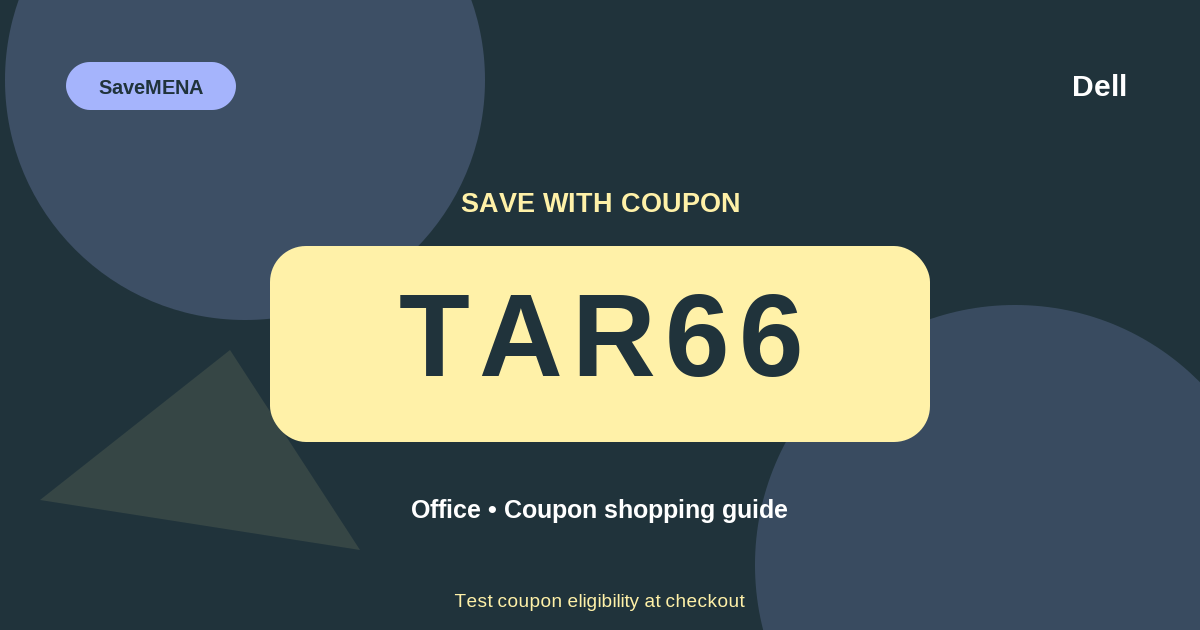
Codes available to try while comparing
These codes are not guaranteed for the article topic or listed brands; test them at checkout and use the live result.
1. Start With the Displayed Item State
When first viewing a Dell office product on Noon, notice the actual product images. A clear before‑and‑after set, if available, can highlight wear or newness instantly. Pay attention to the depth of shots—side, front, back—and ask whether there are any scratches, dents, or signs of tampering. A listing that includes such detail signals a seller committed to transparency.
Beyond images, review the item description for keywords like “factory sealed,” “new in box,” “refurbished,” or “open box.” These terms provide immediate cues about the product’s physical condition. If the description omits such qualifiers, it may be wise to double‑check with the seller before proceeding, especially for expensive Dell office hardware.
2. Verify Seller Credibility and Condition Tags
Check the seller’s overall rating and the number of completed sales for Dell office products. A higher rating coupled with frequent sales can indicate reliability. However, a high overall rating alone does not guarantee accurate condition reporting. Look for a winner status badge or seller verification if it exists; this adds an extra layer of trust.
For Dell office items, sellers often tag their listings with condition descriptors like “New,” “Like New,” or “Refurbished.” Confirm that the tag aligns with the photos and description. If the tag appears ambiguous, consider contacting the seller for clarification or read through any buyer questions that might surface hidden details.
3. Cross‑Reference Photographs With Descriptive Text
Photos are the most tangible evidence of a product’s state. Compare each image with the textual description: does the price match the level of detail? If the wording claims a “nitpicky” condition but the pictures reveal extensive scratches, that mismatch signals a potential issue.
For Dell office items, ensure that the listed specifications match visible indicators in the images, such as model numbers stamped on chassis or accessory placements. Minor misalignments between text and photos should prompt a seller query to prevent post‑purchase surprises.
4. Review Return Policy and Warranty Details
A Dell office product’s real value includes the safety net of its return policy. Check if the seller allows returns within a certain timeframe, and confirm whether the policy covers defective items only or also buyer‑reneged purchases. A generous return window strengthens the perceived value.
Warranty coverage is also crucial. Dell typically offers manufacturer warranties on new products; refurbished items may carry shorter or third‑party warranties. Verify that the listed warranty period is clearly stated, and ask the seller for details if it’s omitted.
5. Examine Bundle and Complementary Item Opportunities
Don’t overlook the potential to enhance value through bundles. Sellers might offer an extra Dell peripheral—such as a monitor, keyboard, or docking station—at a discounted rate when combined with the primary office product. Compare the bundle price to the sum of individual prices to gauge real savings.
When bundles are offered, scrutinize the condition of each included item. A bundle’s attractiveness diminishes if an accessory is posted as “used” without clear recertification, so verify both the total bundle condition and individual listings if possible.
6. Watch Market Price Trends for Dell Office Products
Before finalizing a purchase, explore how Dell office product prices fluctuate over time. Seasonal promotions, new model releases, or major sales events can temporarily suppress prices. If a listing appears markedly lower than recent average prices, double‑check for hidden condition issues.
Even if a lower price exists, confirm that the discount is not a result of a compromised condition. Use price history tools or consult recent reviews for the same Dell model to ensure your chosen listing falls within a reasonable range.
7. Leverage the TAR66 Coupon Carefully
The coupon code TAR66 is available to try during checkout on Noon UAE. While it may offer an extra discount, its application is not guaranteed. List the code only at the final checkout step, after the product has passed all condition confirmations.
After entering TAR66, verify the final payable total shown in the order summary. If the code does not apply—or the discount differs from expectations—contact Noon customer service for clarification, but understand that coupon applicability is subject to platform calculations.
8. Perform a Final Checkout Checklist
Before confirming payment, review the entire order page: product listing, seller details, shipping information, exchange–return policy, warranty, and the wallet amount that will be charged. Re‐confirm that the displayed condition remains consistent with what you have reviewed.
Make sure you are comfortable with the final payable total, including shipping fees, taxes, and any additional charges. This last check is your safety net; if any detail feels off, pause and reconsider your purchase rather than signing on impulsively.
Related SaveMENA pages
Related articles
Official sources to check
Frequently asked questions
How can I confirm a Dell office product is truly “like new” on Noon?
Look for clear before‑and‑after images that show no defects, and check that the seller’s rating is high and that the product has recently sold in that condition for Dell office items.
Will the TAR66 coupon apply automatically to Dell office products?
It may be available to try, but its eligibility is decided at checkout in real time and is not guaranteed for every listing.
What if the return policy is unclear for a Dell office listing?
Contact Noon support or the seller directly before purchase to clarify the specific return window and conditions for Dell office products.
Is price history a reliable indicator of a good deal for a Dell office product?
Yes, monitoring recent price trends helps identify unusually low offers that might hide condition issues for Dell office items.