Logitech Office on Noon UAE: model specifications — value comparison · TAR92
The best value on Noon UAE Office Logitech model and specifications hinges on more than price alone. Specifications tell you how a device will perform under real
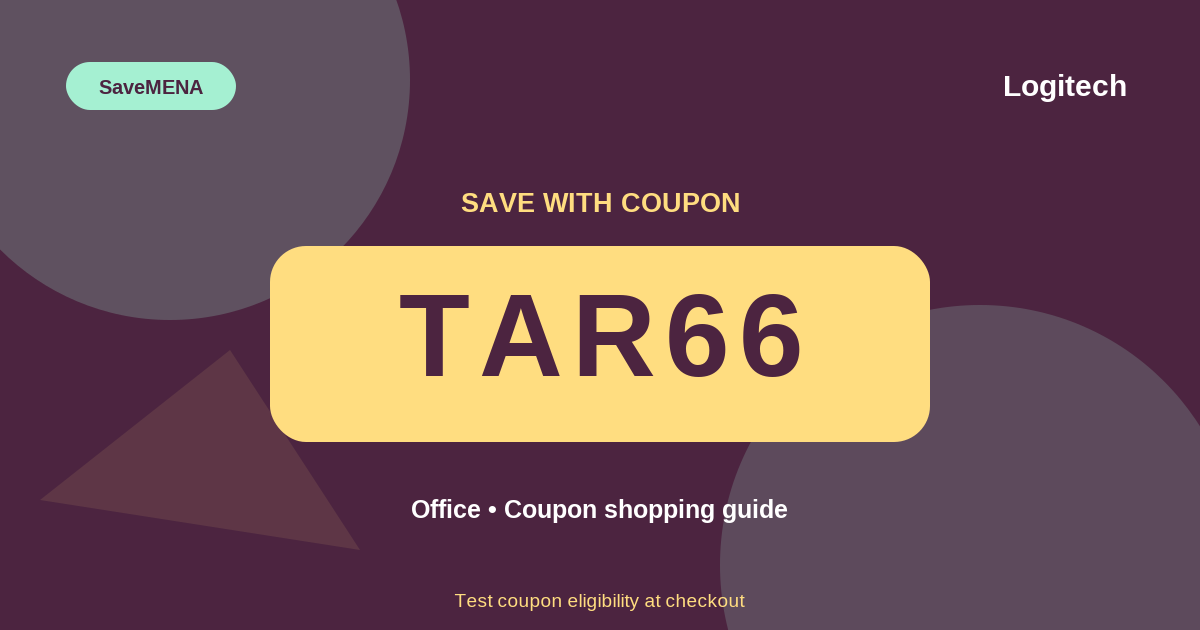
Codes available to try while comparing
These codes are not guaranteed for the article topic or listed brands; test them at checkout and use the live result.
Understanding the Power of Specifications in Office Peripherals
The best value on Noon UAE Office Logitech model and specifications hinges on more than price alone. Specifications tell you how a device will perform under real office workloads, from sustained typing sessions to multi-monitor setups. Evaluating factors like connection type, USB version, and battery life reveals hidden costs and benefits. When you compare raw numbers—such as DPI ranges for mice or LED lifespan for keyboards—you gain clarity on longevity and performance thresholds that match your daily demands.
Included in spec sheets are often overlooked features, like adjustable RGB lighting, programmable keys, or compatibility with software suites. These extras can boost productivity or comfort without additional cost. A meticulous review of the spec sections helps you prioritize features that match your workflow, such as whether you need a wireless Bluetooth or a hardwired USB-C for speed and reliability. By mastering these details, you set yourself up to appreciate value beyond the storefront.
Benchmarking Logitech Models on Noon UAE for Value
To assess value, we collate Logitech products most frequently found on Noon UAE, focusing on those marketed for office use. Models range from ergonomic keyboards to silent mice, each stamped with balancing act between cost and functionality. Compare key columns—weight, dimensions, battery rating—across the roster. This exercise reveals patterns, such as a certain mouse offering superior click feedback at a competitive price or a keyboard delivering tactile satisfaction without the premium price tag.
Engaging with user reviews, albeit limited to general sentiment, can highlight true performance, especially concerning durability and software compatibility. Office workloads demand reliability; a Logitech model that works flawlessly for months is arguably a better buy than one with a flashy spec but questionable battery life, even if their stickers differ. On Noon, you will often find bundled accessories that enhance perceived value, so tagging along those during your assessment can alter the equation.
The Role of Connectivity and Performance Metrics
Connectivity is central to office productivity: wired USB-C ensures instant power and zero latency, while wireless models trade convenience for minimal lag. Delving into specifications that list latency ratings, bandwidth, and power consumption reveals how a Logitech device will integrate into your existing workstation. A device supporting USB 3.0 or newer will pass through data at higher speeds, benefiting large-file transfers or high-refresh-rate displays.
Performance metrics format the long-term relationship with your device. Microscopic details, such as key travel distance or mouse sensor RPM, reflect build quality. A Logitech keyboard that registers 0.5 ms key response time will feel more responsive in fast-paced environments that require rapid command execution. Likewise, understanding sensor precision eliminates guesswork when choosing a mouse for detailed graphic work or spreadsheet navigation.
Ergonomics and Design: What Office Users Need
A Logitech device designed for longevity must consider ergonomics. Spec sheets that detail wrist rest inclusion, adjustable angles, or split layouts directly impact comfort over long workdays. An ergonomic keyboard that supports a natural wrist posture can reduce repetitive strain, while a mouse with contour grip mitigates thumb fatigue. Comparing these design bits exposes whether a model will truly enhance your workspace health.
Construct quality is also encoded in specifications through material type, such as aluminum or ABS plastic, and strap strength. A robust chassis can withstand daily handling; the spec sheet should reflect any mention of IP ratings for dust or sweat resistance. For companies with dynamic office environments, devices that resist wear can mean fewer replacements, consolidating a device’s value beyond the headline price.
Warranty, Support, and Long-Term Value
A comprehensive warranty is pivotal to assessing long-term value. Many Logitech peripherals on Noon UAE offer a 24‑month warranty with a valid claim policy. The spec section typically lists coverage details, yet the practical steps to claim—reimbursement versus replacement—are critical too. Investing in a device with robust service can offset eventual repair costs, ensuring the initial purchase price remains compelling over time.
Support infrastructure, including firmware updates and software drivers, also figures into long-term ROI. Logitech’s offerings often package a companion app to enable customization and performance tuning. By checking the spec code that references app compatibility, you can gauge whether your device will stay current with evolving office software, preventing obsolescence that can erode the value equation.
Price vs. Performance: How to Weigh the Decision
Assessing the price-to-performance ratio requires translating specifications into real office scenarios. Take a mouse with 8000 DPI and compare its sensor precision in software against a 4000 DPI counterpart. The incremental DPI may represent a measurable performance boost in spreadsheet scrolling or design applications, justifying an uptick in cost. Align these metrics against your work intensity to decide if the premium is worth it.
Conversely, a keyboard with a magnetic cable rated for 2500 cycles offers more longevity than a detachable USB cable rated for 1000 cycles. Such longevity translates into fewer replacements and a better overall cost of ownership. A holistic view—factoring in battery life, durability ratings, and connectivity—provides a nuanced picture of where your budget aligns with value, rather than chasing headline discounts alone.
Applying the Coupon: A Practical Tryout on Noon
While Noon UAE occasionally offers discount codes, they may vary by time or device. You can attempt to apply the coupon code TAR92 during checkout to see whether it offers a discount on your selected Logitech model. Note that coupon applicability is determined by checkout rules and cannot be guaranteed; you’ll see whether the code is accepted or rejected once you proceed to the payment page.
When the coupon is applied successfully, the discount appears in the order summary which gives you a clear picture of the final payable amount. If the code does not work, you can consider other promotions, compare prices across different sellers or simply reassess whether the device meets your specification needs above any price incentive.
Related SaveMENA pages
Related articles
Official sources to check
Frequently asked questions
Question
Answer
How can I determine if the Logitech model I want has a long battery life?
Look for specs that list battery endurance in hours or days on a full charge. On Noon UAE, this information is typically found in the product description or a dedicated specifications section, which gives you a realistic estimate of usage without recharging.
What should I check regarding the warranty on a Logitech peripheral?
Verify the warranty length (e.g., 24 months) and coverage details from the guaranteed delivery card or the product specifications. Knowing whether repair or replacement is covered helps gauge long‑term value.
Will the coupon code TAR92 apply to all Logitech office devices on Noon UAE?
The code can be entered during the checkout page, but acceptance is determined by Noon’s coupon rules. If it doesn’t apply, there is no guarantee of a discount; consider consulting the seller or waiting for another promotion.