Logitech Computer Accessories on Noon UAE: payment method — value comparison
The first question faced by UAE shoppers evaluating deals on computer accessories at Noon is not merely whether a headline percentage discount appears in the ad.
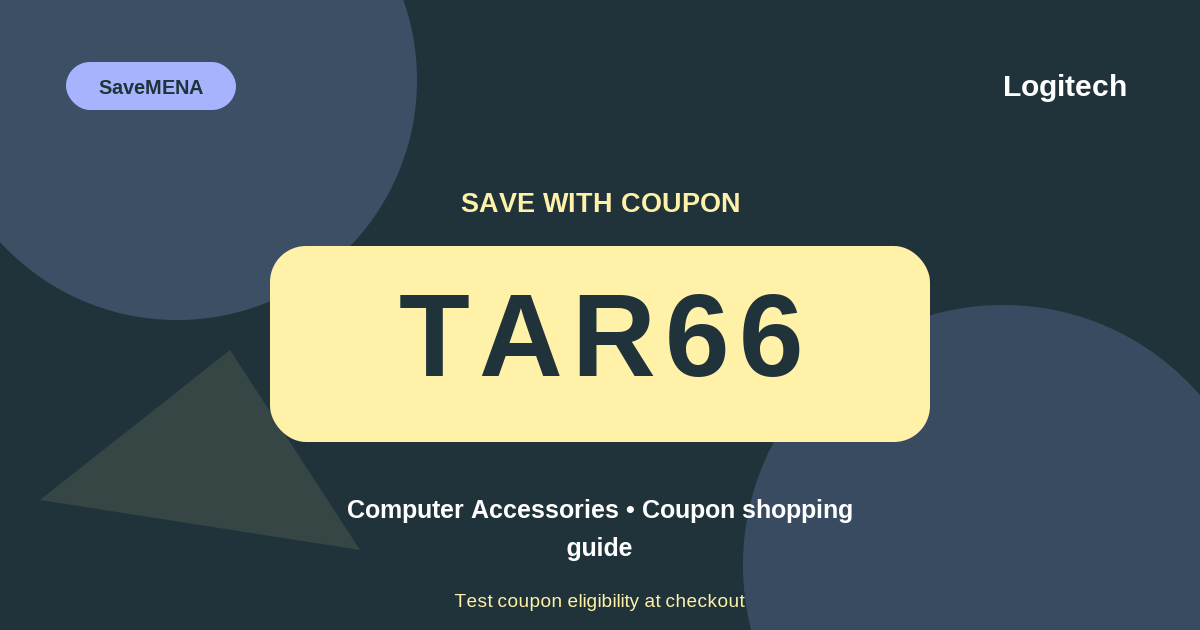
Codes available to try while comparing
These codes are not guaranteed for the article topic or listed brands; test them at checkout and use the live result.
Understanding Noon UAE's Computer Accessories Range
Noon UAE hosts a diverse catalog of computer accessories, from keyboards and mice to high‑end gaming gear and ergonomic office setups. The site’s search filters allow you to narrow by brand, price range, specifications, and even user reviews. For Logitech items, the platform typically lists a breadth of models, from entry‑level budgets to professional‑grade devices, ensuring broad coverage across user needs. By exploring these filters, you can immediately see the comparative spread of options without being distracted by promotional banners that focus exclusively on headline discounts.
While the platform offers occasional pop‑up vouchers and bundle offers, the clarity of product listings is essential. Pay close attention to product details: connectivity type (wired vs wireless), supported platforms, driver compatibility, and any included software bundles. These attributes impact the indirectly visible costs—such as the need for extra cables or software licenses—affecting overall value. Such nuance ensures you won’t be misled by a headline percent but instead assess the true worth of Logitech components you plan to purchase.
Logitech Product Differentiation and Value Signals
Logitech’s lineup ranges from purely functional mechanical keyboards to premium gaming specs with RGB lighting, ultra‑thin mice, and advanced audio devices. Each model carries its own design trade‑offs: switch type, DPI range, ergonomics, and battery life. When comparing unit prices, keep in mind that higher specifications usually translate into higher durability and performance, often extending the effective lifespan of a peripheral. Thus, a modestly higher upfront cost may represent greater savings over time compared to a lower‑priced, less durable alternative.
In practice, look for product spec sheets and comparison charts that Noon provides adjacent to each listing. These often highlight key differentiators such as sensor accuracy, trigger latency, and software customization features. Such information is valuable when evaluating “value” as it aligns the product’s capabilities directly with practical use cases—gaming, professional design, or everyday typing—rather than relying solely on a blanket discount. By aligning each Logitech option with your specific needs, you can make a more informed, long‑term purchase decision.
Assessing Price Perception vs Actual Value
The headline discount percentages on Noon can sometimes be deceptive. A the discount shown at checkout off banner on a commodity item might still be lower in absolute terms than a moderately discounted high‑end product. For Logitech accessories, the manufacturer’s base price reflects the engineering and brand positioning; therefore, a more substantial discount may occur on premium models. Checking the product’s MSRP or retail price from other outlets can help you verify whether a listed discount truly offers savings.
Because Noon allows multiple payment methods, the effective price may vary due to transaction fees or promotional rates tied to certain lenders. Reviewing the subtotals and any potential additional charges during checkout will reveal whether the headline percentage translates into a net saving after the payment method fees are applied. This practice reduces the chance of paying more than expected, reinforcing the importance of base price analysis over headline slogans.
Coupon Code TAR66: How to Apply and Verify
To try the TAR66 coupon on your Logitech selection, proceed to the cart and enter the code in the designated field. The site will display a provisional discount line item once applied. Although the coupon is available for customers to try, Noon explicitly clarifies that its allowance is not guaranteed; the promo may or may not be valid at checkout depending on stock, product category restrictions, or usage limits.
After applying TAR66, watch for a final total that reflects the updated amount. The checkout screen is the definitive source for confirming eligibility and any remaining balance. If the code does not appear or a message states it is invalid, you may need to contact Noon support or retry on a different device. Because the coupon’s validity isn’t assured, treat it as a potential reduction but not a guarantee and verify the final payable figure before completing the order.
Payment Method Considerations for the Best Value
Noon offers several payment pathways—credit/debit cards, Noon Pay credit, stored balances, and specific banking partners. Each carries differing fee structures and benefits. Credit cards might offer loyalty points, whereas Noon Pay often carries a short‑term low‑interest financing plan that can lower the immediate cost. However, extended financing can introduce hidden servicing fees or require a minimum payment plan, potentially eroding value if paid off late.
Before choosing a payment mode, inspect the checkout confirmation for any risk‑free periods or interest charges. Take note of the final payable amount after applying any coupons or discounts; this figure includes any payment‑method related fees. For UAE shoppers, it’s also wise to understand exchange rates if you use a foreign‑currency card, ensuring no surprise conversion charges. By systematically reviewing these factors, you can confirm that the payment method chosen truly supports the best value proposition.
Warranty, Return Policies, and Post‑Purchase Support
Noon’s standard warranty terms for computer accessories typically align with vendor‑provided coverage, often spanning 12–24 months depending on the product. For high‑value Logitech items, extended warranties can be purchased separately from Noon or the manufacturer to augment protection. Checking the specific warranty description on the product page before checkout ensures you’re aware of any pre‑purchase coverage versus post‑purchase upgrades you might need.
Return policies on Noon are generally limited to a 14‑day return window for unused items with tags intact. However, when a product return triggers a refund, the amount returned may reflect the day‑of‑purchase price, inclusive of any applied coupons, which could affect your reimbursement. Confirming the return conditions in the cart’s terms section, therefore, helps avoid surprises, particularly if you plan to exchange a Logitech accessory. Aligning the purchase with your recall expectations contributes significantly to the overall value assessment.
Customer Support Inquiry and User Experience
You can interact with Noon’s customer support via chat, email, or phone. For concerns about the coupon TAM66 or payment method issues, contacting support before placing the order can clarify whether the promo has special conditions not apparent on the product page. The response time may vary, but most queries are resolved within a few business days during peak shopping periods.
In addition to support, community forums and user reviews present anecdotal evidence on reliability and usability of purchases. While personal experiences are subjective, aggregating these reviews yields insight into long‑term satisfaction, potentially affecting perceived value. Tracking how often a product is rebuilt, fails, or requires driver updates can influence your decision more than a simple headline discount.
Making the Final Decision from a Value Perspective
When all elements—product specs, base price comparison, coupon applicability, payment method fees, warranty, return policy, and support information—are considered, the final decision rests on the overall benefit you derive versus the total spend. If clicking “checkout” leaves you with a sum that matches or beats other retailers’ net price after verifying all associated fees, the purchase can be deemed a good value.
Remember that the purchase’s success is measured by its alignment with your usage scenario, longevity, and after‑sales support. Therefore, while Noon’s promotional engine showcases headline percentages, what truly matters is the actual cash outlay you finalize after all adjustments. By applying this systematic lens, UAE shoppers can confidently claim they have found the best value on Noon UAE Computer Accessories with a Logitech payment method that suits their budget and risk tolerance.
Related SaveMENA pages
Related articles
Official sources to check
Frequently asked questions
How do I check if the TAR66 coupon is still valid before checkout?
Verify the code in your cart and observe whether the discount line appears; if it does not, the coupon may be invalid or restricted, so consider contacting Noon support for confirmation.
Can I use additional payment methods after choosing Noon Pay financing?
Noon allows you to select an alternative payment from the list, but last‑minute changes may alter promotional benefits, so review the final total carefully after any switch.
What happens to the coupon discount if I return my Logitech item?
Upon returning, the refund generally reflects the purchase price used at checkout, including any applied coupons, which may affect the reimbursed amount.
Are there extra fees for using credit cards on Noon?
Some credit cards charge foreign transaction fees or 3D Secure verification. Check your card issuer’s policy; Noon does not add direct fees to card payments.