Apple Laptops on Noon UAE: payment method — value comparison · TAR78
Discover how to unlock the best value on Noon UAE laptops when you choose the Apple payment method. This guide goes beyond headline percentages, diving into the
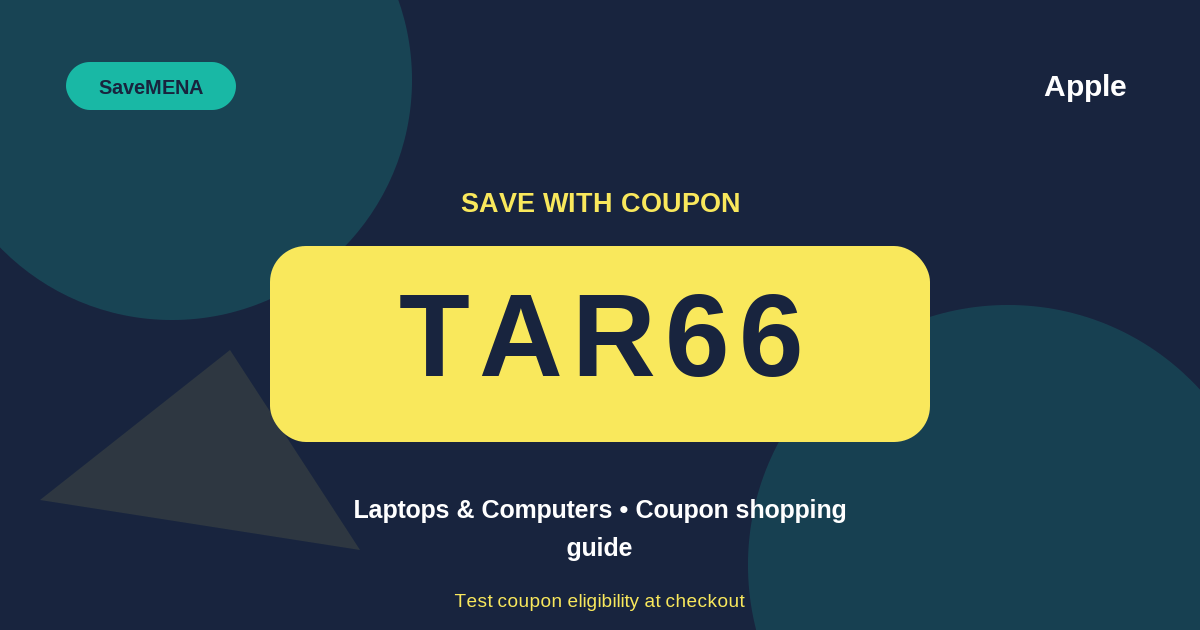
Codes available to try while comparing
These codes are not guaranteed for the article topic or listed brands; test them at checkout and use the live result.
Apple Pay on Noon: The Payment Landscape
Using Apple Pay on Noon UAE offers a seamless, secure payment channel that integrates directly with your Apple device. When you add a laptop to your cart, the Apple Pay option will appear alongside credit and debit card choices. This channel benefits from tokenized card information, reducing exposure to data theft while maintaining rapid transaction processing. If you’re new to Apple Pay, you can configure it via Wallet, link your bank card, and scroll until Noon appears in store listings. The result is a friction‑free checkout that can be completed with a single glance or a face‑recognition gesture.
All transaction amounts, including taxes and delivery fees, are concise on the final screen before you confirm with Face ID or Touch ID. You’ll see a breakdown that lets you check whether the laptop’s listed price, any manufacturer rebates, and additional services or accessories reflect the advertised value. Apple Pay also supports in-app purchases and web-based checkout for orders, making it versatile across Noon’s app and website. The next step is to compare the costs you actually pay in Apple Pay versus other payment methods, as that difference determines the best overall price.
How the Laptop’s Base Price Influences Your Total
The base price of a laptop on Noon stands as the primary reference point for any comparison. Notice whether the product listing includes a “starting at” figure or a fixed price onsight. Some laptops may display a steep headline discount, but the underlying list price could still be high. As you assess the best value, keep the actual model specs—CPU, RAM, storage, display resolution—in mind. A higher upfront cost can be justified if it directly translates into better performance or longevity, influencing the final amount you pay beyond the headline.
When Apple Pay is your chosen method, the total amount you see is rarely altered beyond the base price; however, if a discount code such as TAR78 is applied, you’ll notice the code’s effect before you confirm. As the checkout instructions clarify, the coupon is available to try without guaranteeing a reduction. Be sure the code appears under “Promo code” or “Discount” and that the calculation displayed matches your expectations. The conclusion is that the price you see before confirming is the anchor when determining the deal’s true value.
Why Total Cost Matters More Than Just Savings
A headline percentage alone can mislead shoppers. Discount focus often ignores delivery fees, service charges, or necessary accessories. To evaluate real value, examine every line item. For instance, a laptop with a the discount shown at checkout discount may still cost more overall if a premium case or extended warranty is included in the basket. Apple Pay’s swift processing can save time, but it will not alter these secondary costs. By breaking down each component, you’ll spot hidden expenditures that diminish value.
Of particular interest to UAE shoppers is the local customs duty for imported laptops. Noon lists any applicable taxes on the final price sheet, whether you pay by card or Apple Pay. Consequently, the best value contains all mandatory fees, payable by the selected method. Even if Apple Pay offers a minor convenience swap, the difference it makes to the net cost is typically modest. Pay attention to the final total after tax, delivery, and accessory fees to determine which laptop truly offers the best bang for your buck.
Apple Pay Transaction Fees and Their Impact
Apple Pay itself does not charge transaction fees for consumers on Noon UAE. The fees—if any—are absorbed by participating banks or financial institutions. Thus, you don’t have to factor an extra cost when choosing Apple Pay over a credit card. In other marketplaces, merchants may add a surcharge for newer payment methods, but Noon’s policy keeps Apple Pay free for shopping.
Without a surcharge, the only variable to monitor is any potential benefit you receive from Apple Pay, such as loyalty points or instant cashback tied to your bank. Those rewards might not translate into discount percentages but can lower overall spending. Therefore, when focusing on the best value, assess whether the rebates or rewards offered via your bank’s Apple Pay integration are worth the same base purchase price. Remember, the final payable amount remains consistent across payment methods for the same item.
Using TAR78 Coupon Code During Apple Pay Checkouts
The coupon code TAR78 is available to try within the Noon checkout process. When you reach the payment stage, a “Promo Code” field appears where you can enter TAR78. It applies to the entire cart subtotal, just before taxes and delivery fees. The amount of the discount is shown in real‑time if the code is valid for that basket. The Word “try” signals that there’s no guarantee of acceptance, especially if a campaign window has closed or the coupon is limited to specific brands or items.
If the code is rejected, Apple Pay will still complete the transaction at the displayed price, preserving a consistent payment flow.A coupon is not guaranteed; verify its result at the retailer checkout. The final amount you see, inclusive of any discount, is the figure you’ll spend in Apple Pay. It serves as a reminder that payment method choice may not alter the discount, but it does affect how smoothly the transaction feels.
Comparing Alternative Payment Options
While Apple Pay offers a streamlined experience, you may want to compare alternative methods such as credit card, debit card, or net banking. Each option can have slightly different processing times or offers, like promotional credit card rewards or cashback. For example, a credit card might provide a daily reward that offsets the total cost, whereas Apple Pay might rely on your bank’s loyalty program. Understanding these nuances helps you decide whether the convenience of Apple Pay outweighs any program-specific rewards.
To conduct a fair comparison, note that all methods on Noon read the same final price before any bank‑oriented benefits come into play. Apple Pay merely shifts the process from number entry to biometric authentication. The net cost remains unchanged. Therefore, the key difference lies in how quickly you confirm the payment, the additional safety of tokenized data, and any bank‑specific rewards you may later redeem. This check informs whetherApple Pay's perceived value justifies choosing it over other methods.
Evaluating Popular Laptop Models for Value
When scouting laptops on Noon, focus on models that align with your daily needs—gaming, work, graphics, or everyday tasks. A model with higher specs often justifies a higher price point, especially if it remains within the smartphone’s standard upgrade cycle. In contrast, an older generation laptop might offer similar performance at a lower cost. Use Noon’s filter options to narrow by CPU, RAM, or display size, and then examine each avocado detail for value.
Apple Pay’s role here is to confirm the price you’ve chosen with minimal friction. After adding a laptop to your cart, you’ll review the model’s specs and any bundled services. Then you can apply any coupon and confirm the payment with Apple Pay. You’ll see that whether you choose a high‑end or budget model, the payment method does not influence the base cost; it solely affects the checkout experience. When choosing the best value, verify the actual unit price displayed, and remember to factor in long‑term value such as support and upgrades.
Practical Tips to Maximize One’s Shopping Experience
Being proactive during checkout can genuinely improve value. First, double‑check the “Cart Summary” before entering Apple Pay. Ensure no unexpected accessories appear; some sellers bundle accessories automatically for certain models, which can inflate the cost. Second, confirm that the chosen payment method is selected before you proceed, as changes afterward may require you to restart the process.
After confirming your purchase, keep an eye on the order confirmation email. This includes a final breakdown that refines the total you actually paid, reflecting any applied coupon code, tax, delivery, and Apple Pay settlement. If you suspect a wrong amount or a missing discount, use Noon’s “Track Order” feature to resolve quickly. Taking these steps guarantees that the “best value” you’re chasing is indeed what you receive.
Related SaveMENA pages
Related articles
Official sources to check
Frequently asked questions
Will using Apple Pay give me a discount on my laptop purchase?
No, Apple Pay itself does not provide a discount. It is a secure and convenient payment method. Any discount comes from coupon codes like TAR78 or from the laptop’s listed price.
Can I apply the TAR78 coupon after selecting Apple Pay?
Yes, you can enter the coupon code in the Promo Code field before you confirm payment. It will adjust the subtotal displayed prior to the final Apple Pay confirmation.
Are there any extra fees for using Apple Pay on Noon UAE?
Noon does not charge extra fees for Apple Pay. The transaction cost remains the same across payment methods for the same item.
Do I need to have a specific Apple device to use Apple Pay for Noon?
Yes, Apple Pay requires an iPhone or Mac that supports the Wallet app. You must link a bank card to your Apple Wallet to complete the checkout.