Tablets on Noon UAE: price changes — value comparison
best value on Noon UAE Tablets rechecking after a price change: When evaluating a tablet deal on Noon UAE, the headline discount often misses the key detail: how
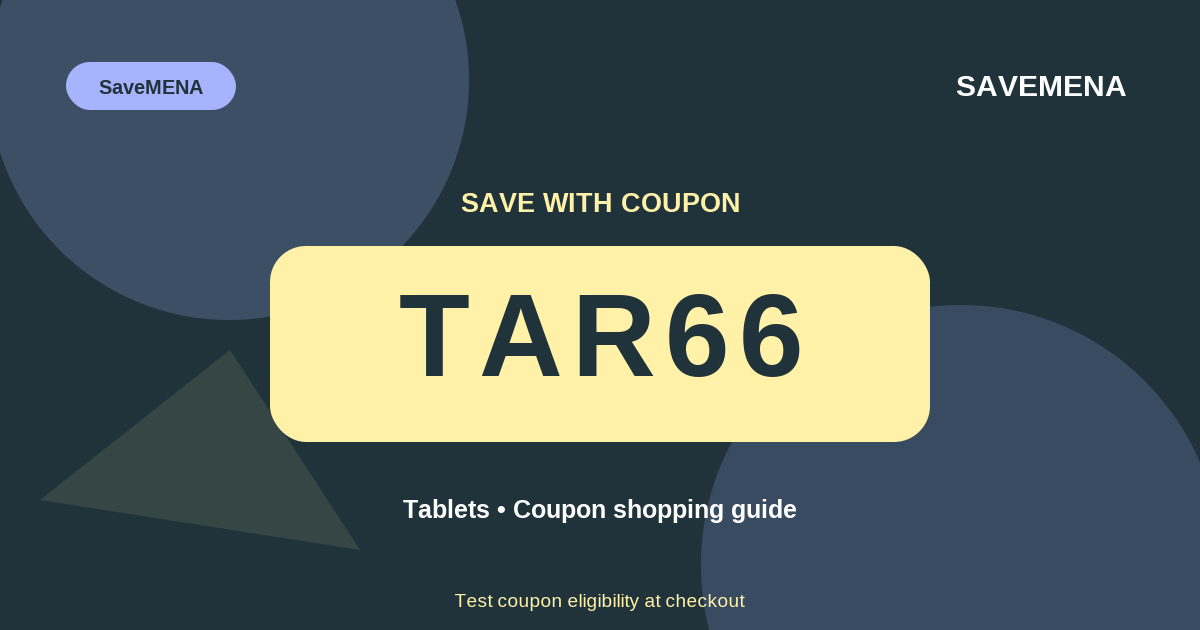
Codes available to try while comparing
These codes are not guaranteed for the article topic or listed brands; test them at checkout and use the live result.
Verify the Latest Price and Historical Trend
First, capture the current price shown on Noon’s tablet listing. Then, use Noon’s price‑history feature, if available, to view past listings and confirm how the price has shifted over the last few days or weeks. Document the original price that was advertised during the headline discount period, and compare it with the new figure. The difference will tell you whether the tablet has dropped or risen, and if the headline percentage still matches the current discount.
Make a quick spreadsheet or note in phone notes: date, original price, current price, difference in AED. This table will be your reference point when you start comparing other attributes like features and seller policy. It also helps you spot temporary spikes or anomalies that might affect the deal’s perceived value. Remember that store updates can lag; verify the price again a few minutes before making a decision to avoid missing the latest change.
Confirm the Original Discount vs New Price
With the price difference documented, calculate the effective discount percentage for the tablet. Divide the price reduction by the original price and multiply by 100. Compare this figure with the headline percentage that Noon advertised. If the headline is still accurate, the deal keeps its value. If the headline is outdated, you can see the real percentage offered now.
This calculation is essential because a headline discount that originally promised the discount shown at checkout might now translate to only the discount shown at checkout after a price hike. Such discrepancies can mislead buyers into thinking they’re getting a larger benefit than the reality warrants. Write down both percentages; during checkout, if you see an additional discount, you’ll be able to reconcile it against the real-time figure.
Check Seller Credibility and Return Policy
Uncover who is selling the tablet by viewing the seller’s profile and rating on Noon. Look for evidence of reliable performance: customer reviews, response time, and return policy clarity. A good seller will allow returns within a standard window and handle damaged or mismatched items efficiently. If the seller’s rating is low or reviews mention problems, approach the deal with caution even if the price is high-value.
Scrolling to the bottom of the listing, you’ll find the return policy description. Note whether it covers “defective or non‑matching” items and the time frame for initiating a return. These details affect the final cost if you need to exchange or return the tablet. Before proceeding after a price change, ensure that the seller’s policy is still favorable and hasn’t changed during the update.
Review Delivery Fees and Availability
Check the delivery fee line on Noon; it can vary by seller or quantity. Since price changes sometimes trigger a shift in shipping terms, recalculate the total cost by adding the current delivery charge to the updated tablet price. If the delivery fee has increased, the net savings of the discount may be reduced.
Also verify that the tablet is still in stock and that the delivery slot aligns with your schedule. Boo‑k a delivery time after confirming the new price; the system may present a different option if the seller has adjusted inventory. Maintaining clear delivery details helps avoid last‑minute surprises that could negate the deal’s value.
Look for Bundle Offers or Add‑Ons
Search the listing for any bundle options: cases, chargers, Sim modules, or accessory packs. Sometimes Noon groups a tablet with accessories at a lower combined price than buying separately. Use the bundle price as a comparative benchmark against the discounted tablet price after the change.
Even if you don’t need the extra items, bundles can influence your valuation. If the bundle’s total value is higher than the tablet’s stand‑alone price post‑discount, you might prefer the standalone option to avoid unnecessary spend. Note bundle availability; if an earlier bundle was removed or renamed during the price update, your expected savings may shift.
Compare Alternatives from Same Seller
Navigate to other tablet listings offered by the same seller that Noon hosts. Notice if the seller has different models at similar price points. Compare specifications, warranty terms, and user ratings side‑by‑side. A similar tablet at a better price after a price adjustment may offer more for your money.
Some sellers manage a range of tablets; use the search filters on Noon to view other options. By making a side‑by‑side comparison, you can fine‑tune which tablet truly offers the best value after the recent price change. Maintain the same decision lens: verify price history, seller reliability, delivery, and bundle feasibility for each alternative.
Factor in Warranty and Post‑Purchase Support
Look at the warranty period advertised for the tablet. A longer warranty or a remote support option can add hidden value, especially if the device is expensive or you plan to use it intensively. Compare warranty terms against other sellers or brands, ensuring the same duration and coverage levels are offered.
Warranty plus appliance “after‑sales” features like return protection or software updates can influence perceived value. If the seller has recently chopped the warranty length along with the price change, the net benefit will drop. Record any changes and weigh them against the new discount to see if the deal remains attractive.
Apply Coupon Code at Checkout and Re‑validate
At checkout, input the coupon code TAR66 in the designated field. Note that Noon may or may not honor the coupon depending on vendor eligibility or campaign rules. After applying the code, watch the cart total for any new discount drop or changes in tax and delivery adjustments.
Compare the final payable amount with the earlier “price after discount” figure. If the coupon applies, your actual savings could exceed the headline percentage. If it doesn’t, you still have an accurate total to base your final decision upon. Capture the final line items and their amounts to share with peers or for future reference.
Related SaveMENA pages
Related articles
Official sources to check
Frequently asked questions
How can I be sure the price change is real and not a platform glitch?
To confirm a genuine price change, revisit the tablet listing after a short interval, read the price history chart if available, and cross‑check the price on the item’s detail page versus the cart price after adding the item. Any lag in the update may cause temporary discrepancies.
Does the TAR66 coupon work on all tablets or only selected products?
There’s no guarantee that the coupon applies to every tablet. Noon’s coupon eligibility may vary by seller or product category. Enter the code during checkout and observe if a discount is applied.
Can I use the coupon after I add the tablet to my cart but before checkout?
Coupons should usually be applied at the checkout stage. Adding the coupon ahead of time can trigger it automatically; if not, entering it during checkout is the reliable method to verify application.
What if the delivery fee changes after I apply the coupon?
Do a final review of the cart summary after all discounts. If delivery charges have been updated, the total payable amount will reflect the new fee automatically. Ensure this new total matches your expectations before confirming the purchase.