Nike Women’s Fashion on Noon UAE: price changes — value comparison
best value on Noon UAE Women’s Fashion Nike rechecking after a price change: Want the best value on Noon UAE Women’s Fashion Nike after a price change?
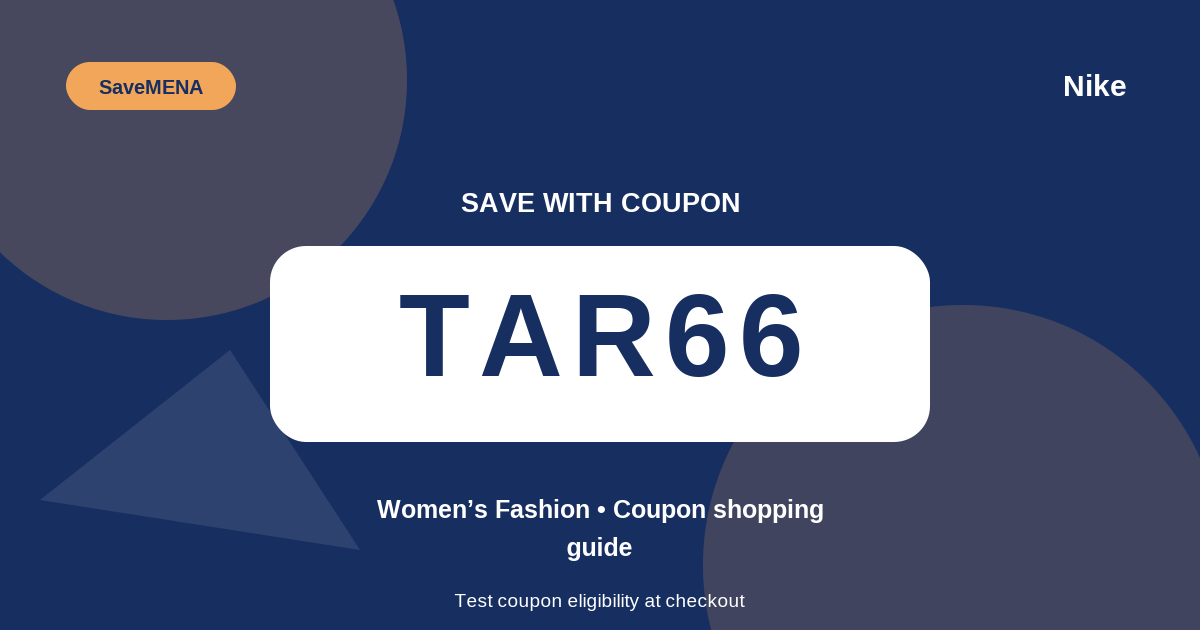
Codes available to try while comparing
These codes are not guaranteed for the article topic or listed brands; test them at checkout and use the live result.
Confirm the Updated Nike Collection Listing on Noon
Begin at the product page in the Women’s Fashion segment. Ensure the listing explicitly shows “Nike” as the brand and verify the official model description. A recent price change may trigger a new SKU or variant; double‑check sizes, colors, and material to confirm it’s the same item you originally considered. Re‑open the page after the known price‑adjustment window closes to see the final presented price, reflecting any platform‑wide update.
Next, scan the description for jargon that signals a price reset—phrases like “New price,” “Re‑priced,” or “Updated for the new season.” If absent, look for a “price history” or “last updated” timestamp. A clear timestamp indicates whether the price change was deliberate or an accidental re‑listing. This step guarantees you’re not comparing two different products under the guise of one listing.
Compare Launch vs Current Pricing After the Switch
The next practical move is to log the original launch price in a simple note with the date of your first view. Then, after the price alteration, capture the new figure in the same way. This side‑by‑side record lets you measure the absolute cost difference. Pay close attention to any international exchange references; if Noon reflects USD in some areas, local AED to SAR conversion may alter the perceived value.
When you have both numbers, mentally calculate the dollar or AED difference, but avoid asserting a percentage savings. Instead, focus on the capability to decide whether the new price matches your budget for each SKU. This method, integrated into your mental model, ensures the next steps build on factual comparison rather than marketing hype.
Validate Seller Reliability Before Benefit Calculation
Not all Noon sellers use the same fulfillment processes. After a price flip, sellers may shift from a “Verified” to an “Unverified” status. Check the seller badge details presented just below the price; this badge signals whether the seller’s inventory is managed by Noon or a third party. The seller’s name, rating, and return policy details give clues to the source of your product.
Look especially at the “Seller info” toggle on the page, which sometimes lists the order fulfillment time. A dramatic shift in shipping time after the price change hints that either the product was restocked from a new source or that the seller upgraded to a different shipping partnership. Knowing this helps weight the post‑price‑change value of the deal relative to the original seller’s performance.
Check for Additional Hidden Charges or Shipping Fees
When prices adjust, some sellers re‑implement shipping fees that were previously waived. Examine the “Delivery & payment” section for a clear breakdown of shipping costs per weight class or delivery deadline. If the new price includes a delivery fee, factor this into your comparison of the overall landed cost.
Be vigilant for optional insurance or extended warranty charges that appear as a separate line item in the checkout summary. These are often invisible in the product listing but appear during the final cart step. Weighting these risks against the nominal price drop ensures you hold a realistic view of the total cost.
Factor in Seasonal Sales or Festive Promotions Post-Change
Even after a base price recentering, bead still appear from broader Noon campaigns. Look for “Sale” tags or “Clearance” markers on the product page. These tags often overlap, and the absence of one does not mean a discount isn’t available elsewhere. Use the search filter “Price: Low to high” to isolate items that match your new budget threshold.
For next‑generation deals, scroll to the bottom of the item’s page where Noon sometimes lists cross‑listed bundles or complementary gear. A bundle offer may carry free items or an implicit discount, and it should be considered in the post‑price‑check evaluation. This extra check demonstrates whether the price change freed capital to add a combo coupon that wasn’t previously available.
Explore Return Policy and Warranty Status After Price Reset
Note that a seller sometimes changes policies when a price changes. Review the “Returns & refunds” section for time limits, restocking fees, or specific return conditions. If the return window shortens or a restocking fee appears after the price update, this may reduce the comfort level of the deal.
Similarly, focus on the “Warranty” information annexed to the product page. For Nike footwear or apparel, warranty terms may differ between in‑house stock and third‑party sellers. Ensure that after the price re‑evaluation, the expected warranty length and coverage remain aligned with your expectations.
Test Eligibility of TAR66 Coupon Amidst Price Adjustment
At checkout, the coupon code box usually triggers an eligibility check. Since the coupon is “available to try,” it may or may not apply to this specific Nike item after the price alteration. Apply the code “TAR66” before confirming the order, but remain mindful that the coupon status updates only during the final cart review.
Should the coupon fail, note the error message and consider whether the issue is a brand limitation, a minimum spend, or an availability conflict. If the coupon works, record the result and compare the capped discount against the absolute price decrease to see which benefit yields higher value. This comparison solidifies your understanding of post‑price‑change advantages.
Recalculate Your Total for an Optimal Checkout Experience
Enter the product into the cart and bring up the dynamic pricing calculator. This summary will list the product price, any shipping fees, restocking or service fees, the applied coupon, and the final total. Double‑check each line to confirm that the numbers reflect your previous records from sections one through six.
Finally, analyze the final number for a pragmatic assessment: does the new total align with the best value you expect from a Nike purchase on Noon? If yes, proceed with the order. If not, revisit earlier steps to ensure no hidden condition was overlooked. By the time you hit “Confirm Purchase,” the re‑checking cycle is complete and you can confidently accept the deal.
Related SaveMENA pages
Related articles
Official sources to check
Frequently asked questions
Is the TAR66 coupon valid for all Nike items on Noon?
No guarantee is offered. The coupon may be applicable only to certain product types or sizes and could be restricted by bundle or minimum spend rules. Always test the code at checkout to confirm eligibility.
Does the price change affect shipping fees for Nike products?
Shipping charges can be updated alongside the product price, especially for third‑party sellers. Always review the “Delivery & payment” section after each price update to ensure no new fees arise.
How do I know if my return policy is unchanged after a price adjustment?
After the price shift, check the “Returns & refunds” details on each product page. Look for any changes in return window length or restocking fees that could impact your Decision Lens.
Can I apply TAR66 after adding a product to my cart?
Yes, but you must enter it during the checkout process. The coupon’s application status is determined at this point, and if it fails, the system will inform you before final submission.