Samsung Mobiles on Noon UAE: offer combinations — value comparison
best value on Noon UAE Mobiles Samsung coupon interaction with visible promotions: If you’re hunting for the best value on Noon UAE Mobiles Samsung, you’ll need
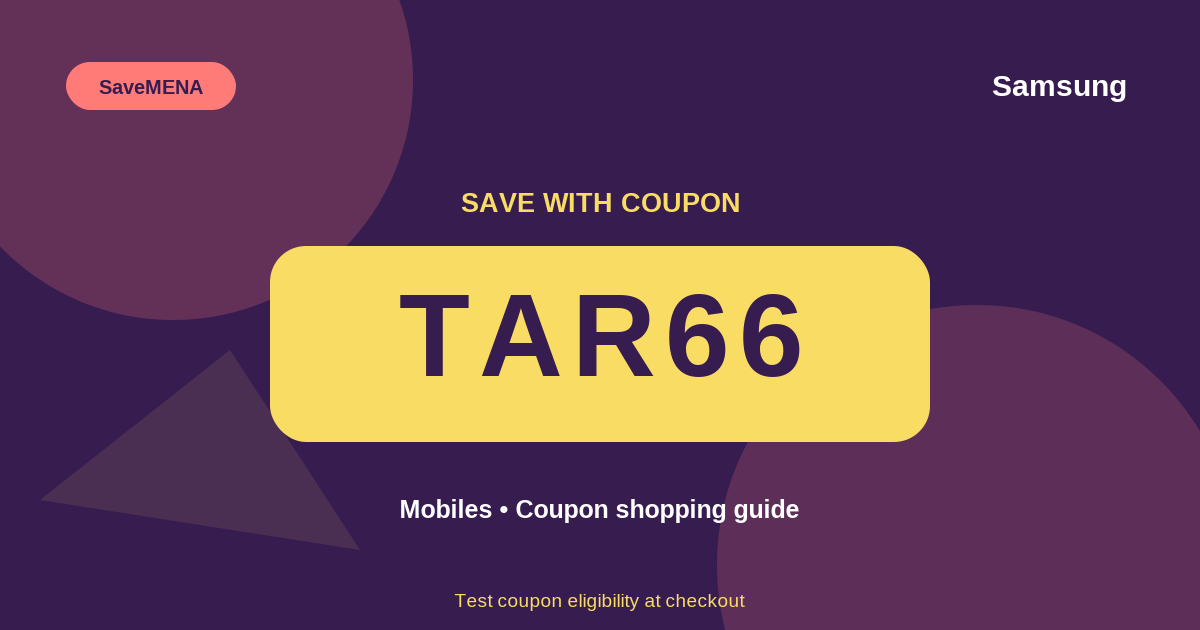
Codes available to try while comparing
These codes are not guaranteed for the article topic or listed brands; test them at checkout and use the live result.
Select the Right Samsung Mobile Model for Your Needs
Begin by listing the Samsung mobile options that match your usage profile—whether you prioritize camera quality, battery life, or display performance. Use Noon’s filter function to narrow by brand and price range, then scan the product titles for keywords that hint at the device’s focus such as “Galaxy”, “S”, or “Note”. After you’ve chosen a few models, download the brief of each description so you can compare their key specs side by side. This step gives you a clear starting point for later coupon tests and ensures you’re not chasing the lowest price of an unsuitable phone.
Once the shortlist is ready, record the base price shown on each listing. Although the figure may change slightly depending on the selected color or storage amount, the base price threshold will guide your expectation for how much a coupon might add. Do not assume that a higher base price automatically means lower savings; any percentage reduction could be offset by higher shipping. Treat the base price as a metric to compare each model against the coupon’s potential impact before moving on to the next decision layer.
Check for Visible Promotional Badges on Each Listing
Some Samsung items on Noon might display promotional badges such as “Deal of the Day” or “Limited Time Offer”. These badges are not just decoration—they typically represent a direct manufacturer or platform discount already baked into the price. Note each badge and its text, then bookmark those listings for closer coupon probing. Having a visual reference for promotions will let you compare whether the coupon might give you an extra edge or if the existing promotion is more beneficial.
In addition to badges, observe dynamic price shifts that happen when you hover or click a color option. Occasionally the price may adjust due to regional pricing or inventory levels, which can affect the coupon’s applicability. Capture screenshots or note the price changes for later cross‑checking. This data saves you from misreading a promotional label that might be misleading or outdated, ensuring the coupon interaction remains transparent throughout the process.
Assess Shipping and Handling Charges Linked to Each Variant
An often overlooked aspect of value is the cost associated with delivery. Noon typically displays a flat shipping fee or “Free Shipping” badge depending on seller and order total. Take note of the shipping policy for each Samsung model, as some editions may ship from international warehouses with higher handling fees. This fee is frequently added after coupon application, so a graphically reduced price might still be offset by a steep delivery fee.
While browsing variants, add a single unit of each to the cart and tabulate the combined price and shipping. Ensure you choose the same store for each addition to keep the comparison fair. This exercise helps you gauge whether the coupon, visible promotion, or shipping cost makes a particular listing the best overall value before you decide which phone to buy.
Verify Seller Reputation and Return Policies
Even if a Samsung phone offers compelling discounts, the reliability of the seller matters. Look for the seller’s rating and read a handful of recent reviews focused on delivery speed and product condition. If the seller’s rating is low or the reviews flag issues, a cheaper phone that ships from a more reputable provider might be a wiser choice.
Return policies on Noon vary by store. Before you lock in the discount, scroll to the “Returns & Refunds” section of the product page. Confirm whether returns are accepted within the standard 15‑day period, whether restocking fees apply, and whether warranty support is provided by the seller or BYO. Having this knowledge prevents surprises once you’ve paid and the phone arrives, especially if the initial discount identifies the model you end up buying.
Double‑Check the Final Amount in the Checkout Summary
After you have added the chosen Samsung model to your cart and the coupon reflects an immediate adjustment, proceed to checkout. At this stage, Noon will consolidate the product price, any visible promotional discount, the coupon effect, and the shipping fee into a single subtotal. Inspect each line item for clarity—only then can you confirm precisely how much you will actually save, or if the coupon effectively replaced the visible promotion.
If the checkout screen shows a discrepancy between the earlier coupon interaction and the final total, double‑check that the catalog statement of the coupon still applies; sometimes the platform pulls a different rule set at finalize. If the value is lower than expected, consider whether the coupon was stackable with the visible promotion or whether a certain minimum order threshold is required. Capture screenshots of the exact total for future reference if you wish to appeal a mismatch or request a refund.
Decide and Confirm Your Purchase with Confidence
With the final total verified, you now have both the visible promotional amount and the coupon‑derived discount in front of you. Compare the net price against your budget and the quality criteria you established earlier. A phone that appears cheaper on the surface may actually cost more after shipping or may lack a crucial feature you need.
Once satisfied, choose your payment method, review the delivery address and expected delivery window, and click “Place Order”. Several online shops will provide a confirmation email containing the final amount, the applied coupon, and a tracking number. Keep this document handy; should any issue arise, you’ll have the exact information needed to resolve it.
Track Delivery and Provide Feedback on the Buying Experience
After you’ve submitted the order, set a reminder to review the tracking status. Noon normally updates the shipment progress once the seller dispatches the phone, so you can estimate an arrival date. Knowing this timeline also lets you plan for potential delays and avoid rushing to find a new phone if the delivery takes longer than expected.
Once the Samsung mobile arrives, examine the device promptly against the listing photo and specifications. If everything matches, leave a review that reflects your holistic experience—including the coupon application process, visible promotions, shipping, and seller service. Transparent feedback benefits other buyers and encourages sellers to maintain accurate listings, contributing to a healthier marketplace ecosystem.
Compare alternatives without guessing
When you compare another option in samsung, keep the specifications, quantity and seller as consistent as possible and compare the total shown at checkout. A different coupon does not automatically make a deal better because delivery, fees and the live basket context can change the outcome. Use the final payable total as the practical comparison point.
If the retailer shows a specific condition, rely on that visible message; if it does not, do not turn an assumption into a general rule. Test available options one at a time and note any real change in the total or eligibility message. That creates a verifiable shopping comparison instead of a recommendation built on an unsupported marketing claim.
Related SaveMENA pages
Related articles
Official sources to check
Frequently asked questions
How can I be sure the TAR66 coupon will be applied to my Samsung order on Noon?
The coupon is available to try, but there is no guarantee it will be accepted at checkout. Try it early in the process and verify the final total in the cart and checkout summary. If the discount does not appear, check with Noon support for updates or alternative coupon options.
What if a visible promotion looks better than my coupon savings?
Compare the net price after applying both the visible promotion and the coupon. The lowest final amount will determine the best value. Don’t rely solely on headline percentages; look at shipping and any terms that might reduce the actual saving.
Can I use the same coupon on multiple Samsung mobiles in one order?
Noon’s terms—if any—will dictate coupon stacking limits. Verify if the coupon can be combined with other discounts or multiple units by reviewing the checkout summary. If multiple items are added, the system will show whether the coupon applies to all or just the first eligible item.
Does adding the Samsung phone to cart after entering a coupon change its price?
Often the coupon effect is applied immediately on the product page; if you add to cart after applying, Noon should keep that discount. Confirm by checking the cart’s subtotal and the checkout screen to ensure the price remains unchanged.