Canon Cameras on Noon UAE: return policy — value comparison
When a UAE shopper searches for the best value on Noon UAE Cameras Canon returns information, the headline percentage can be misleading.
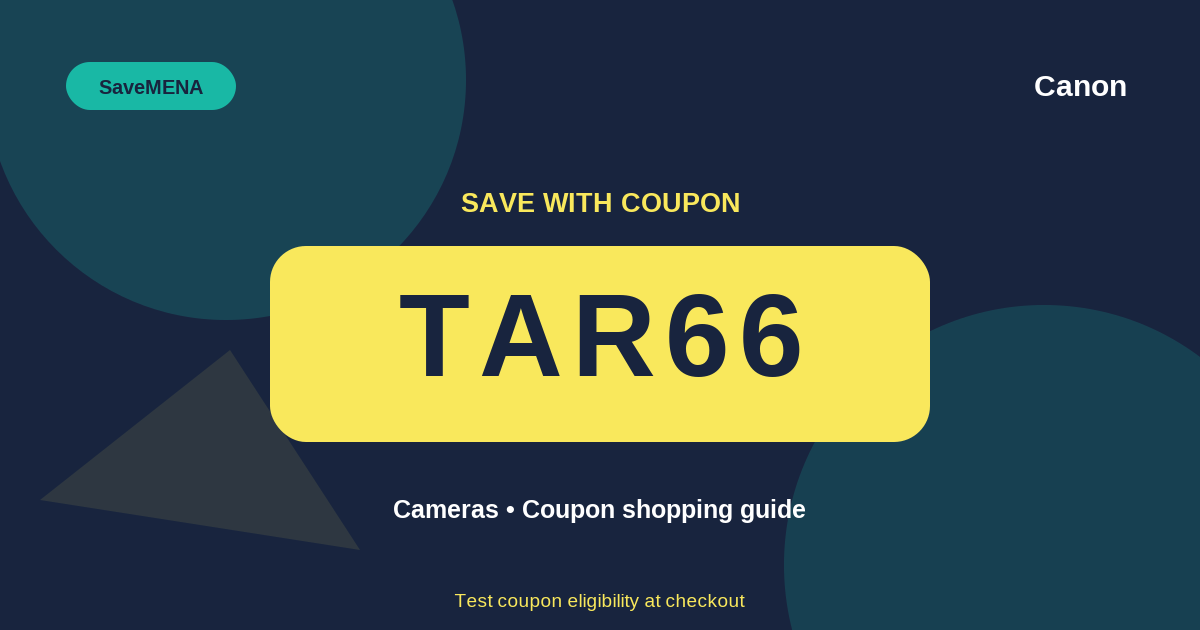
Codes available to try while comparing
These codes are not guaranteed for the article topic or listed brands; test them at checkout and use the live result.
Assessing Canon Cameras Value Beyond Discounts
The allure of a slick discount headline can be strong, yet it rarely tells the full story. Instead, look for how return policies align with the price you pay. Does the seller promise a full refund if the camera fails within a 30‑day window? Is the return window longer for premium bundles? Evaluating these terms early will help you decide if a modest discount is worth the risk of an extended return period that could inconvenience you later.
Your first check at Noon should be the return eligibility details that appear next to the price. They typically indicate whether returns are free, whether a restocking fee applies, and the time frame during which you can initiate a refund. Balancing that information against the advertised discount helps you spot truly attractive deals that deliver peace of mind, not just headline savings.
Comparing Return Policies Across Noon Sellers
On Noon, multiple sellers often offer the same Canon camera models. Each seller’s return policy can differ, so open each product page and examine the “Return Information” section. Pay close attention to whether the seller offers a “no‑questions‑asked” return or requires you to justify the defect. This distinction can substantially affect your risk tolerance after purchase.
Make a quick table or list while browsing: seller name, return window, restocking fee, and whether returns require email confirmation. By comparing these elements in tandem with the discount, you’ll get a clear picture of which seller delivers the best overall value, including after‑sales support.
Evaluating Warranty Coverage for Canon Models
Warranty terms are a critical component of camera value, especially for higher‑end Canon products. Look for the standard manufacturer warranty that comes with the lens or camera body, as well as any extended coverage the seller may offer. The duration and scope (parts and labor, shipping, firmware updates) can offset a lower upfront price by reducing future repair costs.
Verify that the warranty is valid in the UAE and check if it includes international coverage. When a seller lists an extended warranty, note the expiration date and whether it requires separate activation. Recording these details will help you factor them into the total cost of ownership when comparing competing deals.
Checking Software Bundle Inclusions
Some Canon camera listings include bundled software—for example, Adobe Lightroom or Canon’s Digital Photo Professional. These packages can add tangible value, but they also come with their own return and licensing rules. Ensure that the bundle is licensed for the UAE and that you can recover the software license upon returning the camera.
Also confirm whether the software package is backward compatible with older firmware or if it requires an update that might be expensive. Understanding these nuances ensures that the extra digital content truly enhances your overall purchase experience rather than becoming a hidden cost.
Verifying Accessory Bundles and Their Return Terms
Accessory bundles—such as lenses, memory cards, or protective cases—can be tempting but may have separate return windows. While a camera might have a 30‑day return period, an associated lens could be limited to 14 days. Check the product description or seller FAQ to see if bundled items share the same return policy or if they are treated independently.
If the bundle includes a non‑returnable charger, note that if the camera fails but the charger is defective, you may not be able to claim a refund for the entire bundle. This could compromise what you originally considered as “best value.” Scrutinize each accessory’s return conditions before finalizing your purchase.
Understanding Restocking Fees and Timing
Seller‑specific restocking fees often apply when an item is returned outside promotional periods or if the product is not used. This fee can erode the perceived discount, so it’s essential to read the fine print carefully. Sometimes sellers offer a the discount shown at checkout fee for returns processed after 40 days, or a flat amount for premium lenses.
To avoid surprises, write down the exact fee structure for each seller and calculate how it would affect the net price after a return. Comparing these costs against the stated discount helps you objectively judge whether a cheaper listing actually delivers better value over the camera’s lifespan.
Planning for Post‑Purchase Testing Period
After receiving your Canon camera, test key functions—autofocus speed, image stabilization, low‑light performance, and battery life. Some sellers allow you to keep the camera for a short “testing period” before deciding to keep it or return it. Knowing how long this period lasts and whether you must notify the seller in advance is crucial for risk‑free trialing.
Record the exact duration and any notification steps in a planner or note, so you’re prepared to initiate a return just in time. This proactive planning ensures you can evaluate the camera against your expectations confidently, rather than waiting until a deadline passes without a clear action plan.
Finalizing Purchase and Documenting Return Documentation
Once you’ve verified the return policy, warranty, software inclusions, and accessory terms, use the Noon checkout to apply the TAR66 coupon. After confirming the final payable amount—remember, coupons are not guaranteed to apply—proceed to payment. Save the receipt, order confirmation, and any email threads that confirm return windows or restocking fee details.
To safeguard future returns, organize these documents in a dedicated folder on your phone or cloud storage. Keep a snapshot of the product’s return eligibility page and the seller’s contact information. Having all information at hand ensures a smooth return process should you need to exercise the policy, preserving the full value you aimed to secure.
Related SaveMENA pages
Related articles
Official sources to check
Frequently asked questions
What should I check in a return policy before buying?
Look for return window length, restocking fee, and whether the seller accepts returns for all reasons or only for defects. Knowing these details lets you decide if the discount outweighs potential return complications.
Does a warranty affect the overall value of a Canon camera?
Yes. A longer warranty reduces future repair costs, especially for high‑end or older models. Compare warranty terms alongside price and return policy for a true cost‑benefit analysis.
Can I use the TAR66 coupon on my Canon camera purchase?
Try applying the TAR66 code during checkout. Availability isn’t guaranteed, but the coupon may give additional savings if it’s accepted.
Are accessory bundles usually returnable with the camera?
They often are, but some sellers set separate return windows or deny returns for bundled items after a certain period. Check each item’s return details before purchasing.