Dell Computer Accessories on Noon UAE: seller context — value comparison
When UAE shoppers hunt for the best value on Dell computer accessories at Noon, they must look beyond headline discounts and consider the entire purchasing context.
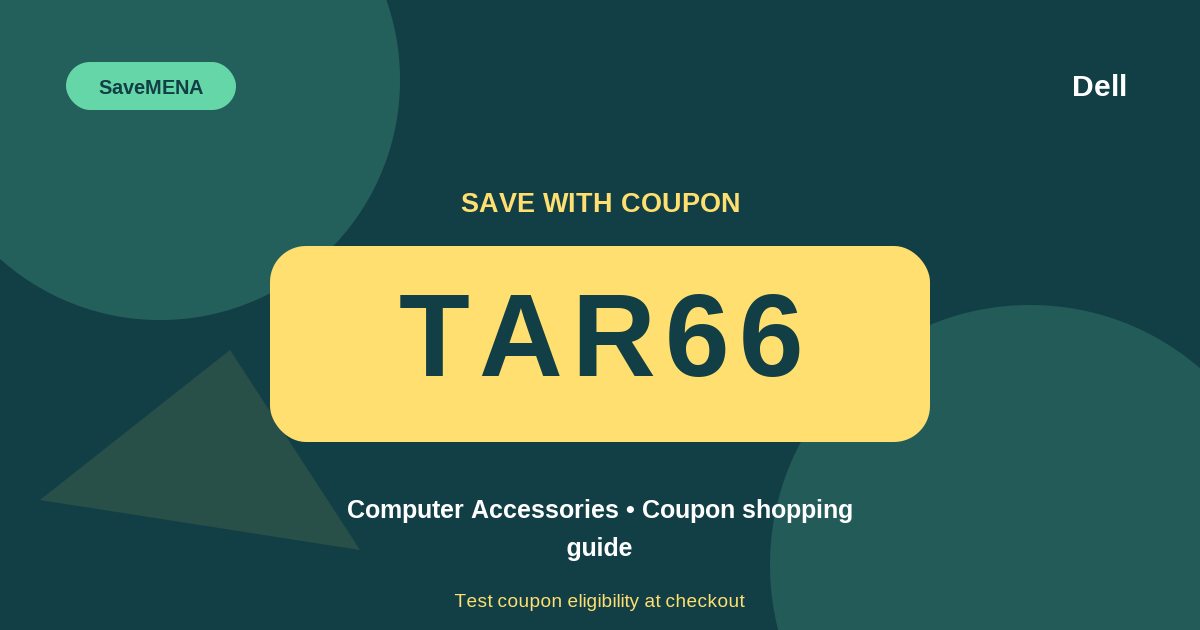
Codes available to try while comparing
These codes are not guaranteed for the article topic or listed brands; test them at checkout and use the live result.
Identifying the Best Sellers for Dell Accessories on Noon UAE
The first safeguard against a mediocre purchase is verifying the seller’s name and standing. On Noon, Dell‐branded accessories may come from a mixture of official Dell channels, authorized resellers, and third‑party merchants. While the official channel typically guarantees direct support, authorized resellers often offer competitive shipping windows and a more forgiving return clause. Cross‑checking the seller’s profile reveals whether they hold Dell’s certification badge and their overall rating over the past twelve months. This shortcut helps growers of clarity before browsing price tags.
Once the seller list is narrowed, compare the same model across the top three reputable outlets. Pay attention to product detail completeness—specifications, warranty information, and included accessories—since a high‑quality listing will provide a full picture that reduces post‑purchase confusion. A well‑maintained page also signals active inventory and prompt order processing. Even without explicit discounts, a seller who maintains a flawless showcase typically reflects higher value through smoother service.
How Seller Ratings Influence the Overall Value
A seller’s rating is an aggregate of buyer feedback that extends beyond five‑star praise. It captures real‑world experiences related to shipping speed, packaging integrity, and returns ease. For Dell accessories, where precision and durability matter, a rating of 4.5 stars or above is a strong indicator that orders are fulfilled with care. Low‑rating sellers could mask hidden problems such as mislabeled products or fragile packaging that may lead to costly replacements.
Beyond the binary star count, read key comments that discuss Dell-specific issues—authenticity, alignment with published spec sheets, and support for firmware updates. If multiple buyers voice consistent concerns about a particular seller’s Dell items, that red flag might outweigh a marginal price edge. By weighing seller trustworthiness against the headline discount, shoppers gain a reliable metric that directly translates to long‑term satisfaction.
Evaluating Product Quality Beyond the Price Tag
Dell accessories, especially peripherals and backup gear, often differ subtly in build quality and component sourcing. A cheaper listing might substitute a generic USB cable for a higher‑grade version, affecting durability. Scrutinize the product description for parameters such as connector type, resistance rating, and materials used. These details might be omitted in marketing copy but can be found in the item’s specifications list or in user manuals attached to the listing.
Images can be deceptive, so check the product’s visual resolution and angle. High‑resolution, close‑up shots are typically produced by merchants who are confident in the item’s authenticity. Additionally, look for an optional product video or a seller‑submitted demonstration. These media clues help confirm that the accessory matches Dell’s official design language, further ensuring the item will integrate seamlessly into the user’s existing ecosystem.
Delivery Options, Fees, and Return Policies That Affect Value
Even the smallest auxiliary charge can tip the balance of a deal that looks attractive at first glance. Noon offers several shipping tiers—standard, priority, and express—that come with different cost structures. For Dell accessories that may accompany a desktop or mobile device, an express delivery reduces installation time and risk of damage. Always check whether the chosen seller participates in Noon’s “Free Delivery” program for executive accounts or if a clearance arrangement guarantees zero shipping fees for Amazon Prime‑enabled users.
Return policies are equally critical. Dell‑oriented accessories typically require a clear return window, often accompanied by a prepaid label. Sellers that provide the label as part of the package or include it in the shipment cost avoid an unexpected out‑of‑pocket expense. Confirm that the return period aligns with your own tool-life expectations and that the seller accepts returns for purposes of defects or mismatch. These terms can silently inflate the final cost, turning a bargain into a broken‑promise scenario.
Using the TAR66 Coupon Wisely – When and Where it Applies
The TAR66 coupon can be applied at checkout for qualifying items. While it is not guaranteed that every Dell accessory will accept the code, users may still receive a discount if the product, seller, or promotion rules align. The coupon’s usability is verified when you reach the final payment screen, so it is important to keep all desired items in your cart until you reach that point.
Because coupon validity often hinges on the cart’s total amount, a single Dell accessory may or may not be enough for the discount to trigger. Many UAE shoppers strategically combine a small accessory with a larger, primary purchase to meet the threshold. Check the coupon’s terms at the checkout for any minimum spend requirement, the list of eligible products, and whether the code applies wholesale or only to brands other than Dell. Verify these details before finalizing the order to avoid surprises.
Tracking Price Histories to Pinpoint True Value Moments
Noon’s interface does not automatically display historical pricing curves, but shoppers can use external tools or browser extensions that capture price trends. By tracking a Dell accessory’s price over a few weeks, buyers can identify whether the current price is an anomaly or a consistent baseline. A recurring price trough may indicate a seller’s rhythm of entering promotional periods, especially around UAE’s observances like Cyber Sunday.
Similarly, monitor the seller’s past performance: regular price adjustments might correlate with inventory levels. Observing stock rebalance moments—after a bulk purchase or post‑holiday cleanup—allows buyers to anticipate price dip windows. This pragmatic approach bypasses headline percentages and anchors the value assessment in actual price movement relative to demand, offering a more precise gauge of whether a deal is genuine or just a fleeting headline.
Understanding Bundles, Stock Availability, and Hidden Costs
Bundled offers often entangle Dell accessories with secondary items at a nominal “discount.” However, bundles may inflate shipping costs or lock the buyer into a specific package, preventing later bundle changes. Examine if the bundle’s perceived savings are due to packaging together or if a cheaper variant could be purchased separately with equal shipping charges.
Stock visibility is also a key indicator. Sellers that mark items as “In Stock” but include a lower delivery estimate than the standard window may signal an internal reorder delay. It is prudent to view the declared delivery timeline and, if possible, the seller’s history of late shipments. A product in imminent stock but likely to be ‘out of stock’ soon can mislead expectancy, nudging a buyer toward a more reliable but slightly pricier alternative.
Final Checklist: From Cart to Checkout – Ensuring Optimal Value
Prior to initiating purchase, load your cart with the chosen Dell accessories and add any potential bundle partners. Cross‑check the seller’s rating, product authenticity details, and shipping approach. Input the TAR66 code before the final payment stage; many sellers display the coupon field directly on the checkout page. Confirm that the displayed total reflects all deductions, including shipping and any promotional tweaks.
Verify that the store’s return portal lists the correct timeframe and that the return prompt hints at prepaid shipping if available. Double‑check if your payment method interacts with Noon’s secure gateway to avoid processing charges. When all elements—seller trustworthiness, product authenticity, shipping fidelity, and coupon application—align, the purchase will genuinely deliver superior value rather than just a headline illustration.
Related SaveMENA pages
Related articles
Official sources to check
Frequently asked questions
What can I do if the TAR66 coupon doesn’t apply at checkout?
If the coupon fails to apply, it might not be eligible for the particular Dell accessory or the chosen seller. In that case you can still proceed without the discount, or consider adding another qualifying item to meet any implicit minimum spend requirements before retrying the code.
How can I be sure the Dell accessory I’m buying is authentic?
Check for an official Dell badge on the seller’s profile and read the product description for mention of Dell’s certification. Look for details about the warranty, serial number availability, and material specs that match Dell’s official documentation, which signals authenticity.
Can I return a Dell accessory if I switch my mind after purchase?
Noon’s standard return policy usually provides a 30‑day window for non‑defective items. Verify the exact return windows in the listing’s return policy section. If the seller offers a prepaid return label, that eliminates an extra expense.
Is it better to buy a Dell accessory from an official channel or an authorized reseller?
Official channels guarantee direct manufacturer support and minimal risk of mislabeling, but authorized resellers often keep competitive pricing and faster delivery options. Focus on the seller’s rating, warranty structure, and delivery commitments to determine the best overall value.