Dyson Beauty on Noon UAE: warranty and support — value comparison
best value on Noon UAE Beauty Dyson warranty and post-purchase support: When you’re hunting for the best value on Noon UAE Beauty Dyson, it’s easy to focus on
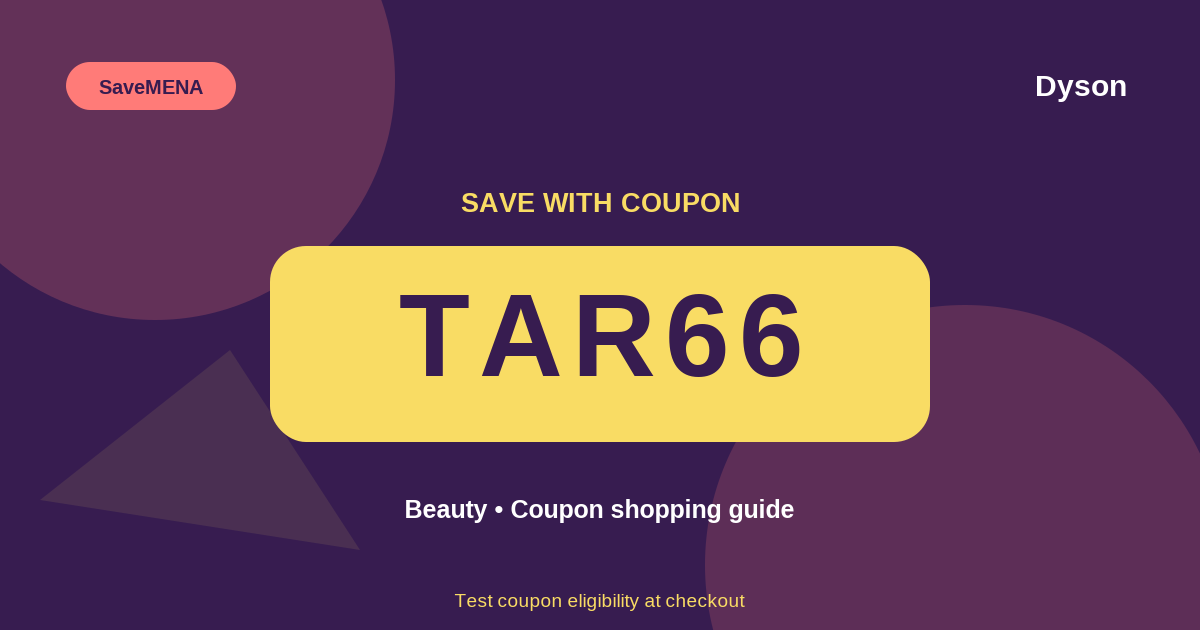
Codes available to try while comparing
These codes are not guaranteed for the article topic or listed brands; test them at checkout and use the live result.
1. Verify the Warranty Scope and Duration
Before finalizing a Dyson beauty appliance, inspect the warranty documentation that appears on the product page. Note the duration—whether it’s a standard one‑year cover or an extended period offered at checkout. Ensure it includes coverage for manufacturing defects, wear‑and‑tear, and accidental damage, if applicable. A warranty that offers “parts and labor” rather than a full replacement is still valuable but may mean touching out for repair costs after the period ends.
At checkout, use coupon TAR66 to gauge any immediate savings. Even if the discount isn’t guaranteed, the coupon offers a potential reduction. Verify the coupon’s applicability to the product by checking the “Eligibility” section in the cart. After confirming the coupon, review the final payable amount and ensure the warranty terms are still intact.
2. Assess the Post‑Purchase Customer Support Network
Dyson’s after‑sales support varies across regions. Check whether your region in the UAE has authorized repair centers and how easy it is to schedule a service. Look for options such as onsite servicing, mail‑in repair, or a dedicated customer support hotline that operates during UAE business hours.
Verify the support contact details are accessible from the product page or the seller’s profile. If you encounter a “contact us” form or a phone number, try calling it to evaluate response time. Document any delays or unhelpful responses, as they will influence future use of the product.
3. Understand Return and Refund Procedures
Every online seller has a return policy, but the words on the policy can differ significantly. Locate the exact return window—whether it’s within a few days or a few weeks—and confirm if a restocking fee is applied. Some platforms require a return authorization before you can ship the item back.
Take notes on the steps: generate a return tag, package the product as originally shipped, and keep the receipt. Pay particular attention to whether the platform offers a prepaid return label or if you must front the return shipping cost. This information determines whether a quick return is feasible if the product falls short of your expectations.
4. Cross‑Check Seller Reputation and Transparency
Dyson products can be sold by multiple third‑party vendors. View the seller’s rating and read a handful of recent reviews. Look for comments that specifically mention the ease of exchange, repair, or returns rather than just product quality.
Test transparency by verifying that the seller’s profile lists contact details, location, and a “verified” badge—if available. While a badge does not guarantee authenticity, it adds a layer of credibility. Use this insight to decide whether the seller’s support structure aligns with your expectations.
5. Compare Warranty and Support Across Similar Brands
When evaluating Dyson, look at comparable beauty device brands that offer similar post‑purchase benefits. Notice any differences in warranty length, coverage scope, and repair availability. Even if you’re committed to Dyson, knowledge of alternatives can reinforce your judgment about what constitutes “best value.”
Document each brand’s warranty promise side‑by‑side. Map your own priorities—such as quick repair turnaround or inclusive accidental‑damage coverage—and assess which brand’s offering matches those needs.
6. Factor in Long‑Term Ownership Costs
Warranties protect against defects, but they don’t cover consumables that grow out of the device’s life. Estimate the cost of replacement elements (e.g., filter cartridges, cleaning kits) and decide how often you’ll need them. Align this with Dyson’s guidance on replacement intervals and market prices for spare parts.
Consider occasional service visits if the product requires calibration or firmware updates. Verify whether Dyson provides free firmware updates or a subscription model that adds ongoing value. Calculating these recurring expenses helps you adjust the perceived value of the initial purchase.
7. Confirm Coupon Eligibility at Checkout
Use coupon TAR66 during checkout to see if the platform lets you claim it for the Dyson product. Notice if the code appears under “Promotions” or “Discounts” and whether it applies automatically. If the coupon field accepts the code but the discount doesn’t appear, check the “Eligibility” section of the cart for any restrictions.
Once the coupon is applied, see the revised total and review the final payable amount. Even if the discount isn’t applied, the experience of attempting it highlights any hidden requirements, such as minimum cart value or specific payment method restrictions.
8. Create a Final Checkout Checklist
Before confirming payment, scan the order summary one more time. Verify the product variant, quantity, seller information, and any add‑on services like extended warranty or priority repair. Double‑check the applied coupon code for visibility and the final price.
Remember the rule: checkout is the ultimate reference for eligibility and final payable total. Save the confirmation page or screenshot; it will be important if you need to confirm warranty status or return arrangements later.
Related SaveMENA pages
Related articles
Official sources to check
Frequently asked questions
How do I validate Dyson’s warranty coverage for my order?
Log into your Noon account, locate the order in your history, and click the warranty link that appears next to the product. Review the detailed terms displayed on the warranty page, ensuring it lists coverage duration and included conditions.
Can I apply the coupon TAR66 to get a discount on the Dyson product?
Enter the coupon code in the “Promotions” field at checkout and press “Apply.” If the code is eligible, the discount will reflect in the order total. If it does not apply, verify the coupon’s terms in the cart for any restrictions.
What support options are available if my Dyson product needs repair?
Detailed support options are listed on the product page and in the seller’s profile. Look for authorized repair centers, customer service phone numbers, and options for mail‑in repair or onsite service.
What is the process for returning a Dyson beauty item?
Initiate a return from your Noon order history, generate a return tag, and follow the packaging instructions. Keep the receipt and return the item within the agreed period to be eligible for a refund or replacement.