Dell Computer Accessories on Noon UAE: warranty and support — value comparison
best value on Noon UAE Computer Accessories Dell warranty and post-purchase support: When you’re hunting for the best value on Noon UAE for computer accessories
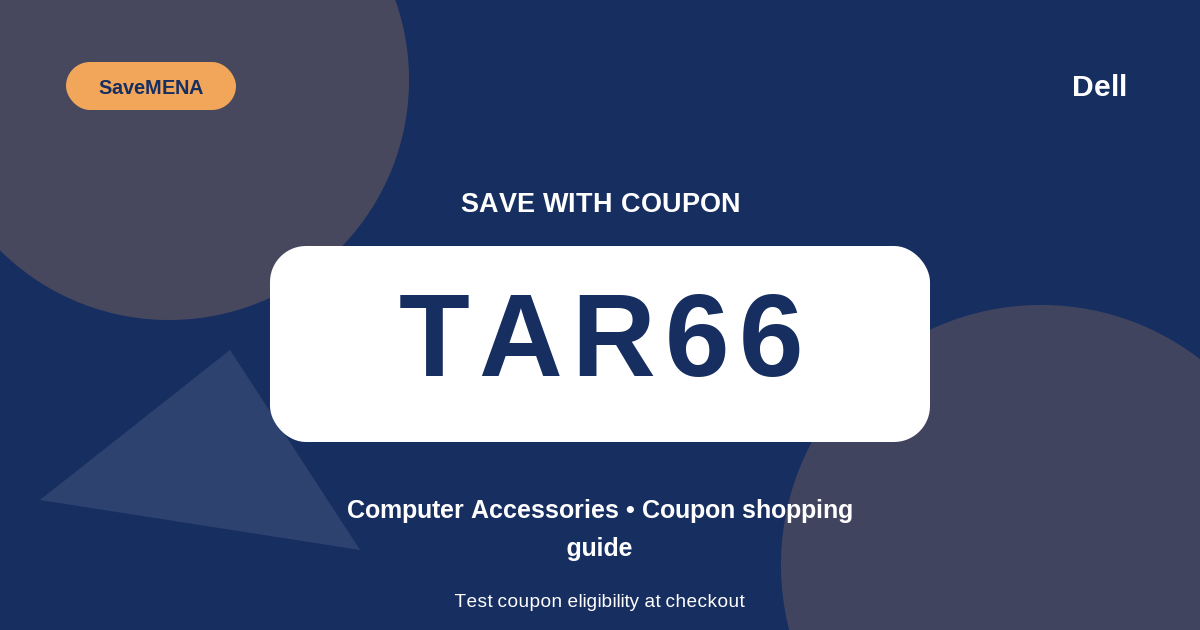
Codes available to try while comparing
These codes are not guaranteed for the article topic or listed brands; test them at checkout and use the live result.
1. Verify Dell Warranty Coverage for the Accessory
A Dell‑branded accessory normally carries a limited warranty that guards against defects for a set period, often ranging from one to two years. Check the warranty length listed in the product description, and ask whether it covers accidental damage or only manufacturing faults. An accessory with a longer coverage window offers greater protection and can offset the cost of future repairs or replacements.
When researching the warranty, note if Dell provides a registered support portal where you can track your claim. Some listings link directly to Dell’s support site, allowing you to monitor the status of your warranty right from the start. A clear, accessible portal indicates that Dell is prepared to manage issues efficiently, which is a key factor in evaluating overall value.
2. Compare Post‑Purchase Support Policies Across Sellers
Different Noon sellers may provide varying levels of customer service after you buy. Some offer 24/7 chat or email assistance, while others rely only on standard business hours. Besides Dell’s own support, check the seller’s response time metrics posted on Noon, such as average reply time and resolution rate. This gives insight into how quickly a claim might be addressed.
Verify whether the seller provides a return window—typically 30 to 90 days—before contacting Dell for a warranty claim. Early interactions with a friendly, responsive seller can streamline the process. A consistent support framework from the seller and Dell together usually translates to smoother post‑purchase experiences.
3. Review Dell’s Authorized Service Center Network
Dell operates official service centers throughout the UAE, including major cities like Dubai, Abu Dhabi, and Sharjah. Confirm that the accessory you’re considering is eligible for service at these centers, especially if the product is complex or needs specialized parts. The presence of a nearby authorized center means repairs can be conducted quickly and with genuine components.
During checkout, look for any mention of Dell’s service network in the product page or seller’s details. If undisclosed, a quick call to Dell customer support can clarify whether your model is covered by the local network. Knowing where and how a claim can be handled physically is a crucial step toward ensuring real value post‑purchase.
4. Confirm Dell Warranty Registration Procedures
After purchasing, you’ll likely need to register the accessory for the warranty to activate the coverage period. Locate the registration step in the product documentation or on Dell’s website; the process often requires the serial number and proof of purchase. A simple, well‑defined registration route reduces future dispute risks.
Check if the seller offers an automated registration service at checkout or if you must complete it manually. Sellers that provide a link to Dell’s registration portal or handle the step for you add value by eliminating a potential barrier for the buyer, ensuring the warranty kicks in immediately.
5. Verify the Dell Warranty’s Transferability
Some Dell warranties are transferable if you choose to sell or gift the accessory. Confirm from both the seller’s description and Dell’s policy whether the warranty can transfer to a new owner. Transferable warranties maintain value even if you upgrade products later.
Ask the seller whether they provide a confirmation that the warranty is transferable, or review Dell’s documentation for any limitations. Sellers who explicitly mention transfer rights add an extra layer of confidence in the accessory’s continued value.
6. Assess Post‑Purchase Service Reimbursement Terms
If the accessory fails within the coverage period, Dell’s typical service policy involves repair or replacement at no charge. Inspect whether the seller mentions any additional reimbursement terms or whether the seller requires a fee for evaluation or shipping.
Some listings may add a small administrative fee for initial claim processing. Verify whether such fees are waived by Dell or raised by the seller. A transparent claim process without hidden fees preserves the overall value of the purchase.
7. Explore Optional Dell Extended Warranty Options
Beyond the standard warranty, Dell sometimes offers extended coverage plans. While these typically come with an extra cost, they can extend protection up to five years. During checkout, check if an optional plan is presented and read its terms for coverage gaps and claim procedures.
Compare the cost of the extended warranty against potential repair or replacement costs you might incur later. A small upfront investment can outweigh longer‑term expenses, especially for high‑value or mission‑critical accessories.
8. Combine Warranty Insights with the TAR66 Coupon Tip
The TAR66 coupon can be applied at checkout, but its effect on the total, including warranty and support costs, is not guaranteed. Enter the code before final review, and note any savings applied to the base price. This helps you assess whether the discount actually moves the purchase closer to overall value.
After applying TAR66, review the final payable amount alongside the warranty coverage and support terms you have verified. Align the discounted price with the confidence you have in Dell’s warranty and seller support. This final comparison ensures that you are truly getting the best value on your computer accessory from Noon UAE.
Related SaveMENA pages
Related articles
Official sources to check
Frequently asked questions
What does Dell warranty cover for accessories?
Typically, Dell warranties for accessories cover defects in materials and workmanship for a set period, such as one to two years. Accidental damage may not be covered unless an extended or accidental‑damage plan is purchased. Always check the specific terms listed with the product.
How can I confirm the post‑purchase support level for a seller?
Look for seller response time metrics on Noon, such as average reply time and resolution rate. These indicators show how quickly a seller addresses queries or warranty claims and help evaluate overall support quality.
Is the Dell warranty transferable if I sell the accessory?
Some Dell warranties are transferable to a new owner, but this depends on the product and Dell’s policy. Verify transferability in the warranty terms or ask the seller for confirmation.
Will the TAR66 coupon affect my warranty or support price?
The TAR66 coupon applies only to the base listing price on Noon and does not modify warranty terms or support fees set by Dell or the seller. Check the final total at checkout to see the coupon’s effect.