Philips Electronics on Noon UAE: account eligibility — variant and model checks · TAR62
If you’re looking to purchase a specific Philips electronic item from Noon in the UAE, this guide shows you how to the coupon code that exact variant, secure the
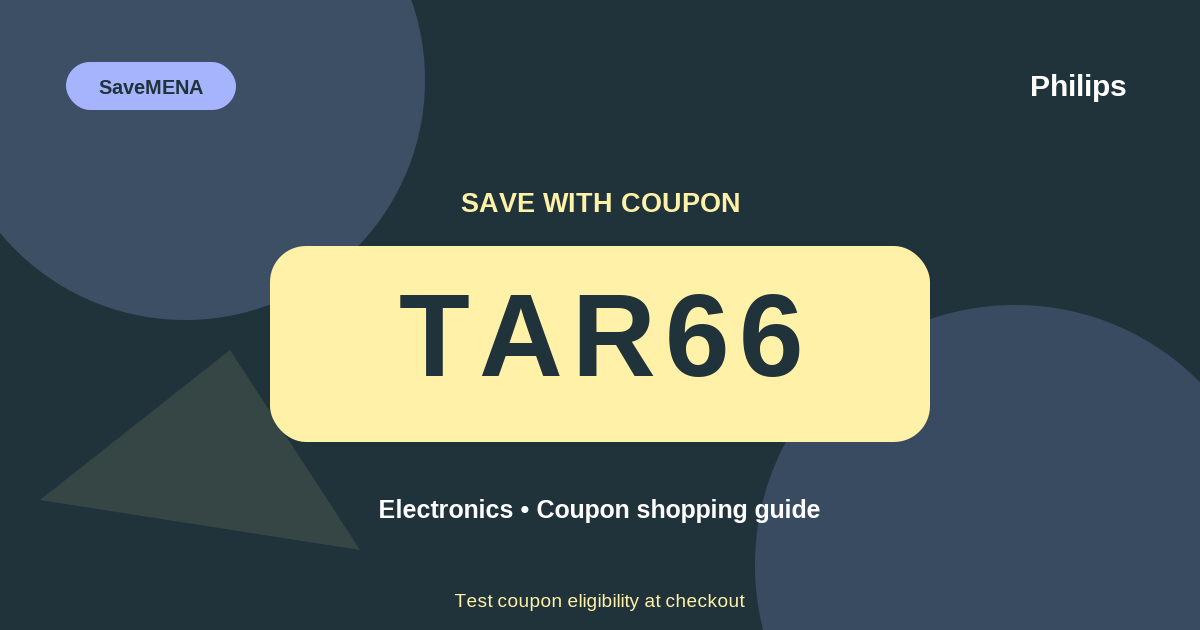
Codes available to try while comparing
These codes are not guaranteed for the article topic or listed brands; test them at checkout and use the live result.
Choosing the Right Philips Variant on Noon UAE
When you start Googling “Philips” on Noon UAE, the first step is to read the product title and ensure the variant you want—whether it’s a particular colour, feature set, or model number—matches the list exactly. Noon’s search results often pool several versions together under a single item, so a careful scan of the listed SKU or model code guarantees you’re not picking a different variant by mistake. Checking the listing’s detailed description or the zoomed‑in image gallery for the exact finish or included accessories will confirm you’re on the right track before you add the item to your cart.
Once you’ve confirmed the variant, note the free‑shipping eligibility indicator or any message about optional delivery. Noon sometimes bundles variants into a single “useful” price but the shipping fee may vary between models. Verifying that the variant you have chosen is offered at a figure that fits your brand‑specific budget before you advance to the next step keeps your purchasing plan on track. At this early stage, keeping the focus strictly on variant correctness is essential for a successful buy.
Understanding the Noon UAE Checkout Experience
The Noon checkout in the UAE is designed around a step‑by‑step flow that verifies payment conditions before finalizing the order. After selecting your Philips variant, the cart page will prompt you to confirm your delivery address, which is critical because the final price can shift based on your location. Inside the payment screen, Noon automatically calculates any applicable delivery fee—often a flat rate of a few Riyals—based on the delivery zone you selected. These fees are added last, after discount codes have been applied, so you’ll see the true total before pressing “Place Order.”
One detail that matters for any shopper with a Noon account: if you’re logged in, Noon will bring up your account‑linked loyalty points or any previously applied coupons. Those points can be applied automatically or chosen manually, and they may affect the final digits of the payable amount. To fully control your purchase, you need to check that the account information, email verification status, and bank card authentication are all up to date before you confirm. This is the most practical moment to double‑check that no unexpected changes will occur after you click.
How the TAR62 Coupon Plays Into Your Purchase
The TAR62 coupon is offered on Noon but does not guarantee a discount; it is simply available if you wish to try it. When you add the Philips product to your cart, you will see an “Apply Coupon” field on the order summary. By pasting TAR62 there, Noon attempts to link the code to your basket. Since the coupon’s eligibility set is not publicly disclosed, only the final checkout screen will confirm whether the code is accepted with deduction of any discount. Until the checkout process completes with a reduced total, you cannot rely on the coupon to lower your purchase price.
At the same time, noting whether the coupon is considered a promotional code tied to a particular product or a general storewide code is important. Noon often uses the same code across multiple items but automatically validates its applicability per order. If, after you click “Place Order”, the total remains unchanged, the code was either expired or not applicable to this variant. To avoid disappointment, keep the possibility of a no‑change in mind while keeping the real optimisation in focus—your Philips account handles future savings more consistently than a one‑time coupon.
Checking Philips Product Availability and Seller Ratings
Before you commit to a purchase, Noon lists the seller rating next to each Philips product. The rating is typically a star system that summarizes buyer satisfaction and transaction speed. For a trusted buying experience, look for sellers with a rating of four stars or higher. Because Philips electronics can range from high‑end to budget models, a reputable seller often also offers warranty support and a reliable return policy, both highlighted in the product page. This information can be verified on the same page by clicking the seller’s profile link.
Availability is another key factor. Noon shows a “In Stock” indicator in real time; the number of items left may be displayed or have a generic “Limited quantity” note. If the item is marked as “Out of Stock” or “Backordered”, you will be asked to wait until the product is replenished or notified by email. For the Philips variant you are the coupon code, always confirm the current stock status before you add it to the cart. This step ensures that a “received” order is not cancelled or delayed because of stock issues that only surface later.
Shipping and Delivery Details for UAE Shoppers
By default, Noon in the UAE offers free standard shipping for most electronics, but shipping fees can arise if you select expedited delivery or a delivery location outside the standard service area. Check the delivery options listed where the shipping fee appears in the checkout summary. You may see a small fee represented in Riyals that covers the kilometer distance the delivery carrier will travel from the fulfilment center to your address.
For Philips devices, Noon generally provides hand‑off tracking once the package leaves the fulfillment hub. The order status updates to “Out for delivery” and then “Delivered” when the carrier scans the package at your doorstep. If the shipping route involves multiple stops, the estimated delivery date may extend by a day or more. Keeping an eye on the estimated date of arrival is especially important for higher‑value electronics, which may trigger additional security checks that could add delays. All this is visible from the order details page on Noon, ensuring you stay informed until the package is in your hands.
Payment Options and Account Integration on Noon
When your Philips item is ready to be checked out, Noon offers multiple payment options such as Visa, MasterCard, Debit cards, and UAE‑specific bank payments. For shoppers with an active Noon account, pointing to the account’s stored payment methods can speed up the transaction. Ensure that the payment method is validated—often Noon requires the card to be active for at least 30 days or having a valid expiry—to avoid declined payments midway. The user interface will indicate if a particular card has been declined, prompting you to choose an alternate fund source.
If you pay with a payment method that Horizon Bank or your bank’s online portal block for higher‑value electronics, you may also see a “card verification” step where you confirm the transaction via SMS or email. Noon occasionally requires a one‑time password or a transaction tag that must be entered before the order locks. When you complete the payment, Noon shows a “Payment Successful” status in the order confirmation. That is your last checkpoint before the package leaves the fulfillment center.
Leveraging the Philips Account for Future Savings
If you maintain an account with Philips in the UAE, you can link your Noon purchase to that account by entering the login credentials or your Philips user ID during checkout, if the interface offers it. A connected account can accrue reward points or unlock loyalty benefits on future Philips orders. These points may become available after the first order is confirmed, giving you a short‑term balance that you can apply to other items. Being aware of this functionality lets you plan additional Philips bookable purchases—whether to replace a screen or add a new accessory—to make the most of the points or credits you earn.
To make sure the Philips account is genuinely linked, check the “Account” or “Profile” section of the Philips website after your purchase. A confirmation email is typically sent once the deposit from Noon has been recorded. If you find that the account was not linked, you can usually request a manual “re‑link” through customer support. This step is useful if you want to stack future discounts or track your product’s warranty status from a single dashboard. It may not reduce the current order amount but streamlines your overall Philips online experience.
Finalizing Your Order and What to Verify at Checkout
At Noon’s final checkout page, the order summary shows each item, the unit price, the quantity, any applicable coupon deduction, shipping fee, and the grand total. This is the point where you should double‑check that the Philips variant details match exactly what you intended. Pay particular attention to the product name, model, colour, and any bundle options, because a simple mismatch can shift the price or change the product entirely. The subtotal displayed should align with the individual item’s listed price, and the CAT‑62 coupon, if applied, should be visible in the voucher line.
Once the summary is verified, tap “Place Order.” Noon will display a confirmation screen with an order number. Keep a screenshot or note of this number for any future reference—whether to inquire about shipping, confirm the discount was applied, or address a post‑delivery issue. After the transaction completes, you will receive a confirmation email from Noon, typically within a few minutes. Checking that the email matches the details on the screen ensures that there were no hidden changes or misapplied discounts, and that your Philips product will ship as expected.
Related SaveMENA pages
Related articles
Official sources to check
Frequently asked questions
What should I do if the TAR62 coupon is not accepted for my Philips purchase?
If the coupon is counted as ineligible, your order will complete without any discount. Noon’s checkout screen will display the final amount unchanged, and no further action is needed aside from confirming your payment method. You may consider reaching out to Noon customer support for clarification, but the coupon cannot be manually overridden.
Is free standard shipping always available for Philips electronics on Noon?
Standard shipping is typically free for most Noon orders in the UAE, but it may change for items that exceed a certain weight or require special handling. After adding your Philips item, check the fee line in the checkout summary to confirm if a shipping cost is added. This step ensures you are not surprised by hidden charges.
Can I use my Philips account to receive points after buying from Noon?
Philips accounts can sometimes be linked to purchases made on Noon, where points or loyalty benefits are credited after verification. After checkout, review your Philips account dashboard or request a manual link from customer support to confirm that points have been added. This option is available only if the two systems are configured to share transaction data.
How do I verify my chosen Philips variant on Noon before finalizing my purchase?
Look for the variant details in the product title and within the description section. Pay close attention to model numbers, colour codes, and accessory lists. Once you view the cart, the variant listed should match what you scanned. Cross‑check with the shipping weight or any specific warranty info that appears beside the item's price. This ensures the correct model is ordered.