Anker Headphones on Noon UAE: account eligibility — variant and model checks · TAR62
To ensure you get the best deal on a Noon UAE headphones variant, start by matching the exact variant before you compare prices.
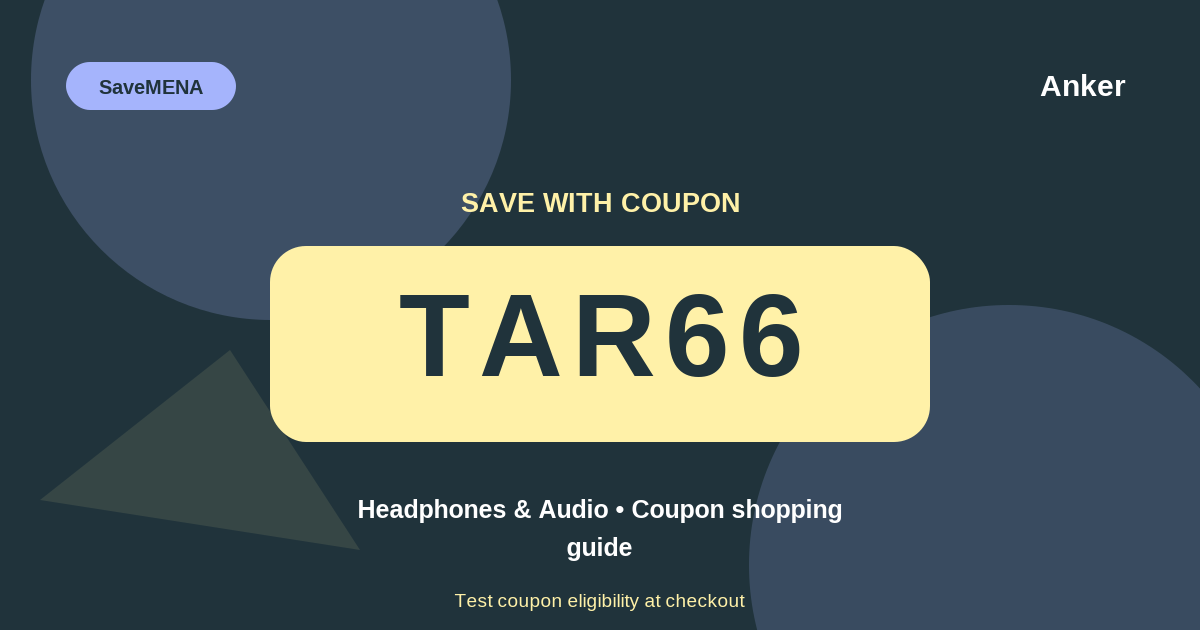
Codes available to try while comparing
These codes are not guaranteed for the article topic or listed brands; test them at checkout and use the live result.
Identify the Exact Noon UAE Headphones Variant
The first step is to locate the exact product ID or SKU that Noon lists for the headphones you want. Focus on the model series, color code, and any special features such as Bluetooth version or active noise cancellation. Pay attention to the product title, which often includes a concise description of the variant. Any deviation—like a different finish or a variant that only supports wired connections—renders the comparison meaningless. By pinning down the precise model, you eliminate the risk of purchasing a similar, but not identical, item. This precision also ensures that when you later check for stock availability or shipping eligibility, the data matches the variant you truly need.
Headphones carry a wide range of firmware updates and accessory compatibility. Even within the same brand line, an entry‑level model may not support certain ear‑bud shapes or charging cases that a higher‑tier variant offers. Make a quick note of these details, and compare them against your listening habits or device compatibility. Only when you confirm the exact variant name in the Noon listing can you move on to price comparison with confidence that the variants are truly equivalent across marketplaces.
Compare Prices with Harvested Variants
With the variant secured, gather comparable listings from different Noon sellers. Focus on the same model number, shipping method, and optional inclusions such as ear tips or protection cases. Look for whether a seller offers expedited shipping or free return shipping—a factor that can shift the effective cost. Use the price comparison to find the most competitive offer, but weigh that against the seller’s reputation and the delivery timeline. If one seller quotes a slightly higher price but guarantees next‑day delivery, test whether your own Noon account is eligible for that service tier. Aligning price with logistical preference ensures you don’t owe extra fees later.
When browsing, note any dynamic pricing cues that Noon’s algorithm may present. Avoid interpretation of “best offers” banners; those can shift during discount windows and may not reflect the price you incur at checkout. Instead, capture the raw list price from the seller’s page and plan to apply any permissible promo after the amount is displayed. This approach safeguards against misaligned expectations when you proceed to the final payment stages.
Verify the Seller’s Credibility and Performance
A reliable seller’s rating, verified feedback, and seller class (Gold or Platinum) contribute significantly to your overall shopping experience. When you click through to the product page, scroll to the seller details to examine customer reviews. A higher rating does not guarantee a flawless purchase, but it does indicate a history of prompt shipping and responsive support. For headphones, a seller that handles returns quickly can save you time if the product fails to match your expectations.
Also note the seller’s return window, which is part of the account context. Some sellers allow a 30‑day return period only for customers who opt into Noon’s Preferred Membership, while others may offer a more generous policy for standard users. Verify that the return policy stated on the listing matches the settings in your personal Noon account. If the policy is more restrictive than you anticipate, that’s a cue to reassess your purchase decision or to seek a seller with more standard terms.
Inspect Shipping Options and Timeframes
Headphone shipping in the UAE can vary from same‑day delivery in major cities to a few days for other regions. When you open the product page, look for the “Delivery” section that lists estimated arrival times based on your ZIP code. If Noon offers expedited shipping for a fee, check how that fee is calculated. For your account context, it may only apply to users who have subscribed to a certain membership tier or have reached a spending threshold. Confirm these conditions before adding the item to your cart.
Another factor is the shipping fee in relation to the total purchase cost. Some sellers have free shipping for orders above a threshold, which might not apply if you select a specific payment method or coupon. Because shipping can effectively increase the final price, include it in your comparative analysis. Pay attention to the note that says “Shipping fees are subject to change,” and back‑up your choice by verifying the fee during checkout.
Align Payment Options with Account Settings
Noon accepts credit/debit cards, Apple Pay, and Noon’s own payment solutions. Your account may be linked to specific card accounts that carry a credit limit or reward benefits. When you proceed to payment, the site will prompt you for saved payment methods. Verify that the chosen method aligns with your budget and doesn’t trigger a cash‑back or points reward that might inflate the cost. If you’re using a corporate card or a Card with a special purchase approval process, ensure the payment method is pre‑approved to avoid a declined transaction.
Some sellers restrict certain payment methods to specific regional currencies or shipping methods. If the manufacturer sells a model only in the UAE, they might restrict checkout to AED only. Ensure you’re selecting the correct currency in your account before placement of the order, otherwise a conversion fee or a higher exchange rate could affect the final cost.
Apply Coupon Code “TAR62” and Verify Its Effect
With the cart ready, the next step is to test the coupon code “TAR62.” Place the code in the provided field and watch for remarks from the system; it will only confirm if the code is presently usable for your chosen seller and product. The site may let you know if the coupon is currently not applicable, which means you should not rely on any discount until the coupon is officially approved. This is the point where the account context re‑enters: coupons may be tied to your membership status or to a specific payment method, so check whether your Noon account meets any particular requirements before inserting the code.
Because the coupon’s validity is uncertain, it is prudent to finalize your order first and then add the coupon if it is still needed. If you add it afterward and the coupon is rejected, you may need to cancel the order and retry. Rather than risk a partial payment, some shoppers prefer to proceed with the available price unless they see the discount instantly applied before confirming. The coupon’s handling varies by seller, so recertify its validity at the “checkout” stage before submitting payment.
Confirm Warranty, Return Policy, and Post‑Purchase Support
Headphones usually come with a manufacturer warranty, but the duration and coverage can differ by country. Noon often lists the manufacturer’s warranty on the product page, but confirm that it applies to UAE customers and that the seller can honor it in case of defects. An extended warranty may or may not be available through a Noon subscription plan; double‑check if that is part of your account benefits. If the seller provides an “OEM warranty” instead, verify that it is valid for online returns or repairs.
Similarly, return policies in the UAE can require the product to be unmodified and packaged in original packaging. If you plan to exchange the headphone for a different variant, understand that a return may trigger a restocking fee or waive the warranty. Review the seller’s return guidelines on the product page, because some sellers will only process return requests within a limited channel, such as customer service chat or email, which may add to the time to resolve a complaint. Balance the return flexibility with your own level of risk tolerance before completing the purchase.
Final Checkout Checklist and Post‑Purchase Steps
Before you hit the final “Place Order” button, run through a quick audit: confirm the variant, price, shipping fees, payment method, and coupon application. A simple mismatch here can cost days of delivery or a high dispatch fee. Also verify that any recurring charges, such as membership fees for expedited shipping or next‑day delivery, will not pop up unexpectedly. Once you’re satisfied, submit the order and save the order confirmation page for future reference.
After the order is confirmed, monitor your email and Noon’s order tracking for shipping updates. Ensure that the seller’s promised delivery timeframe aligns with the timeline displayed. If a delay occurs, double‑check the seller’s support contact details before initiating a claim. For headphones, defect claims often require a detailed photo or audio log; keep the receipt and any packaging information handy. Finally, after the product arrives, test the audio and performance to confirm it matches the exact variant you selected. If everything is acceptable, consider leaving a review that highlights both the product features and the seller’s service level—this can help future UAE shoppers make informed decisions that align with their account and purchase preferences.
Related SaveMENA pages
Related articles
Official sources to check
Frequently asked questions
A coupon is not guaranteed; verify its result at the retailer checkout.
While “TAR62” is an available coupon code, its applicability depends on current seller promotions and your account status. The coupon’s effect is only confirmed at checkout, and it may not be valid for all headphone variants or sellers.
Can I apply the coupon after placing the order?
You should enter the coupon code before confirming payment. If the coupon does not apply at that time, you may need to cancel the order and retry, as adding it after payment usually won’t adjust the final charge.
A coupon is not guaranteed; verify its result at the retailer checkout.
No. The code is only available to try. Eligibility can vary with the live account, basket, item, seller and campaign context, so checkout is the final reference.
Where should I confirm the coupon result?
Apply the code in the Noon basket and review the live message and final payable total before payment. Do not rely on an undocumented percentage or condition.