Puma Men’s Fashion on Noon UAE: account eligibility — variant and model checks · TAR62
When you’re hunting for the exact Puma men’s fashion item on Noon UAE, the first step is to ensure you’re viewing the precise variant you want—size, color, and
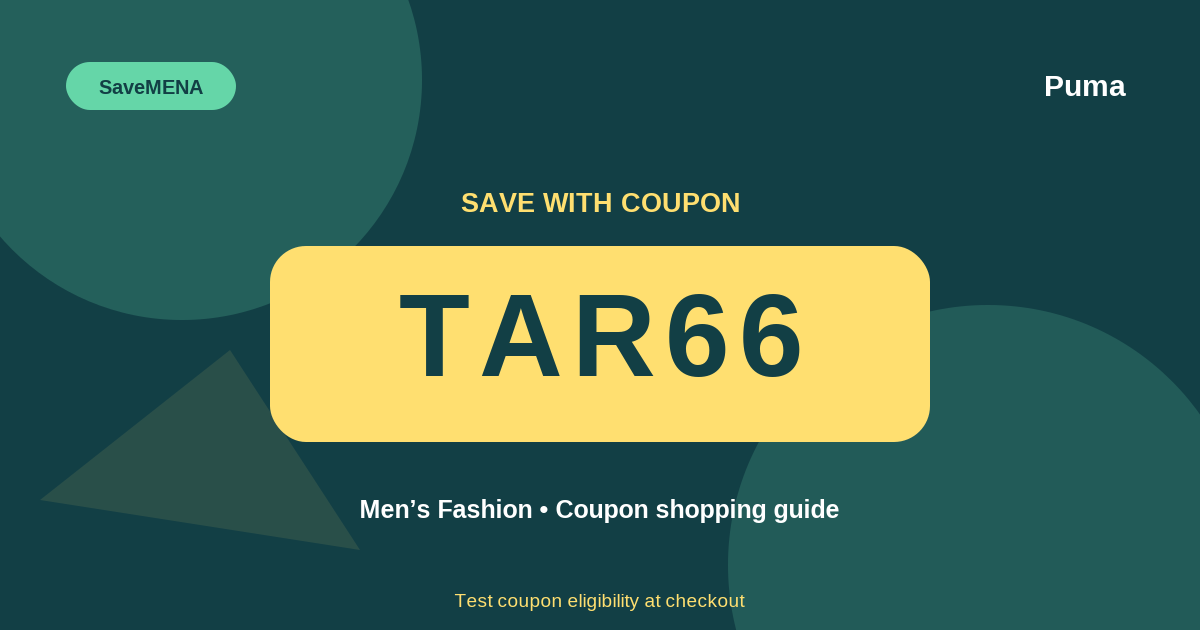
Codes available to try while comparing
These codes are not guaranteed for the article topic or listed brands; test them at checkout and use the live result.
1. Spotting the Exact Puma Variant on Noon UAE
Choosing the right product variant is crucial. On Noon’s UAE listing, each Puma item often shows a “Select your size” or “Choose your color” dropdown. A common mistake is picking a generic “Men’s Fashion” listing and forgetting that the variant you view in the preview box might differ from the one you’ll actually purchase. Check the SKU, color swatches, and size chart before adding to cart. The variant you see in the price comparison should match exactly what you intend to buy; otherwise you risk ending up with a mismatched item or a higher price if the exact variant is scarce.
Once you’ve selected the desired variant, note the product code displayed on the page. This code is useful when you later compare this item against other Noon sellers. Some sellers may list the same variant with slight differences in extras – for example, a slipcover or a limited edition print. By confirming the SKU, you ensure that every seller is offering the exact same product before comparing the listed prices and applicability of your coupon. Avoid making accidental purchases of alternative variants that could lead to disappointment.
2. Evaluating Prices Across Noon Sellers
Noon UAE hosts multiple sellers for the same Puma variant. Right after confirming the SKU, scroll to the “Same product, different sellers” section. Each seller’s price may differ slightly due to variations in shipping options, seller ratings, or additional services. Pay close attention to the total cost shown, which includes the base price, any shipping fees, and applicable taxes. Matching the variant ensures a fair comparison, but remember the final payable total will only appear during checkout.
Use the “Compare” filter to see a side‑by‑side snapshot of seller options. While the product page shows each pricing level, it’s essential to verify that your account context—currency preference and location—matches the site’s settings. If your account prefers a different region, the displayed prices may shift. For a true comparison, set your account to UAE and confirm prices are displayed in AED. Only then can you be confident that the price differences are accurate for your checkout.
3. Understanding Your Noon Account Context
Deciding which Noon seller to buy from hinges on how your account is configured. The “Welcome back” banner on the homepage may reveal whether your profile is linked to an Emirates ID or a foreign ID. This can affect the availability of certain coupons, including the TAR62 code. Checking your account status—profile details, delivery address, and saved payment methods—ensures you won’t run into compatibility issues during checkout.
Before adding a product to cart, glance at the “CURRENCY” and “LANGUAGE” toggles. They’re often located at the top right corner or in the footer. A mismatch between your account’s default region and the shop page can cause the item’s price or shipping cost to update unexpectedly. If you frequently shop with different account settings, consider creating separate profiles: one for UAE deliveries and another for broader regional purchases. Confirming that your account context matches the Noon UAE variant page is a small but vital step toward a hassle‑free checkout.
4. Adding the TAR62 Coupon Effectively
To kick the TAR62 coupon into action, locate the “Enter coupon code” field at checkout. Most Noon cart pages show a single coupon box where you can type the code and click “Validate.” Since the coupon is only “available to try,” it may not apply automatically. If the code fails, double‑check that you’re on the Noon UAE variant page and that your account context is set to a UAE-based profile. If the code still doesn’t validate, you’re likely within the limits of your account—try to re‑apply after confirming the cart size hasn’t exceeded any restrictions.
It’s a good practice to note whether the code applies to the subtotal or the final amount after taxes and shipping. The Noon platform typically shows the adjusted price immediately after validation. If you don’t see a discount, the coupon might not be eligible for the chosen seller, or it may have already been used on your account. Even when the code appears valid, keep in mind that coupon perks can be variable; always review the checkout page before confirming the purchase.
5. Seller Verification and Trust Factors
Beyond price, seller reputation plays a key role when selecting a Puma variant on Noon. Sellers are rated on a five‑star scale, but these ratings can be influenced by return policies, delivery speed, and customer service. Hover over each seller’s star rating to view the number of reviews; a higher number typically offers more reliable data. If the seller has a low rating but offers a significantly cheaper price, consider the balance between cost and potential post‑purchase hassle.
Check the seller details directly; do not infer identity verification or reliability from a badge. The badge can affect shipping speed and return processes. Ensure that the seller’s return policy aligns with your purchasing preference, especially if you’re trying to avoid returns in the event of a variant mismatch. Read the policy carefully in the seller’s profile—your account context shouldn’t exclude you from accessing reliable customer support.
6. Delivery Options and Fees Specific to UAE
When choosing a seller, pay attention to the declared delivery date and shipping fee. Noon typically lists a standard delivery option (e.g., 3–4 business days) and a faster option (e.g., Next‑day delivery). The fee varies by seller and sometimes by product weight. If your account is set for UAE deliveries, expect shipping charges to reflect local logistics. Always verify that the total shipping cost added to your cart is consistent with your chosen delivery speed.
In some cases, the seller may offer free shipping for items above a certain threshold. Since the coupon is merely an attempt, you might rely on the seller’s free shipping instead. Check whether the seller’s thresholds change based on your account context. If you’re purchasing multiple items, the total may qualify for free shipping. Confirmation of the final amount—including shipping—occurs only at checkout, so double‑check once in the “Order Summary” page.
7. Payment Methods Aligned with the Noon UAE Variant
Noon accepts several payment methods: credit/debit card, Tawseel (cash on delivery), or online banking. When the cart totals a certain AED amount, some methods may become unavailable. The account context—particularly your payment card’s country of issue—can dictate the available options. If you’re trying a coupon, keep in mind that certain payment methods may have extra transaction fees or may not support coupon codes at all.
To avoid surprises, navigate to the “Payment” section before confirming payment. Here you can see all active methods and any associated fees or restrictions. If the TAR62 coupon only applies to online payment, be prepared to switch cards or consider using an alternate method. The checkout process will display the final payable amount after deducting any coupon value before you confirm your payment choice.
8. Final Checkout Confirmation and Post‑Purchase Confidence
The checkout page consolidates all earlier considerations—variant match, price comparison, seller rating, delivery date, shipping fee, payment method, and your account context. Here, you will see a breakdown of each component: product price, shipping, taxes, and any discount applied. The coupon’s effect, if valid, will appear as a line item. If the coupon does not visibly apply, you’ll still see the original price, underscoring that the code was just “available to try.” Compare this total with your expectation before finalizing the purchase.
After your order is placed, you’ll receive an order confirmation email and a tracking link via the Noon app. This allows you to monitor the delivery status in real time, ensuring the shipment aligns with the seller’s promised delivery window. Storing the order confirmation and tracking information helps resolve any post‑purchase discrepancies, especially if the item delivered is not the exact variant you selected. These final steps reinforce your confidence in a smooth buying journey without surprises.
Related SaveMENA pages
Related articles
Official sources to check
Frequently asked questions
How do I ensure I’m picking the exact Puma variant on Noon?
Verify the product’s SKU, size, and color options before adding to cart. Only select the precise combination that matches your desired variant, and double‑check the SKU to confirm a match with other sellers.
A coupon is not guaranteed; verify its result at the retailer checkout.
The coupon is only available to try; it may not apply to every seller or payment method. Confirm coupon validity on the checkout page, and if it fails, check your account context and seller eligibility.
Can the seller’s rating affect my delivery speed?
Yes. Higher‑rated sellers may provide faster shipping and better customer support, but check each seller’s declared delivery date and fees before placing the order.
Do I need a UAE‑based Noon account to use the the coupon code?
Your account context (location, payment method, and currency) should match UAE settings for optimal coupon application and accurate pricing. Verify settings in the account menu before checkout.