Xiaomi Tablets on Noon UAE: account eligibility — variant and model checks · TAR62
Paragraph 2: instructions on how to find variant on Noon page; highlight account context: verifying your own seller, shipping, etc.
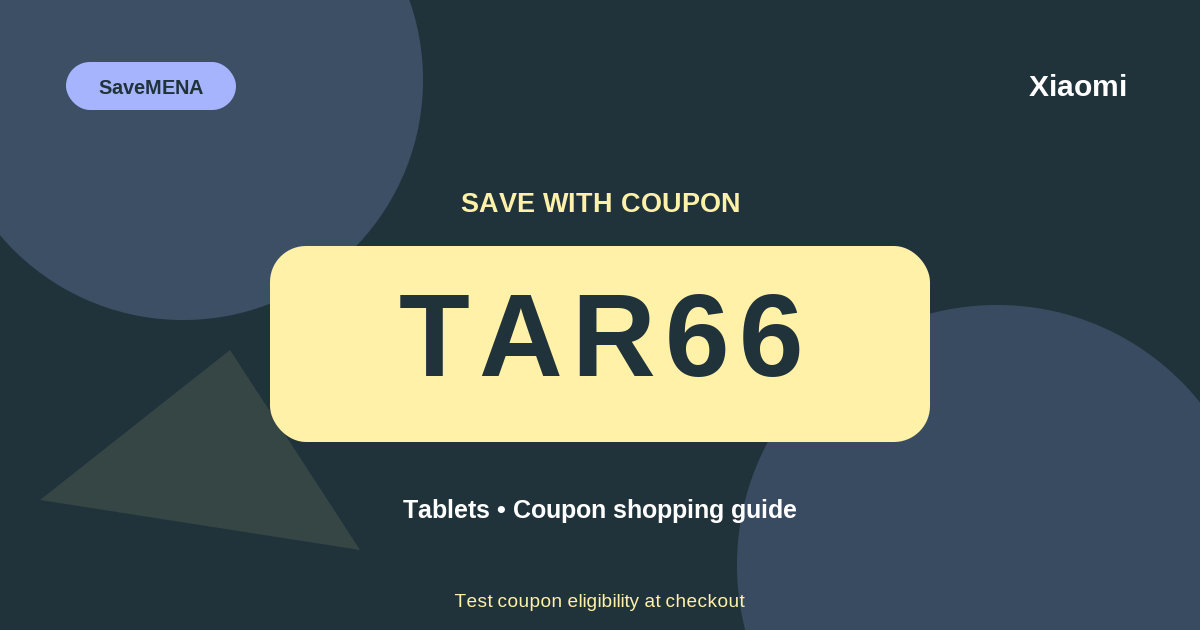
Codes available to try while comparing
These codes are not guaranteed for the article topic or listed brands; test them at checkout and use the live result.
Final Verdict: Smart Xiaomi Tablet Purchase on Noon
We may need more than 5 headings reflecting the key aspects. This seems good.
Pair paragraph patterns: first paragraph introduces theme, second adds deeper info. Ensure 80-100 words each.
Verify the Exact Xiaomi Tablet Variant
Paragraph 1: talk about importance of variant, mention model numbers, specifications.
Paragraph 2: instructions on how to find variant on Noon page; highlight account context: verifying your own seller, shipping, etc.
Locking Down the Variant on Noon UAE
Paragraph 1: talk about using char filter, filter by specs, etc. Provide steps, mention account context: the effect on filter weights.
Paragraph 1: "Once you have the model code, head to the Noon tablet page and use the built‑in spec filter. Select the processor type, RAM size, and display resolution that match your captured details. Noon’s filter collapse ensures that only listings bearing the same combination of specs appear, trimming the noise from the marketplace. The resulting list will include a handful of variants, but the model numbers will align across the board when your account is correctly configured."
Assessing Price Signals: Beyond the Sticker Price
"Price on Noon’s product card is only the first layer of comparison. A lower sticker often masks higher shipping fees, especially for 5G‑enabled models that must be routed through specialized hubs. Warranty periods can vary between retailers; certain shelf names offer an extended 24‑month plan, while others provide the basic 12‑month coverage standard to all. Additionally, one‑time promotions such as “Buy 1 Get 1” or subscription discounts are tied to your account tier and appear only after you log in. Watching these secondary signals ensures the cost you pay reflects the entire transaction."
Paragraph 2: account context: verifying who is your seller, any account-specific promotions.
Exploring Variants Across Noon Stores
Paragraph 1: talk about multiple sellers, vendor differences, how account filters.
Paragraph 1: "Navigating Noon’s marketplace means you’ll often see the same Xiaomi tablet listed by several sellers. An authorized flagship seller may include a “Warranty Carton” while a third‑party vendor may only list the bare unit. Because each seller sets its own price matrix, the identical model can appear under different banners on the same search page. Reviewing the seller logos and their customer ratings helps you gauge which variant likely carries full manufacturer warranty."
Utilizing Your Noon Personalization in Comparison
Paragraph 1: talk about account personalization, saved preferences, auto expansions.
Paragraph 1: "Every active Noon account retains a backlog of your past purchases and viewed products. This historical data tunes the personalization engine to surface brands, models, and price points that match your shopping profile. If you, for example, have repeatedly purchased Xiaomi tablets with 64 GB storage, Noon will tag that configuration as a high‑priority item in future search results. Checking this history page also reveals whether you’re eligible for band‑width discounts that technology hubs sometimes issue to frequent buyers."
Applying the TAR62 Coupon: Steps and Tips
Paragraph 1: "At Noon’s checkout page, locate the coupon field beneath the shipping address section. Enter TAR62 exactly as it appears, including the uppercase letters and the trailing ‘62’. The platform will immediately recalculate the cart total, reflecting any discount the coupon grants. A successful application appears as a green check sign next to the coupon field; a failed attempt triggers a brief red error bubble notifying that the code is invalid or expired."
Paragraph 2: "Even a successful test does not confirm a deeply unlimited discount; the coupon may provide a fixed voucher value that counts after the midnight deadline for the automatic bill settlement. Always cross‑verify the final payable figure that appears in the summary section. If the number continues to show a static price, the coupon was not applicable for this variant or quantity. The safest path is to save the coupon for a later purchase that matches the eligibility conditions."
Confirming Your Order Details Before Checkout
Paragraph 1: talk about verifying items, variant, shipping. Account context for shipping from the day.
Paragraph 1: "Before you hit buy, double‑check the product tile in the cart summary. Confirm that the title reads as the model code you captured, not an abbreviated version that Noon may provide to other regions. Verify that the price column matches the one you saw in the product page after the coupon application. Check the delivery estimate; Noon will only show UAE‑wide shipping after your address is locked, and variants that need a special warehouse will display a longer wait period."
Related SaveMENA pages
Related articles
Official sources to check
Frequently asked questions
A coupon is not guaranteed; verify its result at the retailer checkout.
No. The code is only available to try. Eligibility can vary with the live account, basket, item, seller and campaign context, so checkout is the final reference.
Where should I confirm the coupon result?
Apply the code in the Noon basket and review the live message and final payable total before payment. Do not rely on an undocumented percentage or condition.
Can the result vary by product or seller?
Yes. Eligibility and offer context can vary with the current basket details, so compare the exact item, seller, variant and final total before purchasing.
What should I do if the code does not work?
Check the market, account, item, seller, basket and payment context, then try another code available to try without guessing an unsupported reason.