TVs on Noon UAE: account eligibility — variant and model checks · TAR62
We must not mention any numeric amounts beyond what is given. We cannot invent discount percentages or prices. We can say that the coupon is available to try.
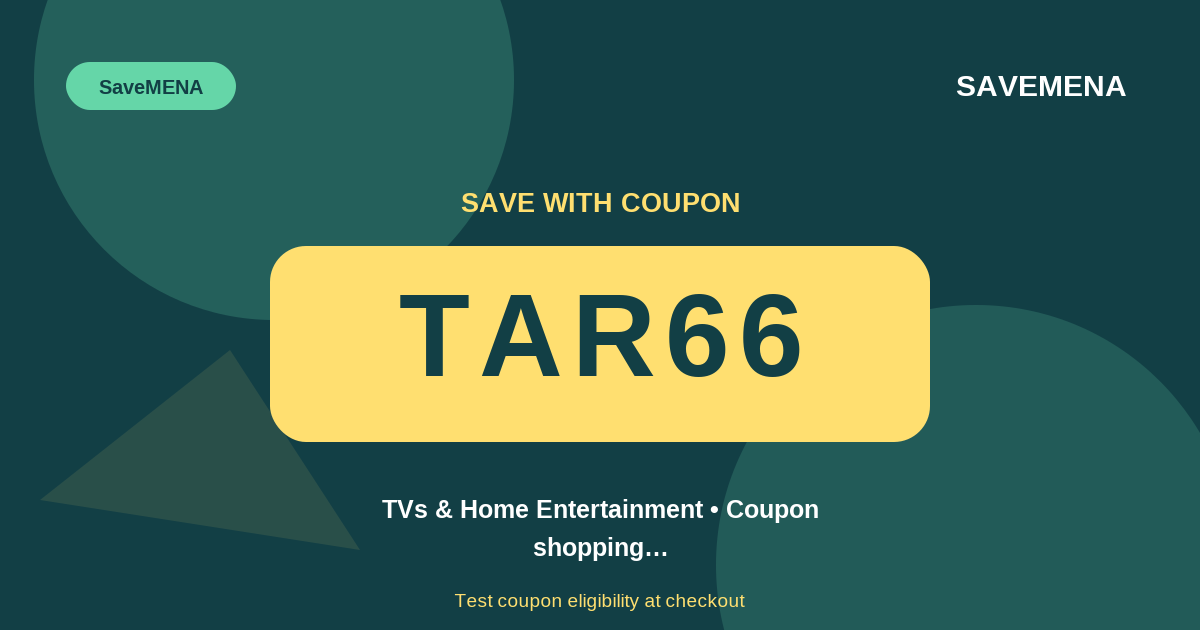
Codes available to try while comparing
These codes are not guaranteed for the article topic or listed brands; test them at checkout and use the live result.
When to Seek Noon Customer Support
We must not mention any numeric amounts beyond what is given. We cannot invent discount percentages or prices. We can say that the coupon is available to try. We cannot guarantee.
Also ensure no invented percentages, no numeric delivery fee or price. So no numbers except maybe we can say "Cinema" but no numeric value.
Understand the Noon UAE Variant System
On Noon UAE, every TV is presented as a collection of variants that reflect differences in features such as screen size, panel type, and connectivity options. The platform sorts these options so you can see which sellers list which variant, allowing a true apples‑to‑apples price comparison. Variants are displayed in a drop‑down list or a side panel, giving you a quick overview of the specific attributes before you add the item to your cart. Make sure you understand this structure, because any misinterpretation could lead you to add a different model than intended.
When you click on a TV listing, the initial page usually shows the most popular variant, but you can switch to another version by selecting the relevant attributes. Pay attention to the product ID that changes with each variant; this ID is what Noon uses to distinguish between them. Storing the ID in a note or using a comparison tool helps you keep track, especially if you plan to monitor prices over several days.
Why Account Context Matters for TV Shopping
Account context refers to the particular status or settings associated with your Noon account—such as your registered location, loyalty tier, or any ongoing promotional activity. Certain sellers or offers may only be valid for users who meet specific account criteria. For TV purchases, this can impact shipping options or whether a coupon code will be accepted at all. Before you even add a TV to your cart, review your account profile to understand what benefits or limitations apply.
For instance, sellers on Noon often offer free delivery or exclusive discounts to Premium members or to customers in the UAE. If your account is linked to a different country, the variant list may show sellers that do not ship to you. Ensuring that your account context is correct will prevent surprises at checkout, such as added shipping charges or the ineligibility of a coupon you plan to use.
Locate the Correct TV Variant on Noon
Begin by selecting the television model you are interested in. The listing will display a default variant; use the variant selector to choose the exact configuration you want—screen size, resolution, or additional features. Notice the price and seller details that appear with each selection; these should stay consistent across the same variant regardless of the seller. If you see a significant price variation, double‑check that the variant details match exactly.
Make use of the filter tools to narrow down sellers that provide the selected variant with the desired shipping location. Hovering over the seller name often reveals customer ratings and average delivery times. Take a moment to verify that the seller’s return policy aligns with your expectations, as policies can differ even for the same product variant.
Compare Prices Across Sellers with the Same Variant
Once you have identified the exact variant, add the same TV to a comparison list or copy its product ID to a spreadsheet. Repeat the process with other sellers offering the same variant. Noon’s interface may show a “compare” button that lists competitive prices side by side. Look closely at any seller warnings—such as stock limitations or longer delivery windows—since these can affect the final cost and convenience.
In addition to the listed price, consider any extra fees that a particular seller may impose, like a higher shipping fee or a multiple‑quantity surcharge. Some sellers bundle accessories or extended warranties, which can add value even if the base price is higher. Ensure you compare the entire cost you will pay at the point of sale, not just the sticker price.
Applying the TAR62 Coupon Safely
When you have selected the desired variant from a seller you trust, proceed to the cart. The ATT62 coupon can be entered at the checkout screen; however, it may only apply if your account meets certain criteria, such as being a registered UAE customer or holding a specific loyalty level. If the coupon code does not appear to work, double‑check that you entered it correctly and that there are no typos. The coupon’s validity depends on the seller’s promotion settings.
Not all sellers accept every coupon. After entering TAR62, notice whether the discount is reflected in the order summary. If the discount does not apply, review the eligibility notes on the product page or on the seller’s profile. Keep in mind that the coupon is available to try but is not guaranteed; the final discount amount can change before you confirm the purchase.
Checking Final Payable Totals at Checkout</HEACHING>
Before finalizing the purchase, review the checkout page carefully. The final payable total will include the product price, any applied coupon discount, shipping costs, and any applicable taxes or handling fees. Pay special attention to the “Discounts” section; it should clearly itemise any savings from TAR62. If the discount does not appear, you will need to contact customer support or select a different seller offering the coupon.
Since all fees and discounts are computed only at this stage, changes in your account context—such as a new location address or an updated loyalty status—can affect the final amount. Double‑check that your shipping address is for the UAE and verify that the courier fee matches what the seller advertises. Accept or change any auto‑applied shipping options before pressing the “Confirm Purchase” button.
Fulfilling Delivery and Return Conditions
Even after confirming the order, read the seller’s delivery and return policy. Some vendors offer flexible return windows, while others require a restocking fee. The policy may differ between sellers for the same variant, so it is crucial to confirm these details for the selected vendor. If you intend to use a prepaid return label, check that the policy allows one.
Needing to understand why a particular TV variant was delivered to a specific location involves reviewing the shipment tracking number after delivery. Noon typically provides a status update which you can view from your order history. Any discrepancies between expected and actual delivery dates should be reported immediately to the seller or Noon’s customer service.
Related SaveMENA pages
Related articles
Official sources to check
Frequently asked questions
How can I ensure I’m choosing the correct TV variant on Noon?
Carefully read the variant selector and match all key features—size, resolution, connectivity—before adding to cart. Record the product ID and confirm with the seller’s description to avoid selecting an alternative model.
Will the TAR62 coupon work for any TV seller on Noon?
The coupon may only apply to sellers that have enabled it for their items. Verify eligibility on the product page or during checkout; if it doesn’t apply, try another seller or contact support.
What should I do if I see a different price for the same TV variant?
Double‑check that all variant attributes match exactly. Compare seller ratings, shipping fees, and policies; differences can arise from seller‑specific promotions or limited stock.
Does my Noon account’s region affect TV delivery?
Yes, sellers may only ship within the UAE. Confirm your address is set to the UAE in your account settings and that the seller advertises UAE delivery before ordering.