Puma Women’s Fashion on Noon UAE: account eligibility — variant and model checks · TAR78
When you’re hunting a specific Puma women’s fashion piece on Noon UAE, matching the exact variant before checking the price can save time and money.
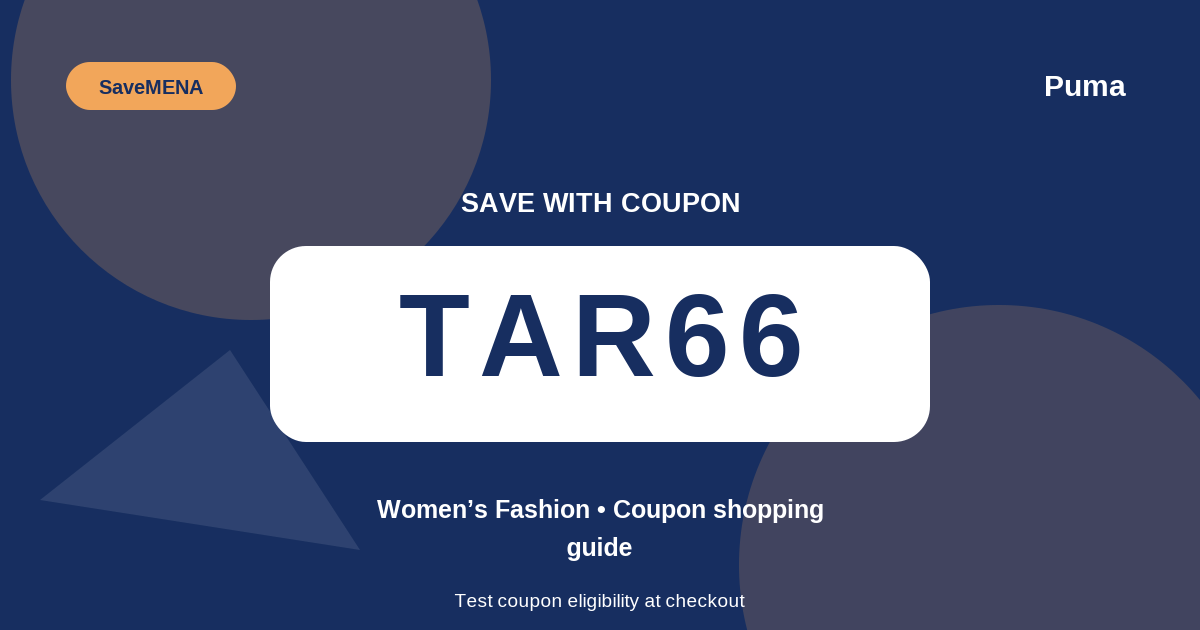
Codes available to try while comparing
These codes are not guaranteed for the article topic or listed brands; test them at checkout and use the live result.
Spotting the exact Noon UAE variant: Why precision matters
On Noon, each product listing may show several variations—different sizes, colors, or SKU numbers. To guarantee you’re buying the intended Puma item, start with the product page and use the “View details” button. From there, filter by your chosen size and color. Checking the SKU displayed in the detail section confirms that the variant matches what you’re after. This step eliminates the risk of ending up with an alternative design or an out‑of‑stock item that may still be listed under the same product title.
Precision is especially critical when a brand like Puma releases limited editions or seasonal drops. Variants can differ subtly in fit or material, affecting comfort and style. A mismatch doesn't just compromise aesthetics; it can also influence the product’s price. Sellers sometimes price specific variations differently based on demand or supply.A coupon is not guaranteed; verify its result at the retailer checkout.
Leveraging the TAR78 coupon: Steps to use it
Once you’ve confirmed the correct variant, add it to your cart. Proceed to the checkout stage where you’ll see an option for “Apply coupon.” Type the code TAR78 and click the apply button. The interface will then recalculate the subtotal, indicating whether the coupon qualifies. If the coupon isn’t valid for that specific item or combination of items, the system will inform you at this point. It’s essential to note that this is the point of verification; the system handles the validation process automatically.
Because the coupon is available to try, it’s not guaranteed to apply. No statements commit that it will always yield a discount. If the coupon fails, the cart will revert to the original subtotal. At this time, you may explore alternative discounts or wait for further promotions. Regardless of the coupon’s result, the critical takeaway is that you have performed the step required to see if it’s applicable to your exact purchase. This method ensures you receive the most accurate price before final payment.
Comparing prices across sellers: Tips for matching the variant
On Noon’s search results, several sellers may list the same Puma product variant with slight price differences. Click on each listing to verify that the variant details (SKU, size, color) match exactly. Take note of any differences in shipping fees or delivery times. Only sellers that confirm the same specification should be considered for a direct price comparison. This scrutiny prevents misled byling on mismatched listings that may appear cheaper but aren’t the exact item you want.
After narrowing down the correct variants, note the displayed price for each seller side by side. If one seller offers a lower price, double‑check that the variant and seller conditions are identical. Additionally, review any promotional tags or badges; even identical products can have different promotional status. By lining up these variables, you can make a data‑driven decision that aligns with your budget, ensuring that your purchase satisfies your needs and cost expectations.
Understand account context: Why your Noon account can influence savings
Your Noon UAE account can provide exclusive benefits such as loyalty points, membership perks, or personalized discounts. When you log in, the platform may automatically apply any available offers tied to your profile. For instance, loyalty points might adjust the price, or a membership status might grant you a flat rate on specific products. However, the system generates the applicable adjustments during checkout, so you need to watch for any changes in the subtotal as soon as you’re logged in.
To assess the impact of your account, examine the checkout breakdown. If you have any stored points or perks, they should appear as a line item with a negative value, thereby reducing the total payable amount. If no such adjustment appears, it simply means your current account offers do not affect this purchase. Verifying this step ensures that you’re fully aware of how your profile influences your final price, allowing you to make informed decisions on whether to run the checkout as is or explore alternative sellers that might align better with your benefits.
Delivery and fees: What to anticipate when ordering the Puma item
Noon typically offers a range of delivery options—standard, express, or scheduled. The chosen option can affect the delivery fee and arrival time. On the checkout page, the fee will be displayed after you confirm shipping details and the quantity. The platform will add this fee directly to the subtotal before any coupon application. To avoid surprises, review this figure early and decide if a faster delivery is worth the additional cost.
Delivery fees may vary depending on your delivery location, the seller’s warehouse, or the cart’s total value. Merchants sometimes waive the fee for purchases above a certain threshold. If you’re concerned about extra costs, keep an eye on the dynamic display of the fee as you adjust shipping or contact methods. Any changes will instantly reflect in the final payable total, so it’s best to finalize your preferred shipping before proceeding to apply coupons or review your account perks.
Payment options: Ensuring a smooth checkout
Once you’ve confirmed the cart, coupon, account benefits, and delivery fee, you arrive at the payment stage. Noon supports various methods, such as credit/debit cards, Apple Pay, or UPay. The platform will display all supported methods for UAE shoppers. Selecting your preferred method should be instantaneous, but always confirm the payment details—especially the card number, expiry, and CVV—to prevent failed transactions.
After completing the payment method selection, the system submits the final payable amount, factoring in the coupon, account perks, and delivery fee. If any part of the transaction fails, you’ll receive a notification. If the payment is successful, you’ll be directed to a confirmation screen that includes order reference numbers and an estimated delivery date. Keep this confirmation for future reference, especially if you need to track the order or initiate a return.
Final price verification: Checking your payable total
The final step is to review the payable total presented before you click “Place Order.” This figure is the sum of the item price, any coupon deduction, your account perks, and the delivery fee. Cross‑check this amount against your earlier calculations to ensure consistency. If you see any unexpected charges, re‑examine the earlier stages: variant confirmation, seller selection, coupon applicability, and account perks. The checkout interface will highlight any errors, prompting you to correct them before proceeding.
Only after confirming that the displayed payable total matches your expectations should you finalize the purchase. At this point, the article’s walkthrough has verified variant accuracy, coupon application, seller comparison, account benefits, delivery fee, and payment selection—all factors that influence the final price. This systematic review reduces the chance of overpaying or encountering post‑purchase discrepancies that might be harder to resolve.
Managing returns and customer support
If after purchase you discover the item doesn’t meet your expectations—whether size, color, or quality—you can initiate a return through the Noon app or website. The return process typically requires you to select the order, specify the reason, and generate a return label. Ensure you keep the original packaging and any included accessories to comply with return policies, increasing the likelihood of a smooth refund or exchange.
For assistance beyond returns, Noon’s customer support team is available via live chat, email, or phone. They can clarify any post‑purchase questions, such as altered delivery addresses or payment disputes. Documentation such as the order confirmation and tracking number can accelerate resolving issues. By retaining these records, you’ll have all the evidence needed to navigate any post‑checkout scenarios confidently.
Related SaveMENA pages
Related articles
Official sources to check
Frequently asked questions
How do I know if the TAR78 coupon applies to my Puma item?
The coupon will be validated during checkout. After entering the code, the system will either apply a discount or indicate it doesn’t apply to that item. If it doesn’t apply, the coupon field will revert to the original price.
Can I add more items after applying the coupon?
Coupon applicability is usually evaluated at checkout. Adding new items may alter the total, and the coupon might no longer apply. Always check the adjusted price before finalizing the order.
Will my Noon account perks automatically adjust the final price?
Yes, any active loyalty points or membership perks linked to your Noon profile are applied automatically during checkout, showing a deduction in the subtotal before the final total is displayed.
What if the delivery fee is higher than I expected?
Delivery fees are displayed on the checkout page before coupon application. If you find them higher, consider adjusting the delivery option or choosing a seller with lower shipping costs.